Paying with Check
This guide explains how to process Check payments in the system.
Main Screen> Number Pad> Sales Screen> Sale with rang up items > PAY> CHECK
On the Main screen, click on the NUMBER PAD and input the assigned personal password to log in.


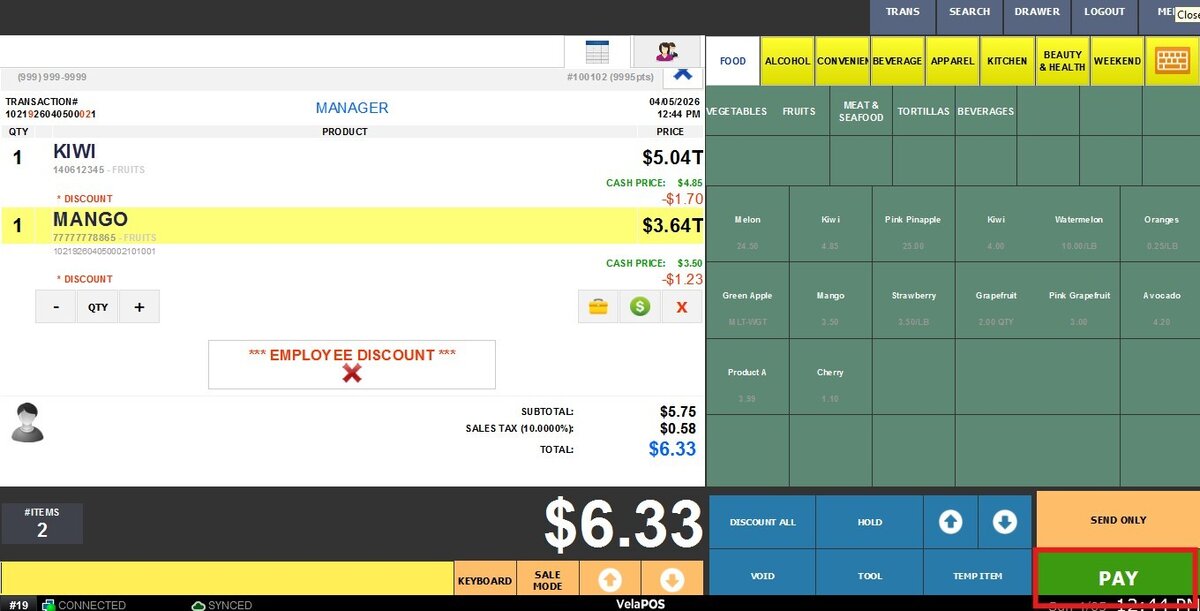
Once all items have been rung up, press on PAY
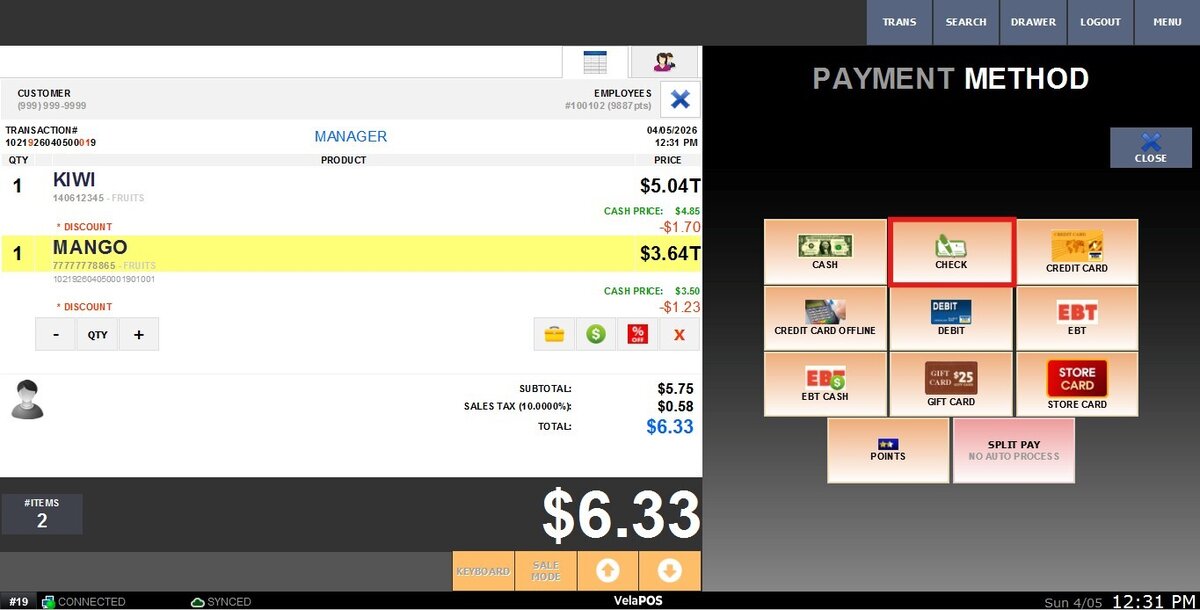
 To pay with credit, choose the CHECK option.
Fill the Check number option, then click on DONE.

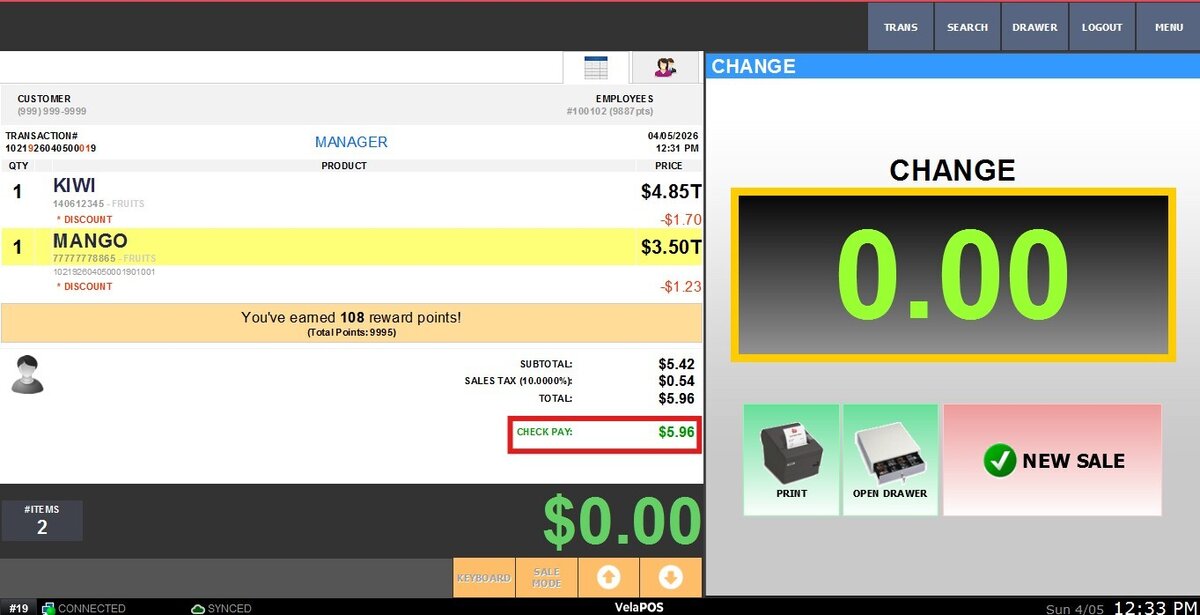
Result:
Once the payment is complete, the payment method will be shown on the screen.