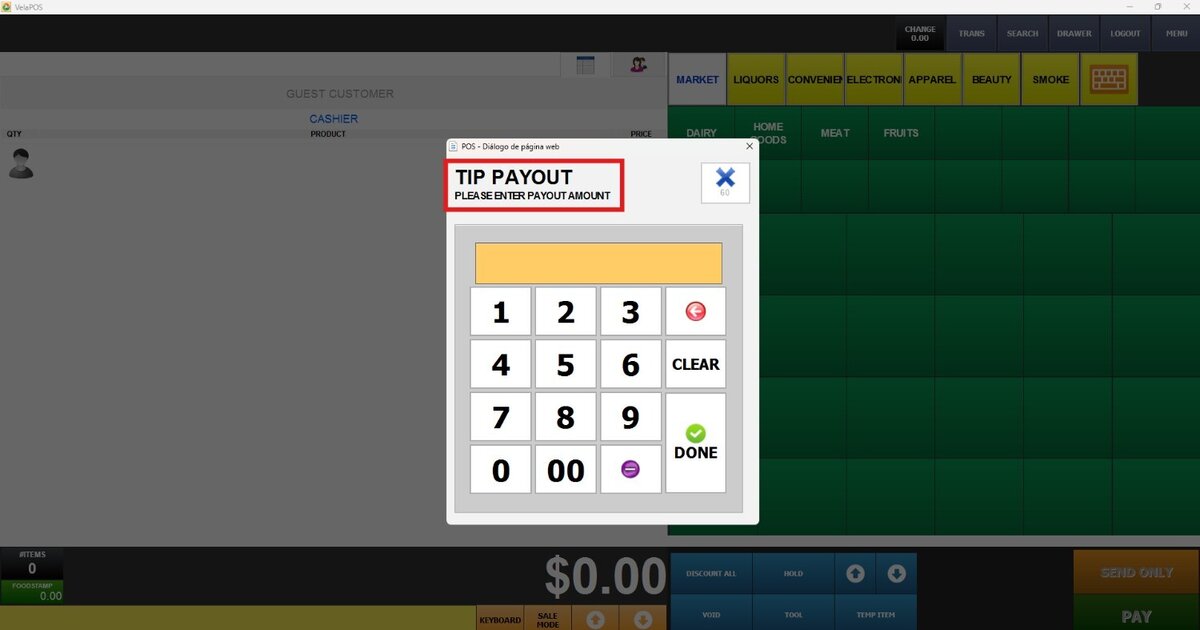
Payout Tools
The Payout tool allows the recording and management of different types of cash extractions from the register.
Main Screen> Number Pad> Sales Screen> TOOL > PAYOUT
On the Main screen, click on the NUMBER PAD and input the assigned personal password.

Click on TOOL, then select the desired PAYOUT type.
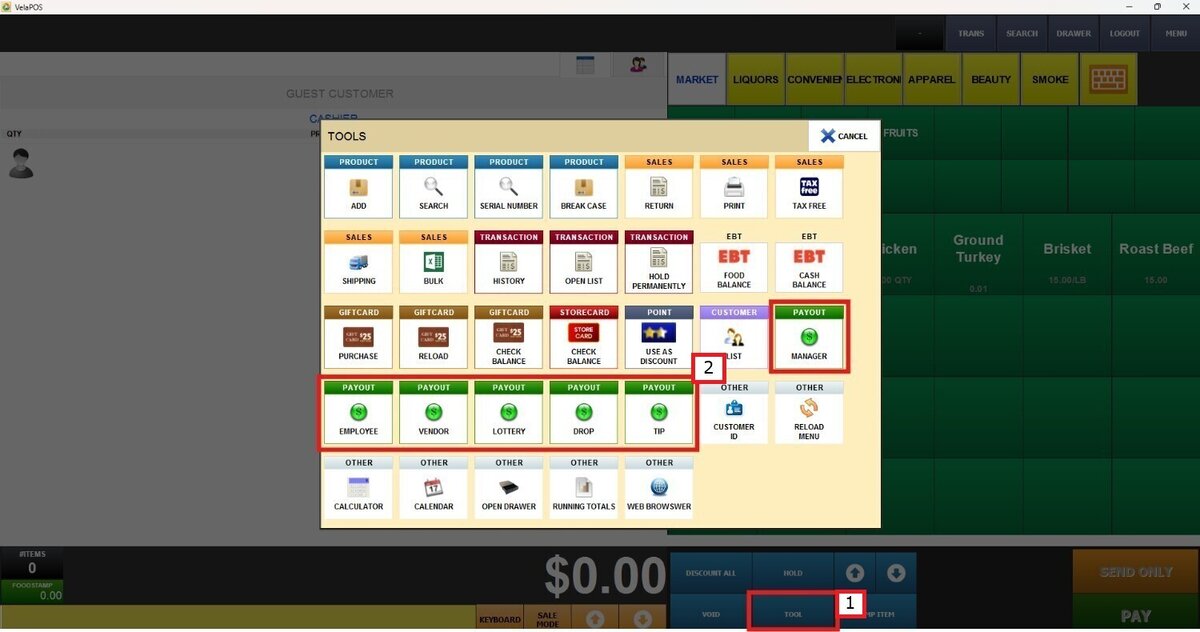
Add the amount and press DONE.

Press on PAY.

Hint: On the left side of the screen, the payout and its type will be displayed.
Once the payout amount is confirmed, press DONE.
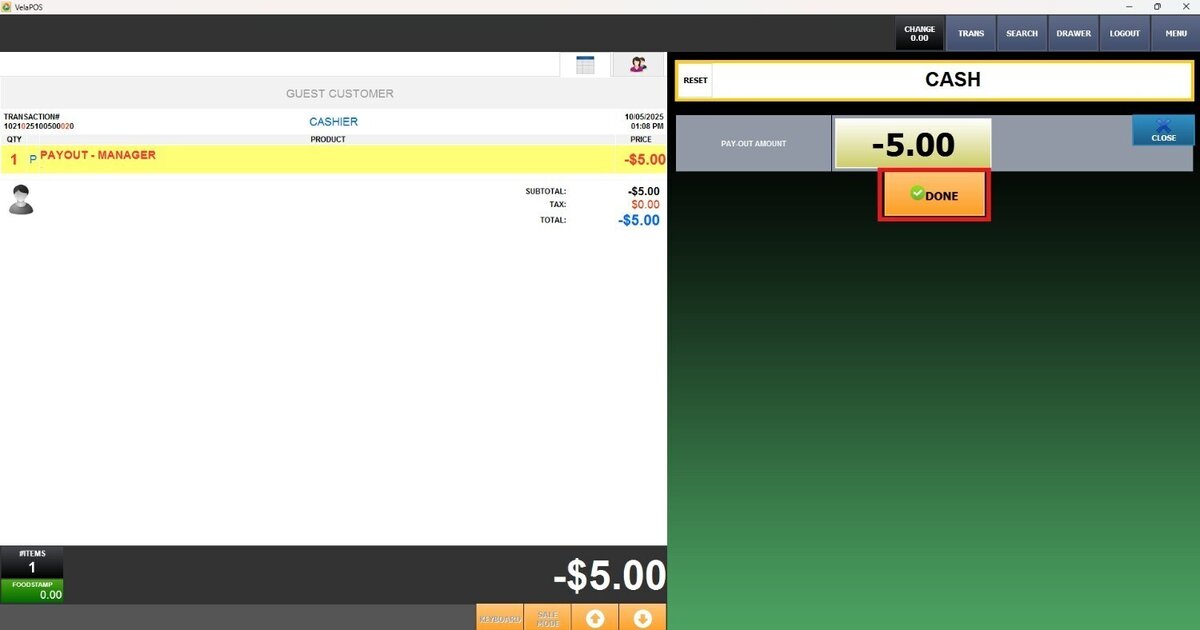
Each type of payout serves a specific purpose:
Manager Payout
Used when a manager needs to remove cash for business-related purposes, such as deposits or operational expenses.

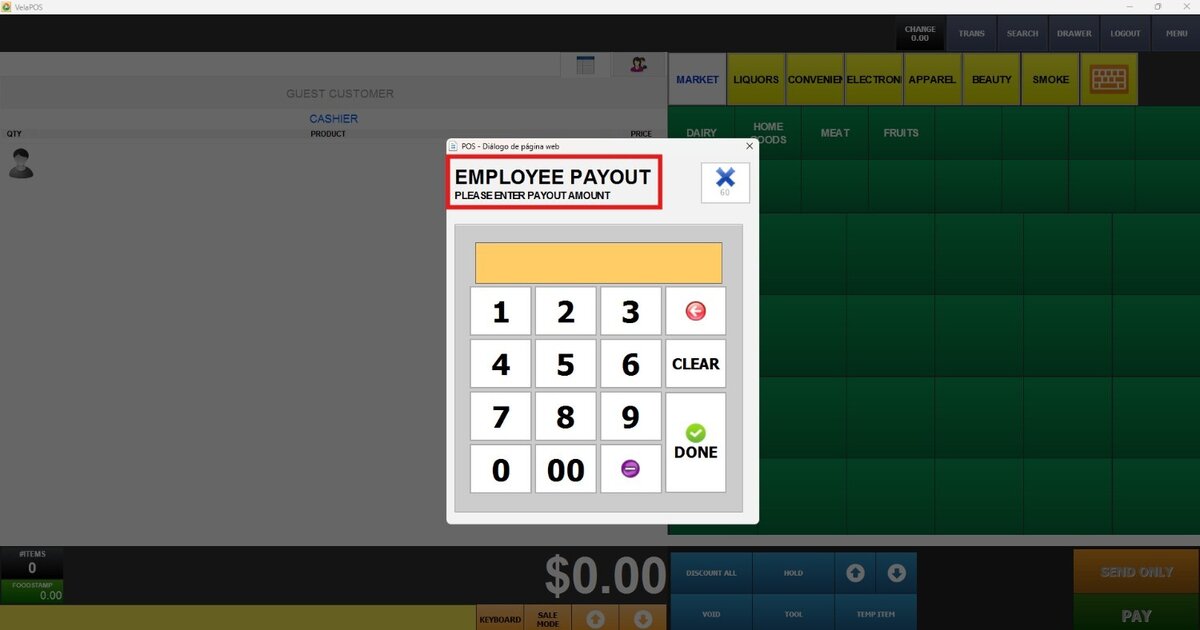
Employee Payout
Used to provide money directly to employees, such as reimbursements or advances.
Vendor Payout
Used to pay suppliers or service providers directly from the register.
Select the vendor and press SELECT.

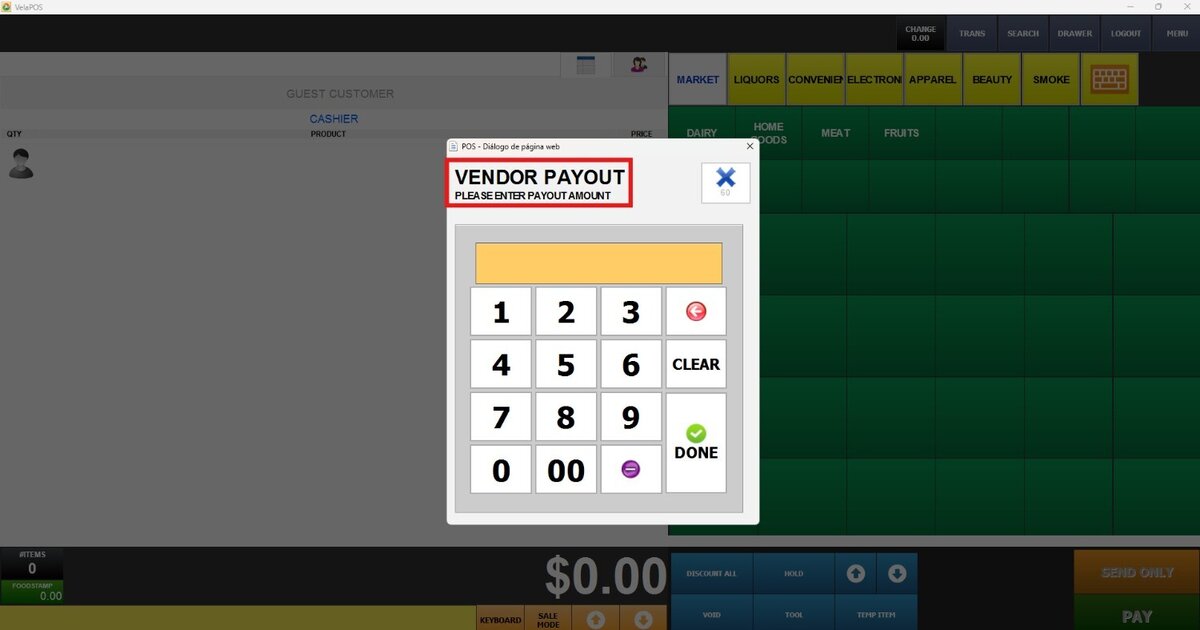
Hint: If an account has not yet been created for the vendor, see Vendor List.
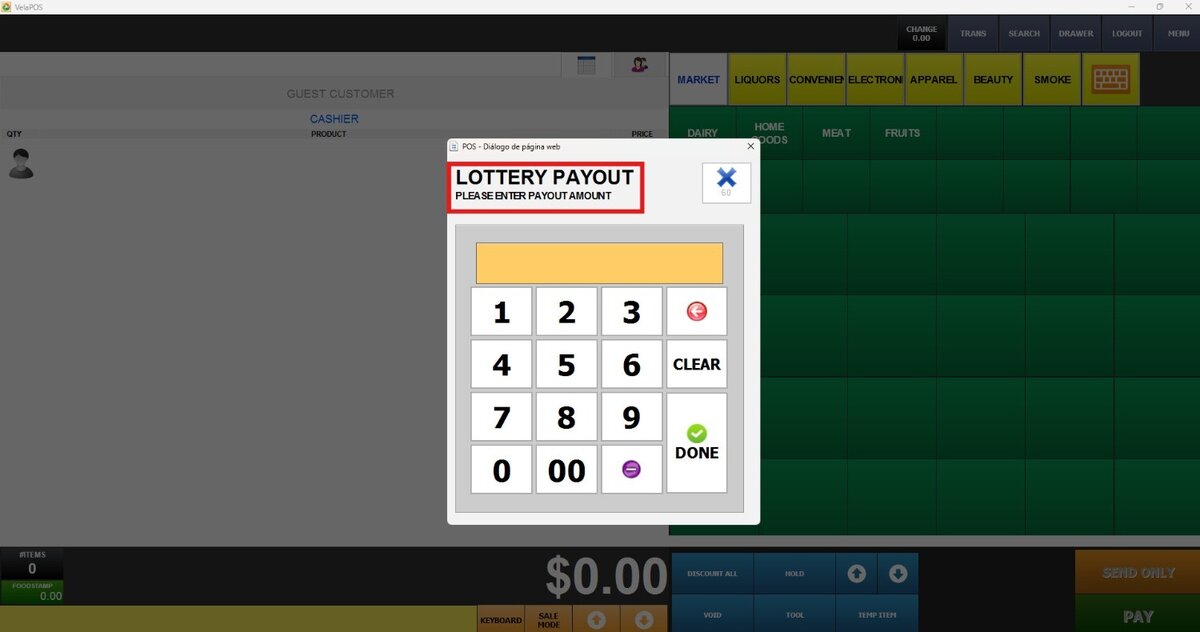
Lottery Payout
Used to record payouts related to lottery winnings, ensuring compliance and accurate cash tracking.
Drop Payout
Used when transferring cash from the register to a secure location, like a safe, to minimize excess cash in the drawer.

Tip Payout
Used to distribute tips to employees at the end of a shift or designated period.