Additional Print
This option allows each item to be automatically printed or displayed on the configured KITCHEN ADDON every time it is sold.
Main Screen > MENU > PRODUCTS > Product DETAIL > Menu Tab > Additional Print
Go to MENU, then select PRODUCTS.

Select a Product, click on DETAIL.
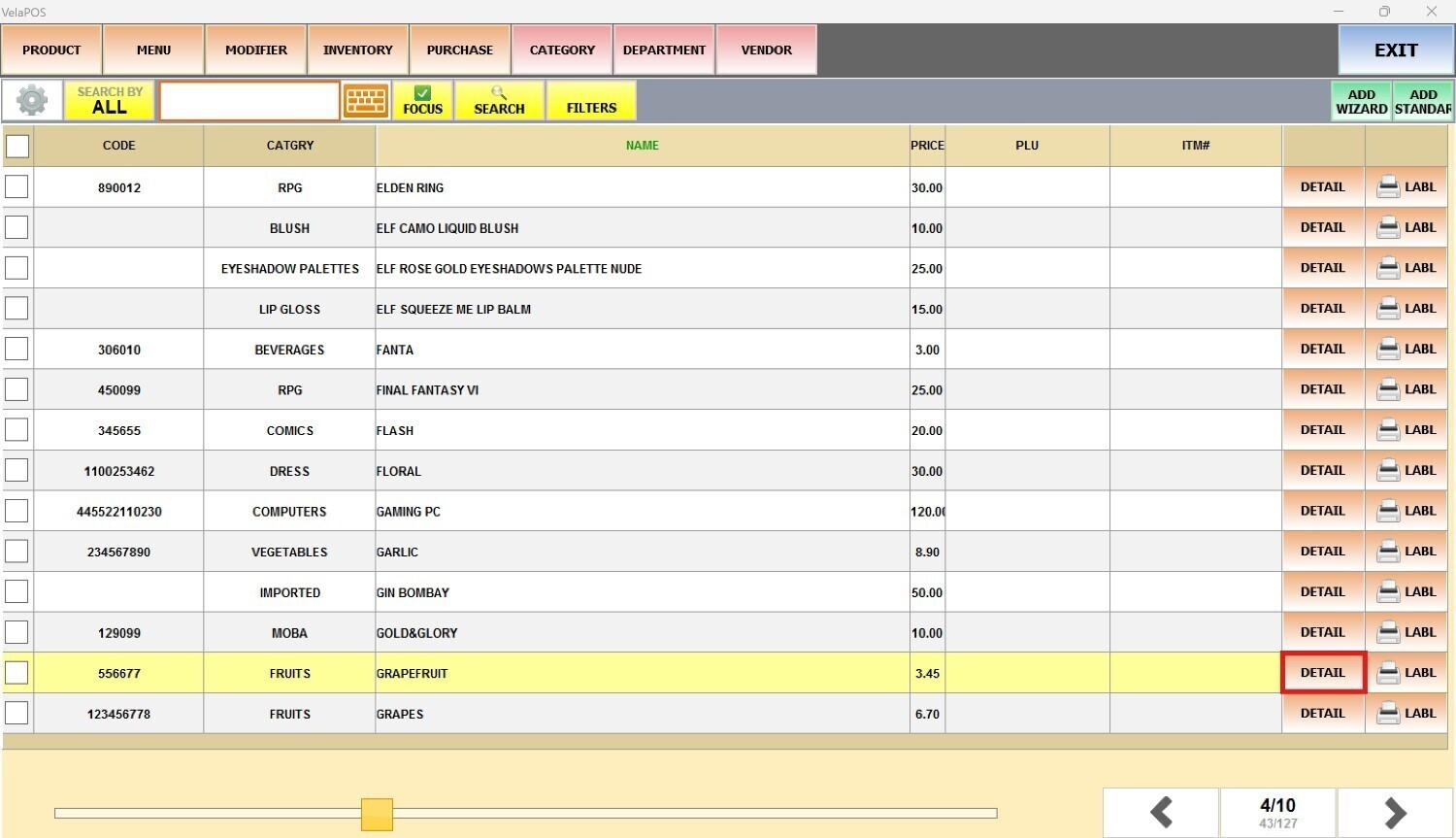
In the item detail, go to the MENU tab.
Press the ADDITIONAL PRINT field, check the boxes for each printer or screen where the item should be printed or displayed, and press APPLY.

Press SAVE.

Note: To customize the print timing, layout, or content of the KITCHEN ADDONS and installation steps, refer to the Hardware guide.