Paying with Cash
This guide explains how to process a cash payment in the system.
Sales Screen> Number Pad> Sales Screen> Sale with rang up items> PAY> CASH
On the Main screen, click on the NUMBER PAD and input the assigned personal password to log in.

Once all items have been rung up, press on PAY

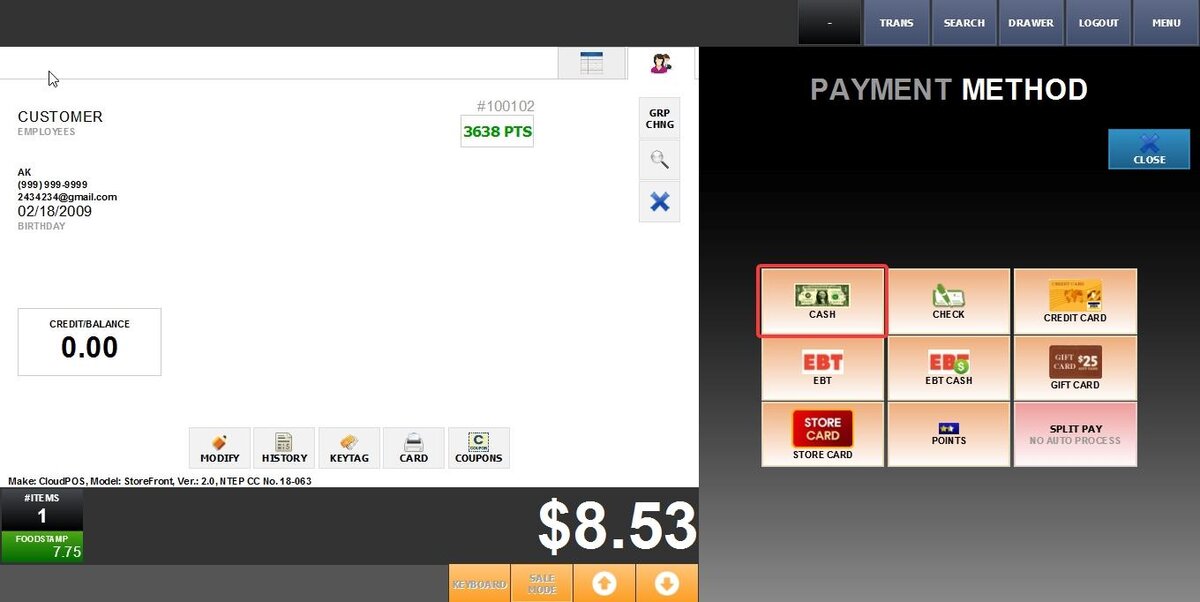
On the PAYMENT METHOD screen, select the CASH option.
A calculator will appear on the screen.
Enter the amount of cash provided by the customer by typing the exact value in the calculator or selecting one of the preset denomination buttons.

After entering the amount, select the DONE button to complete the transaction.
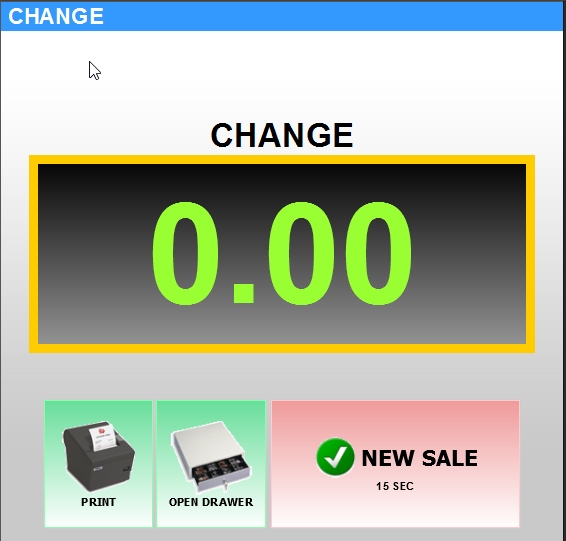
The system will calculate and display the change due to the customer.
Result:
To learn how to set Cash as a payment method, consult the Cash guide.