M. Barcode
This tab allows you to assign more than one barcode to the same product. This function is useful when an item may have different presentations, suppliers, or alternative codes, but you want to maintain a single inventory record.
MENU > PRODUCTS > Select an item > DETAIL > M.BCD
Click on MENU and then on PRODUCTS.
Choose an item and press DETAIL.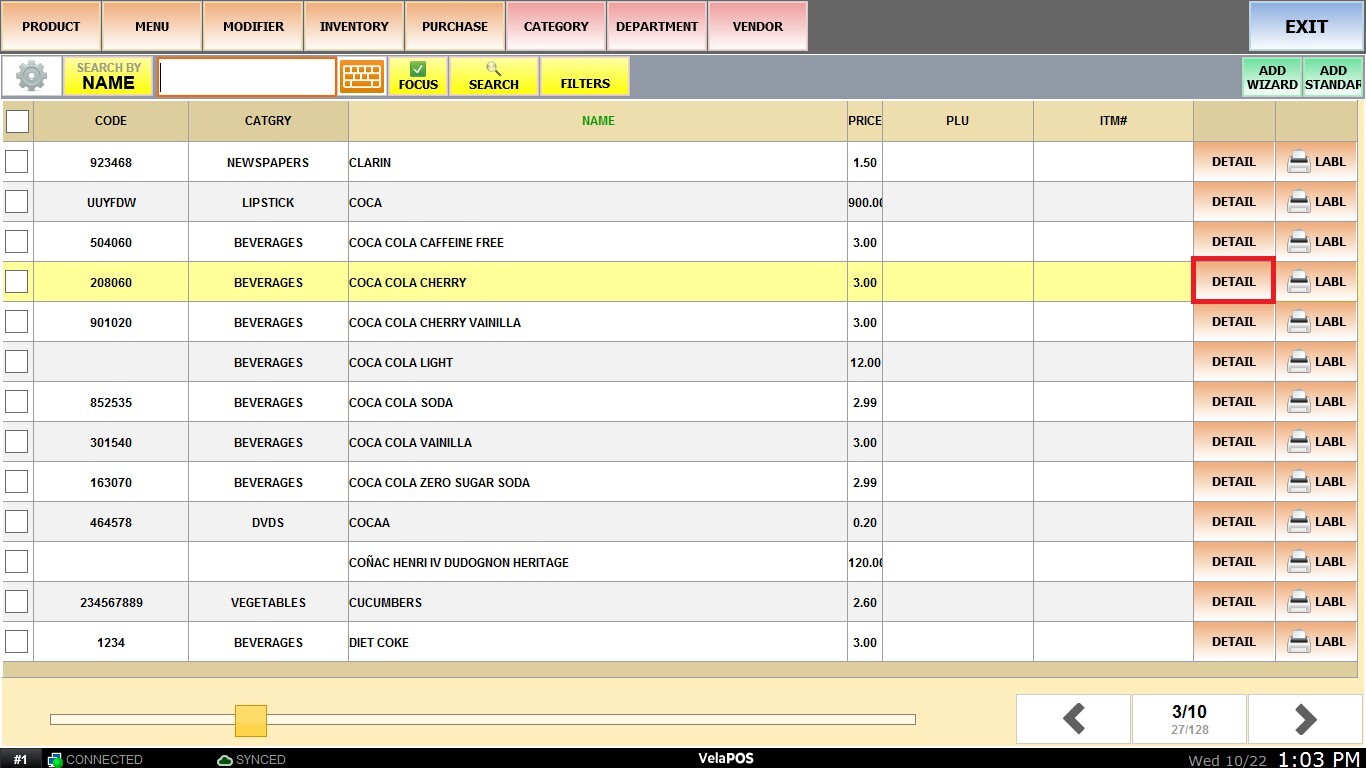
Click on the M.BCD tab and select any of the fields to enter the barcode.
Each field (for example, BARCODE #2, BARCODE #3, etc.) represents an additional space where a valid barcode can be entered. 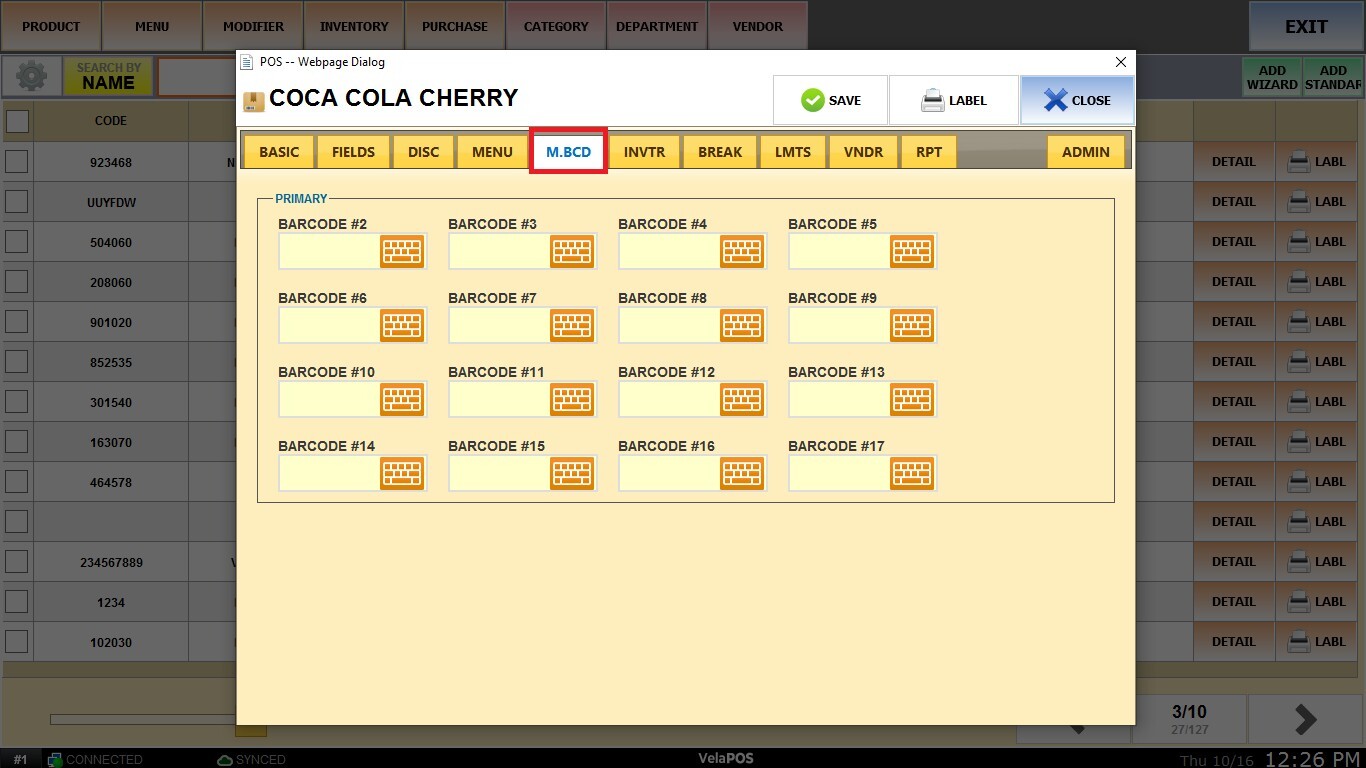
After entering the codes, click on SAVE.
The system will recognize any of the registered codes as belonging to the same product, making sales, search, and inventory control easier.