How to Access HQ App
The Headquarters app is available for both iOS and Android devices and can be downloaded from the App Store or Google Play.
Credentials Required
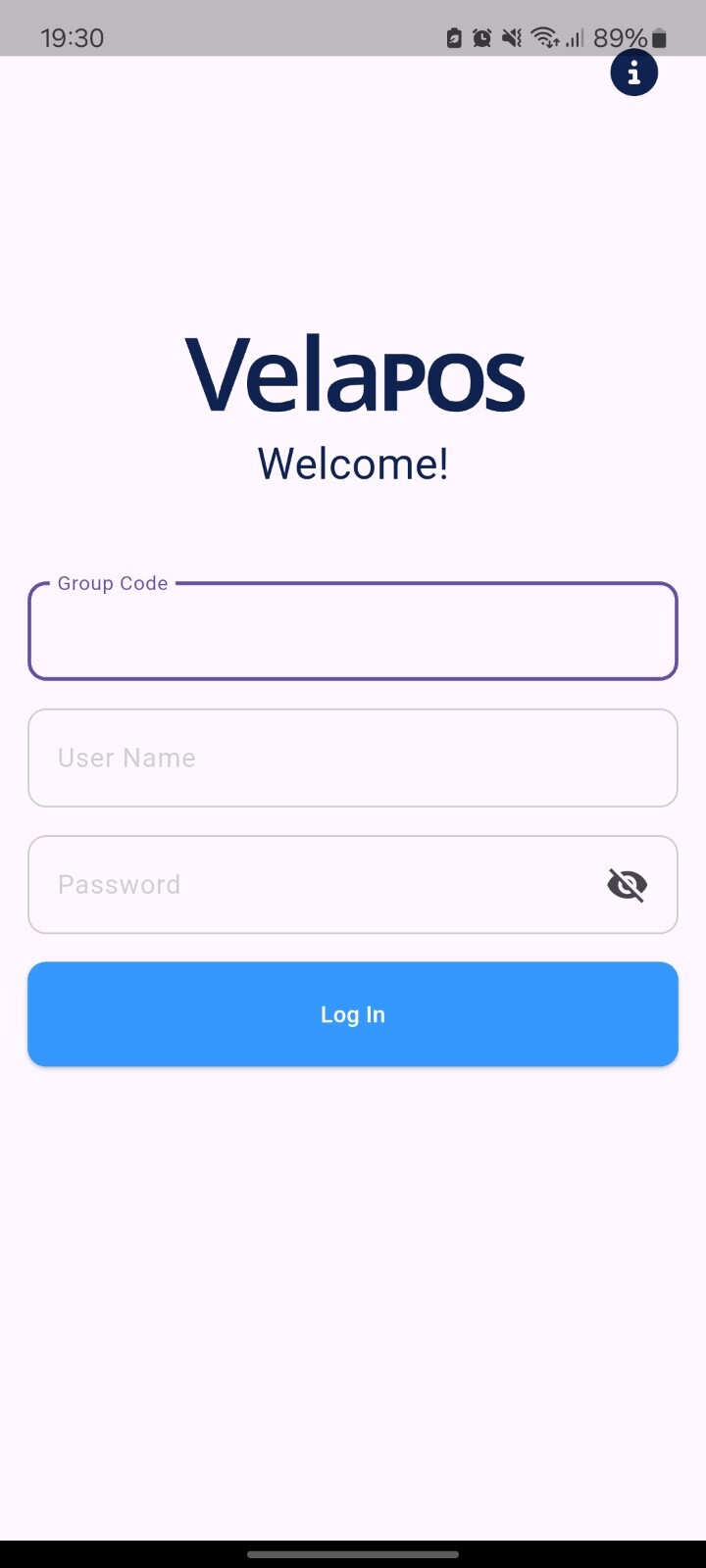
To log in, you will need the following:
1. GROUP CODE: The group code assigned to your store.
2. LOGIN & PASSWORD: The username and password of a POS administration account.
Dashboard Overview
Once logged in, users can view all associated stores and see the daily sales total for each store.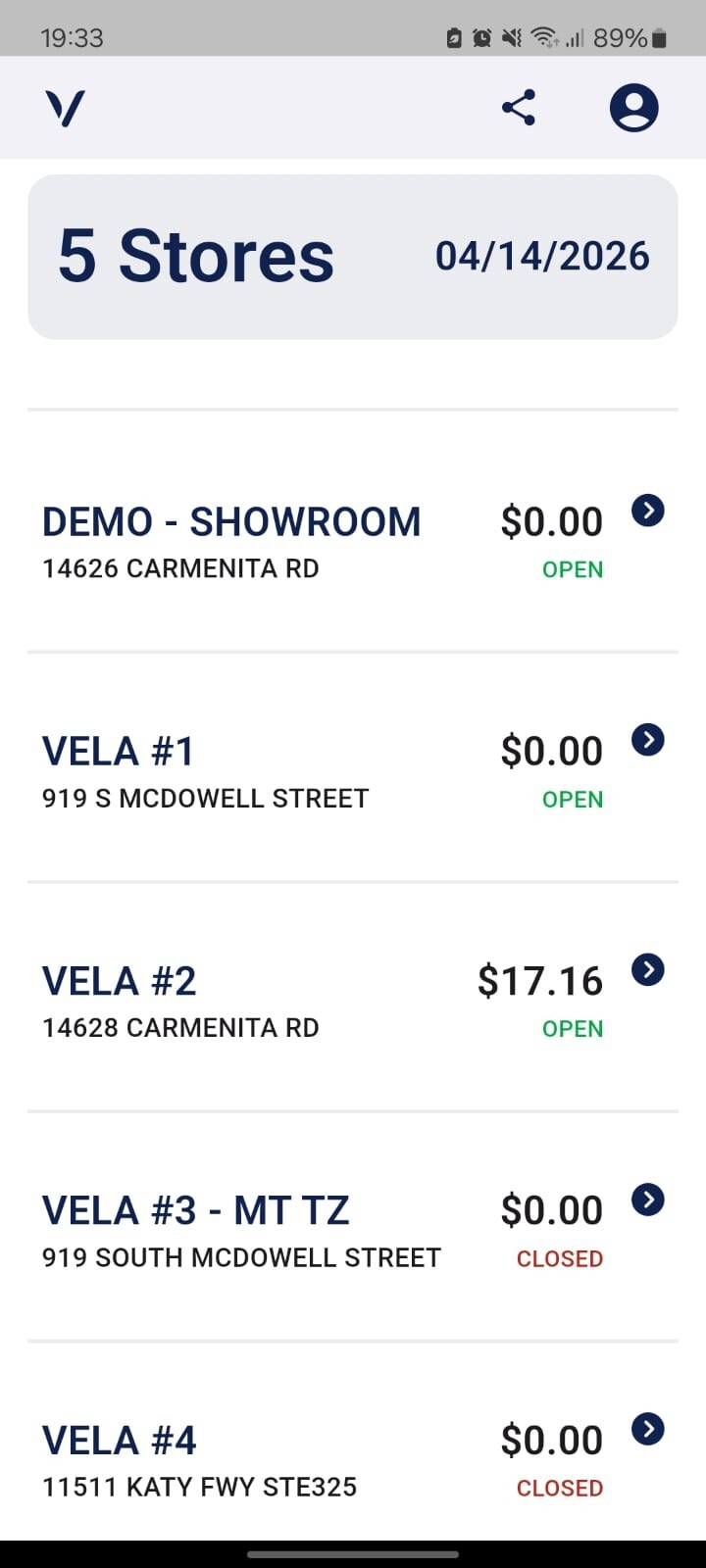
Screenshot & Sharing
Users can take a screenshot at any time using the SHARE ICON.
Screenshots can be shared directly through other apps or downloaded to the device.

User Profile & Settings
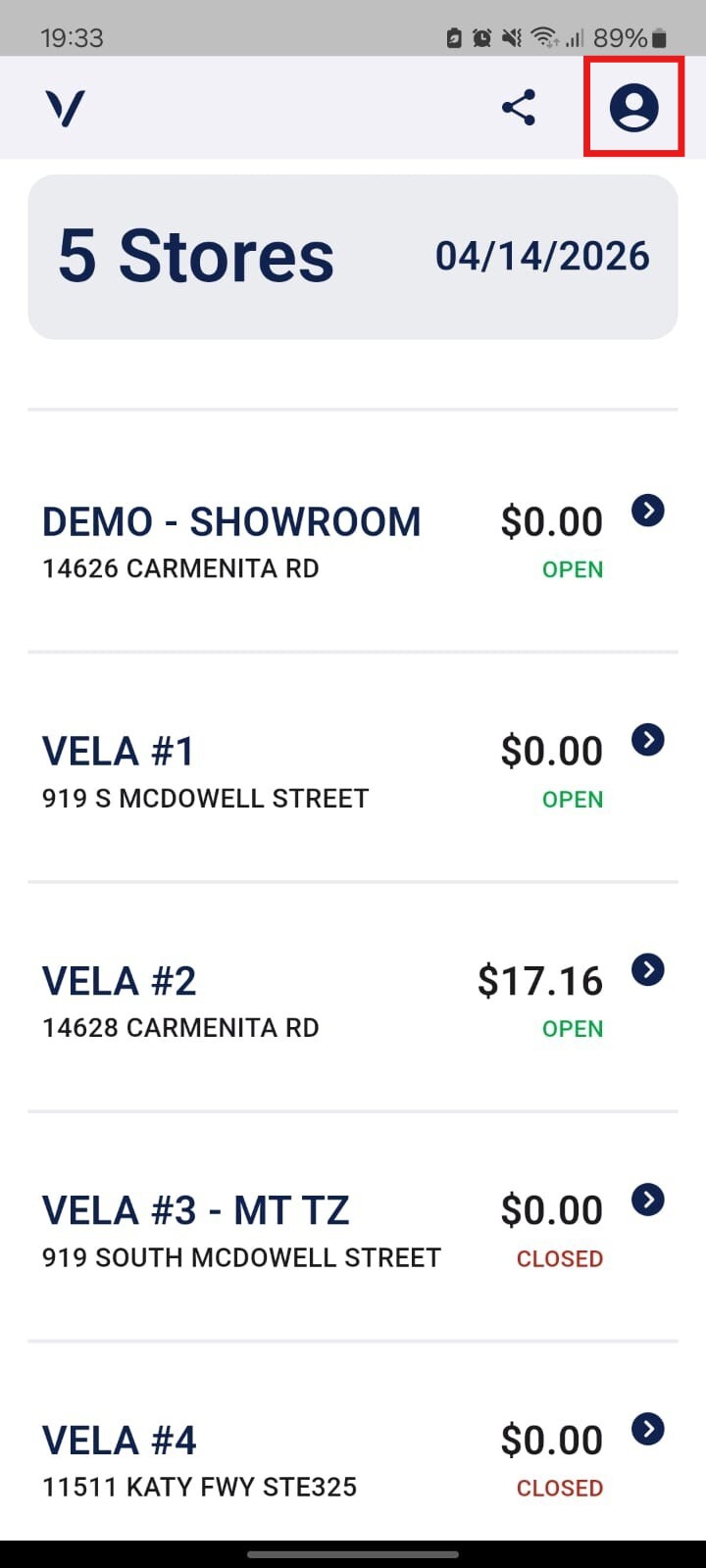
Press on the PERSON ICON
Account information
In this section, user can view their account Name & Group Code, the app specifications, get app support and sign out.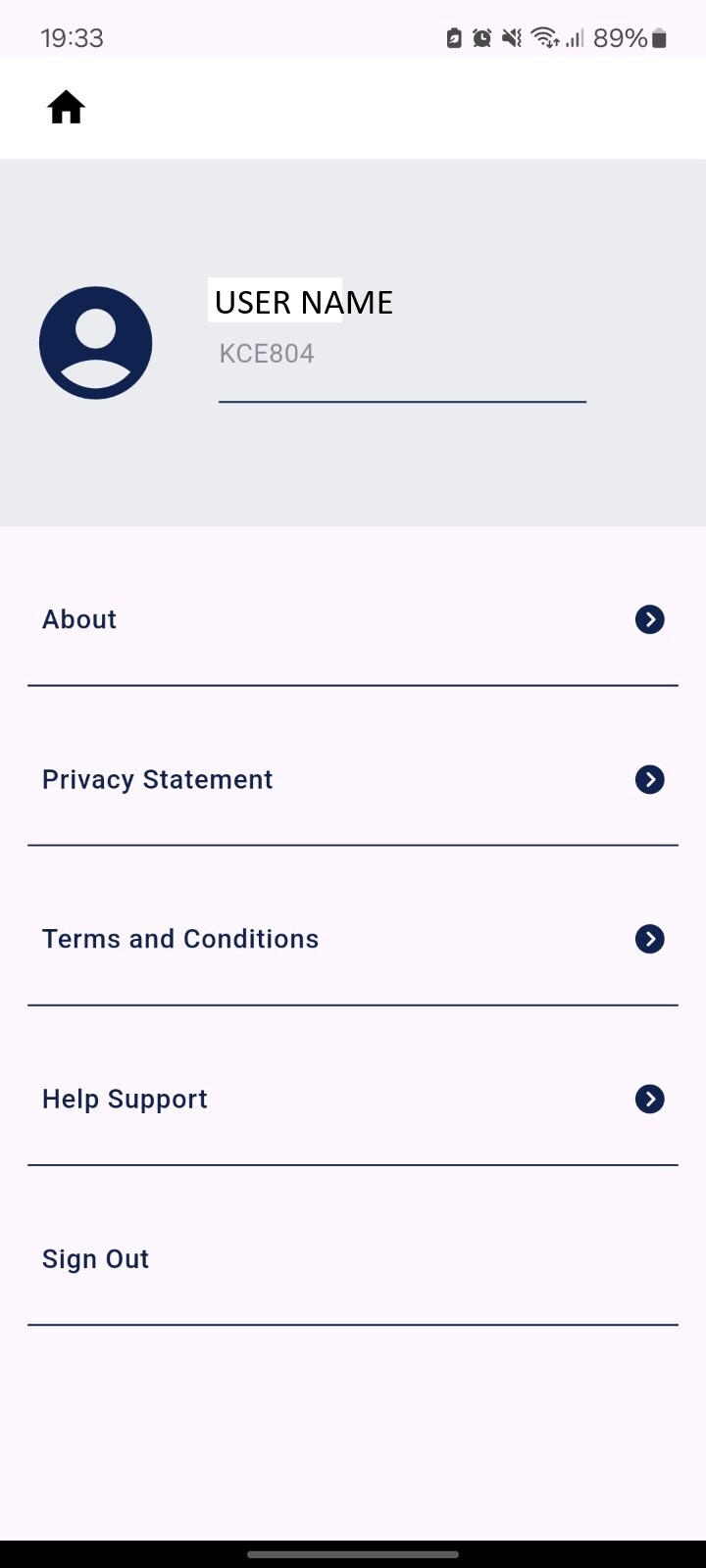
About VELAPOS
In this section, users will be able to learn more about the purpose of the application and understand how VelaPOS supports daily business operations.
Privacy Statement
This section provides access to the Privacy Statement.
Terms and Conditions
This section provides access to the Terms and Conditions.
Help & Support
Send questions directly from the app.
Sign out
Log out from current account.