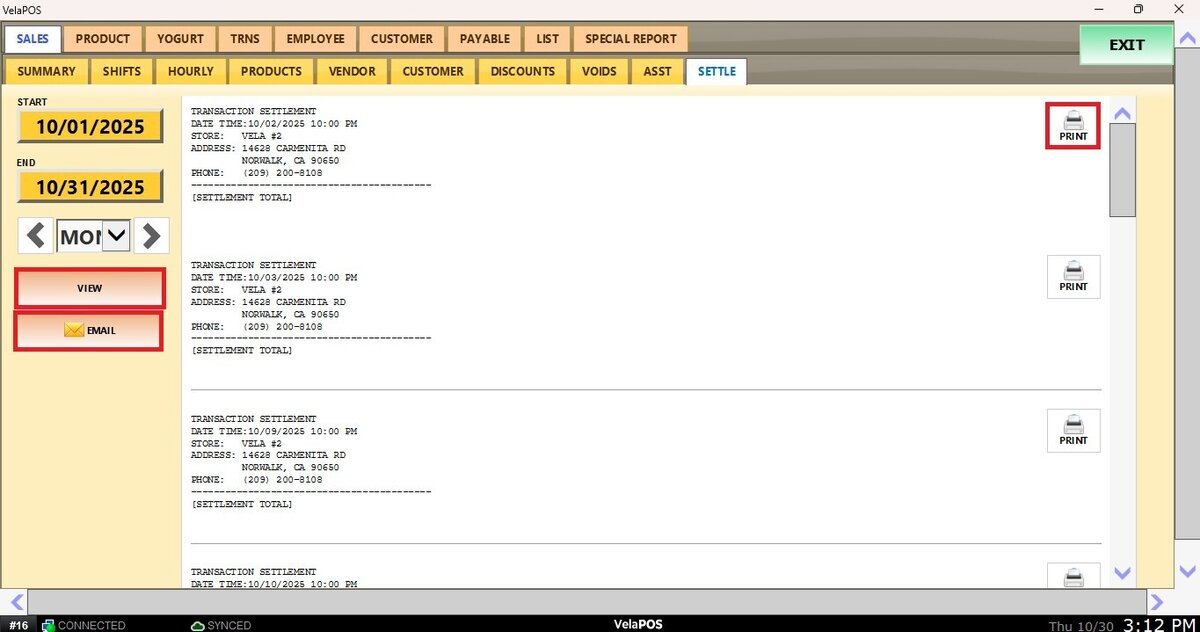
Settle
This report provides a detailed list of all credit card settlements processed in the system. It allows to verify whether each settlement was successful, check if it was processed on a specific date, and track when the last one was completed.
Main Screen> MENU> REPORTS> SALES> SETTLE
On the Main Screen, go to MENU and press REPORTS.
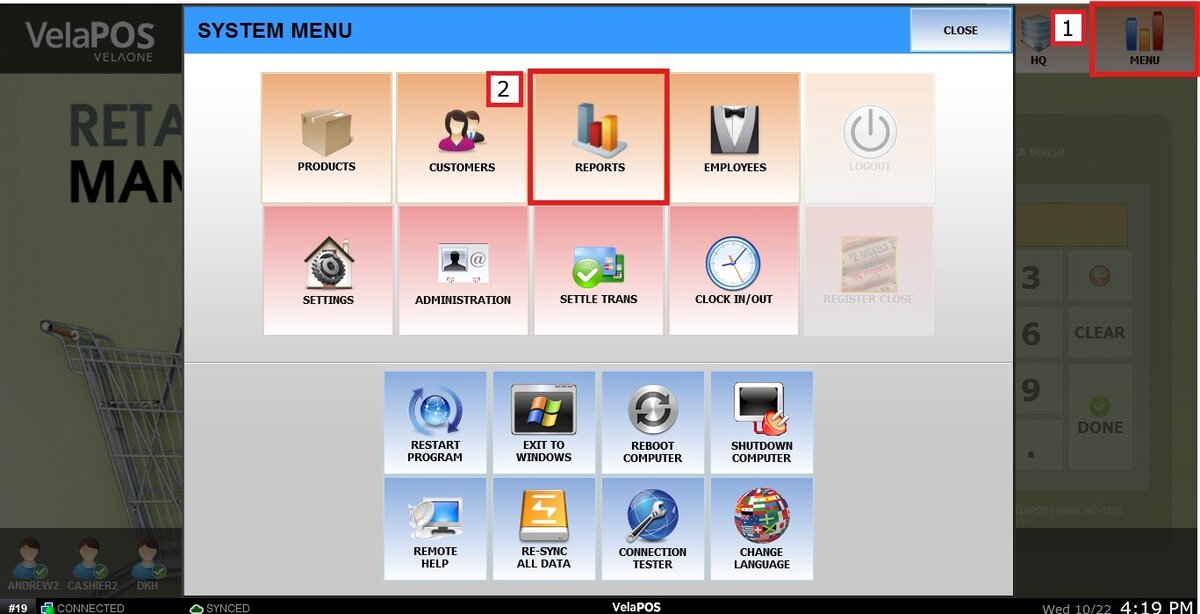
On the SALES tab, press SETTLE.

Filters
Use the filters to define how the report is grouped and displayed.
1. Filter by customized range: To view the report, begin by selecting its date range.
Press on the START field to input the starting date.
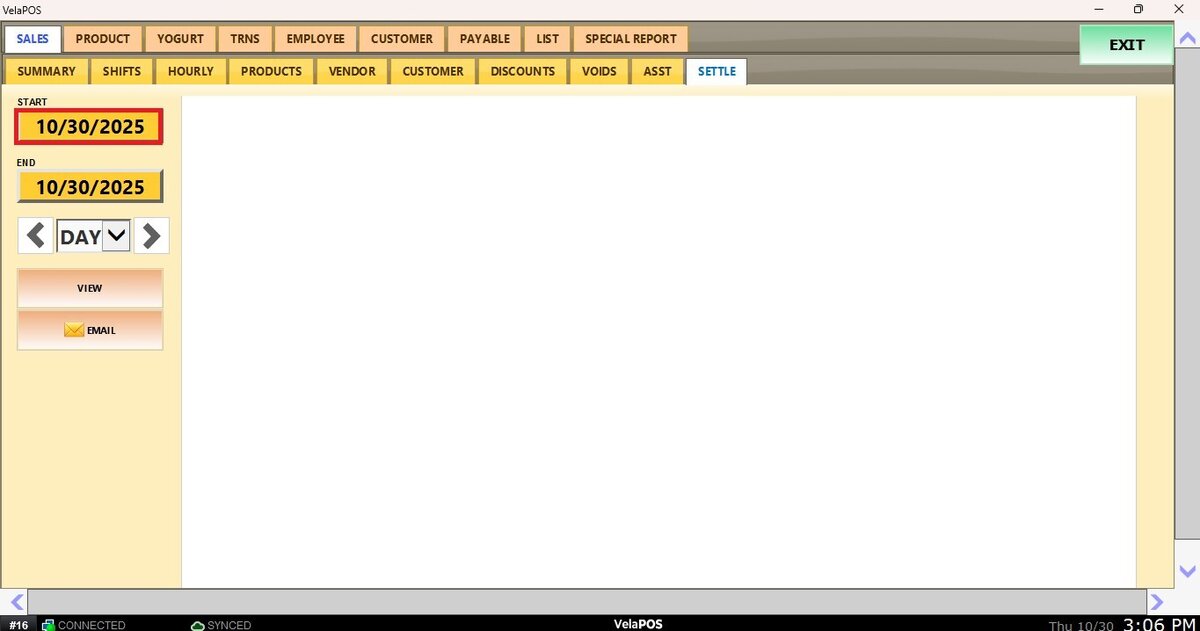
A calendar screen appears, where the date (day, month, and year) can be selected.
Press on DONE.
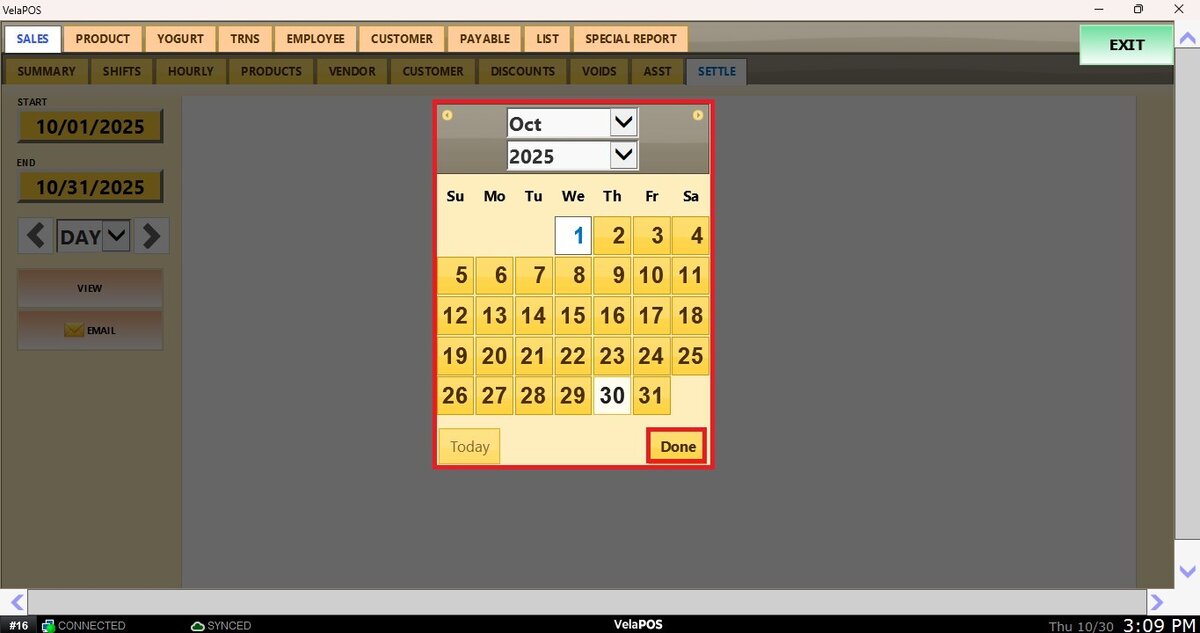
Repeat the same process for the END field to set the final date of the report.
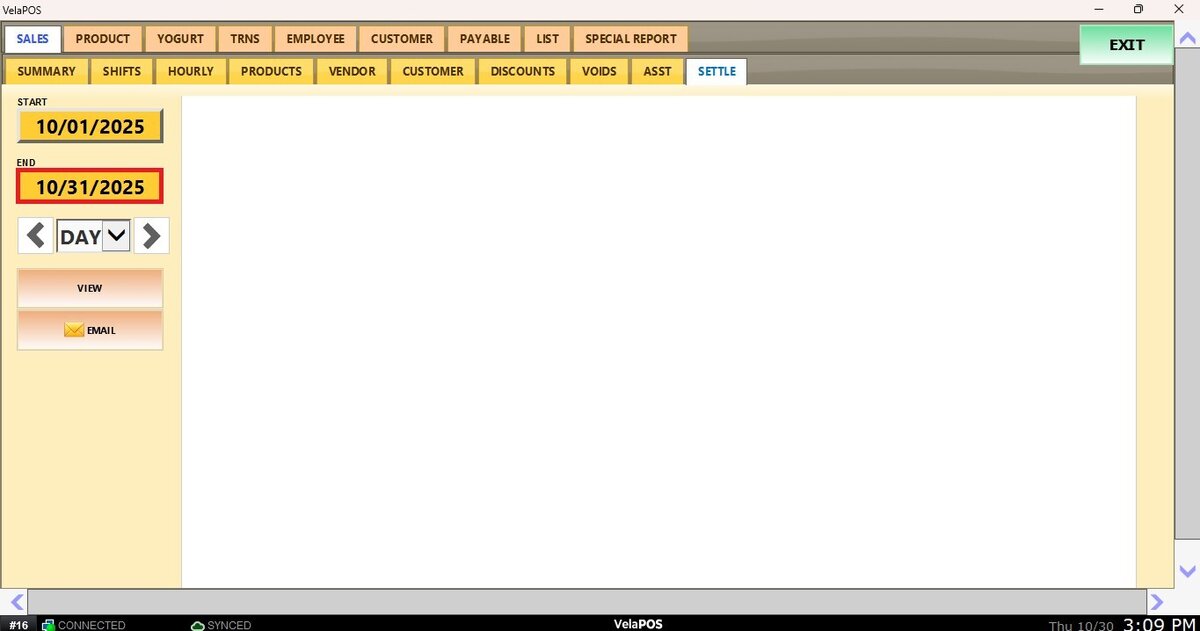
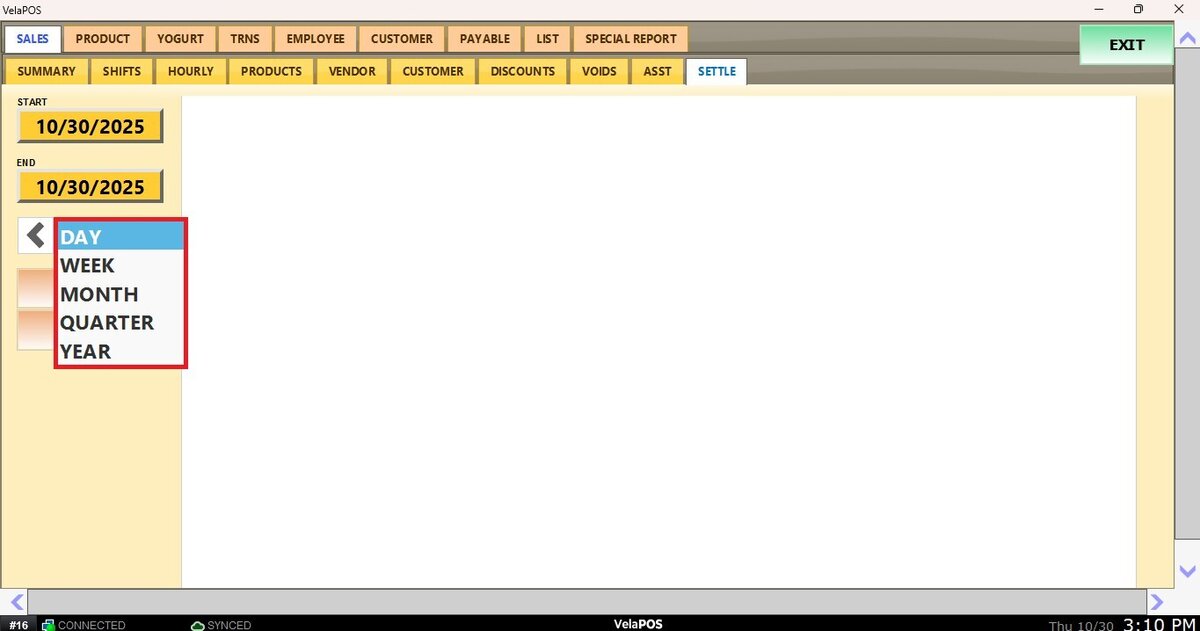
2. Filter by a time frame: Filter the report by time frame (day, week, month, quarter, year).
Select the field and choose the desired time duration.
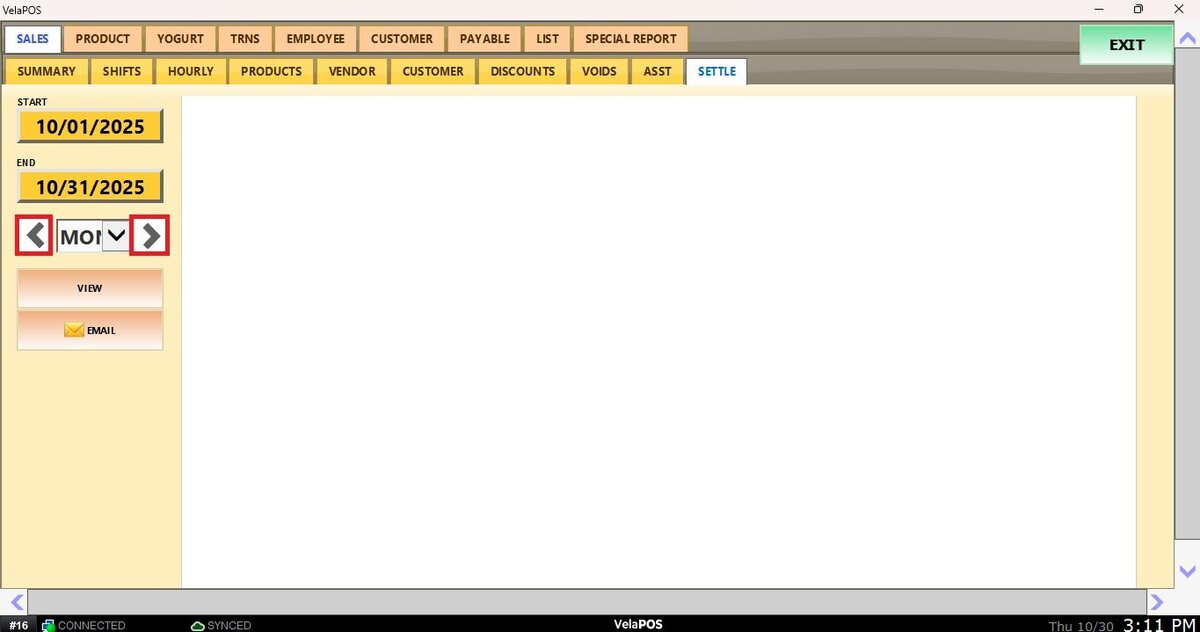
Depending on whether Day, Week, Month, Quarter, or Year is selected, the side arrows can be used to move forward or backward through those time periods.
View
After setting the date range and time frame, press VIEW to display the settlements processed, along with the date and time they were performed. The results can be printed or emailed.