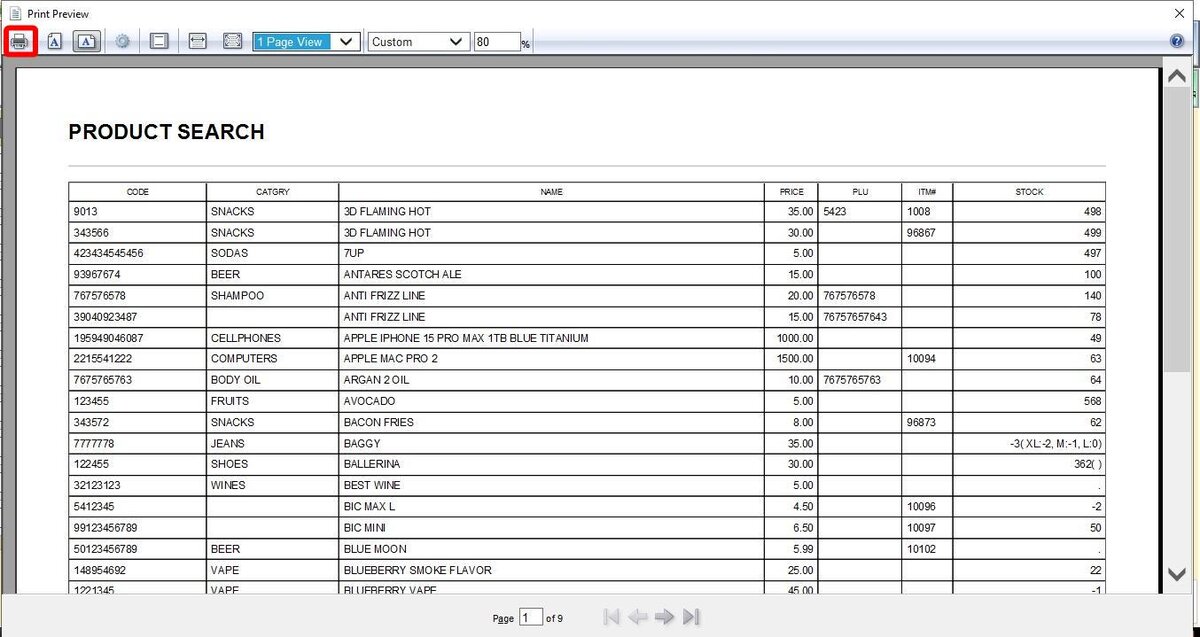
Print Search
You can generate a printable version of your product data, allowing you to print your full product list or only a filtered selection (for example, a specific category or vendor).
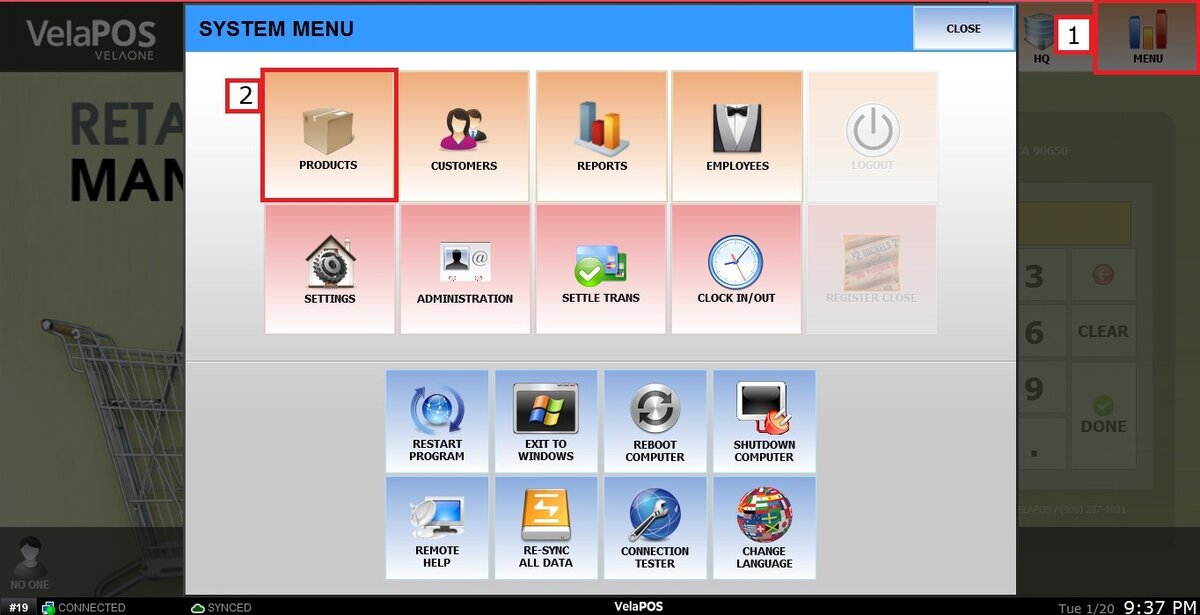
Main Screen > MENU > PRODUCTS> GEAR ICON> PRINT SEARCH.
Click on MENU, then select PRODUCTS.
Click the GEAR ICON
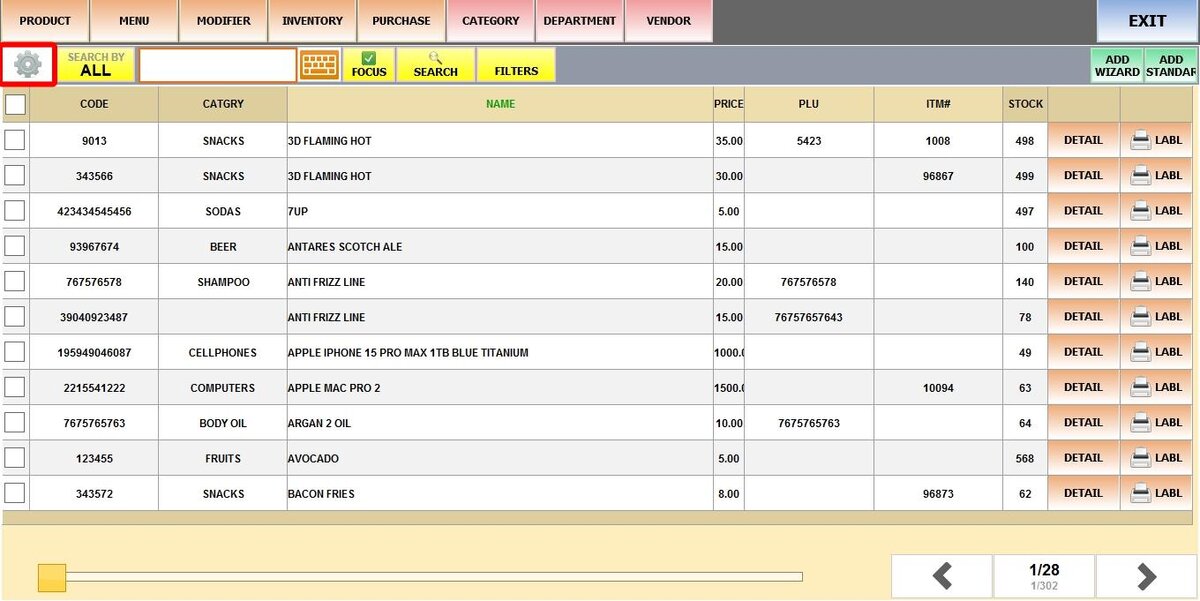
Select PRINT SEARCH

The system will process your product list and open a new window with a preview of the document ready to print. If you want to print a different section, make sure to run a search or apply filters before opening the gear icon.