Exchange (store credit)
These feature allows you to provide a store credit to a customer as an exchange during a return. The credit can be used for a future purchase.
Main screen > Number Pad > Sales screen > Open return
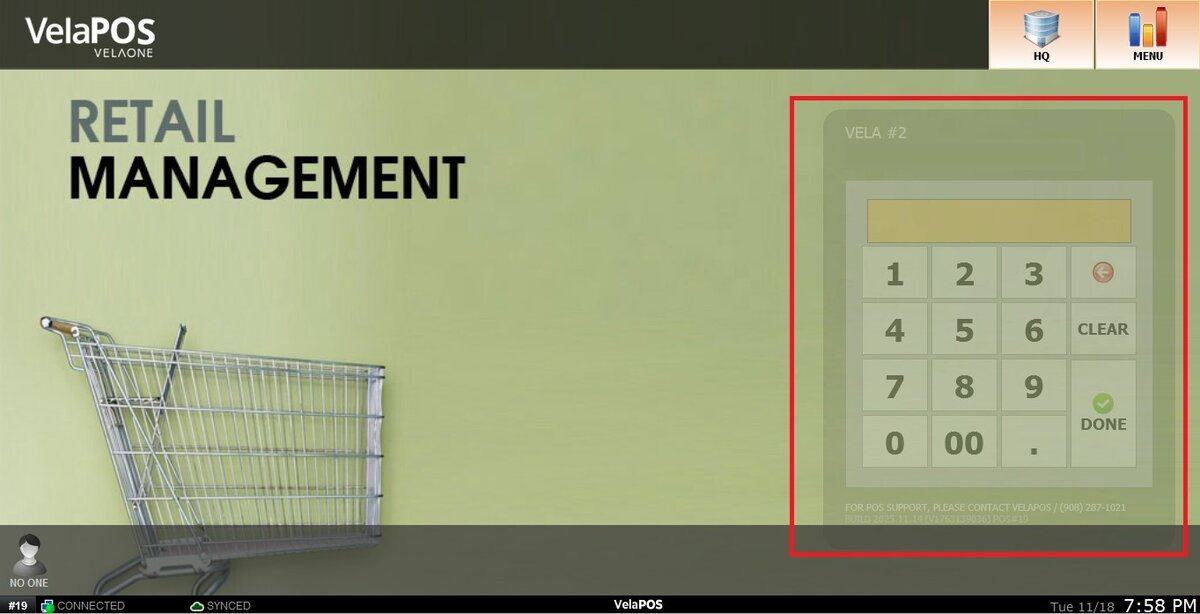
From the Main Screen, click on the NUMBER PAD and input your personal password to log in.
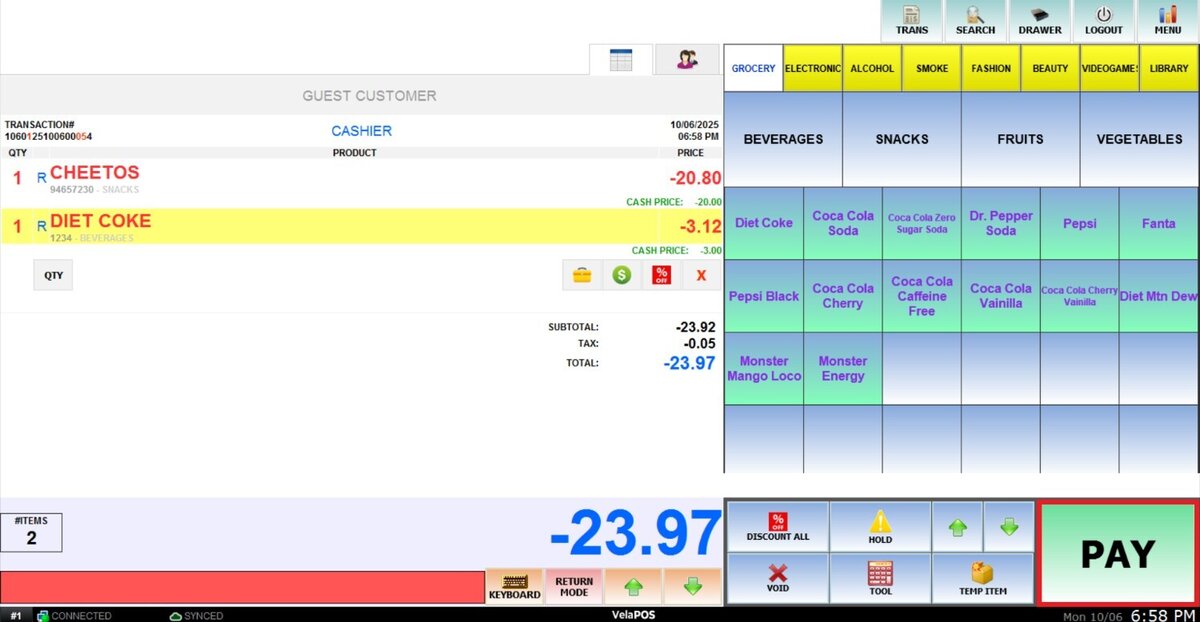
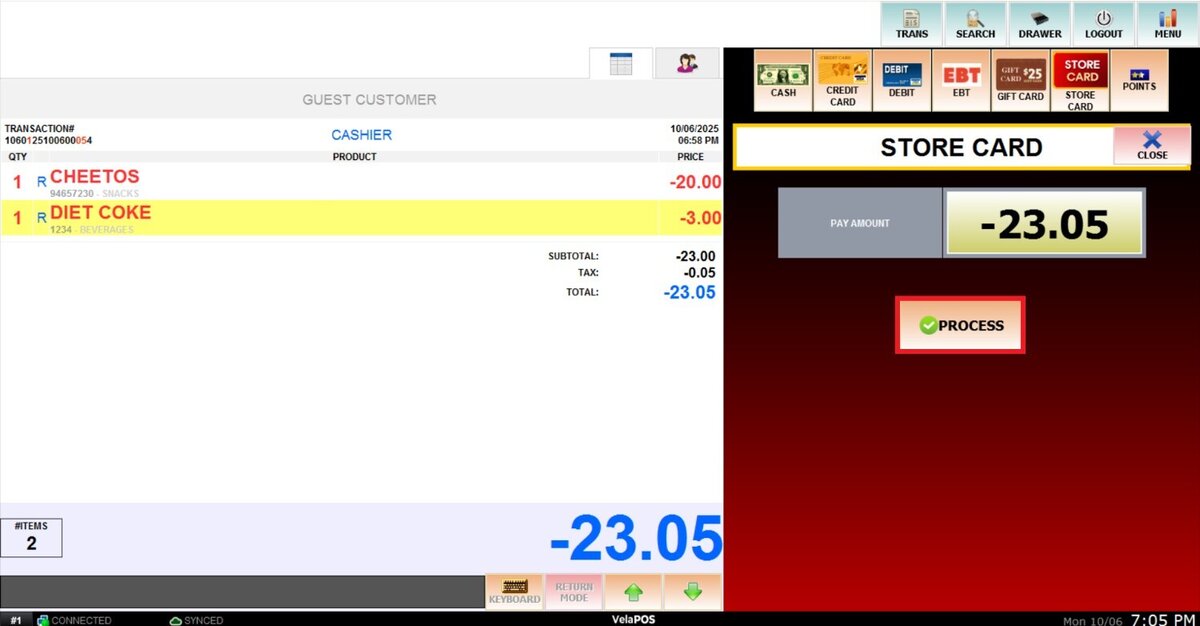
Process a return and press PAY on the open ticket with a negative value.
Hint: See Return for step by step instructions.
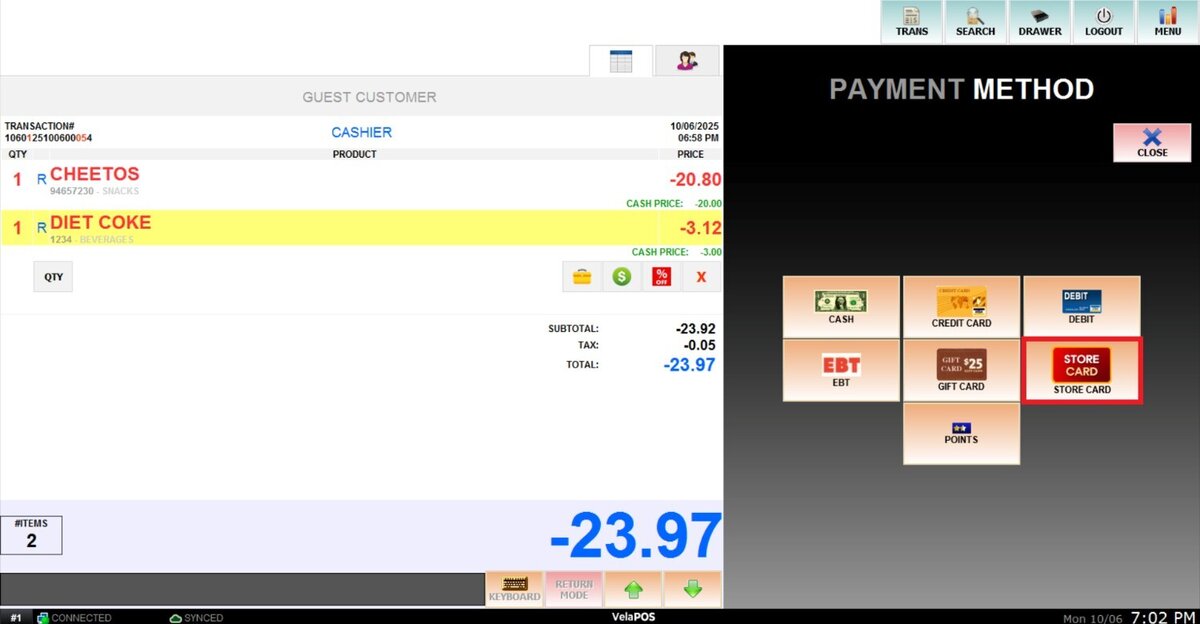
Select STORECARD as the payment method.
Press PROCESS.
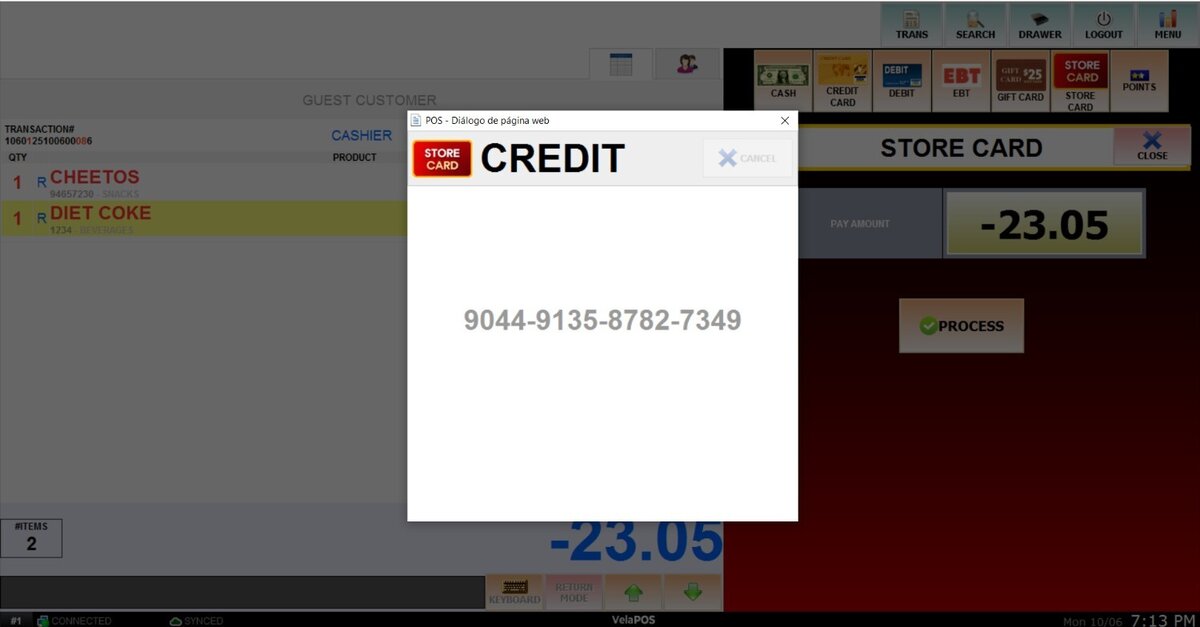
A temporary store card number will briefly appear on the screen.
RESULT:
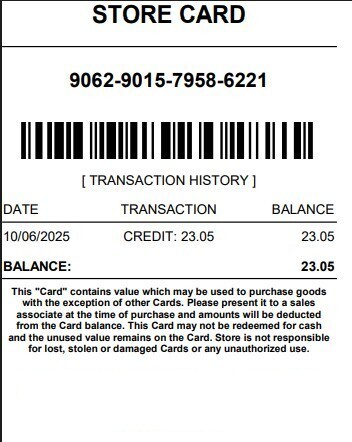
Once processed, the receipt will display the store card information.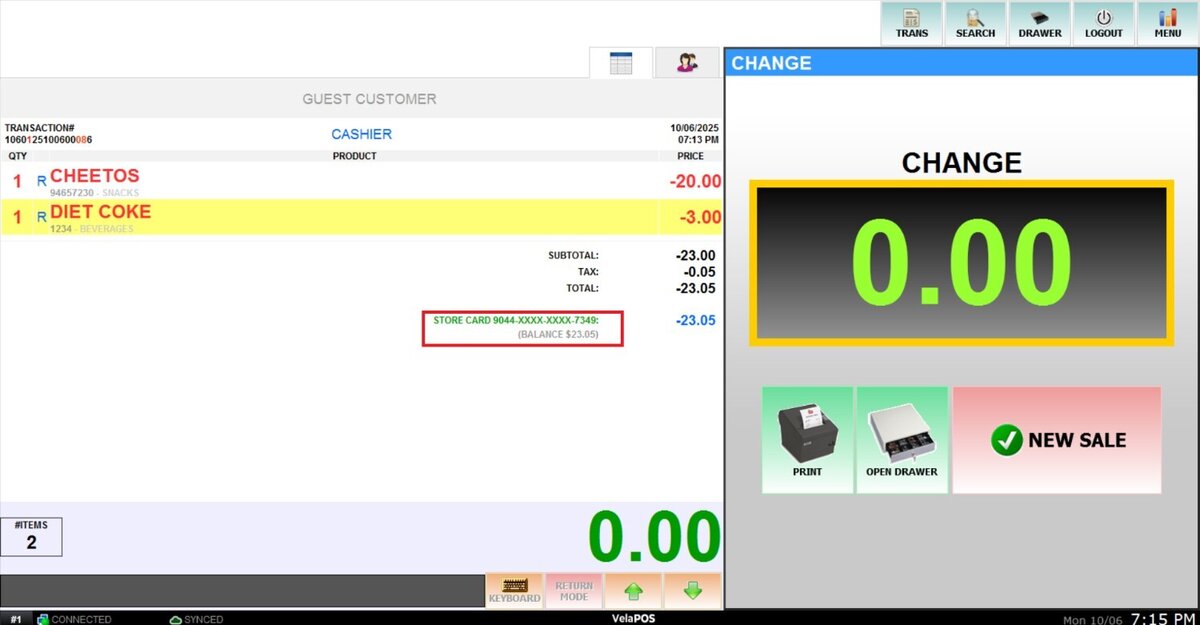
The customer will receive a printed receipt containing: the card number, barcode, and store credit balance.