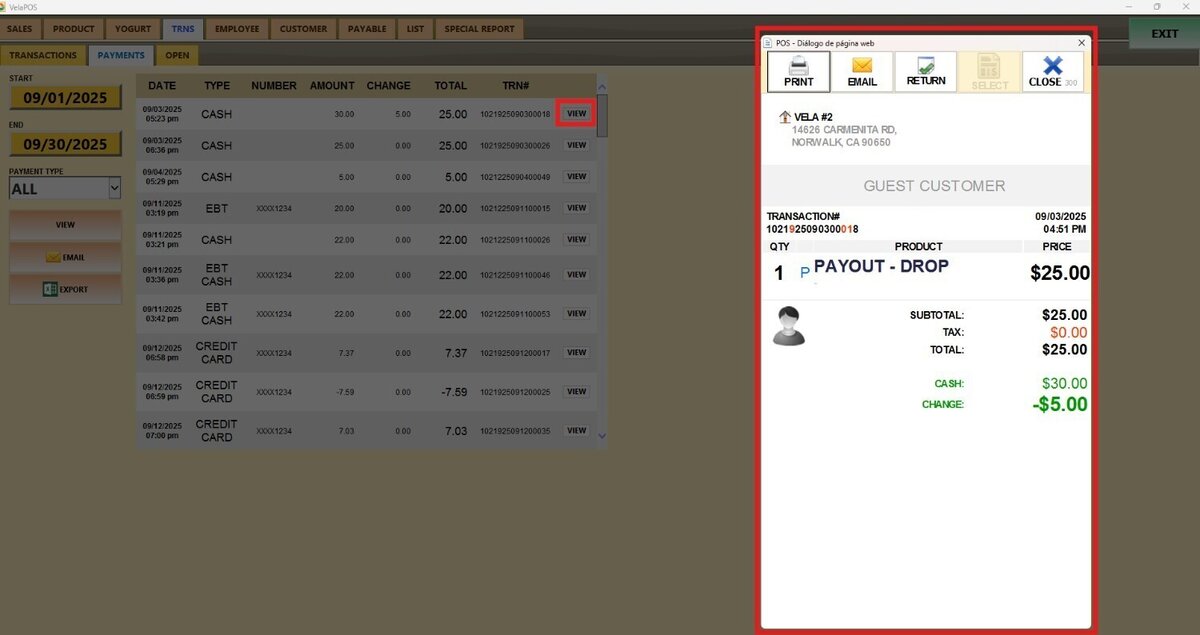
Payments Report
This report shows a detailed list of all transactions for a selected day or date range, with the option to filter results by payment method.
Main Screen> MENU> REPORTS> TRANS> PAYMENTS
On the Main Screen, go to MENU and press REPORTS.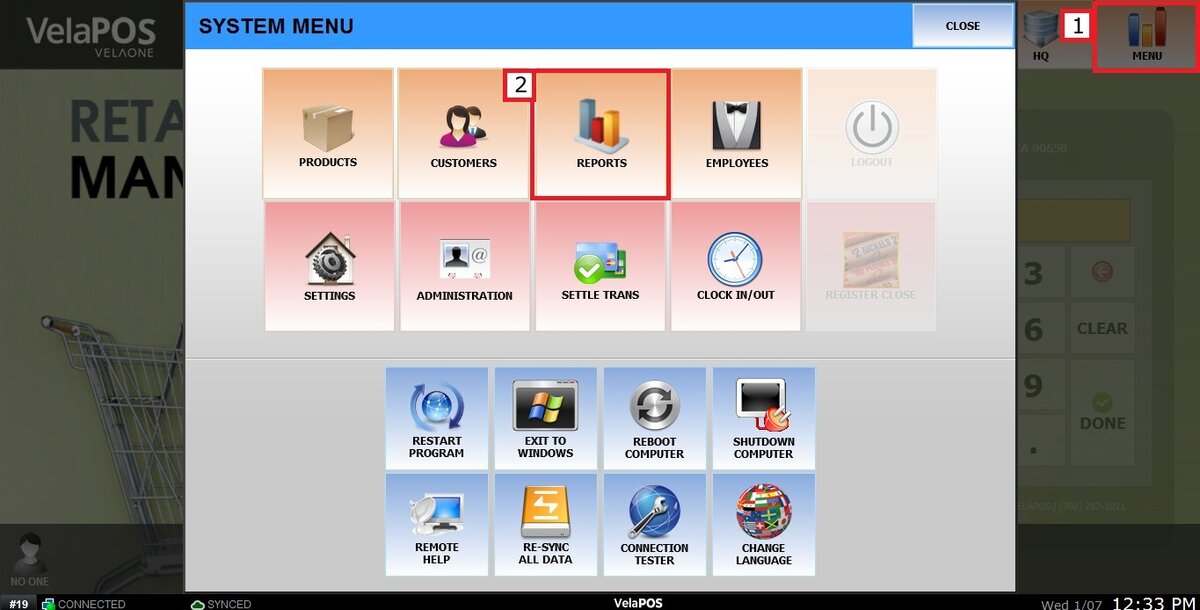
Go to TRNS and then press on PAYMENTS.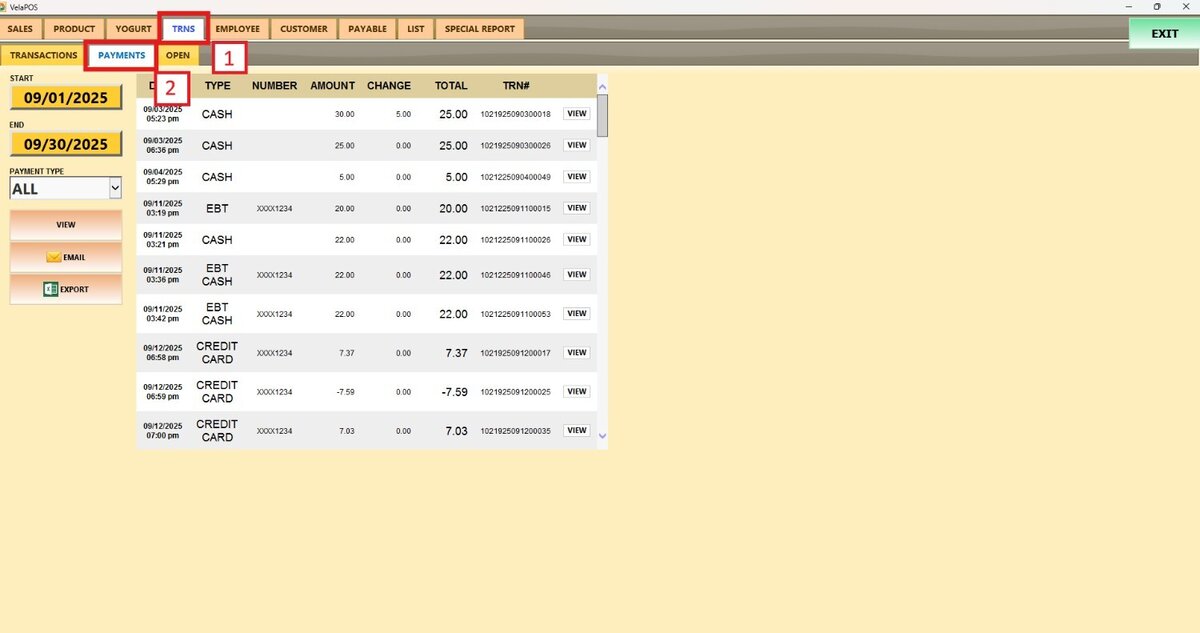
Filters
Use the filters to define how the report is grouped and displayed.
1. Filter by customized range: To view the report, begin by selecting its date range.
Press on the START field to input the starting date.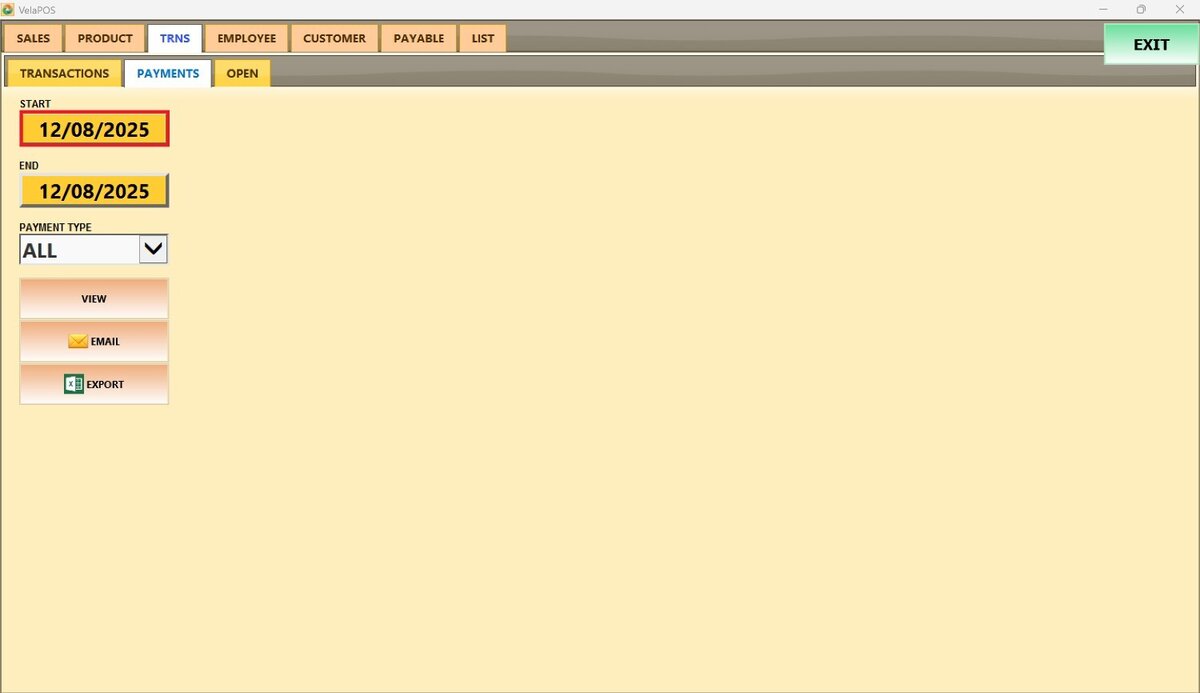
A calendar screen appears, where the date (day, month, and year) can be selected.
Press on DONE. 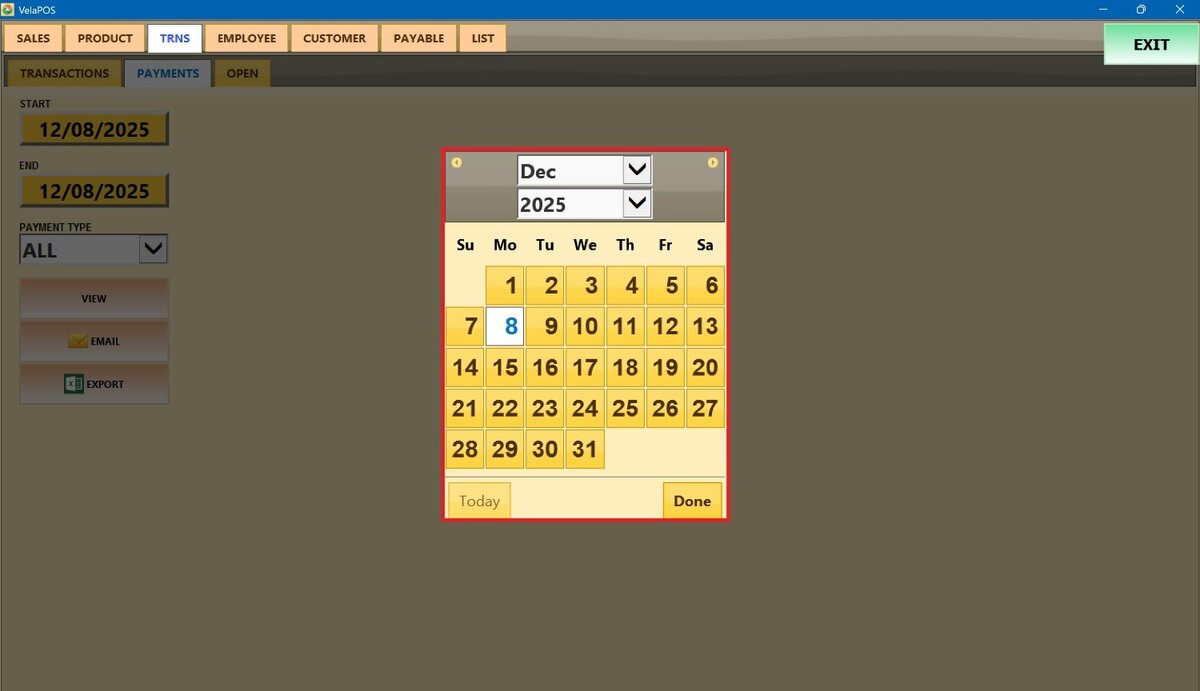
Repeat the same process for the END field to set the final date of the report.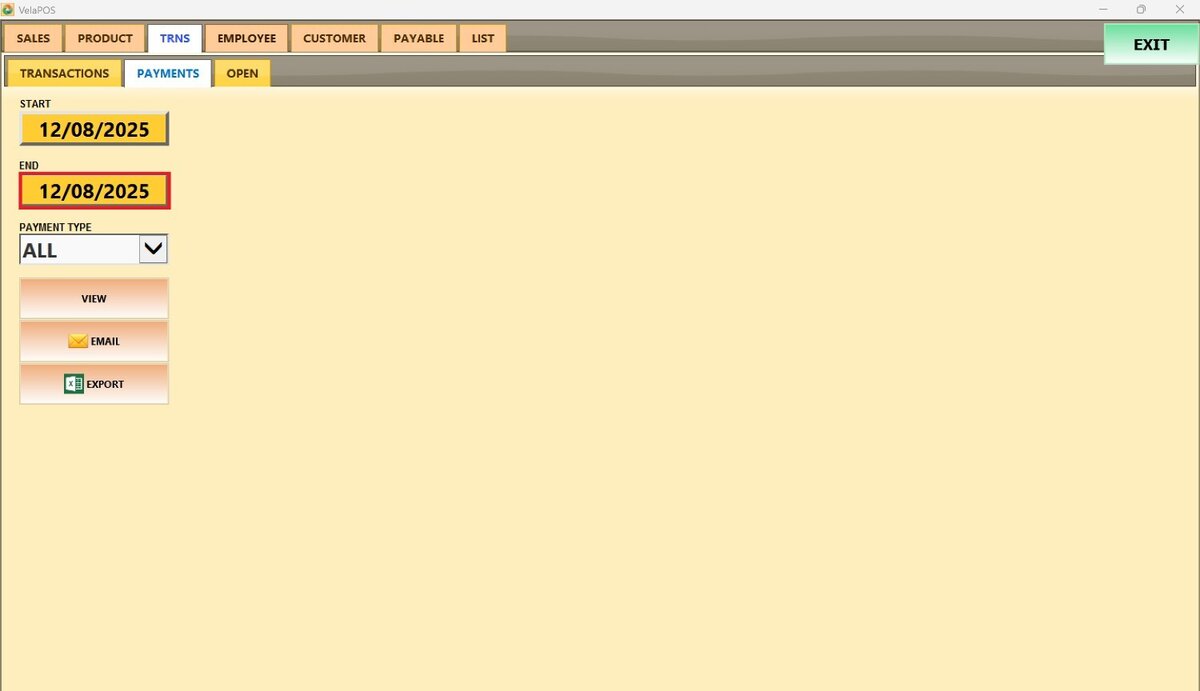
2. Payment type: To filter the report, press on PAYMENT TYPE and select the desired option.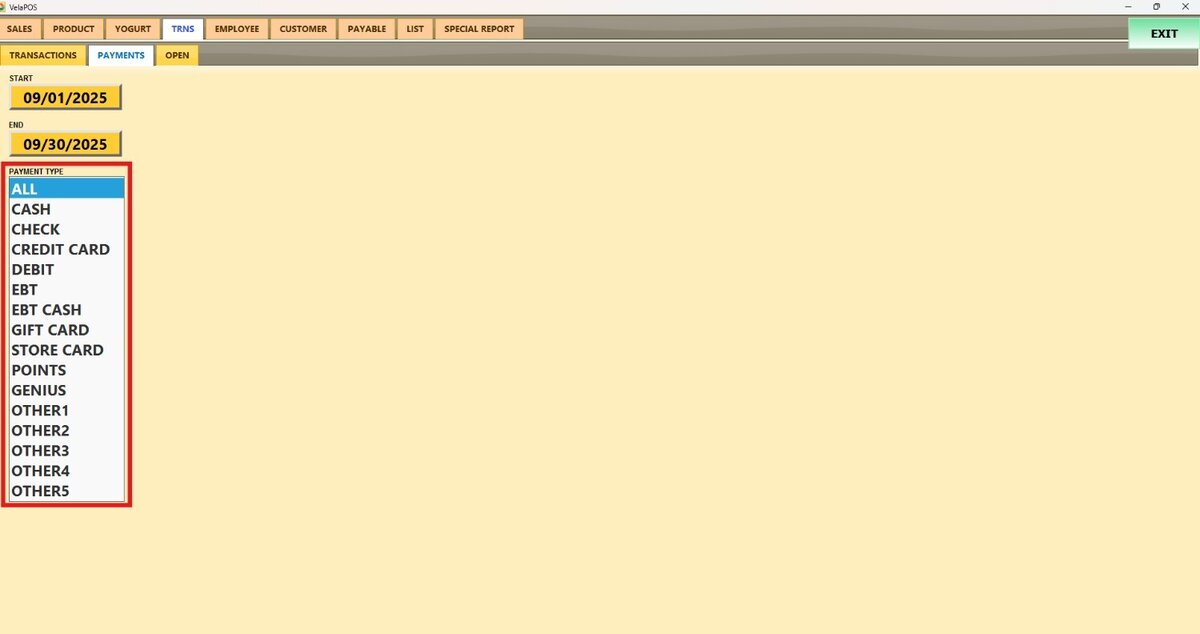
Press on VIEW, and all payment transactions paid with the selected PAYMENT TYPE will be displayed.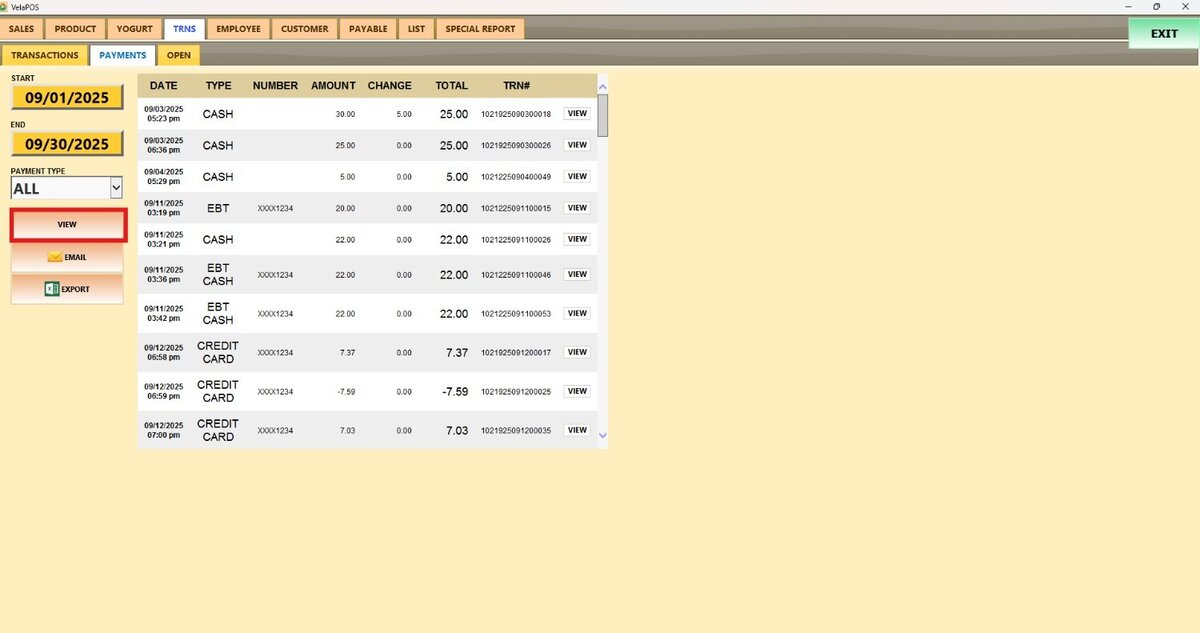
Hint: To see a transaction's details, press VIEW on any of the transactions. The specific transaction can be printed, emailed, or returned.