MISC
This section contains advanced payment configuration options that control how the POS behaves during transactions, approval validation, and settlement. These settings are typically used to adapt the system to different processors, merchant workflows, and exceptional situations.
Main Screen>MENU> SETTINGS> PAYMENT> MISC.
Navigate to MENU, then select SETTINGS.

Under the PAYMENT tab, click MISC.

This section contains five configuration areas that control how payments are handled and validated.
NO AUTO SHOW SPLIT PAY BUTTON
Controls whether the SPLIT PAY button is displayed automatically.

1. SHOW: Enables the split payment button.

Hint: see the following article to learn how to do a split pay.
2. EMPTY: Disables the split payment button.

PROCESS METHOD
Defines how payment approval codes are validated during transactions and later matched during batch out and settlement.
This setting determines how strictly the POS handles approval codes returned by the processor.

1. STANDARD: The traditional method. The POS validates the approval code as a complete value. If any part is missing, malformed, or does not match the expected format, the transaction may be flagged or rejected.
2. PIPE: A more flexible method. The POS splits the approval code using the pipe character (|) and validates only the relevant portion, ignoring any extra data. This option is designed for processors that return inconsistent or variable approval formats.
EMPTY APPROVAL CODE
Determines how the system behaves when a transaction returns an empty approval code.

1. DECLINE: Transactions with an empty approval code are automatically rejected.

2. PASS WITH WARNING: The system displays a warning message, allowing the employee to decide whether to continue with the transaction.

3. PASS: Transactions with an empty approval code are processed normally with no interruption.
DUPLICATE APPROVAL CODE
Determines how the system behaves when a duplicated approval code is detected.

1. DECLINE: Transactions with a duplicated approval code are automatically rejected.

2. PASS WITH WARNING: The system displays a warning message, allowing the employee to decide whether to continue with the transaction.
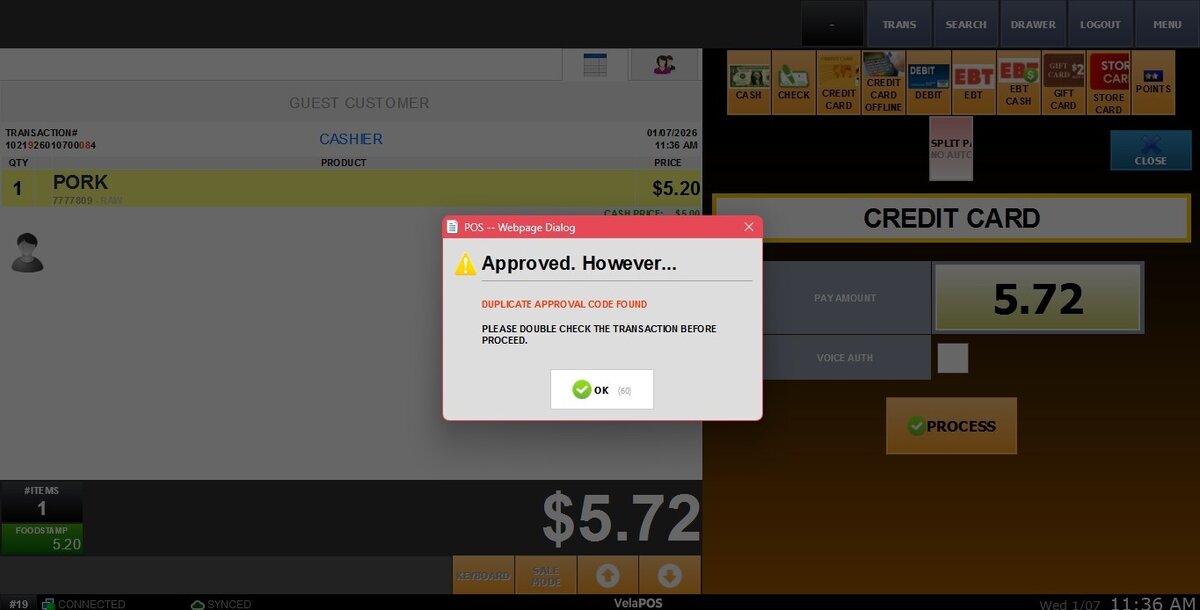
3. PASS: Transactions with a duplicated approval code are processed normally with no interruption.
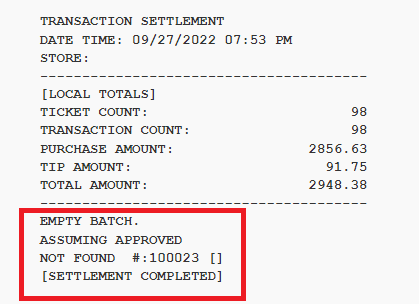
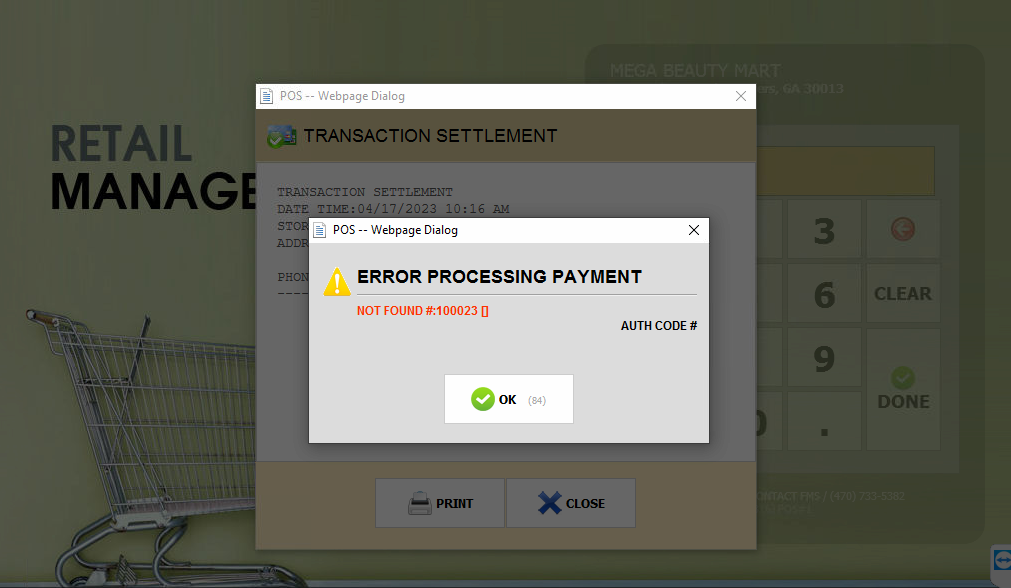
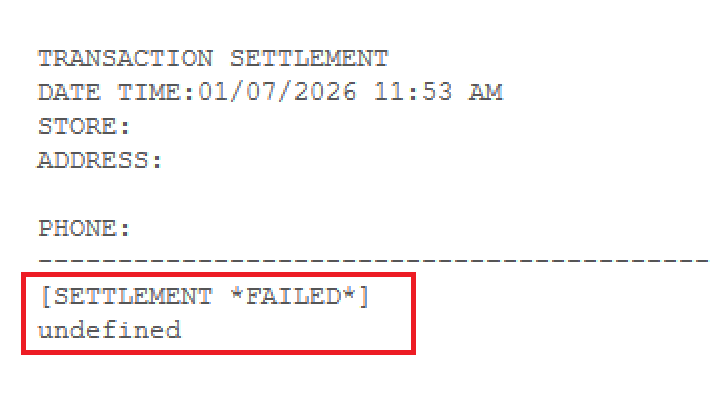
EMPTY (NOT FOUND) BATCH
Controls how the system handles an empty or missing batch during settlement.

1. TREAT AS AN ERROR: If the batch is empty or not found, the settlement is marked as failed.
2. TREAT AS APPROVED: If the batch is empty or not found, the settlement is treated as approved.