Body
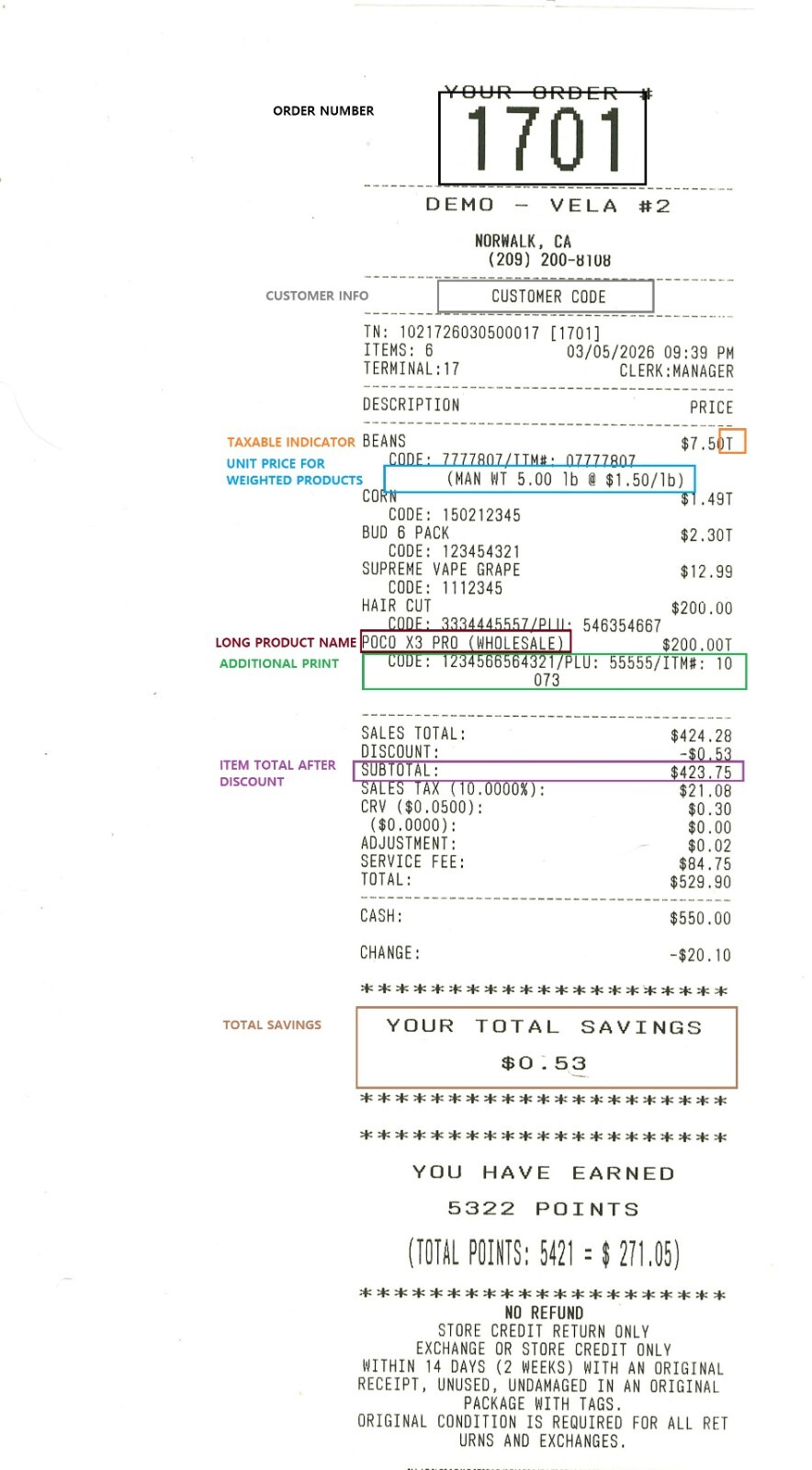
This setting defines which details are included in the receipt body section.
Main Screen> MENU> SETTINGS> PRINT> BODY
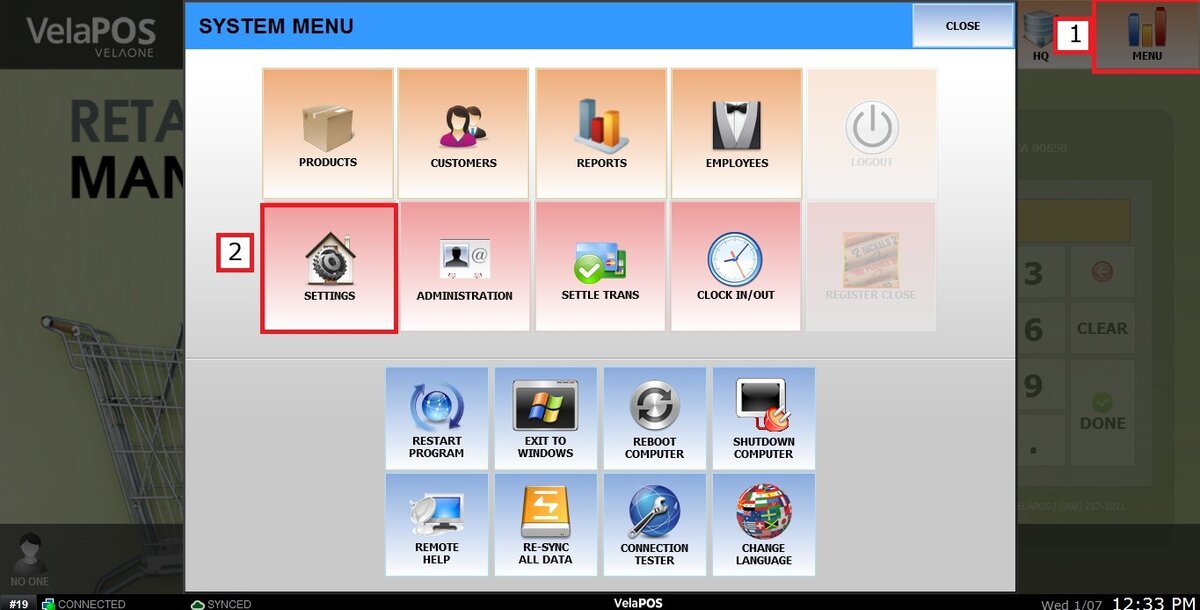
Go to MENU and press SETTINGS.
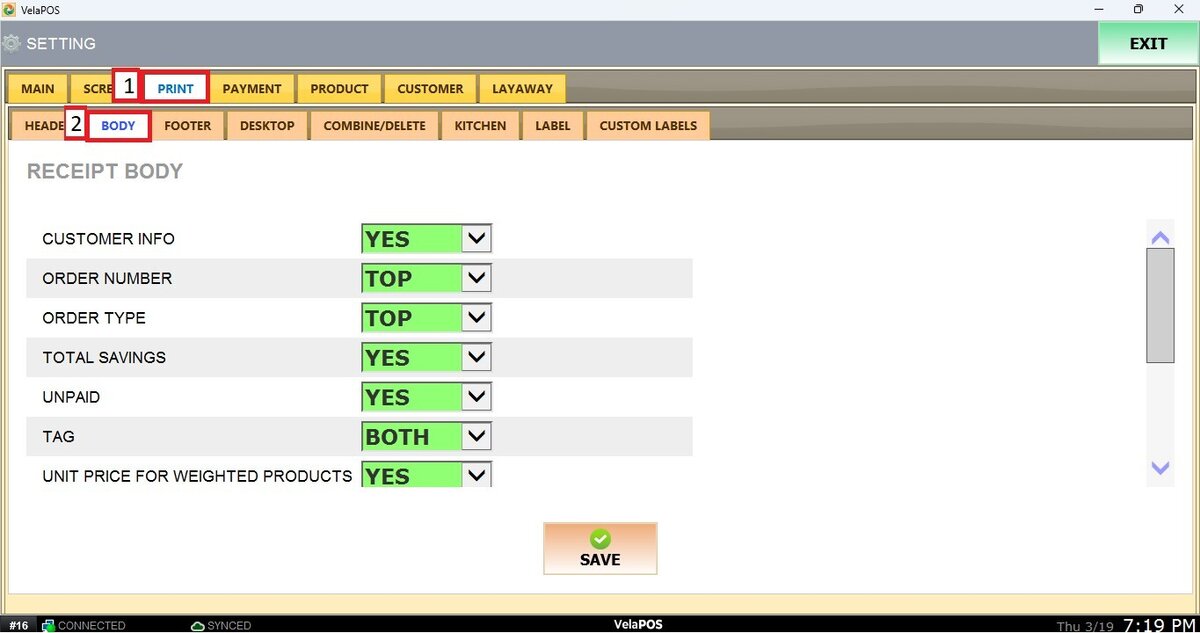
Go to the PRINT tab, click on BODY.
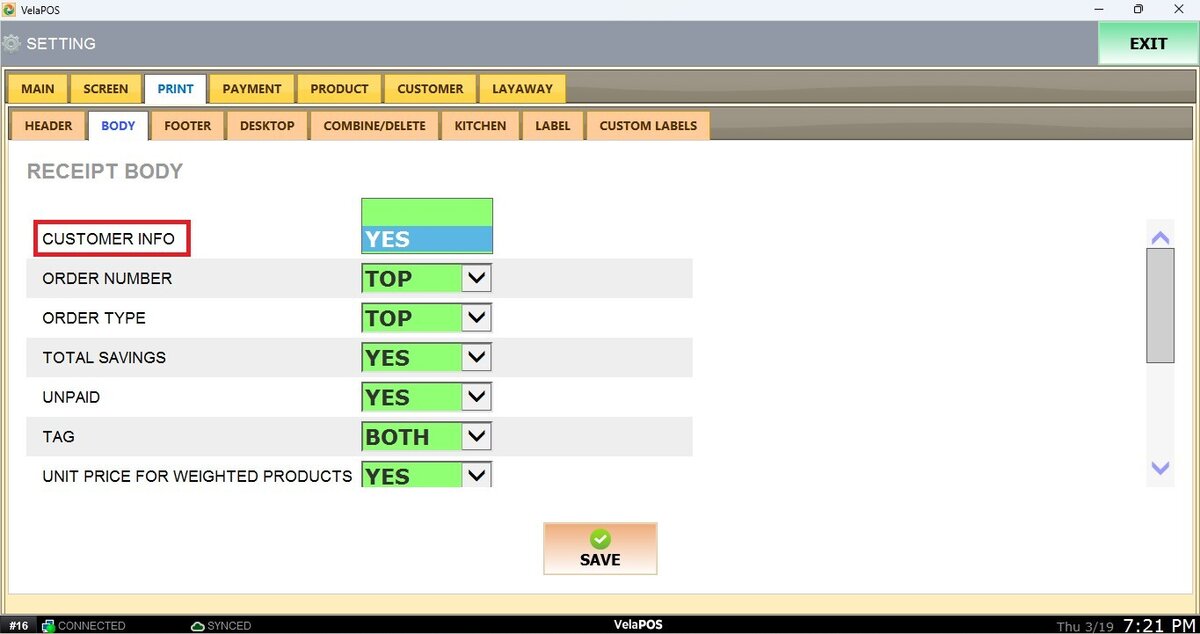
CUSTOMER INFO
Prints customer information on the receipt such as customer code or customer account.
ORDER NUMBER
Prints the order or ticket number on the receipt. The position can be set to Top or Bottom.
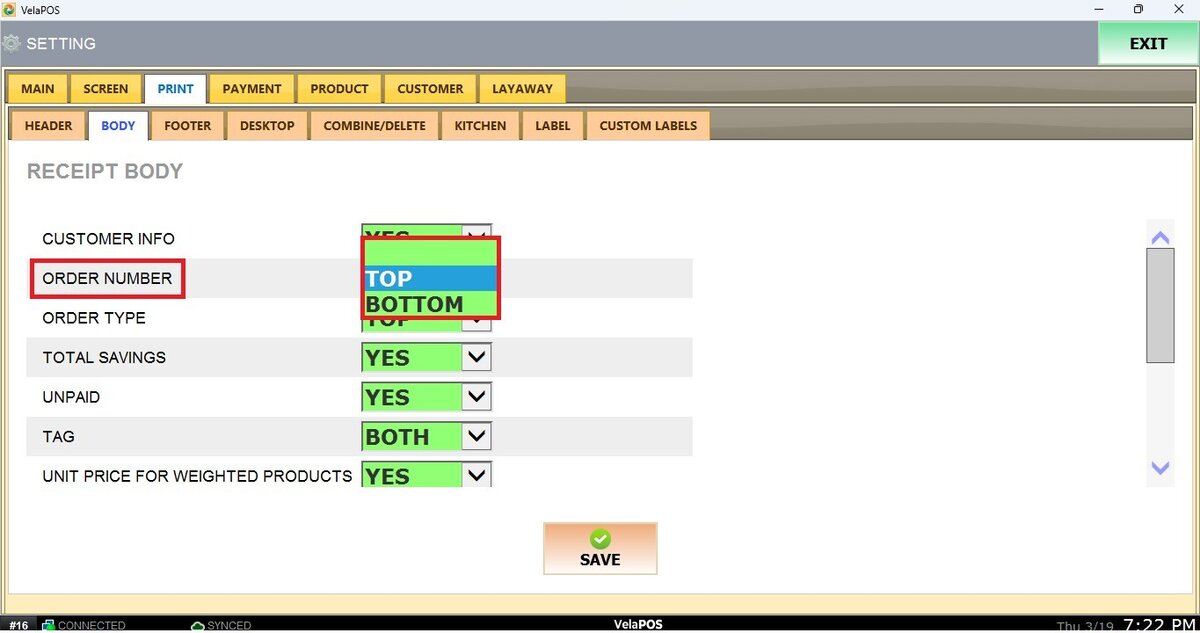
ORDER TYPE
Prints the order type such as Dine-In, Take-Out, Delivery, or Online Order.
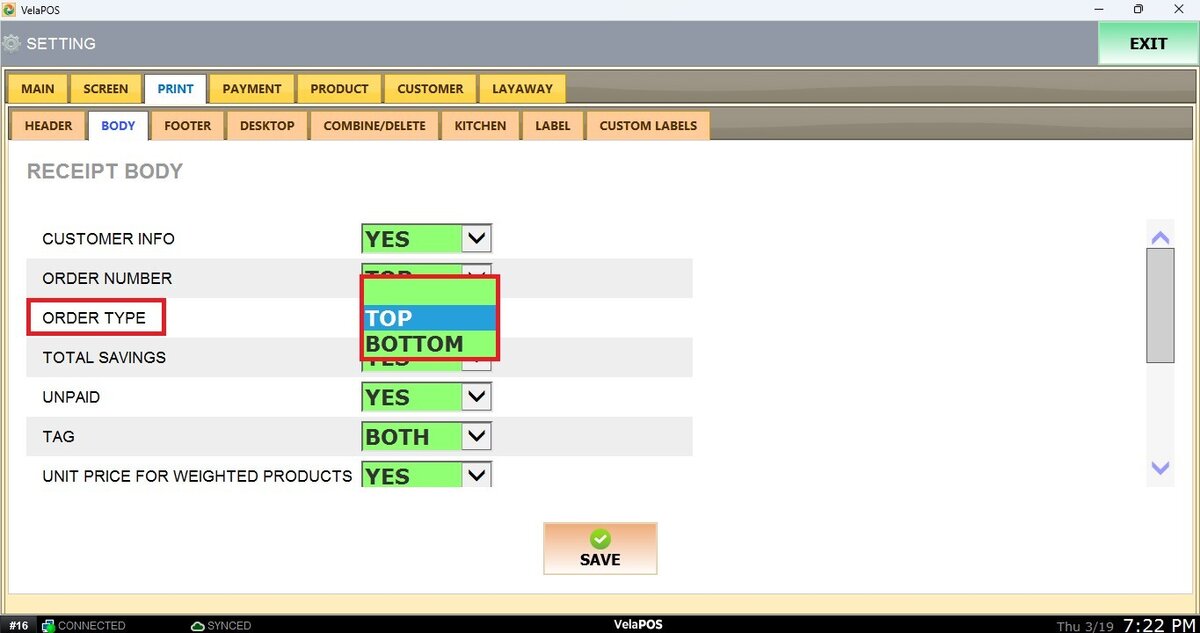
TOTAL SAVINGS
Displays the total amount the customer saved from discounts or promotions.
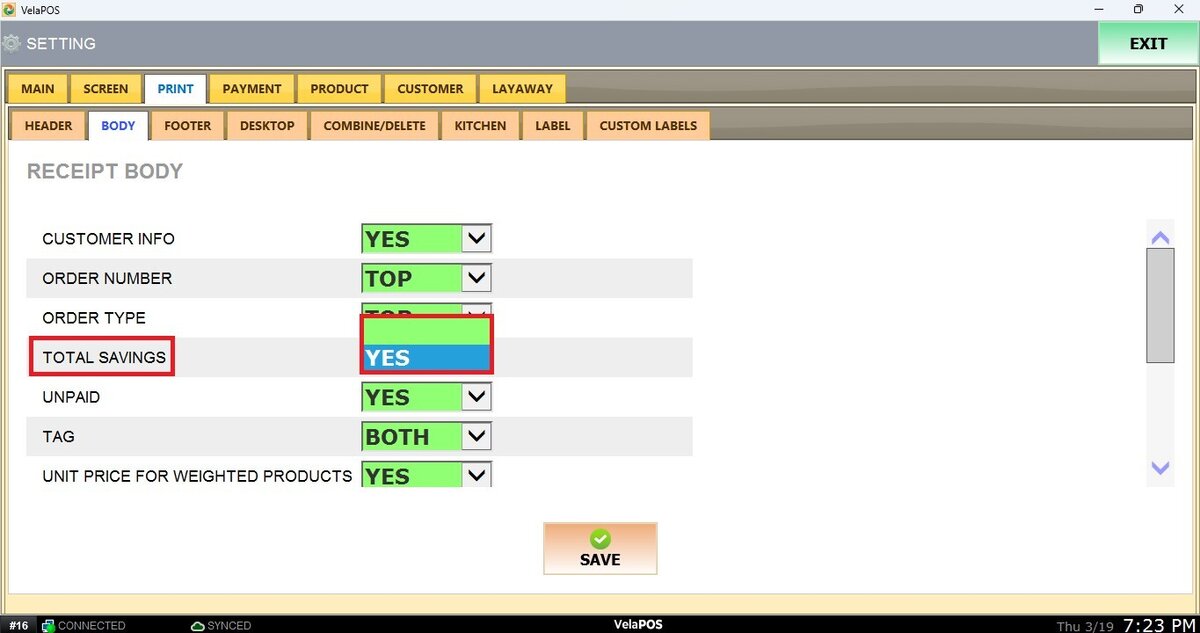
UNPAID
Prints the remaining unpaid balance if the transaction is not fully paid.
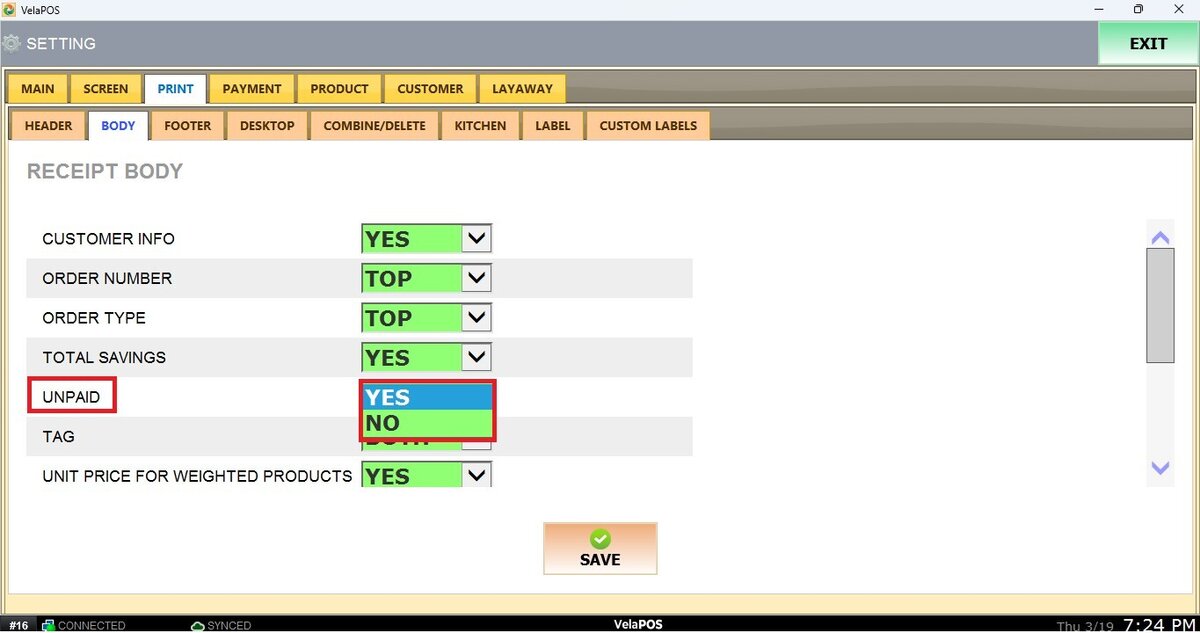
TAG
Displays product tags such as tax indicator or other product identifiers.
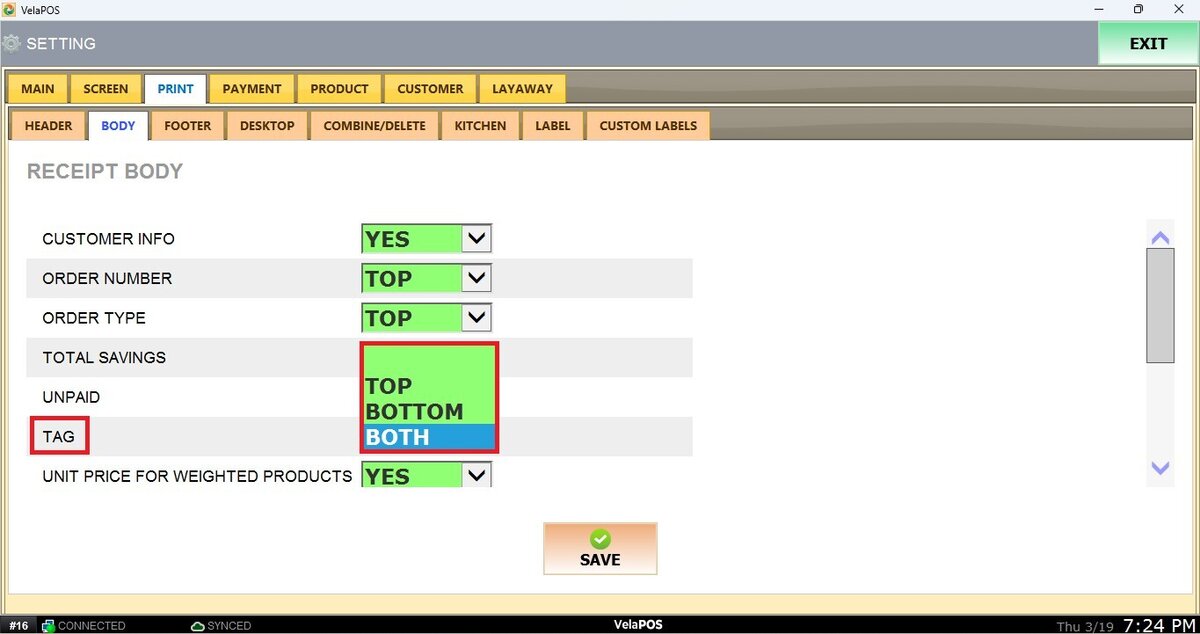
UNIT PRICE FOR WEIGHTED PRODUCTS
Prints the unit price for weighted items.
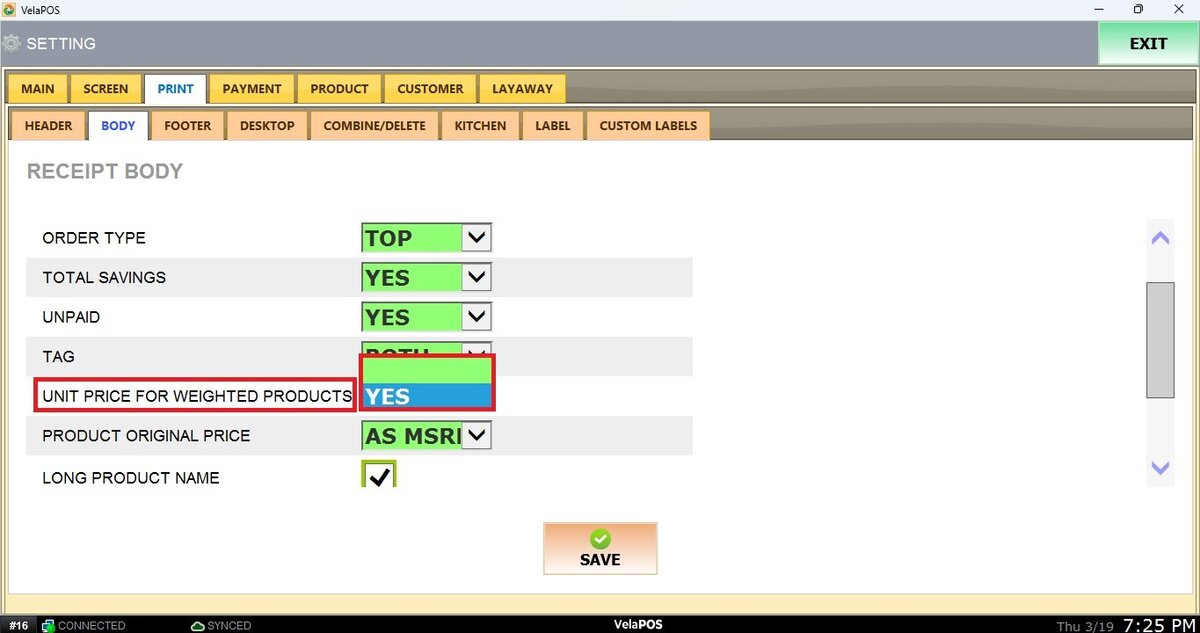
PRODUCT ORIGINAL PRICE
Displays the original product price before any discount is applied.
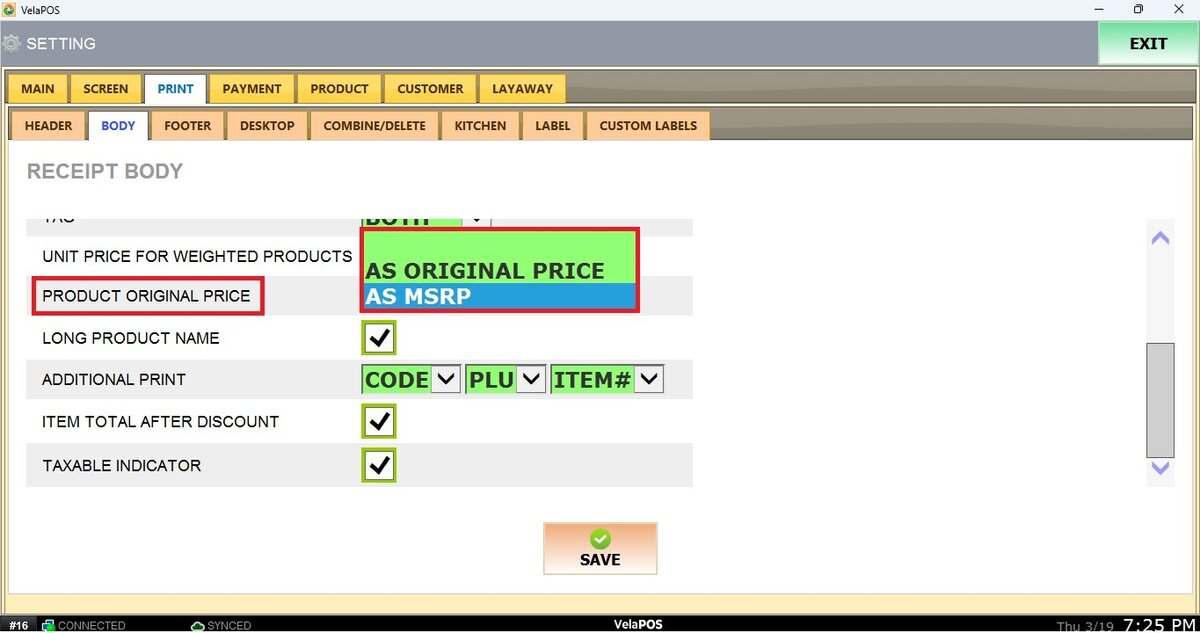
LONG PRODUCT NAME
Allows longer product names to be printed on multiple lines if needed.
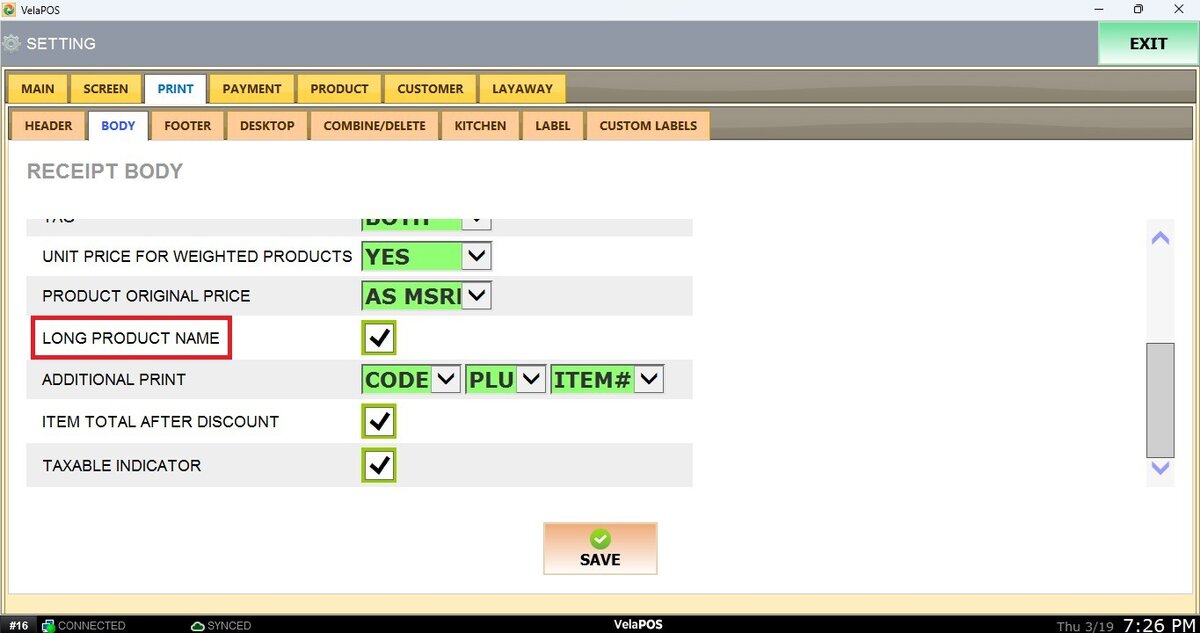
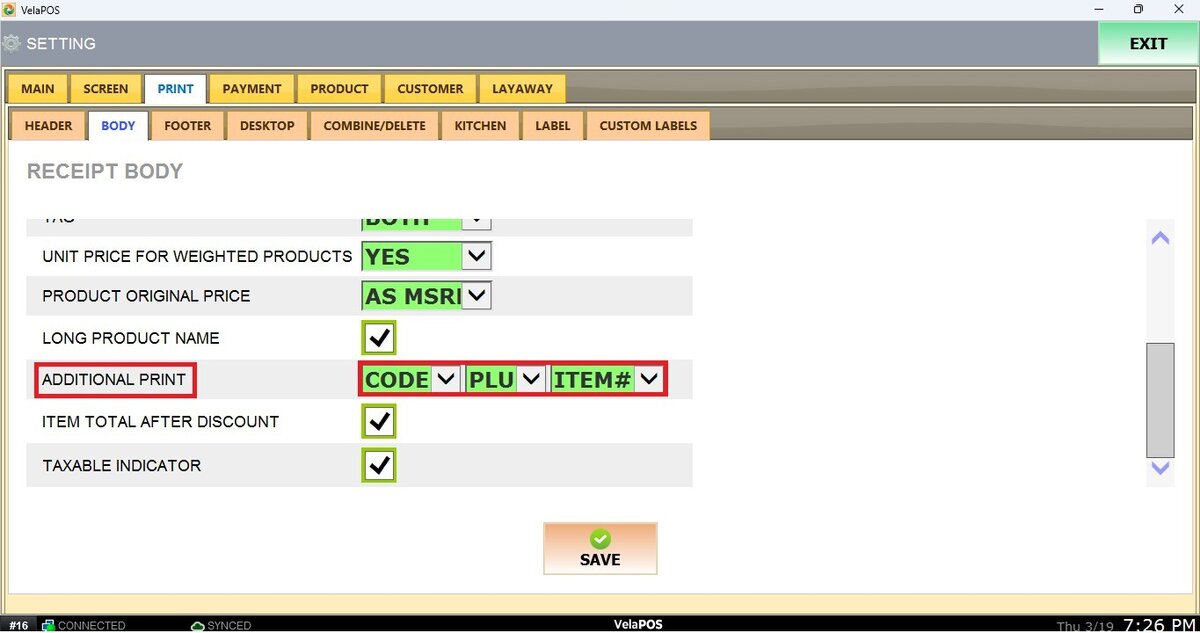
ADDITIONAL PRINT
Prints additional product information such as item code, PLU, or barcode number.
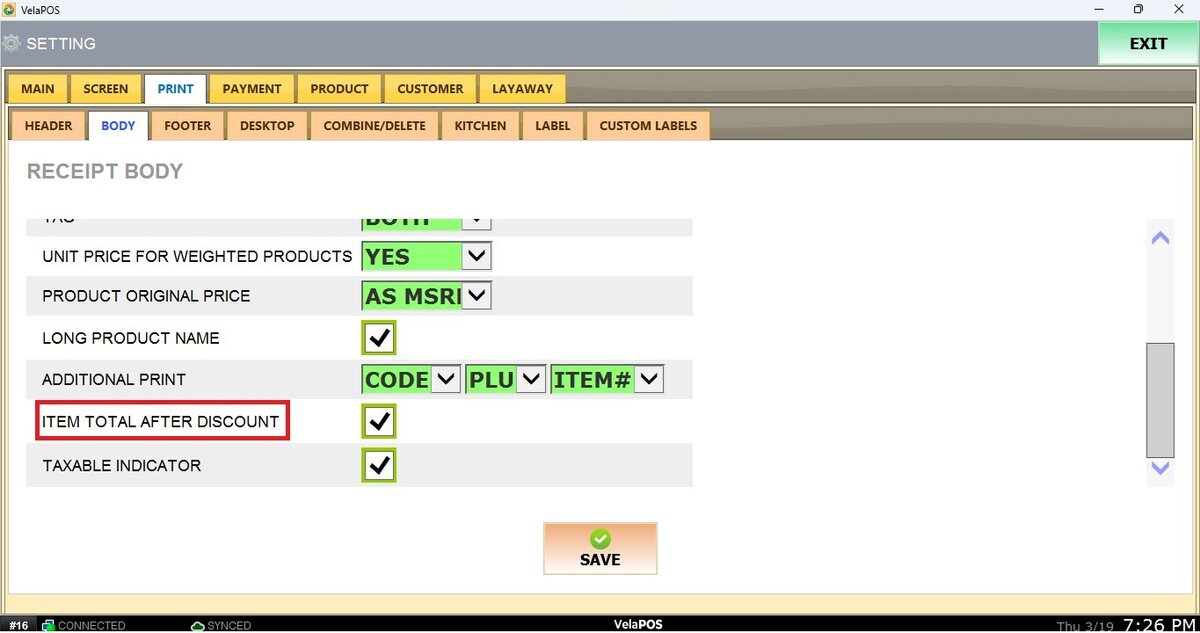
ITEM TOTAL AFTER DISCOUNT
Prints the item price after a discount has been applied.
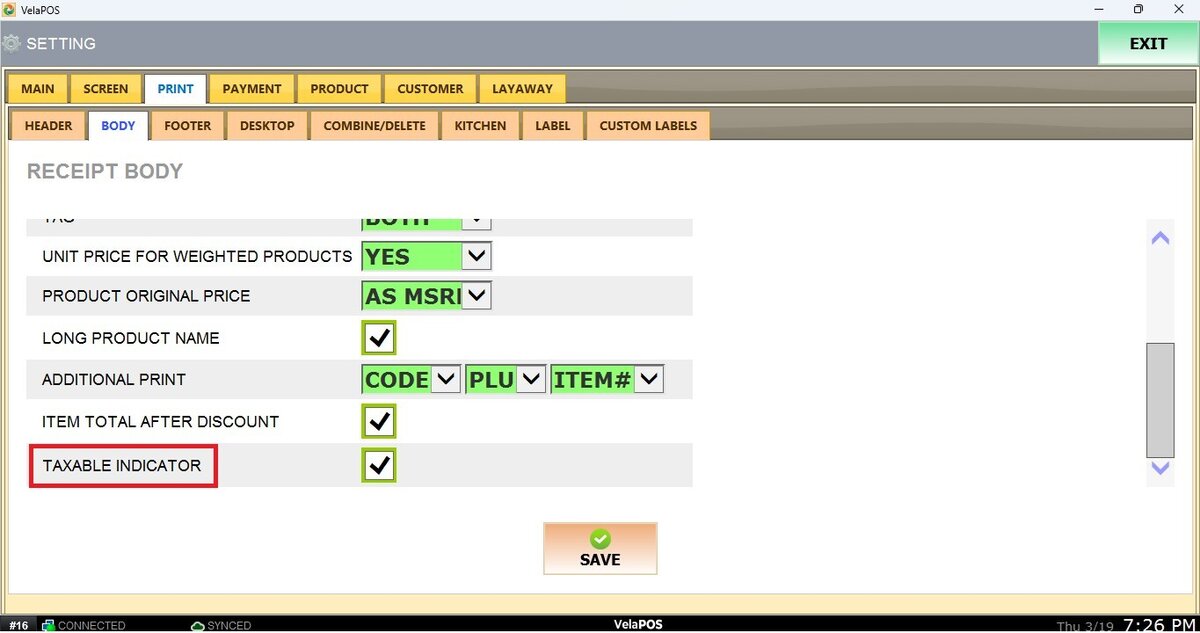
TAXABLE INDICATOR
Shows a taxable indicator (such as “T”) next to items that are subject to tax.
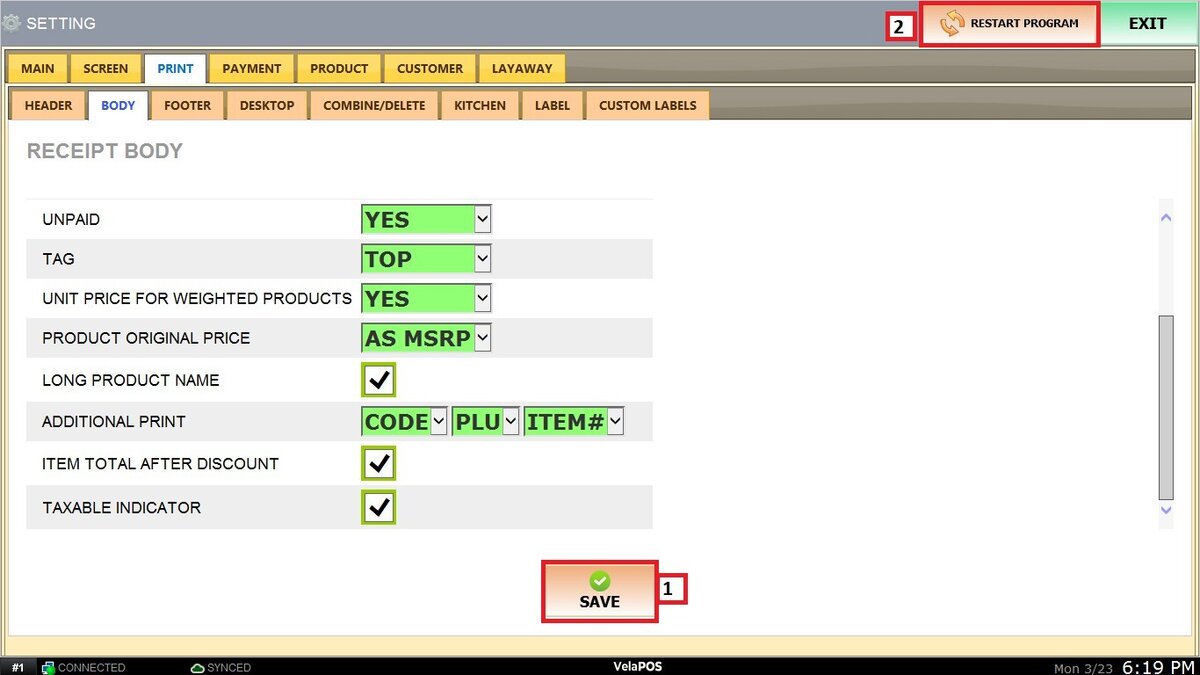
Once configured, click SAVE and RESTART PROGRAM.
Result: