Product
These settings control who can create, edit, or delete products in the system. Helps prevent unauthorized changes to your menu, pricing, and inventory.
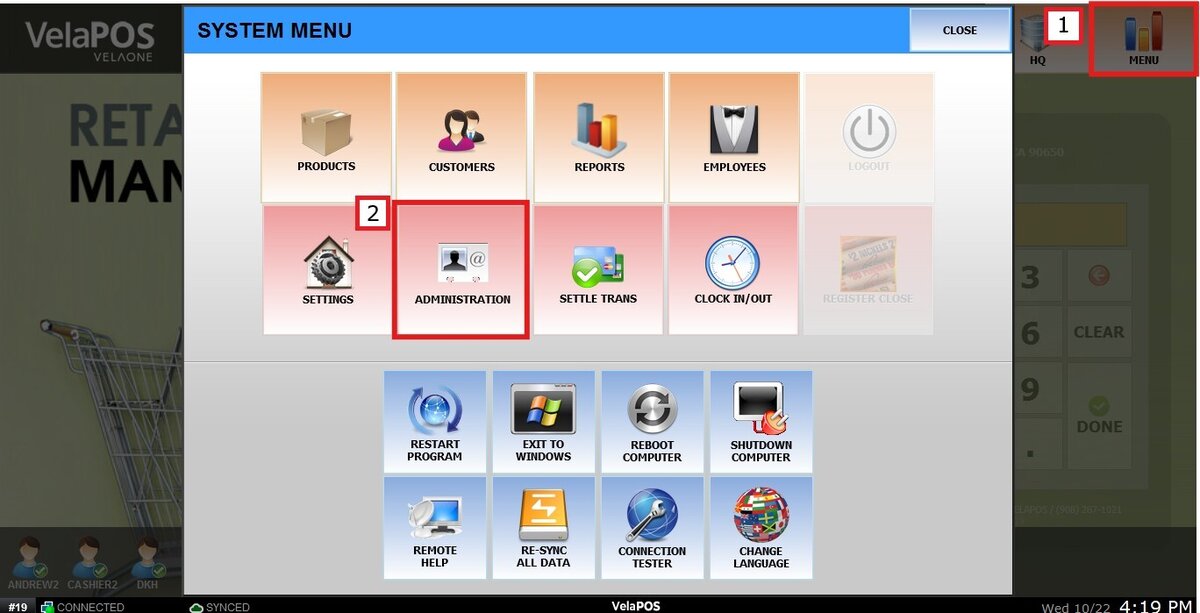
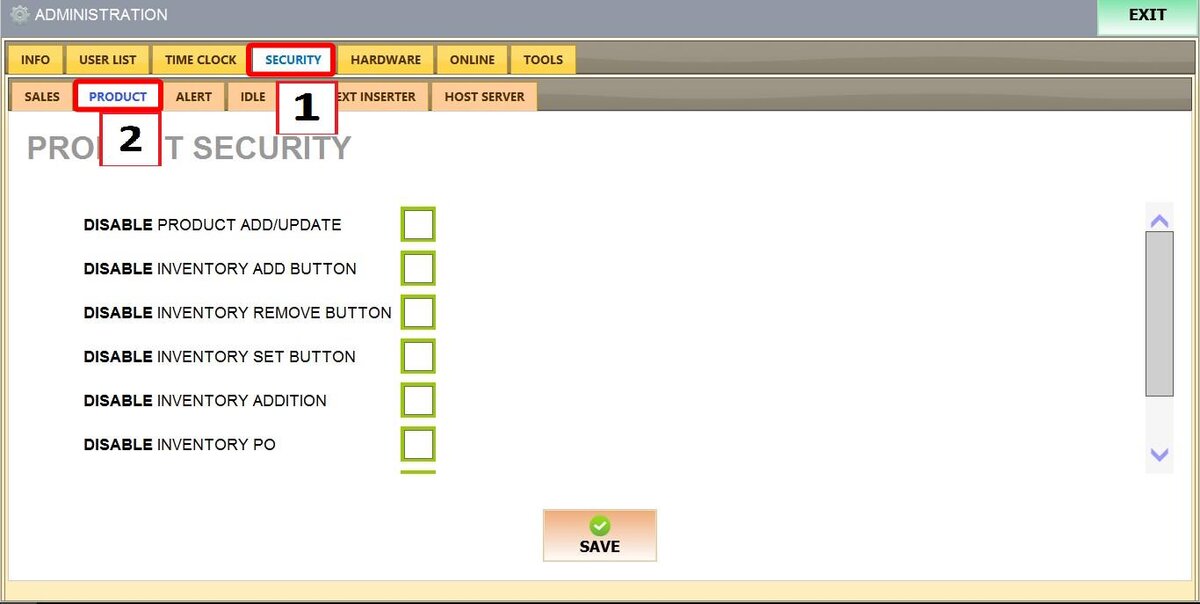
Main Screen > MENU > ADMINISTRATION > SECURITY > PRODUCT
Click MENU then ADMINISTRATION
Go to the SECURITY tab, then select PRODUCT.
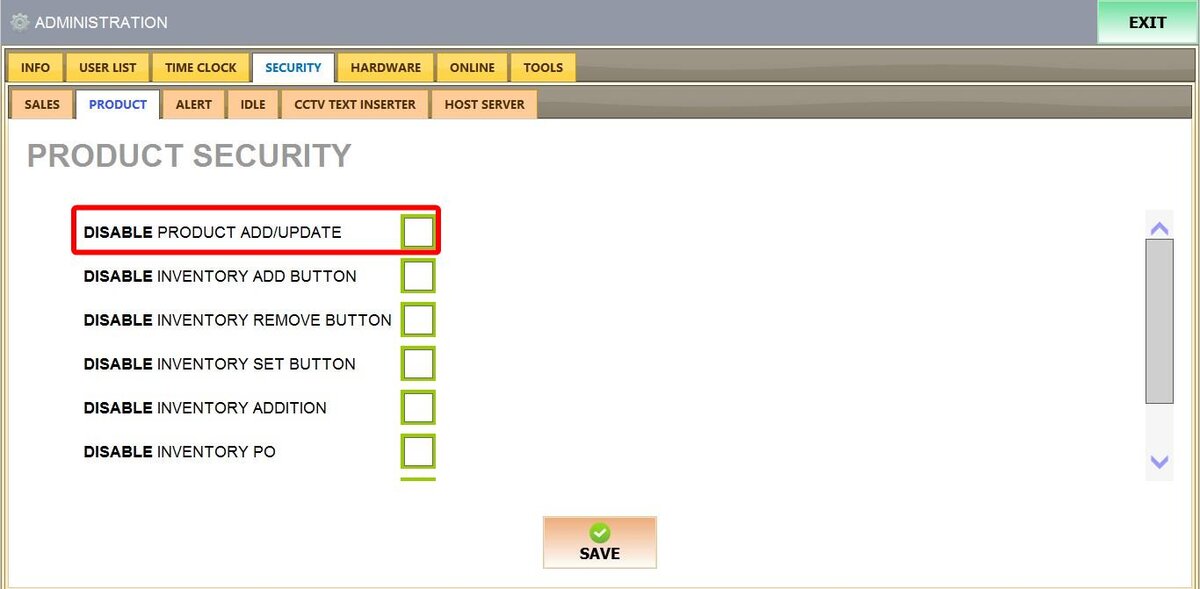
SETTINGS:
DISABLE PRODUCT ADD/UPDATE: Prevents users from creating new products or editing existing ones. They can still view products, but cannot make changes.
UNCHECKED
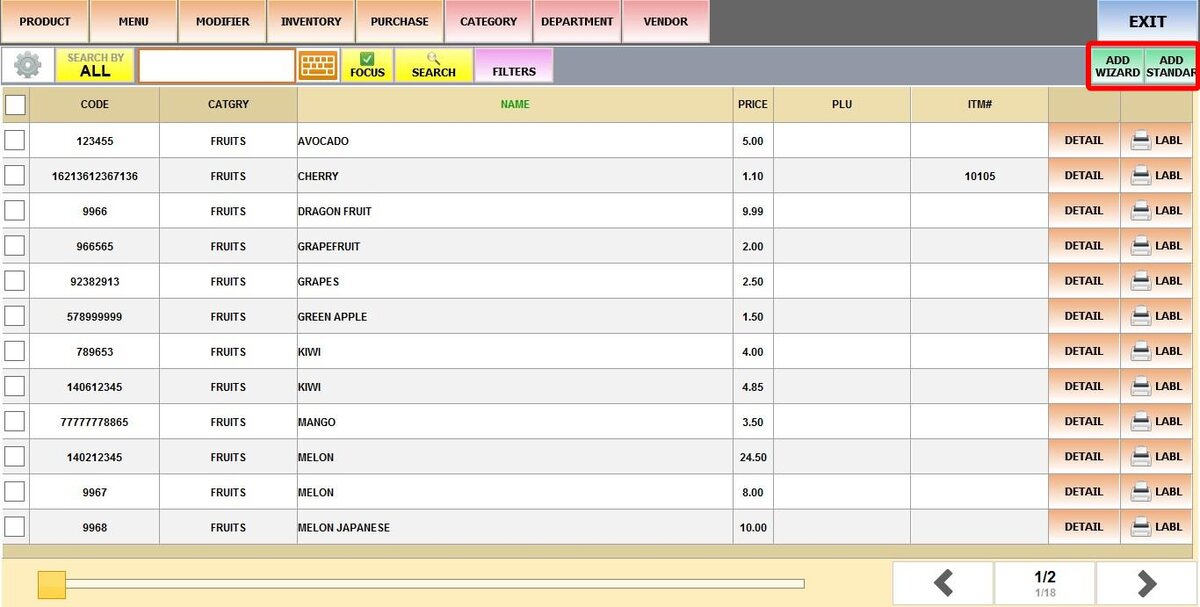
CHECKED
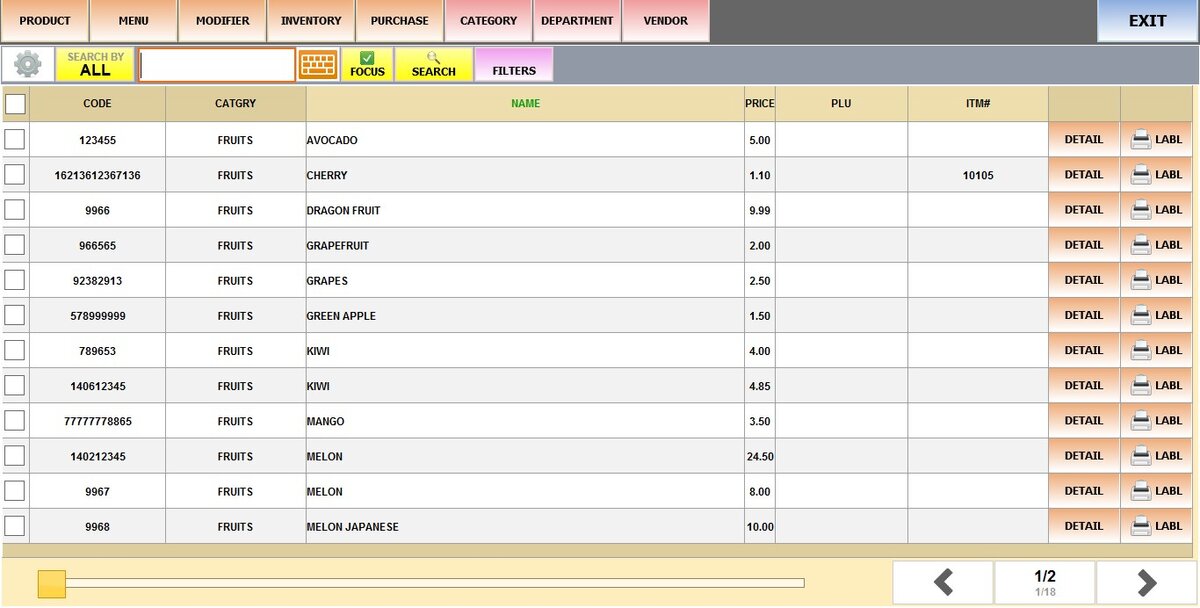
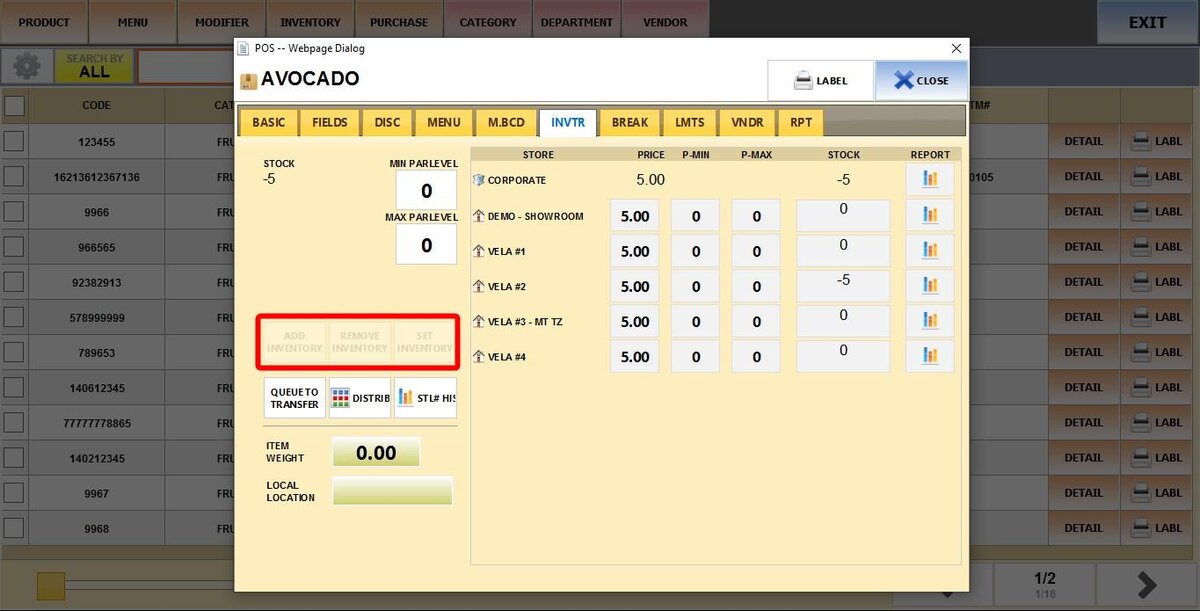
DISABLE INVENTORY ADD BUTTON: Removes the option to manually add stock quantities to products. Users cannot increase inventory counts through this method.
DISABLE INVENTORY REMOVE BUTTON: Removes the option to manually remove stock quantities from products. Users cannot decrease inventory counts through this method.
DISABLE INVENTORY SET BUTTON: Prevents users from manually setting inventory quantities to a specific number. They cannot override current stock levels.
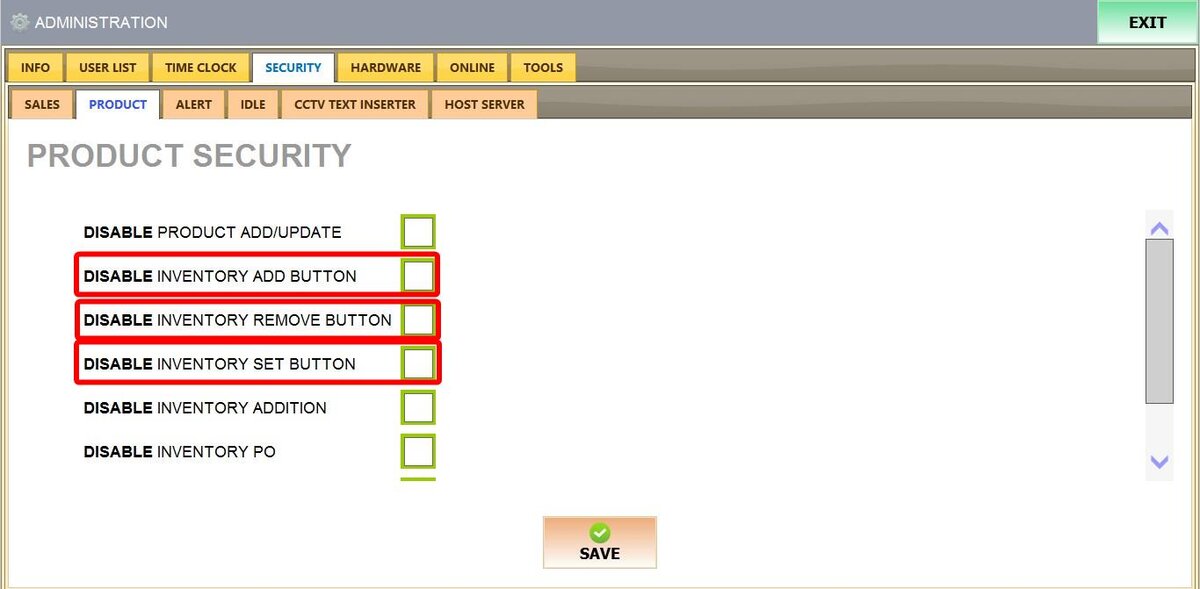
UNCHECKED
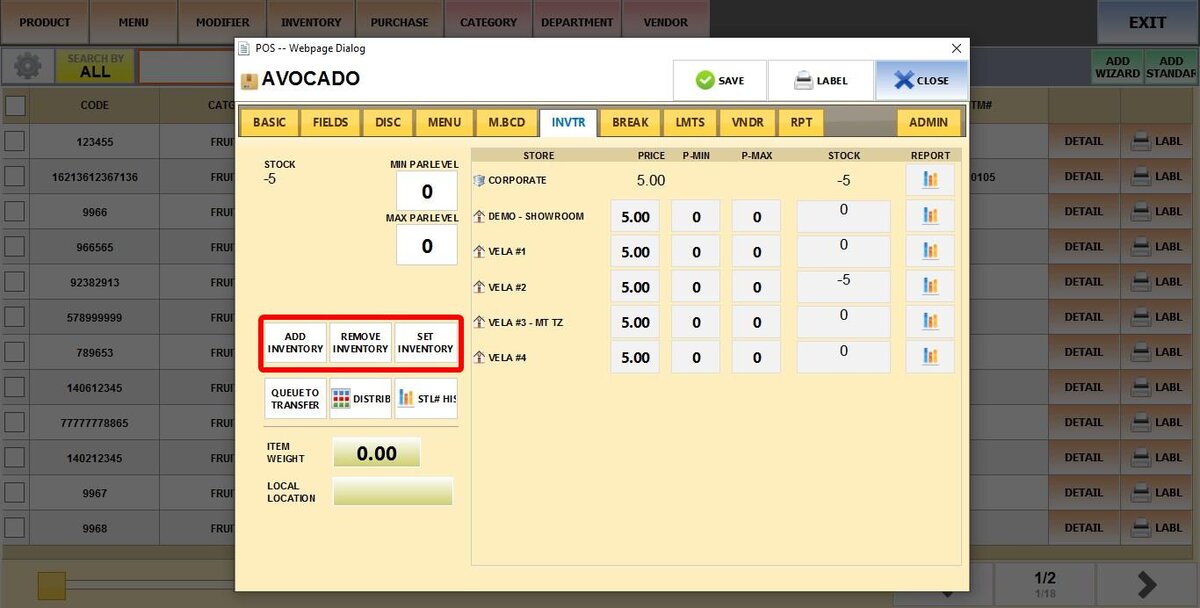
CHECKED
DISABLE INVENTORY ADDITION: Blocks all inventory addition functions
DISABLE INVENTORY PO: Disables purchase order functionality. Users cannot create or process purchase orders for inventory.
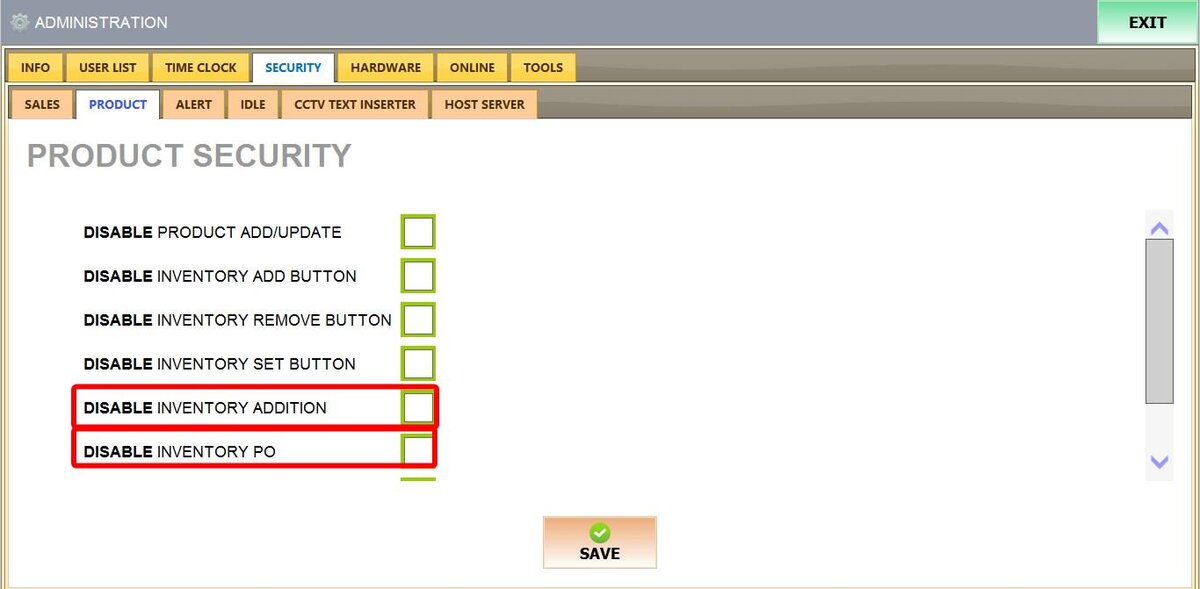
UNCHECKED
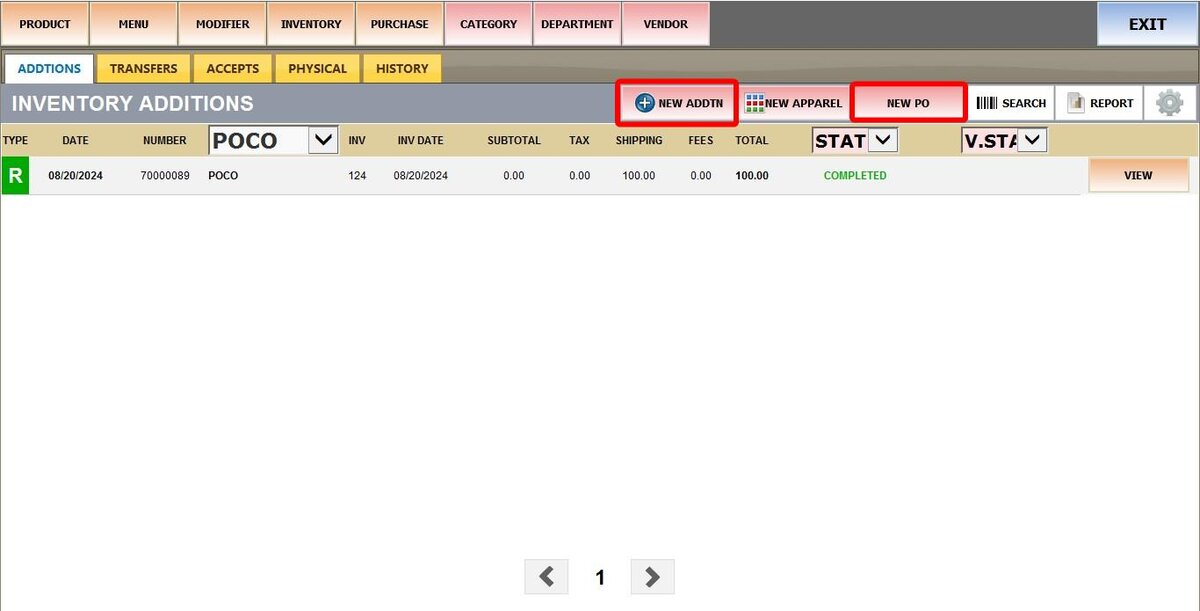
CHECKED
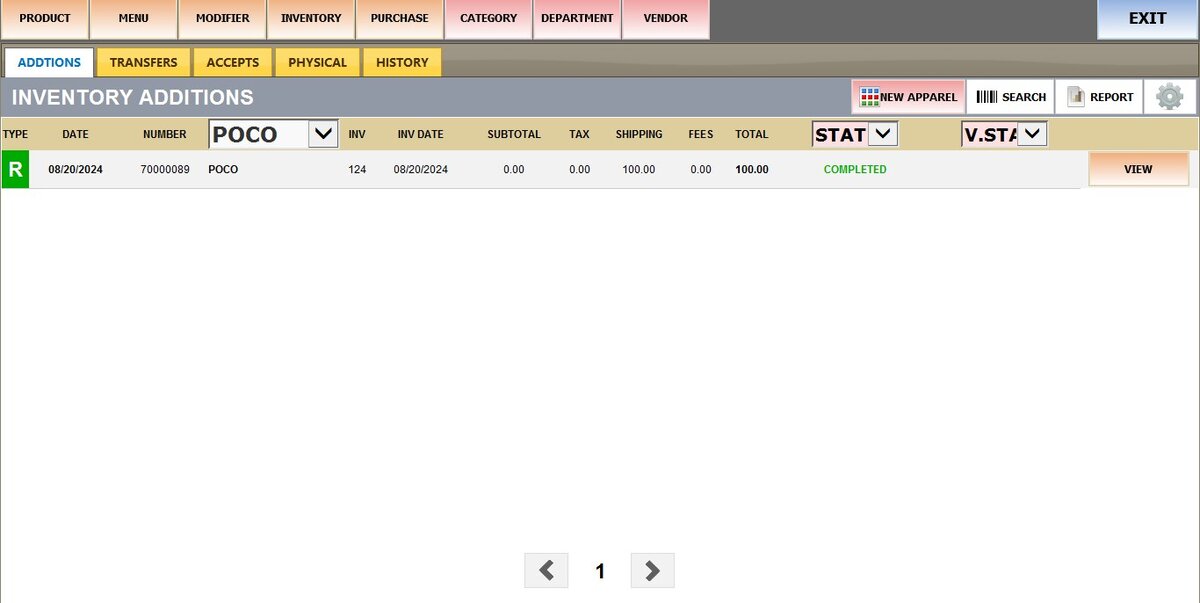
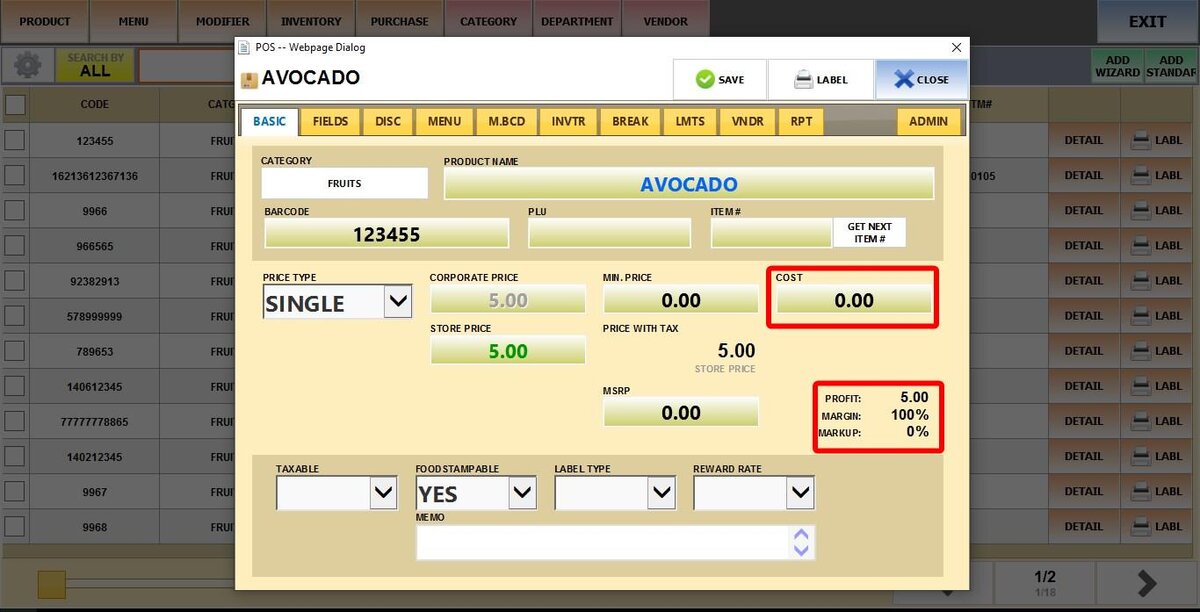
HIDE PRODUCT COST: Hides the cost, profit, margin and markup prices from product details.
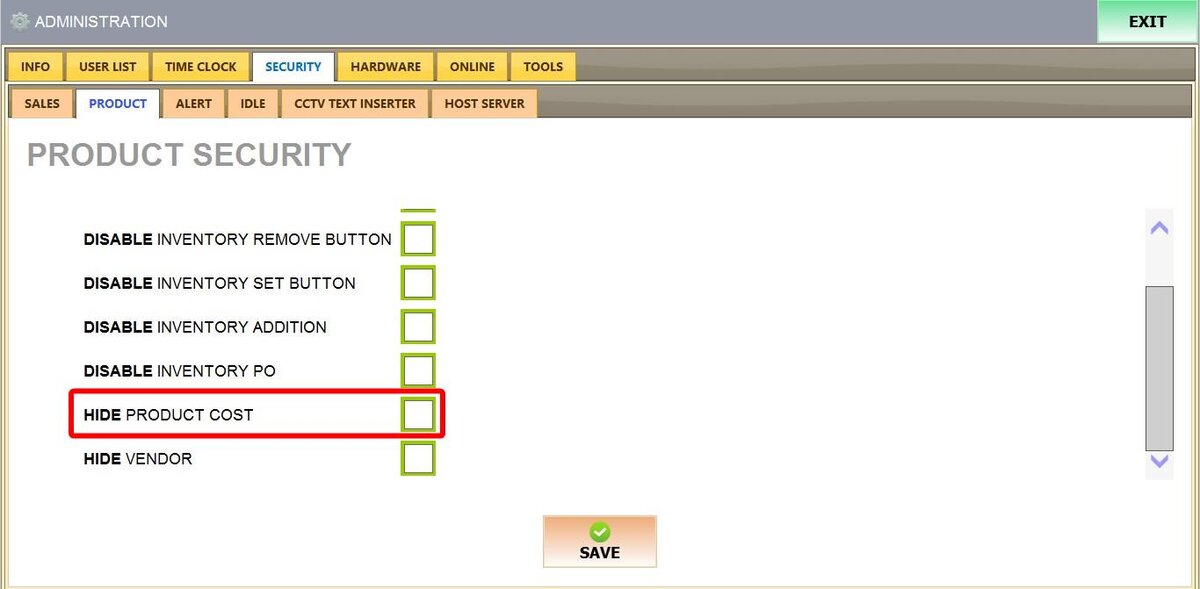
UNCHECKED
CHECKED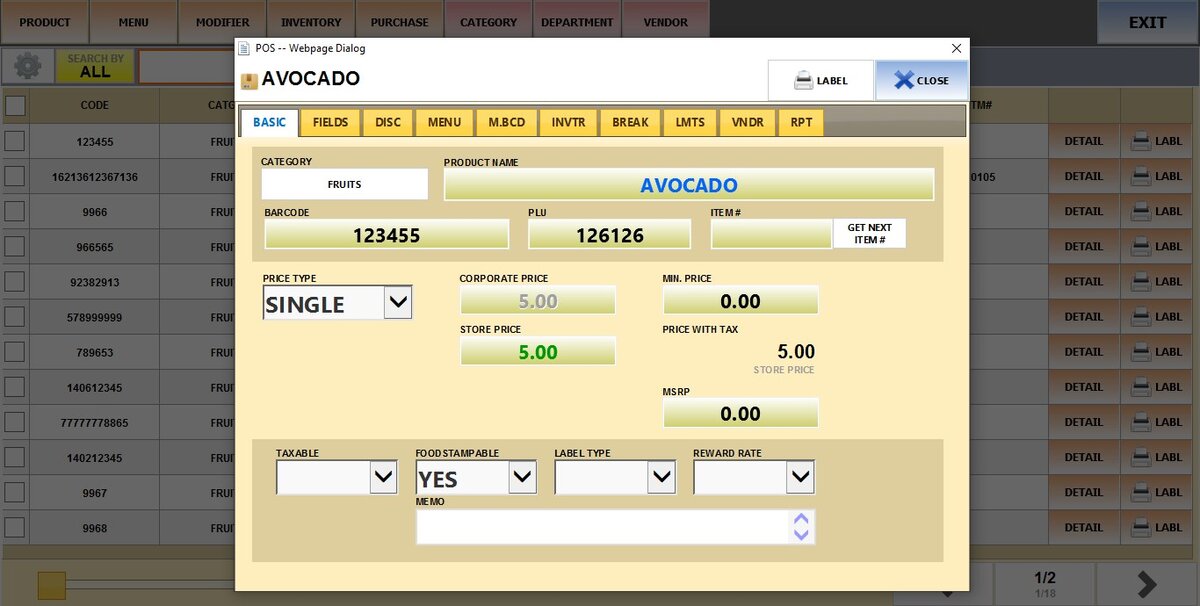
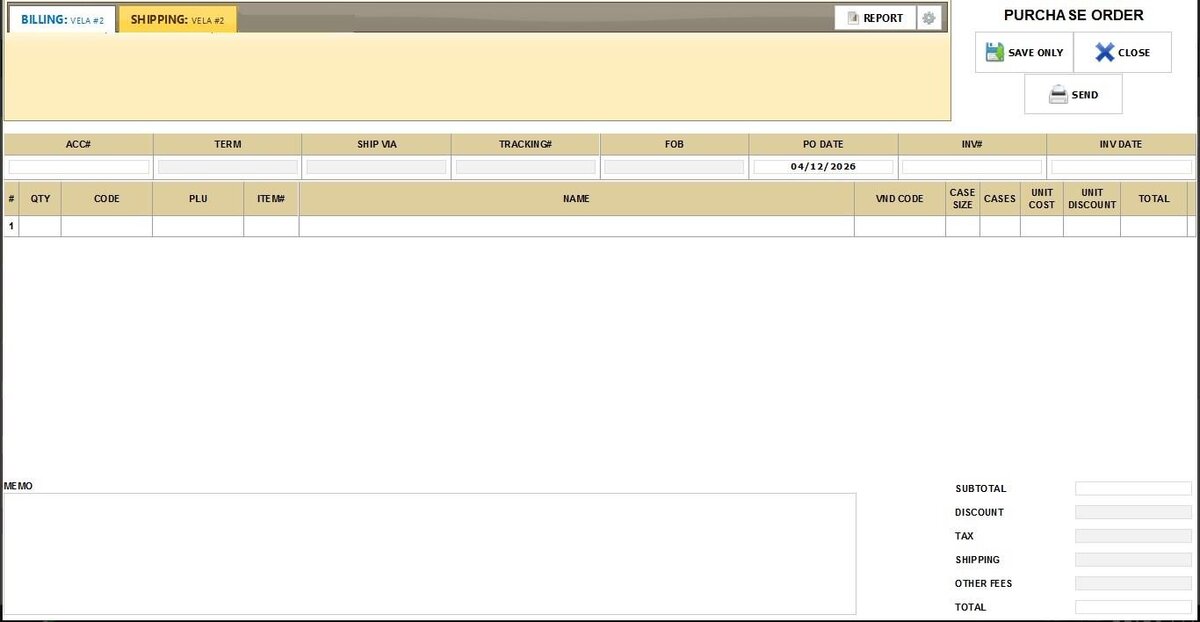
HIDE VENDOR: Hides vendor/supplier information from Purchase Orders
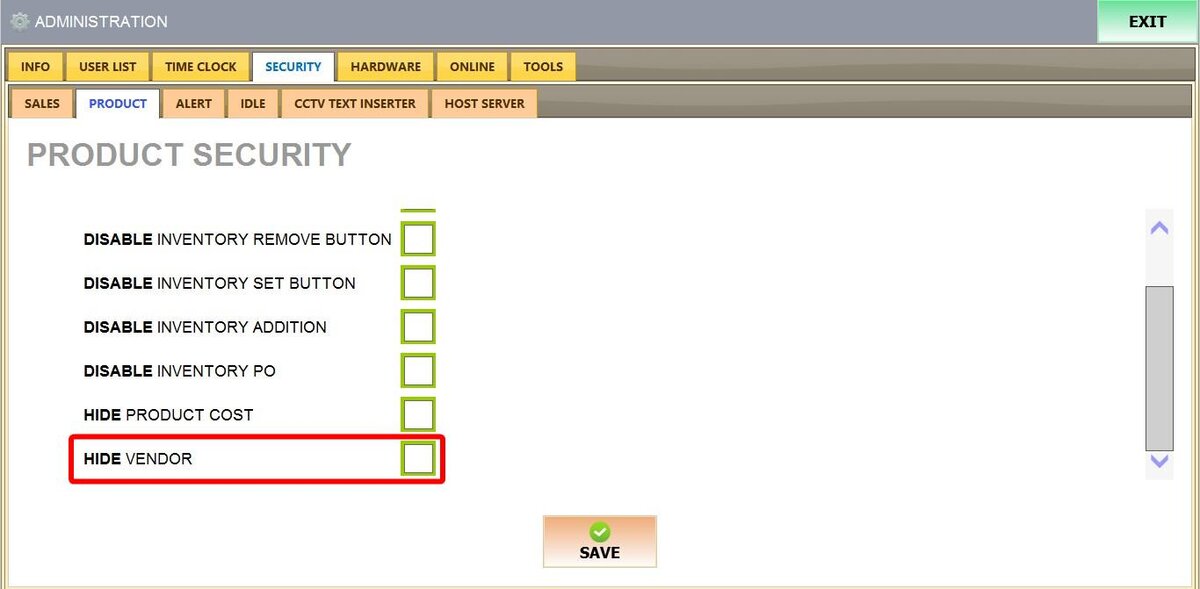
UNCHECKED
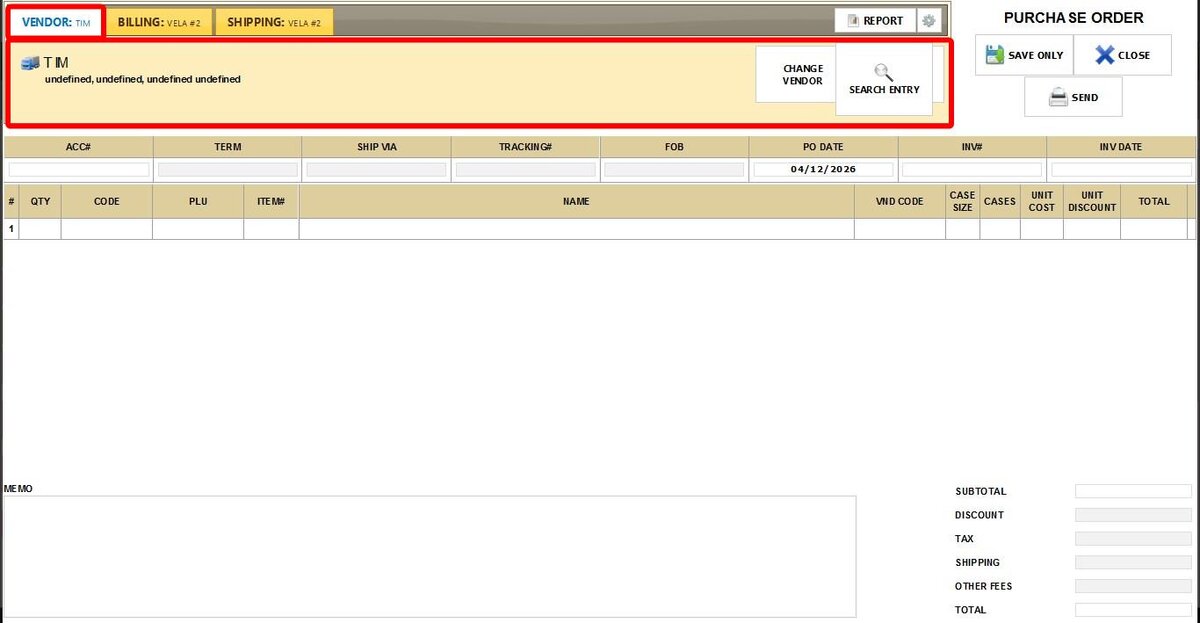
CHECKED
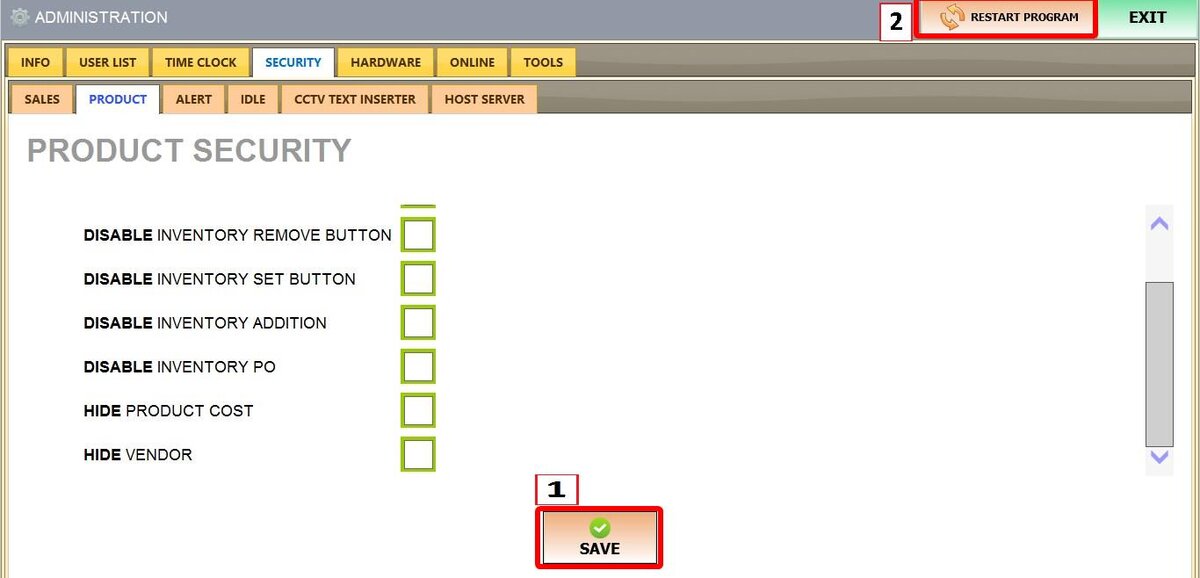
Click SAVE and RESTART THE PROGRAM