POS Hardware Setup Guide
This section walks you through preparing the terminal for use. These steps ensure the device is properly set up and ready to operate within the system.
Unbox the POS and place it on a stable, flat surface. Rotate it so the back is facing you, then slide the top cover upward to remove it.
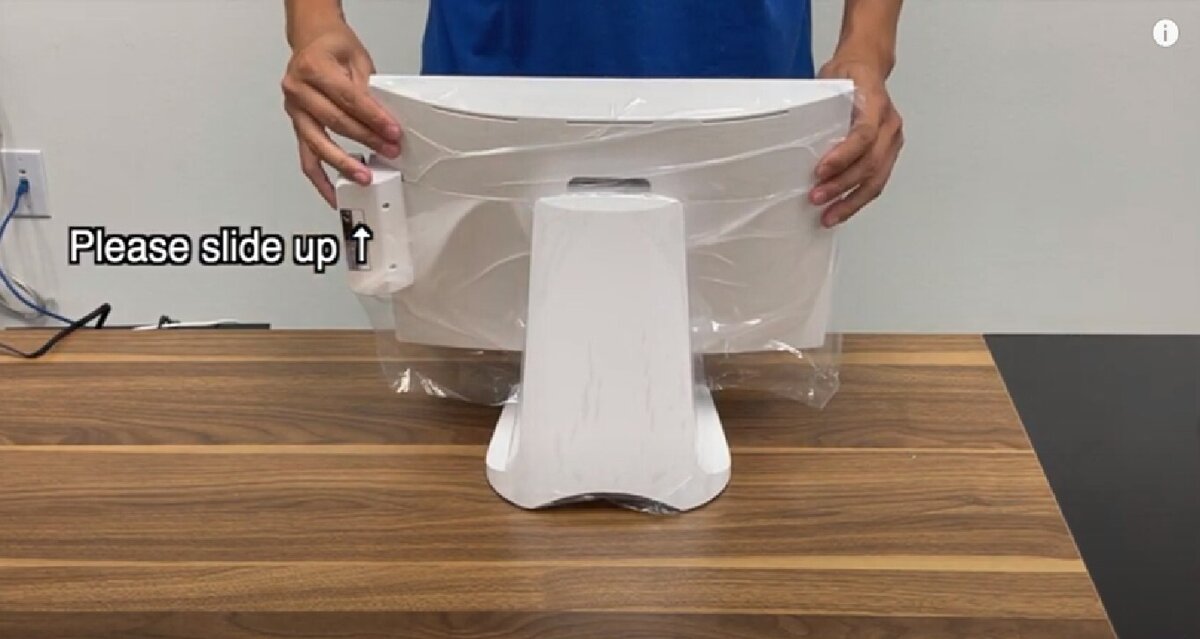
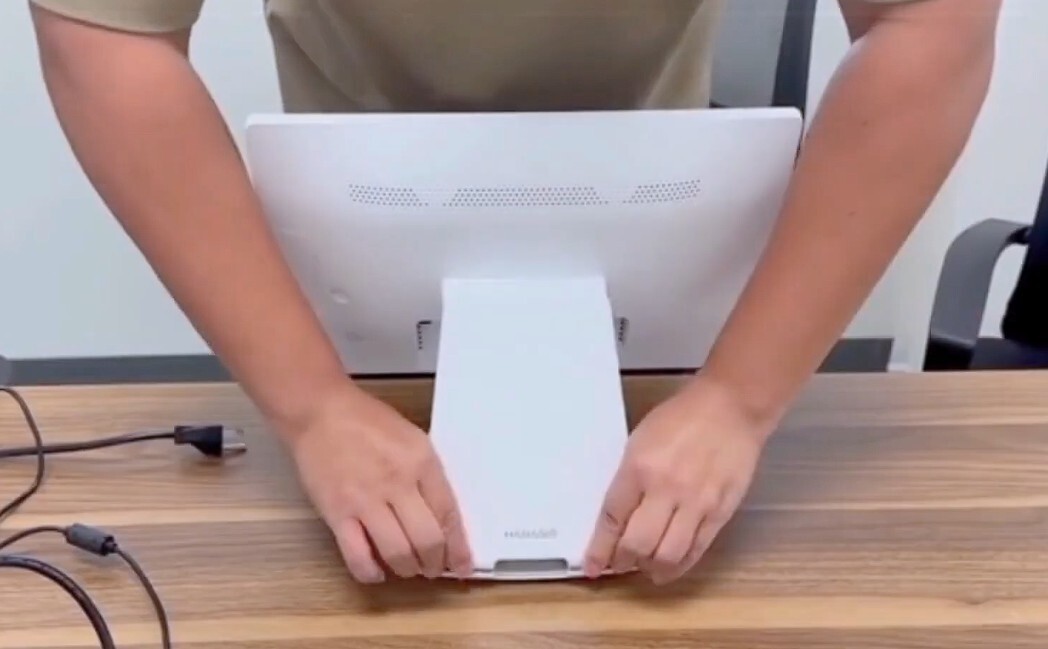
Locate the two notches at the base of the POS stand. Push them outward to release the clips. Once unclipped, slide the back cover up first, then down to remove it completely.
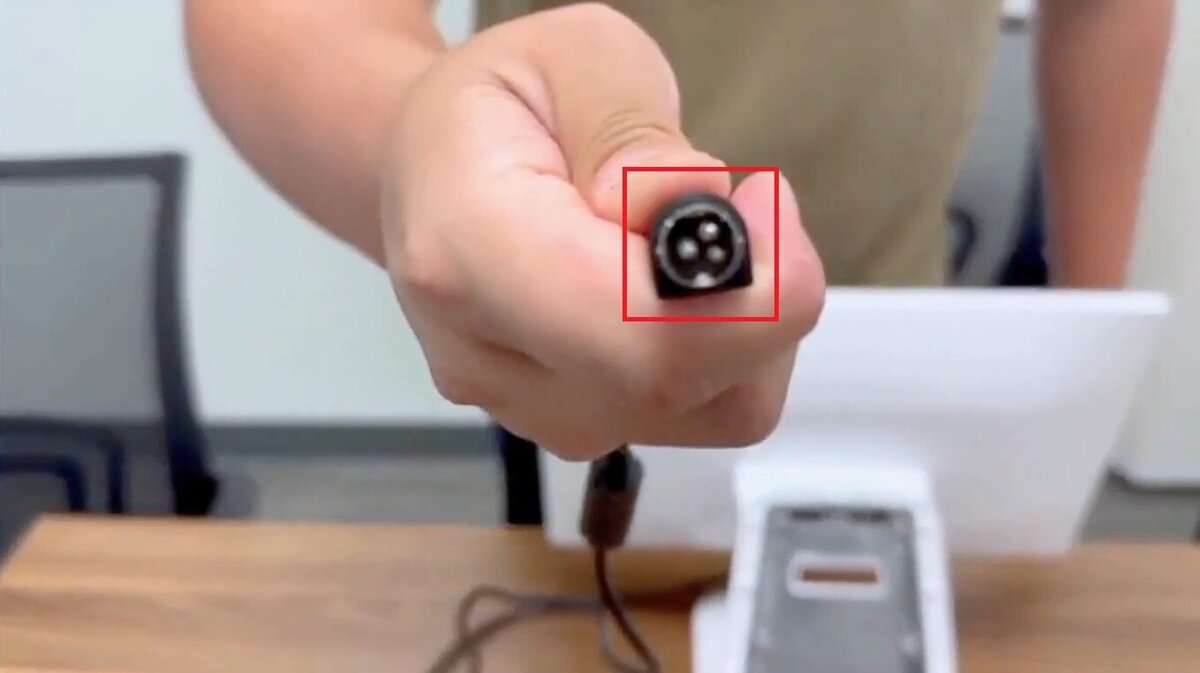
Connect the power adapter to its port. Make sure the flat side of the connector faces outward as you plug it in.
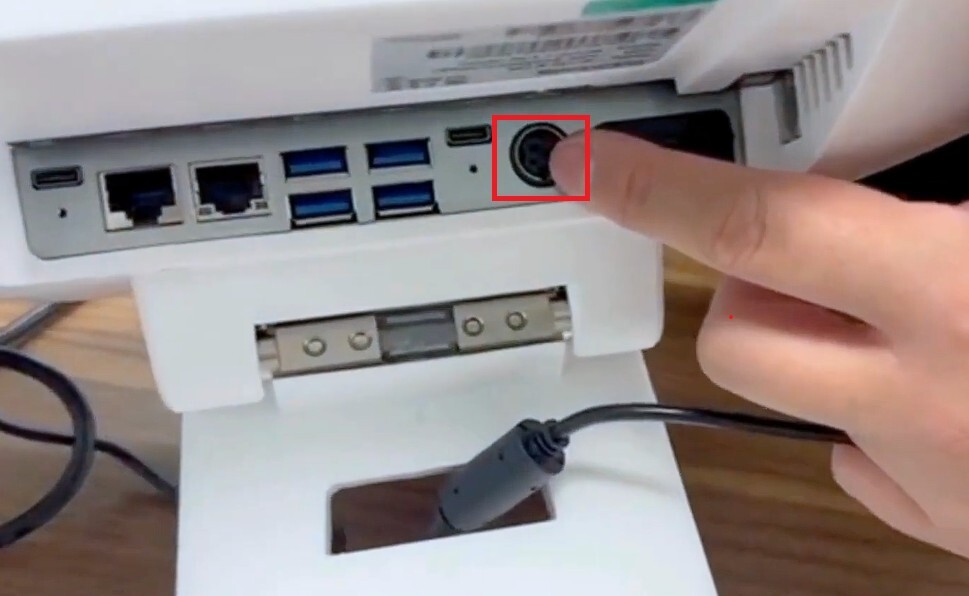
Connect the LAN cable to the LAN port, which is located next to the USB connectors.
