Receipt Printer Setup Guide
This section walks through preparing the Receipt Printer for use. These steps ensure the device is properly set up and ready to operate as part of the system.
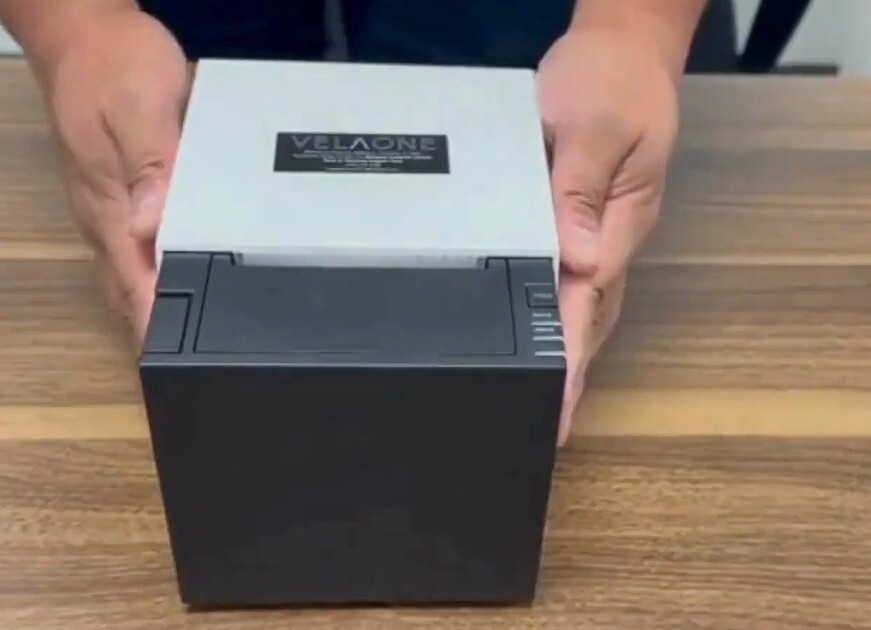
Unbox the receipt printer and place it on a flat surface.
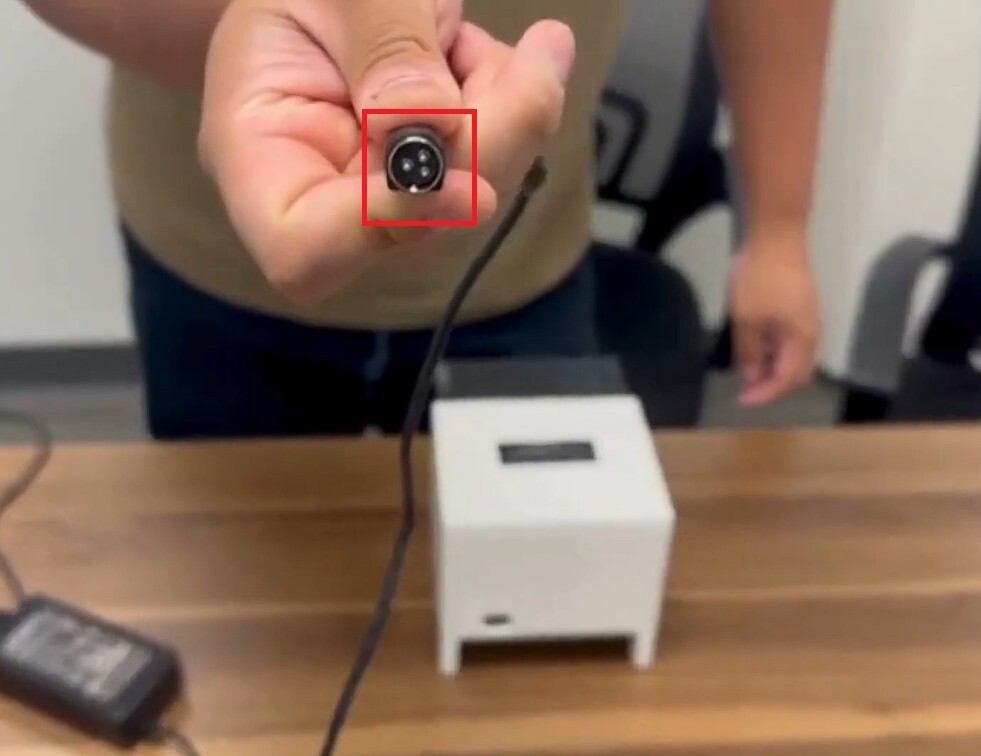
Locate the power adapter socket and connect the adapter to it.
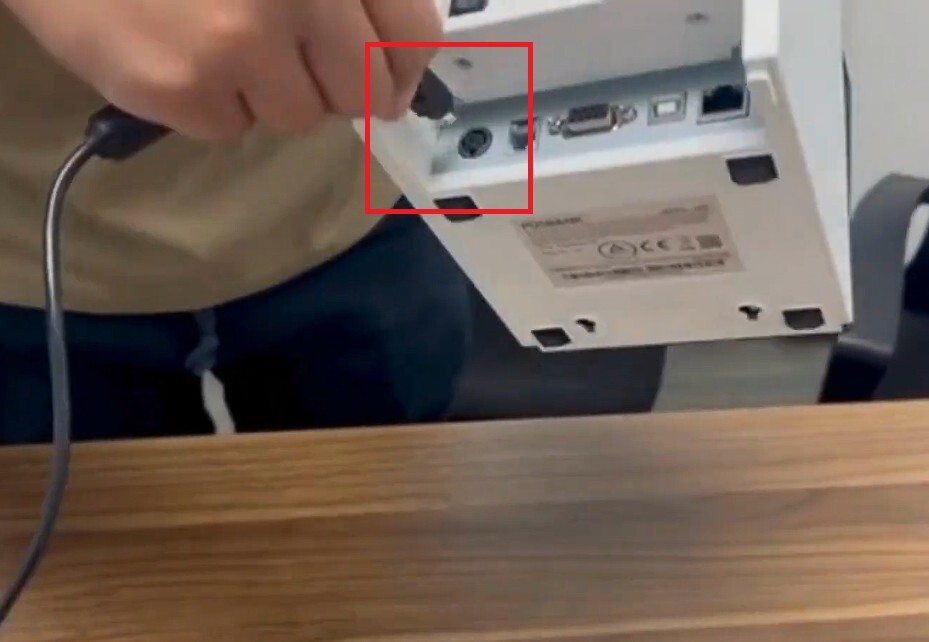
Flip the receipt printer back and locate the USB socket. Connect the USB to the appropriate socket.
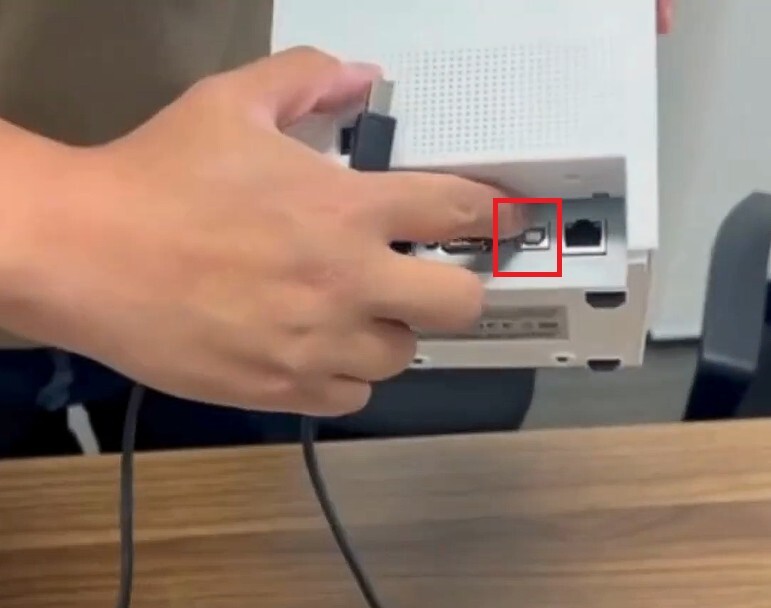
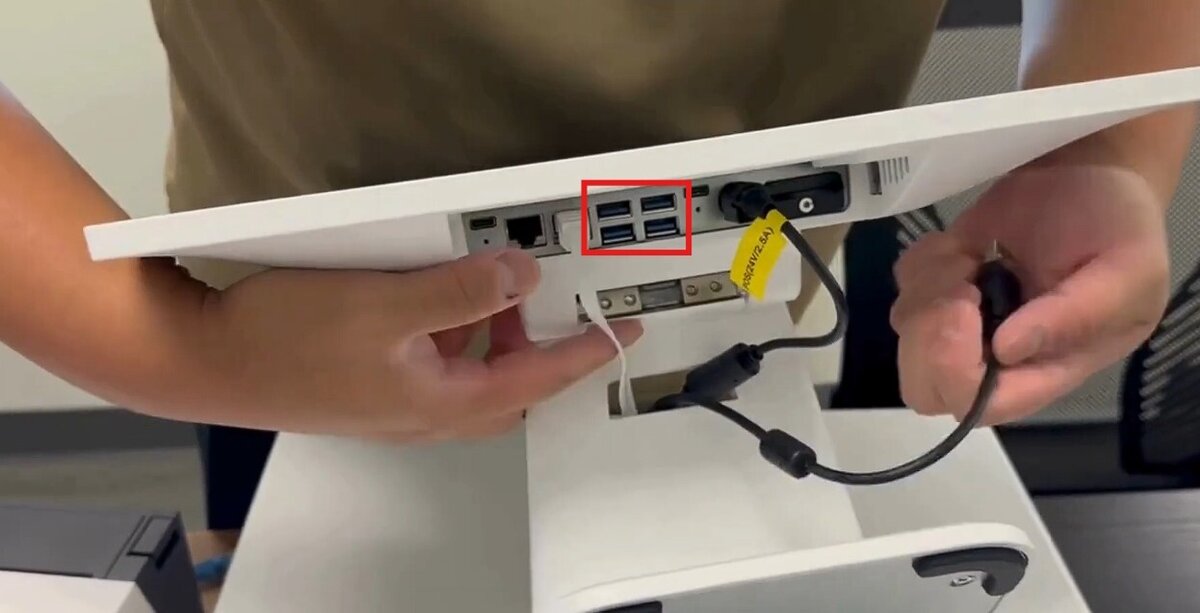
Connect USB cable to the POS.