Search Transfer
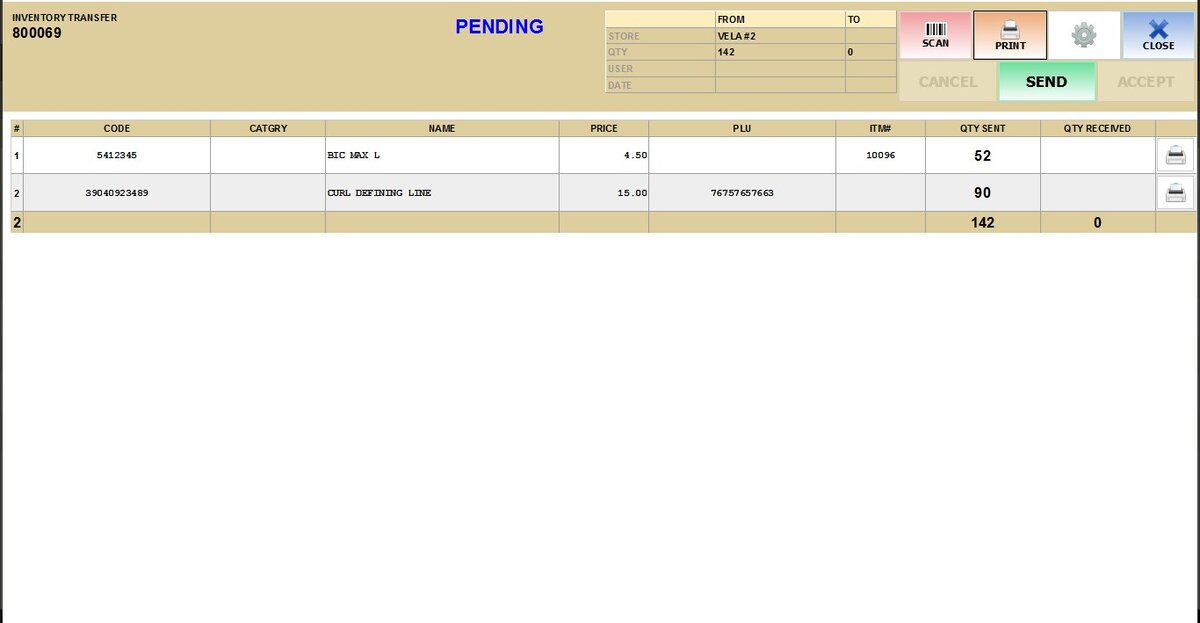
This feature allows you to quickly and directly locate any existing inventory transfer. It’s designed to help you track the status of a specific transfer and access its details without navigating through the full list.
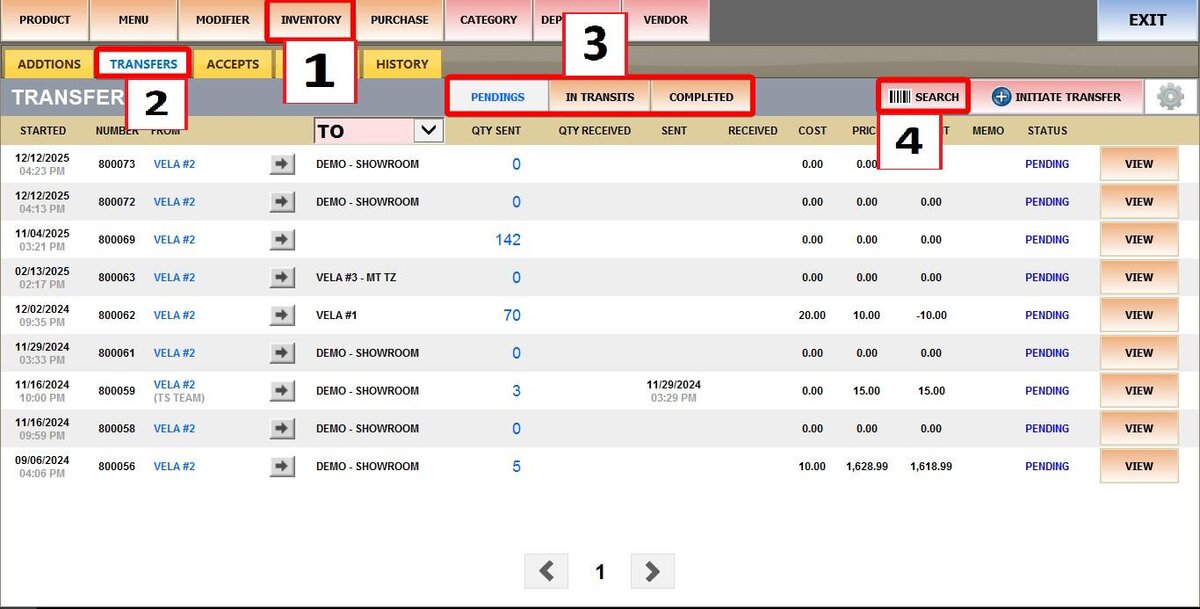
MENU > PRODUCTS > INVENTORY > TRANSFERS > SEARCH.
Go to MENU, then select PRODUCTS

On the INVENTORY tab, go to TRANSFERS. Select Pending, In Transit, or Completed based on the type of transfer you’re looking for, then click SEARCH.
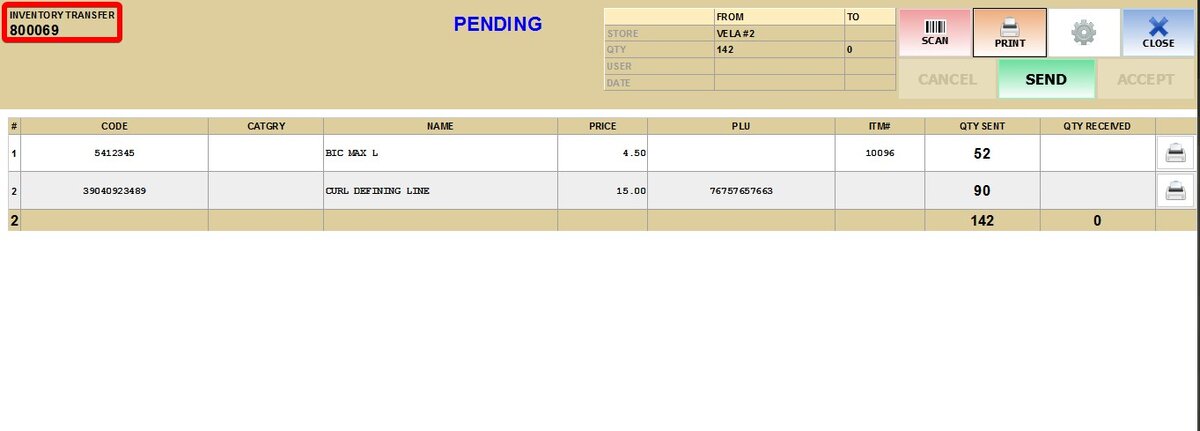
You will be prompted to enter the Transfer Number, which uniquely identifies each transfer. You can find this number in the following locations:
1. On the Transfer List screen, under the NUMBER column. 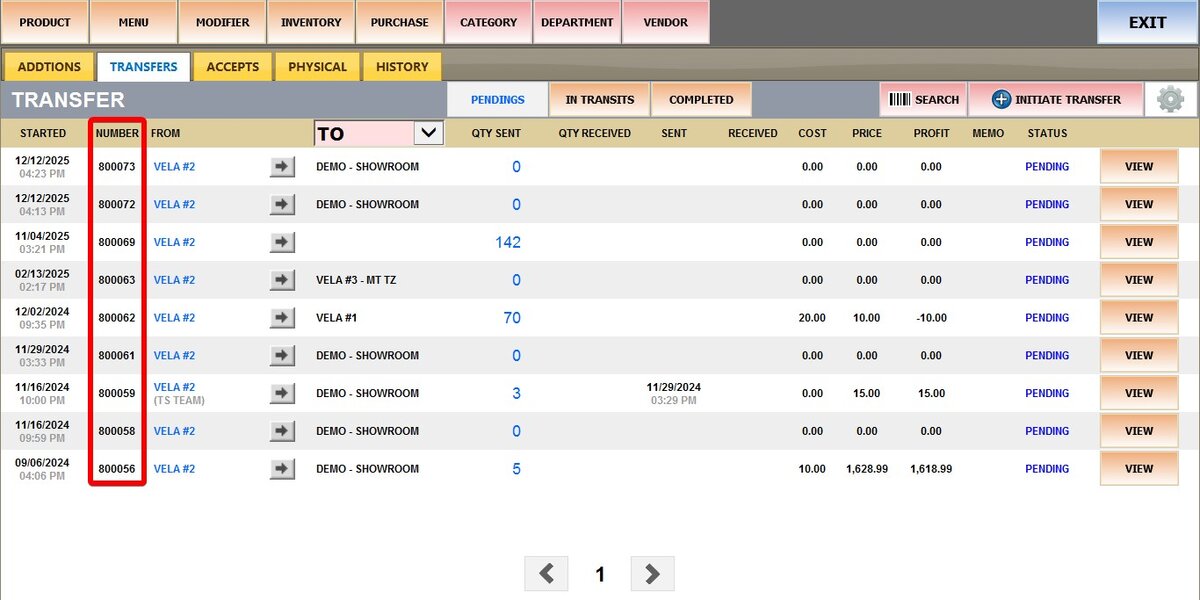
2. On the Transfer Details screen, displayed in the top-left corner.
3. On any printed or emailed copy of the transfer document.
Once you have the Transfer Number, click SEARCH. Input the Transfer Number and click DONE.

Result:
You will be taken directly to the transfer’s detail screen. From there, you can perform the appropriate actions based on its current status, such as continue with the SCAN, SEND, RECEIVE, or PRINT.