Memo
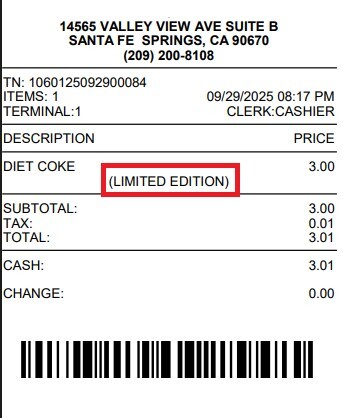
With this feature, a customized note can be added to an item. The note will appear below the selected item, in the transaction list, and on the printed receipt.
Main Screen> Number Pad> Sales Screen > Toolbox> MEMO
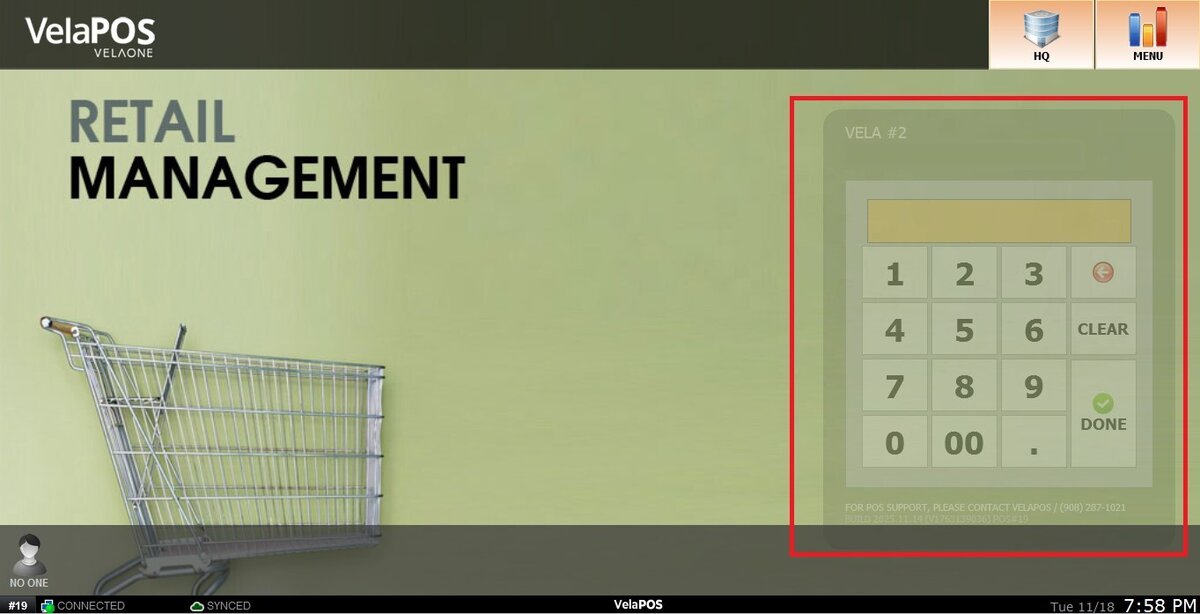
On the Main screen, click on the number pad and input the assigned personal password.
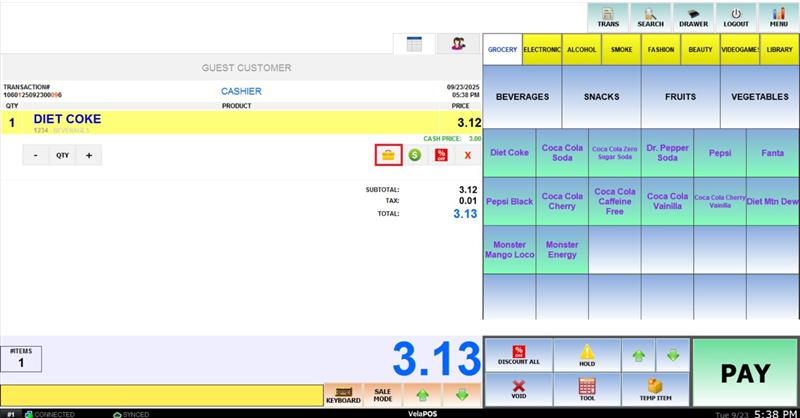
Ring up an Item.
Below the selected item, click the yellow TOOLBOX button to access the Item Menu.
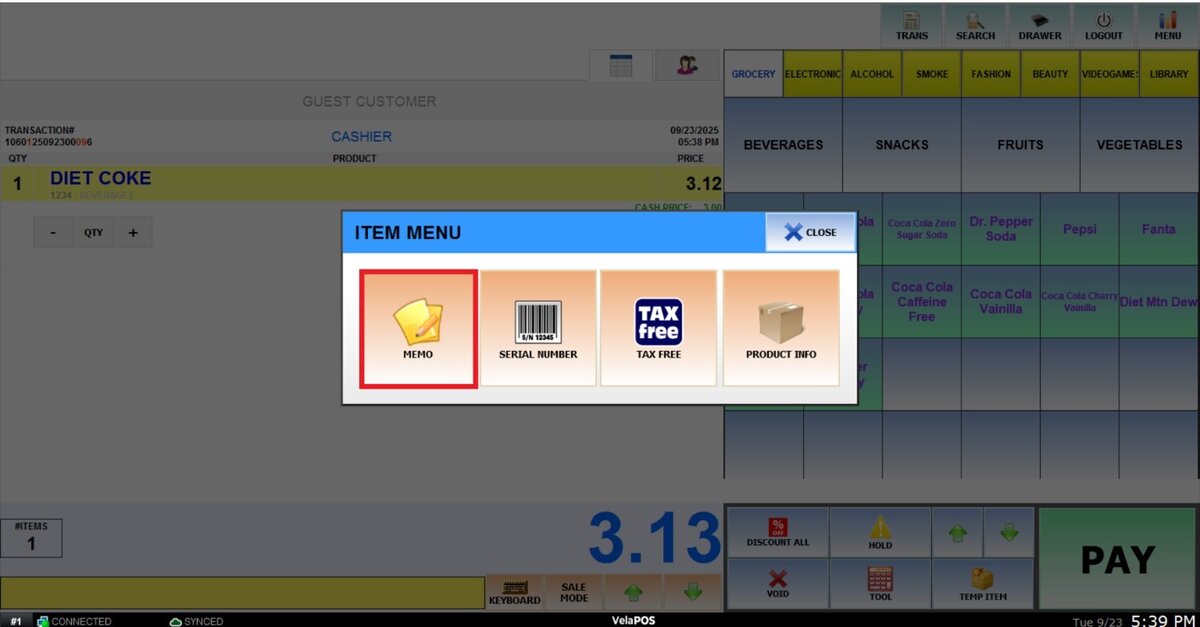
Click on MEMO.
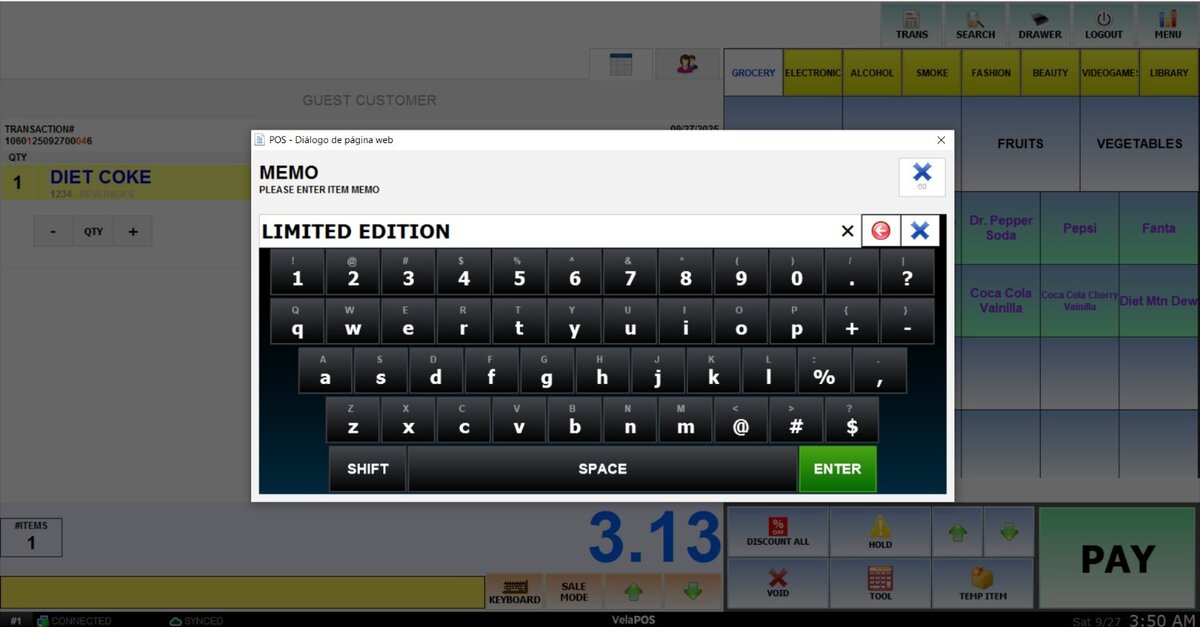
The following keyboard will appear on the screen, here you can input the desired message.
Result:
On the sales screen: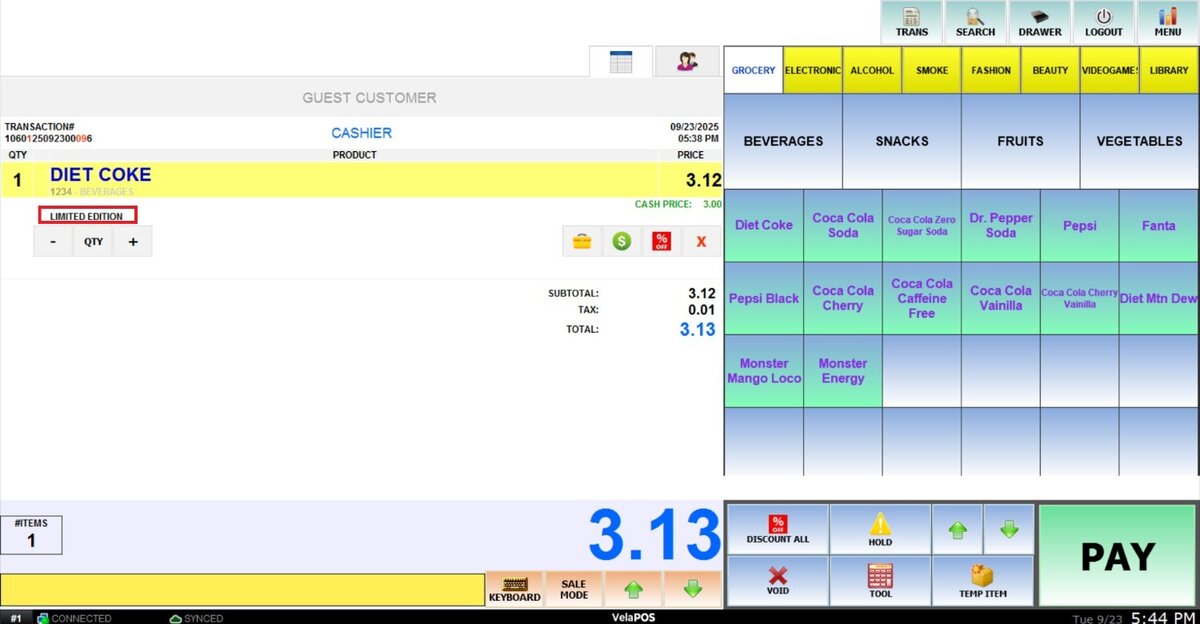
On the ticket list:
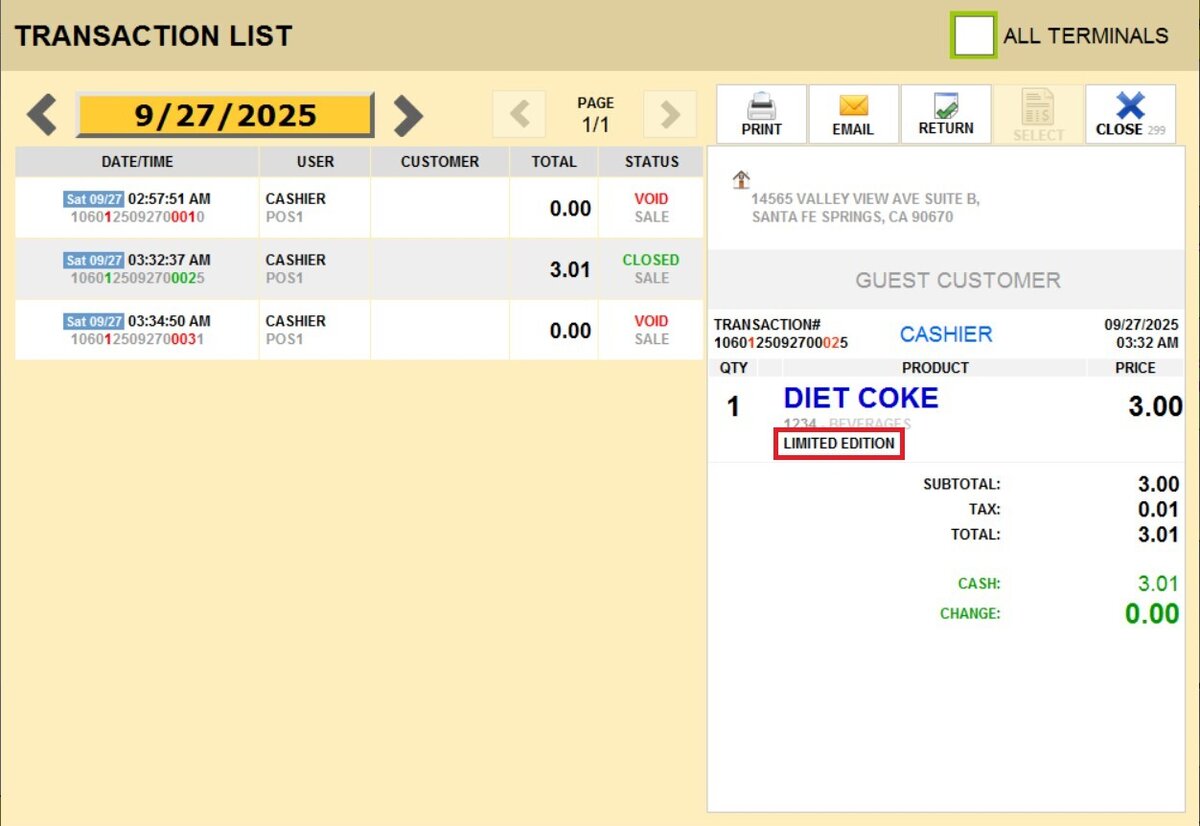
On the physical ticket: