Item Price Change
This tool allows modification of an item price directly on the sales screen.
Main Screen> Number Pad> Sales screen > Dollar Icon ($)
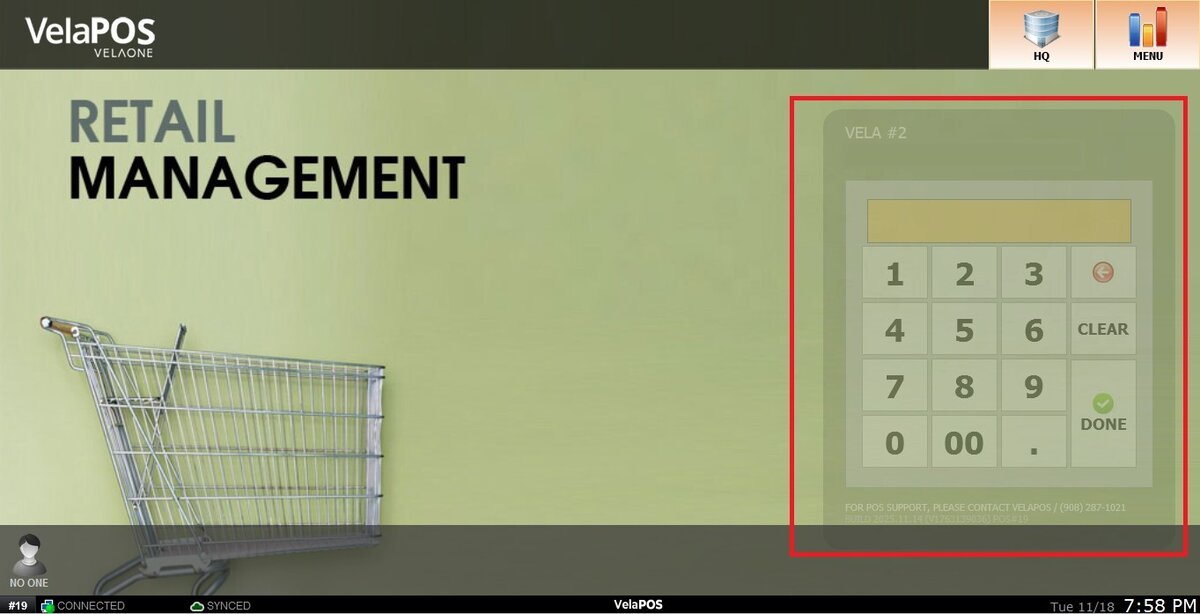
On the Main screen, click on the number pad and input the assigned personal password.
Ring up an item
Under the selected item, press the dollar sign icon ($).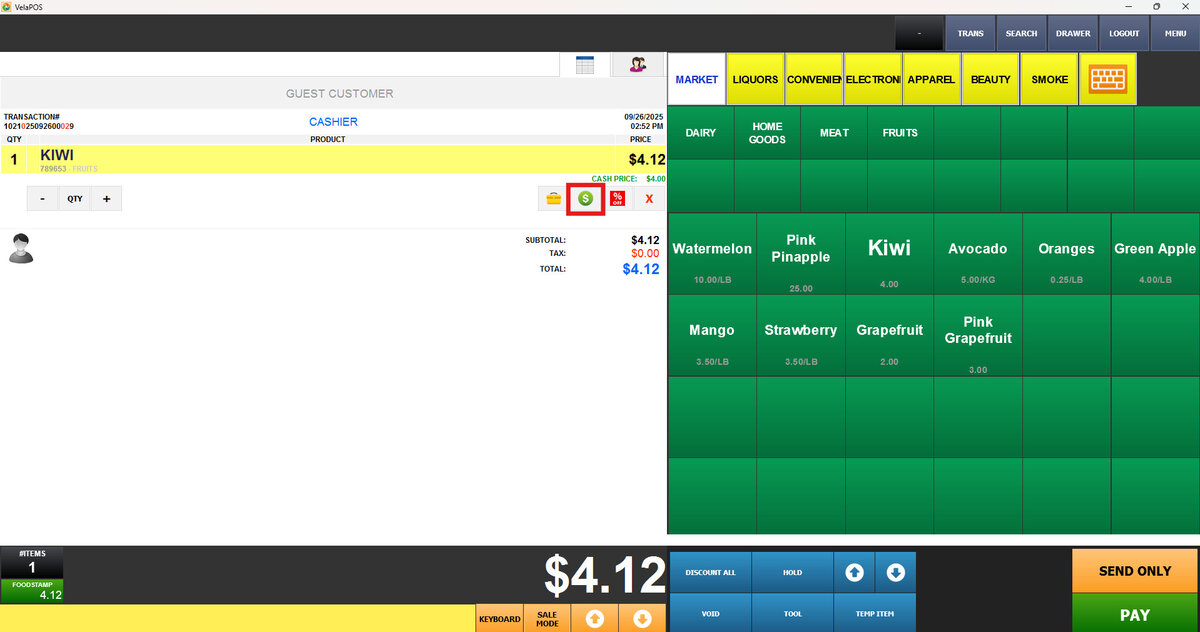
Use the keypad to enter the new price and press DONE.
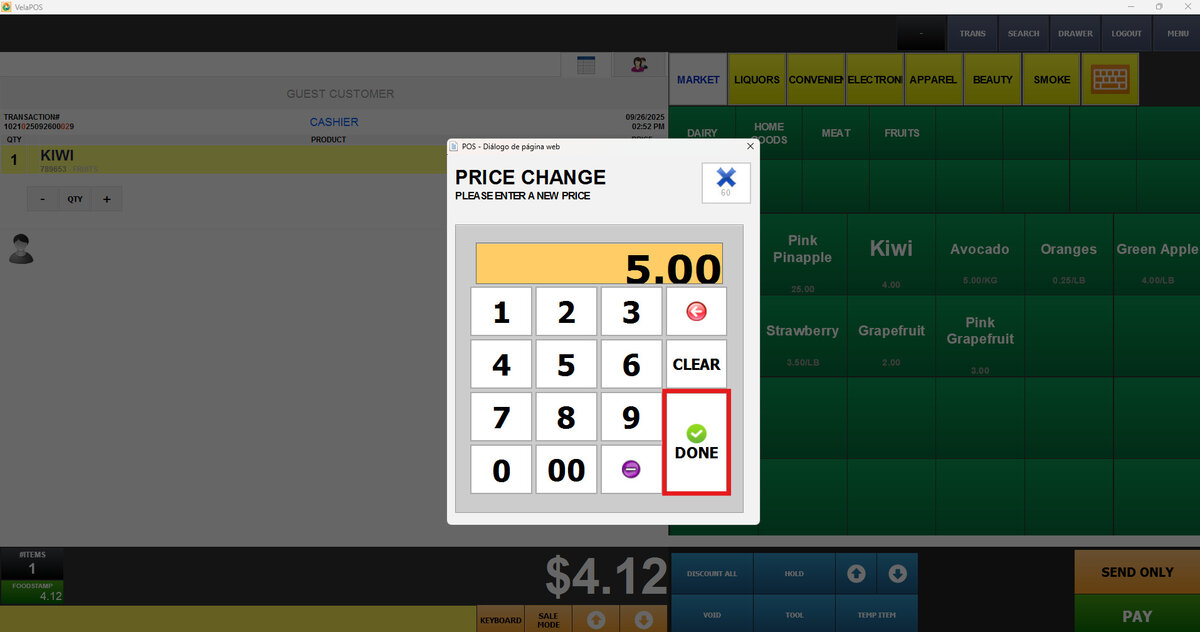
Hint: The entered price reflects the cash price. If dual pricing is enabled, a surcharge is added to this amount for credit card payments.
Result:
