EBT Tools
This tool enables checking a customer’s EBT balance directly from the Sales Screen.
Main Screen> Number Pad> Sales Screen> TOOL> FOOD/CASH BALANCE
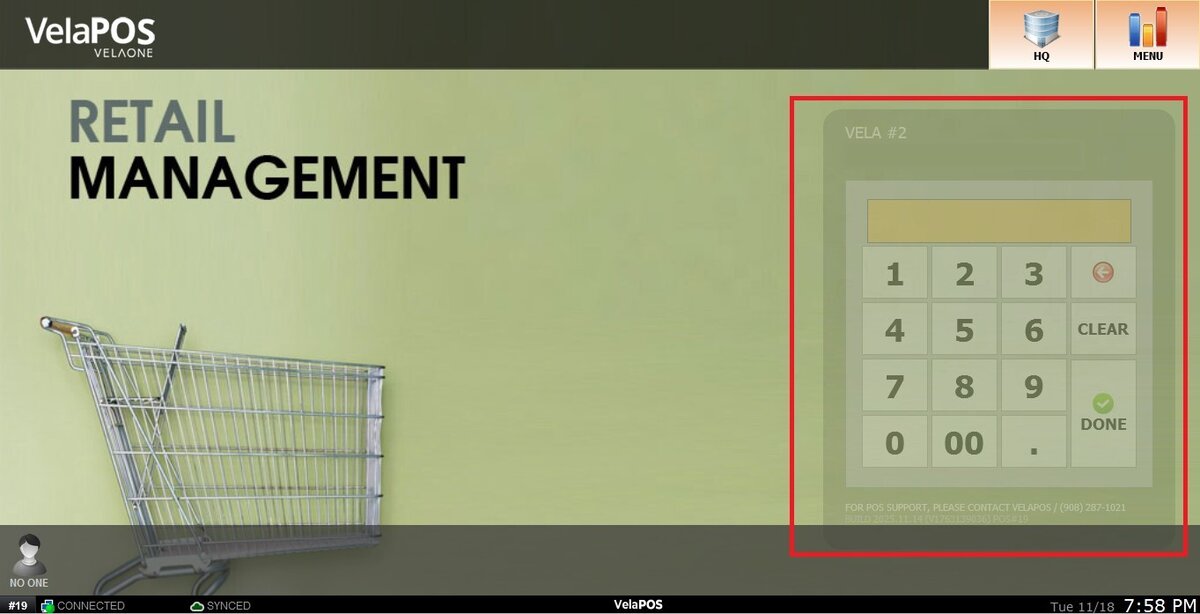
On the Main screen, click on the NUMBER PAD and input the assigned personal password.
On the sales screen, click on TOOL.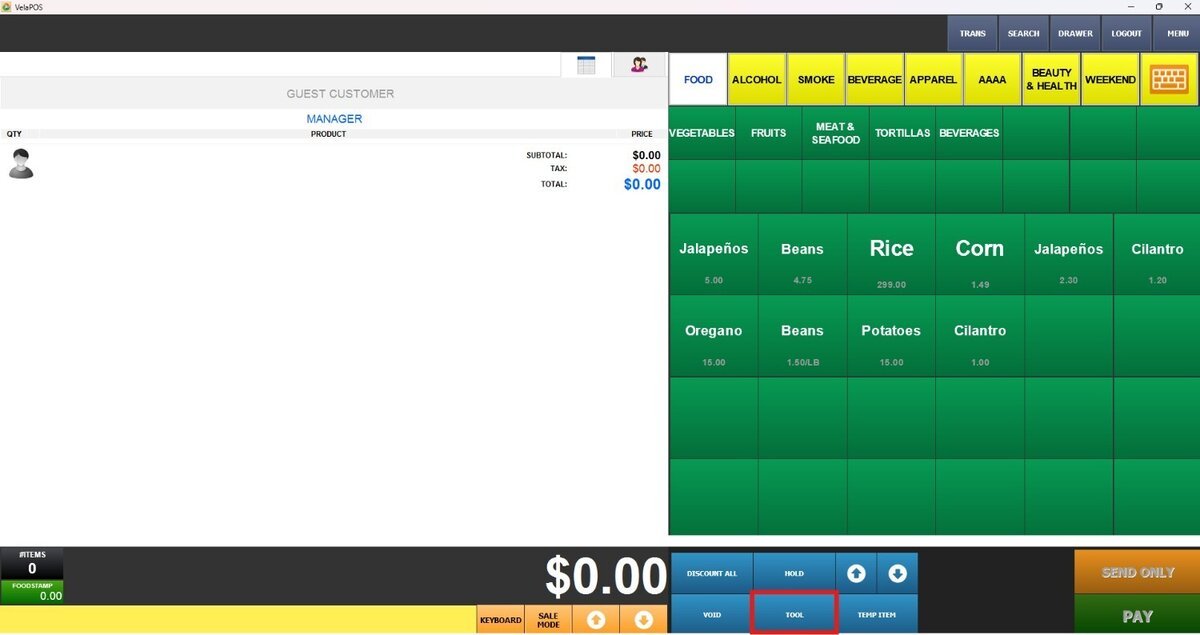
Select EBT FOODS or EBT CASH BALANCE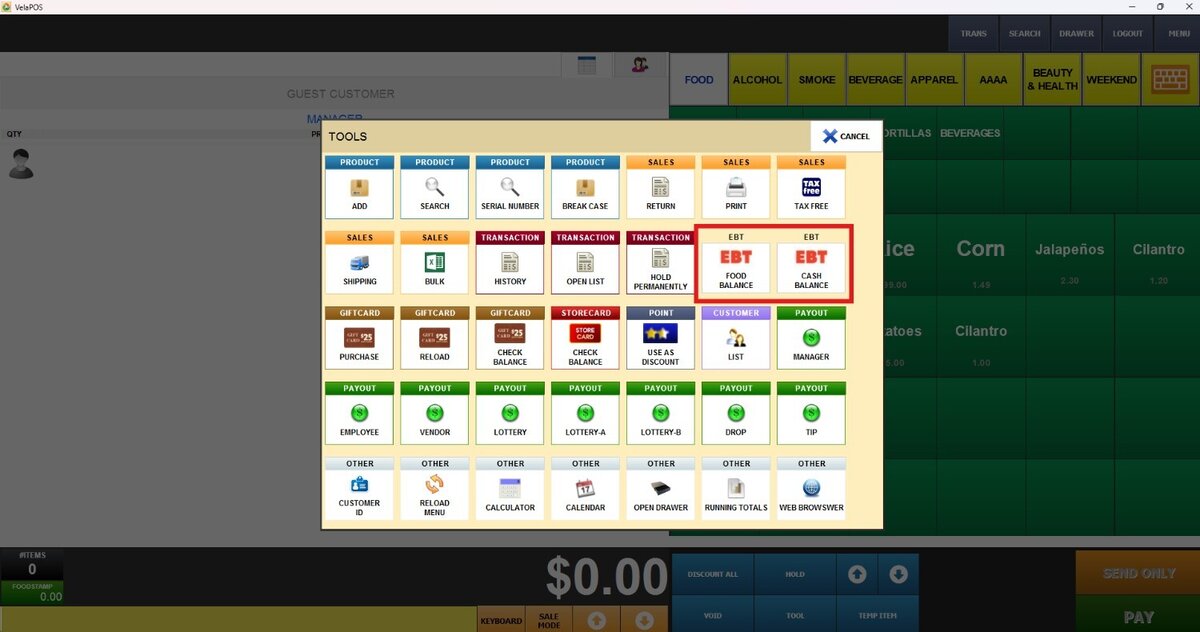
After selecting either EBT FOOD BALANCE or EBT CASH BALANCE, the system displays a prompt to select one of the following input methods:
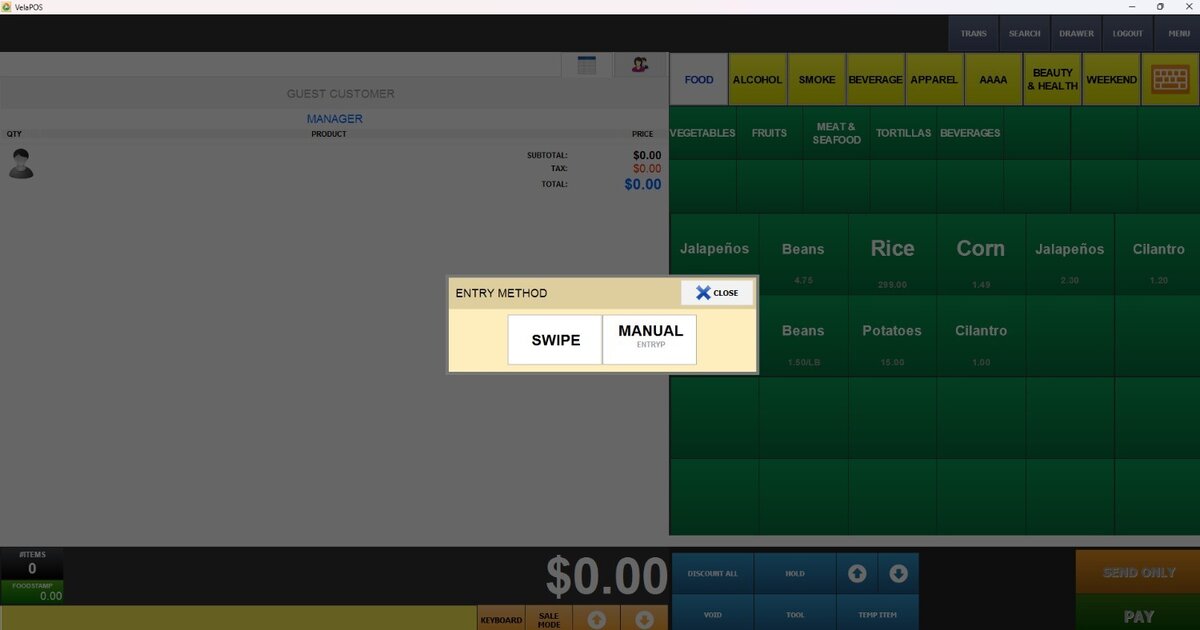
SWIPE: The customer swipes their physical EBT card using the card reader.
MANUAL: The card number is entered manually.