Add
With this tool, a product can be added to the inventory from the sales screen.
Main Screen> Number Pad> Sales Screen> TOOL> ADD
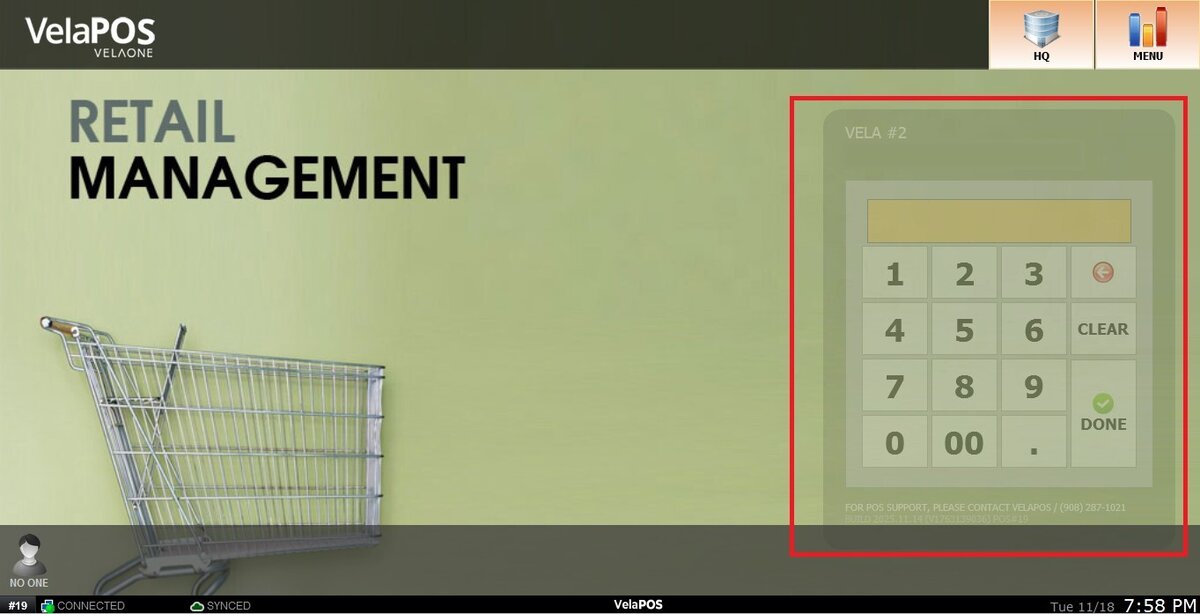
From the Main Screen, click on the numberpad and input the assigned personal password to log in.
Click on ADD.

Choose the DEPARTMENT and CATEGORY corresponding to the product being added.

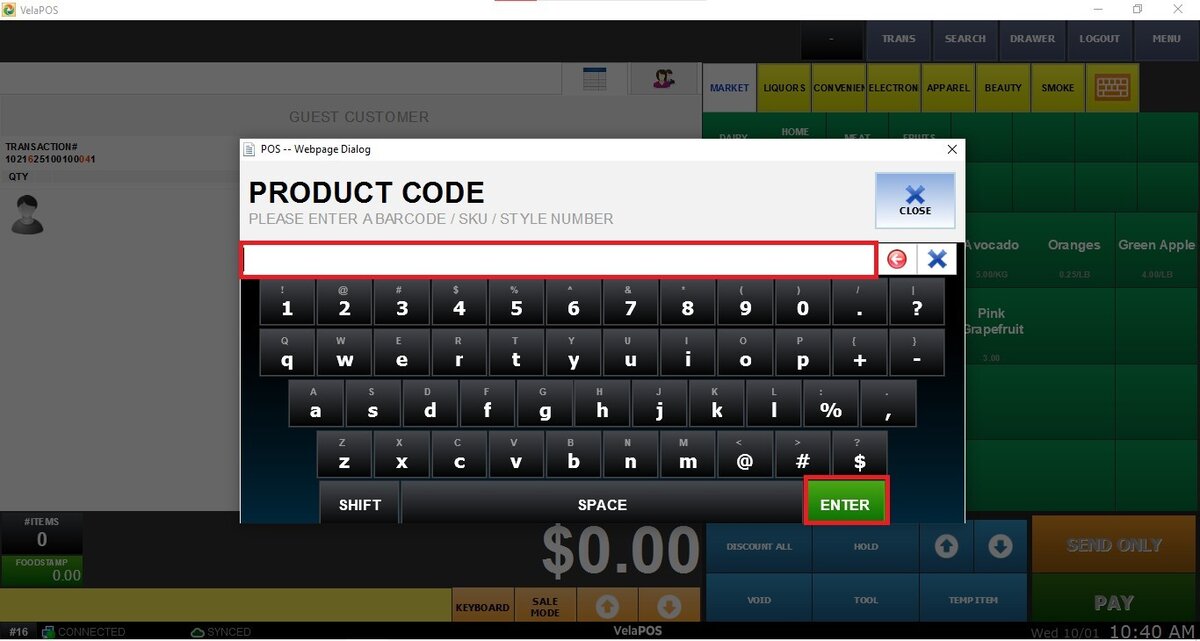
Enter a PRODUCT CODE, NAME, and PRICE:


Result:
The product created will be displayed on the sales screen as follows:

Note: The product will be saved in the inventory list. To make it visible on the sales screen, see the Menu Product Tab.