Serial Number Tool (S/N)
This tool allows a previously sold item to be located by its serial number, making it easy to find the associated transaction and its detailed information.
Main Screen> NUMBER PAD> Sales Screen> TOOL> SERIAL NUMBER
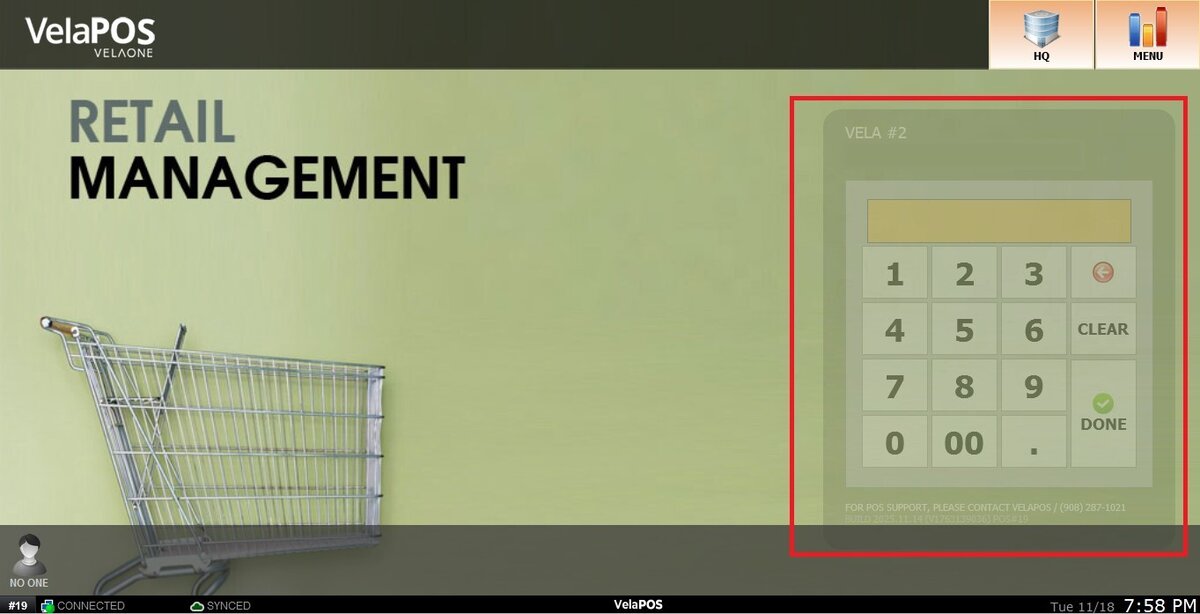
From the Main Screen, click on the numberpad and input the assigned personal password to log in.
Click on TOOL and then select SERIAL NUMBER.

Input the SERIAL NUMBER associated with the item.

Result:
Transactions that contain the product with the entered serial number will be displayed as it follows:

Note: This screen includes the options to print or email the transaction information.