Void
The Void function allows to cancel specific items or an entire order that was entered into the system by mistake. This helps maintain accurate transaction records and prevents incorrect charges.
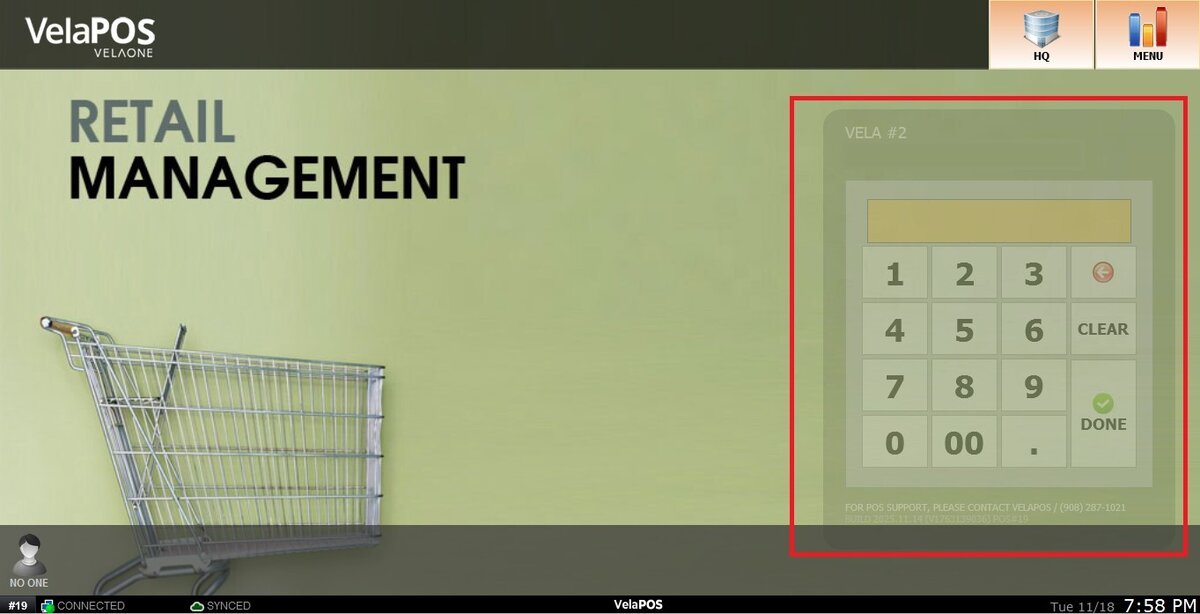
Main Screen> Number Pad> Sales Screen> VOID
On the Main screen, click on the NUMBER PAD and input the assigned personal password.
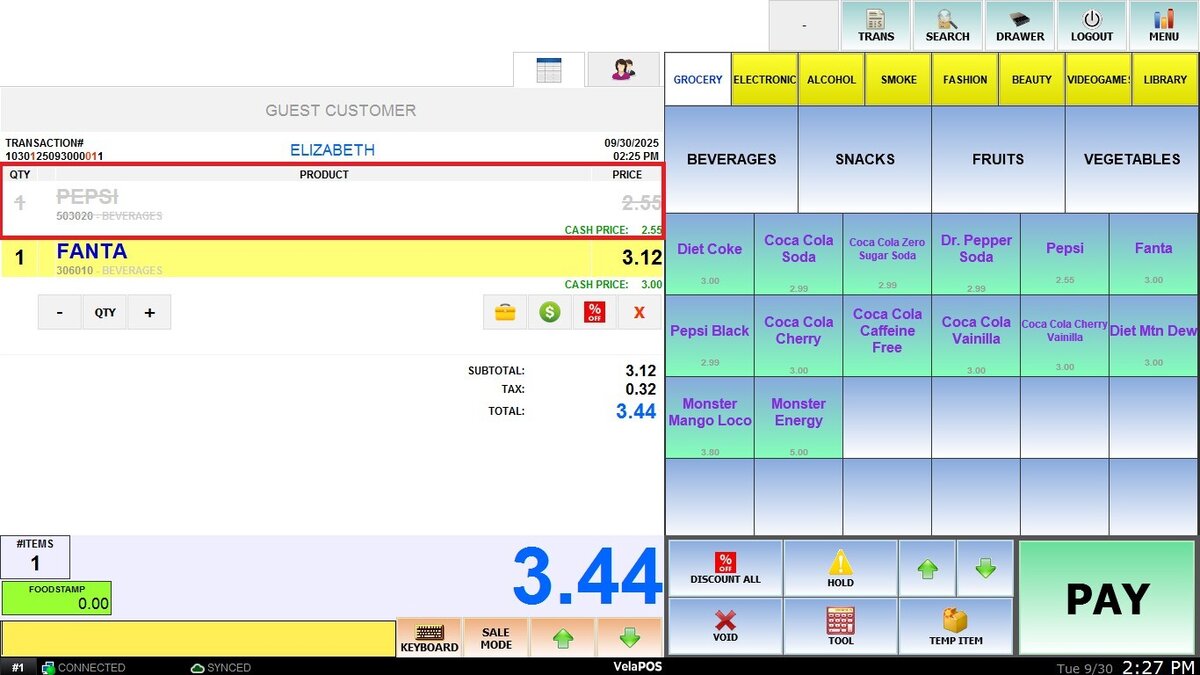
Click the X icon to void a specific product.

Voided items will appear grayed out to indicate they have been canceled.
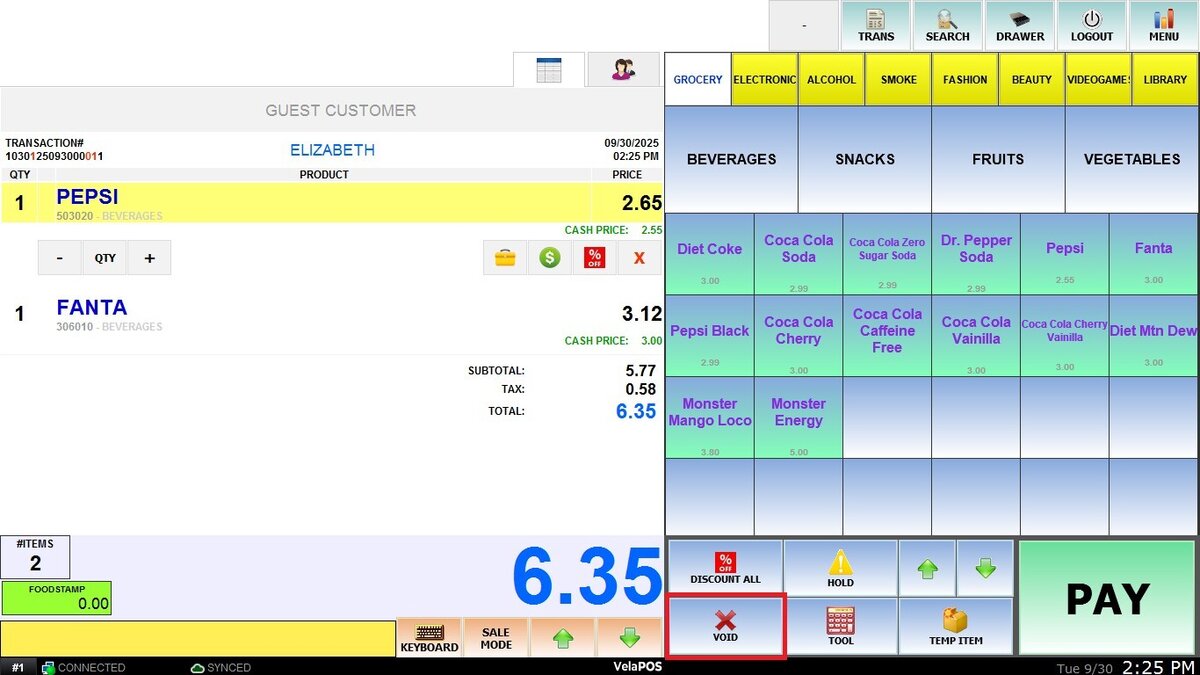
To void an entire order, click VOID located at the bottom right.
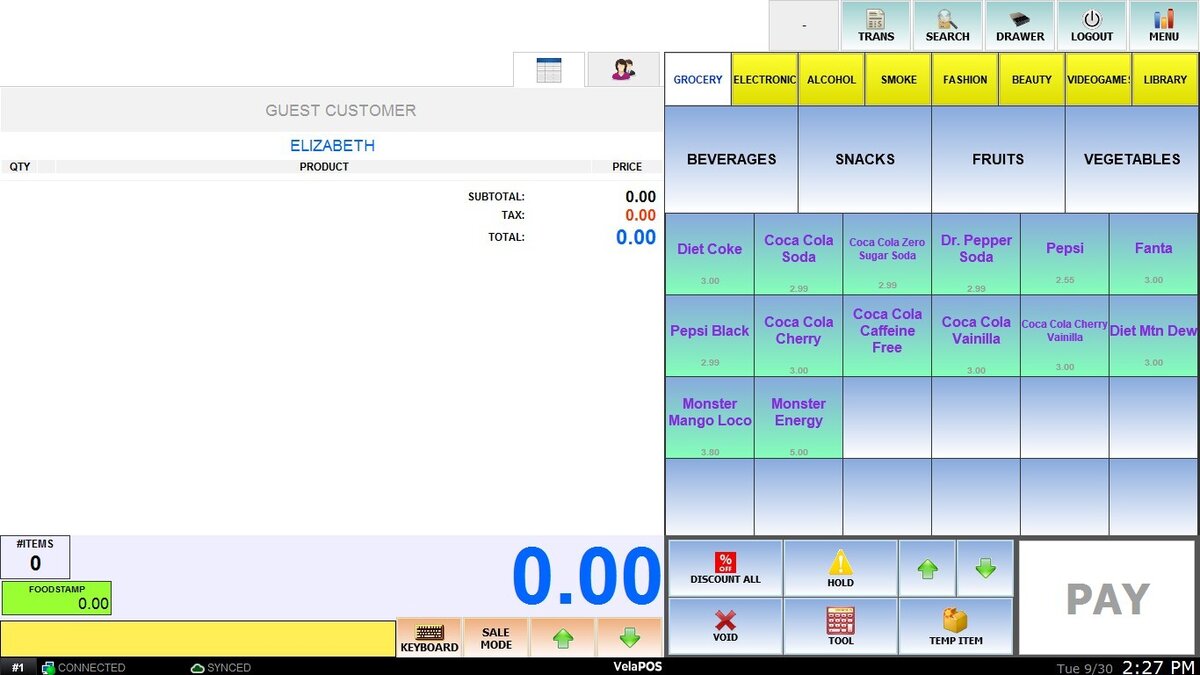
Once voided, the order will be removed from the system.
Voided transactions will be recorded in the transaction list and displayed as follows:
