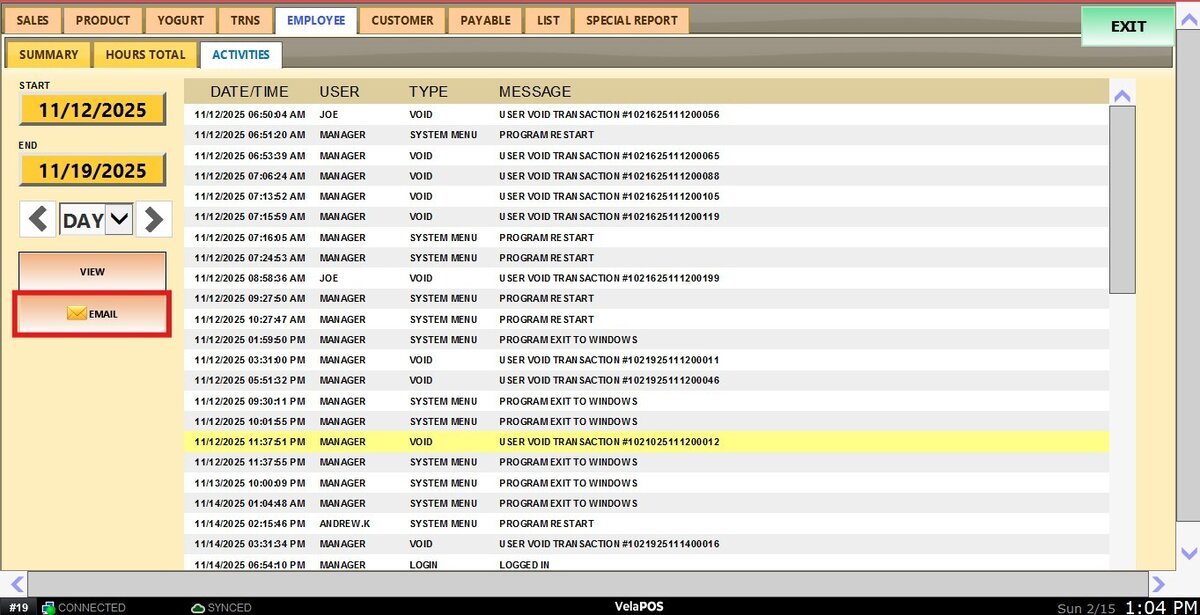
Activities Report
The Employee Activity Log provides visibility into actions performed by staff within the system. It supports operational oversight, assists in troubleshooting, and maintains accountability by clearly showing who performed each action and when.
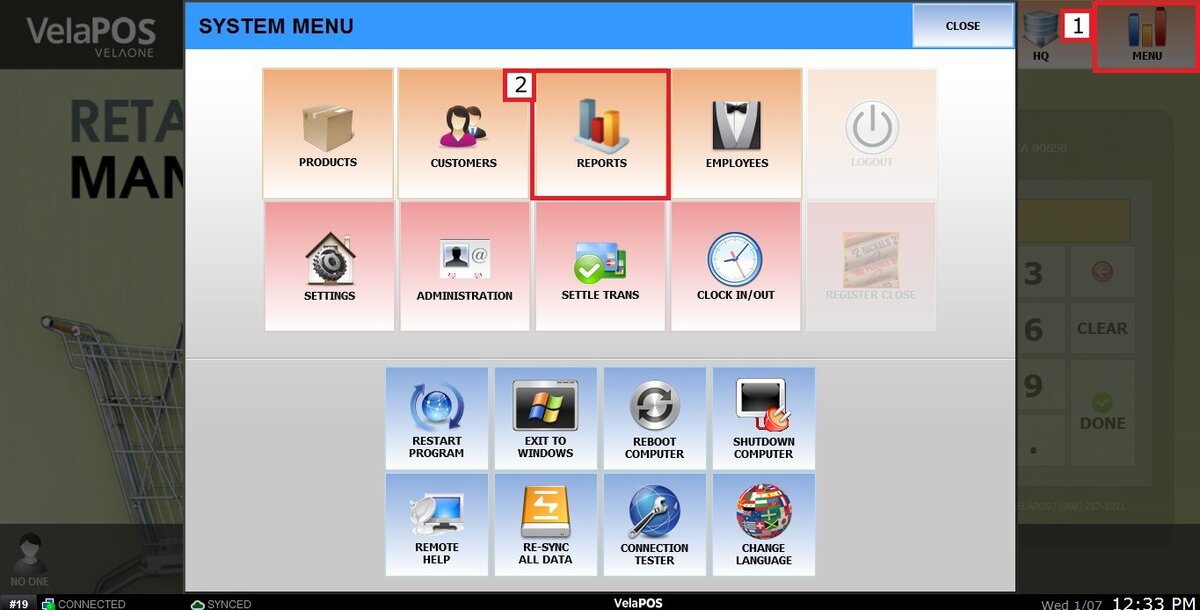
Main Screen> MENU> REPORTS> EMPLOYEE> ACTIVITIES
On the Main Screen, go to MENU, then select REPORTS.
On the EMPLOYEE tab, choose ACTIVITIES.
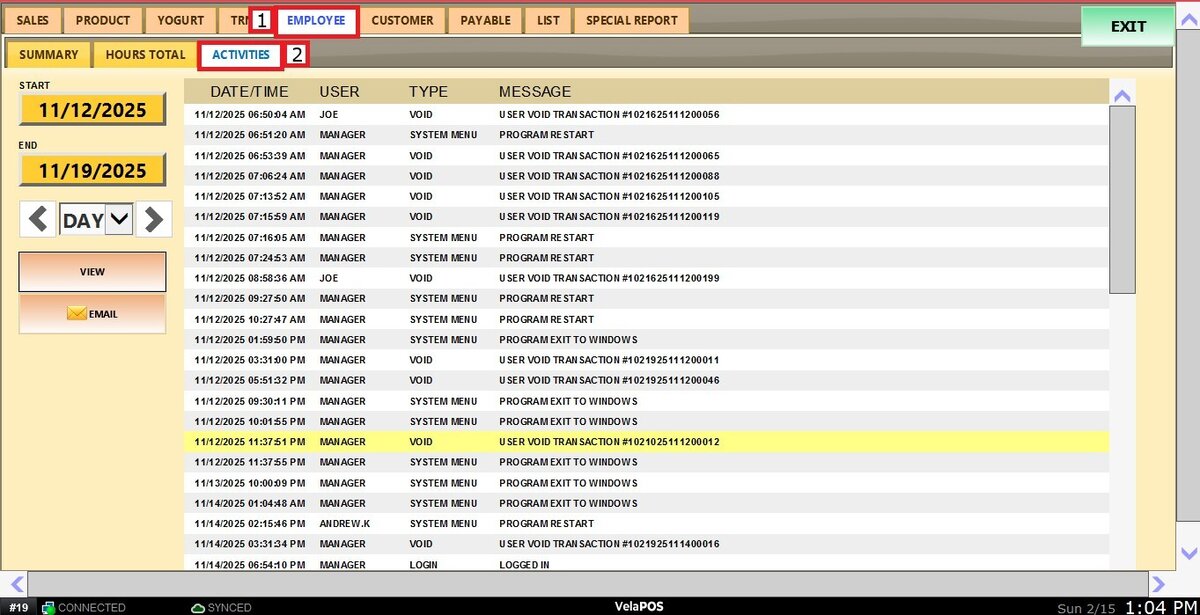
Information included in the report:
DATE/TIME: Exact timestamp of when the action occurred.
USER: Employee responsible for the action.
TYPE: Category of activity (for example, system actions or transactions).
MESSAGE: Detailed description of the action performed.
Filters
Custom Date Range: Allows reviewing sales within the specific start and end dates.
Click the START field.
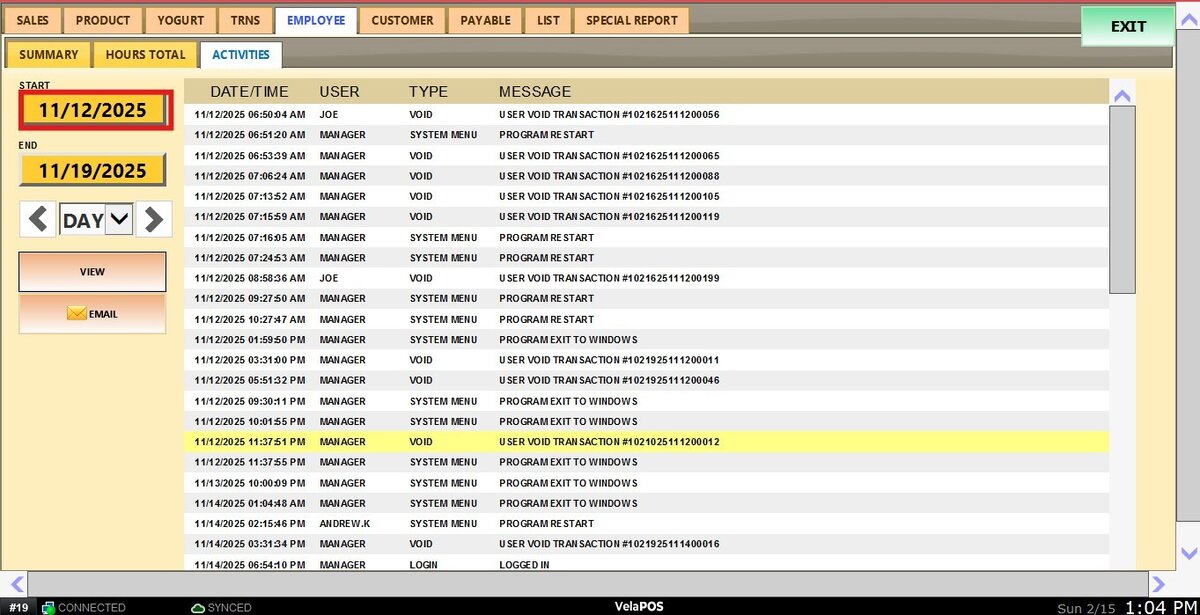
Select a date from the calendar and press DONE to confirm.
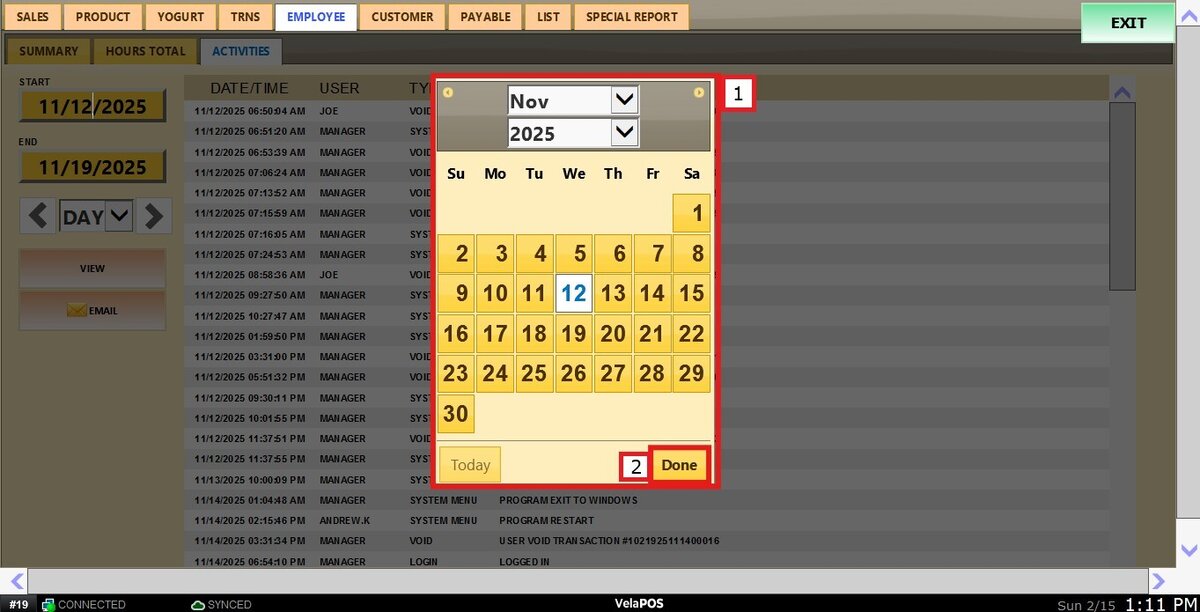
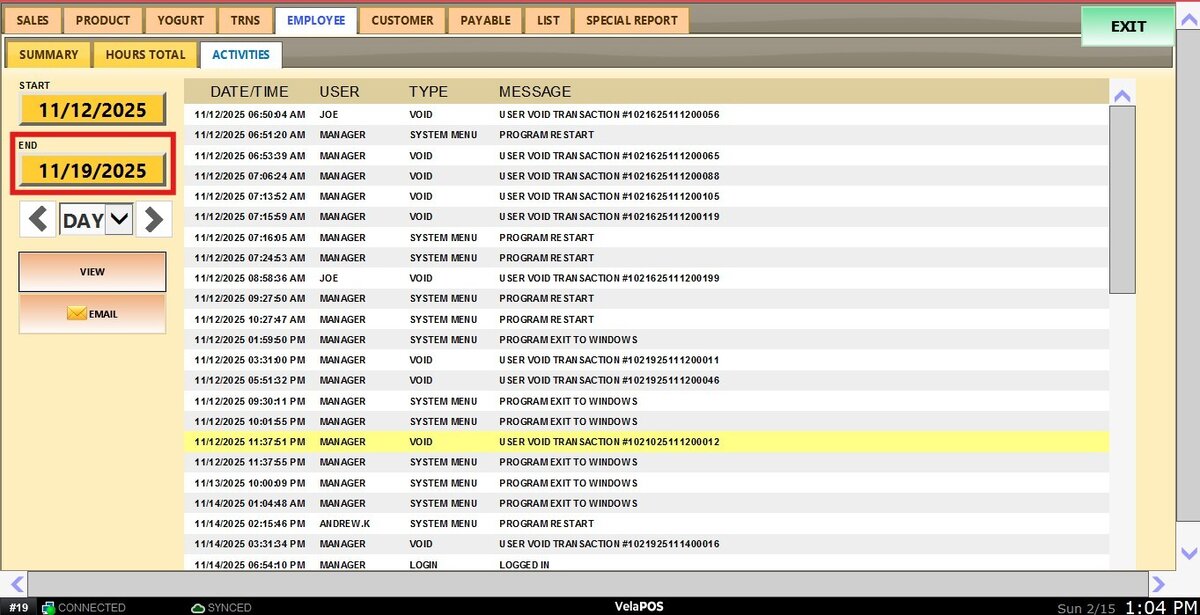
Repeat the process in the END field to define the final date.
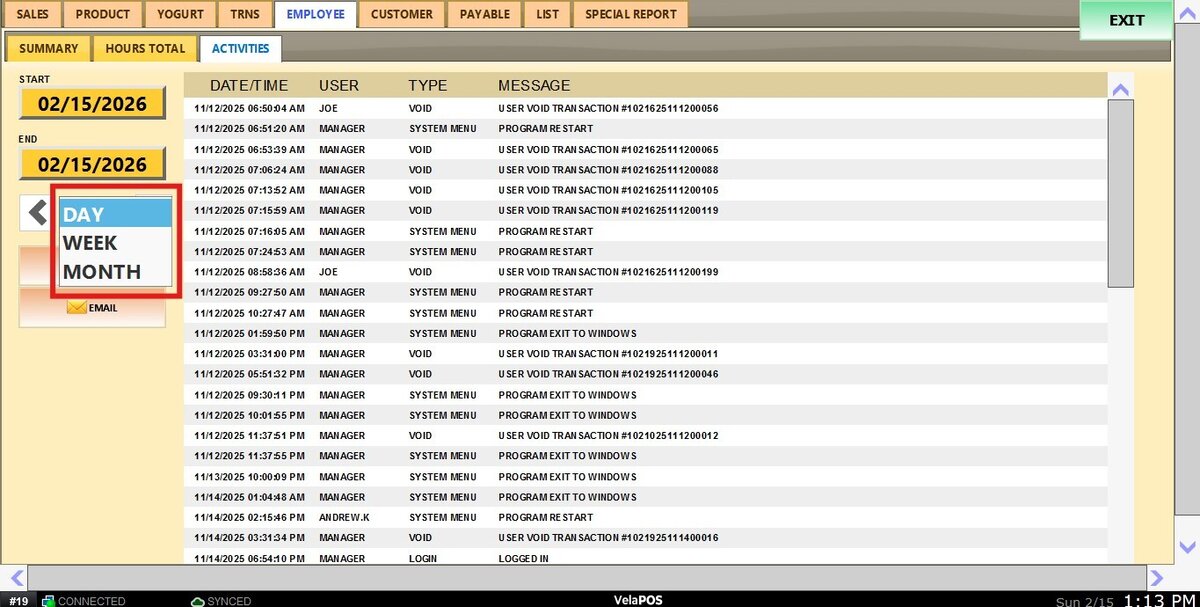
Time Frame Filter: Allows quick filtering by predefined periods such as Day, Week, Month, Quarter, or Year.
Select the desired time frame from the dropdown.
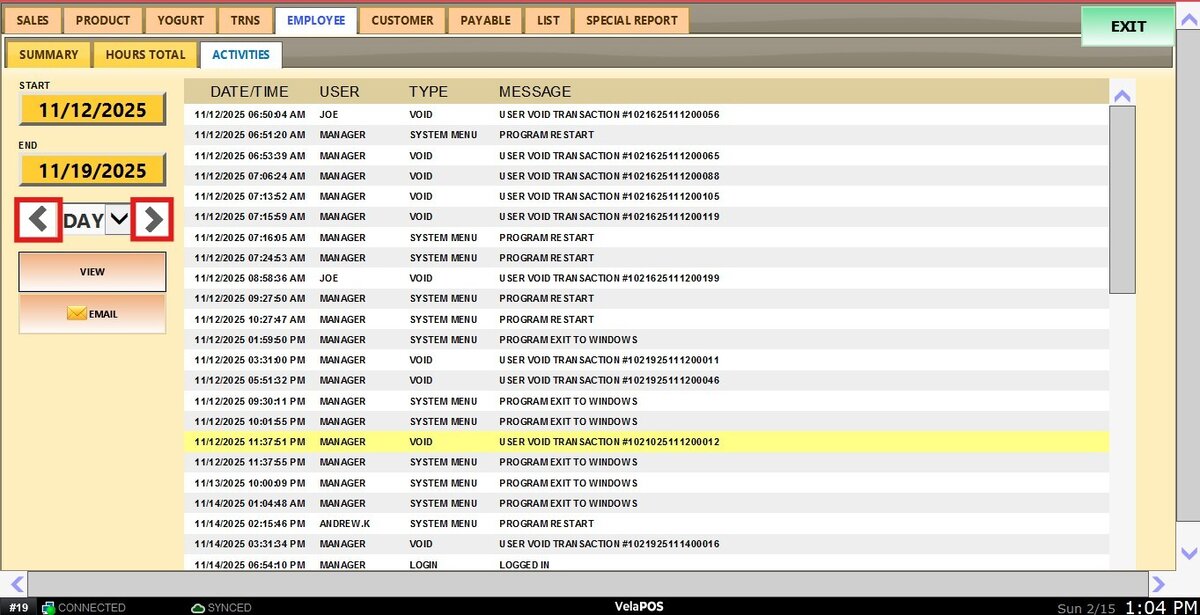
Use the side arrows to move forward or backward through those periods.
View
Click VIEW after applying the filters to refresh the report.
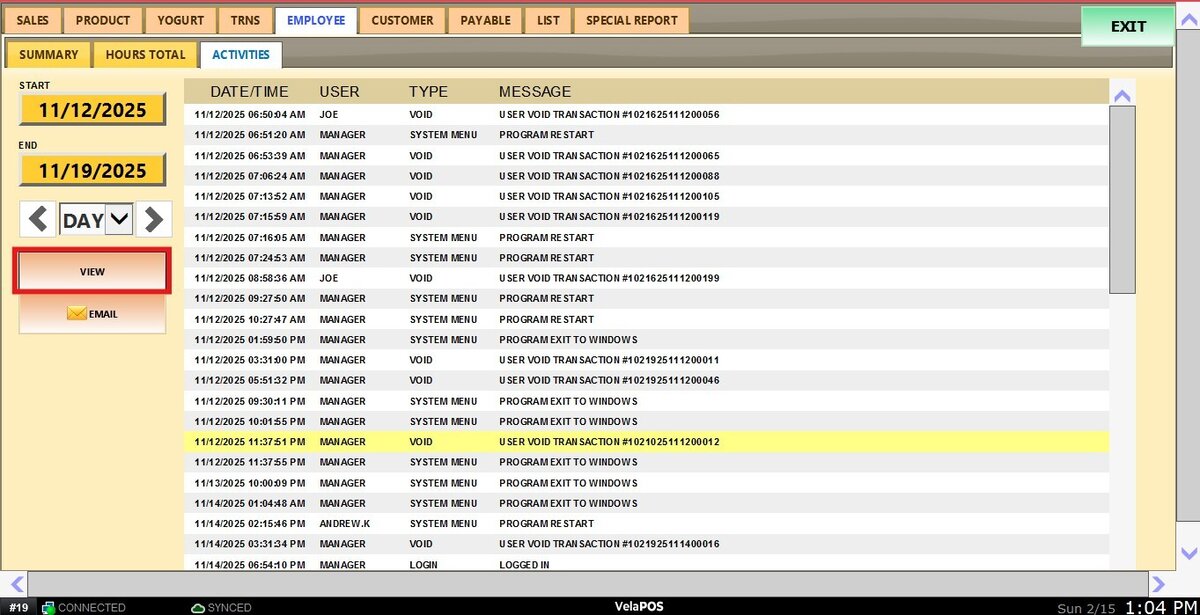
The displayed report can be sent directly via EMAIL if needed.