Settlement (Online Report)
This report provides access to settlement records, allowing you to review credit card settlements, confirm their status, and verify when they were processed.
Login Screen> Select Store> MENU> SETTLEMENT
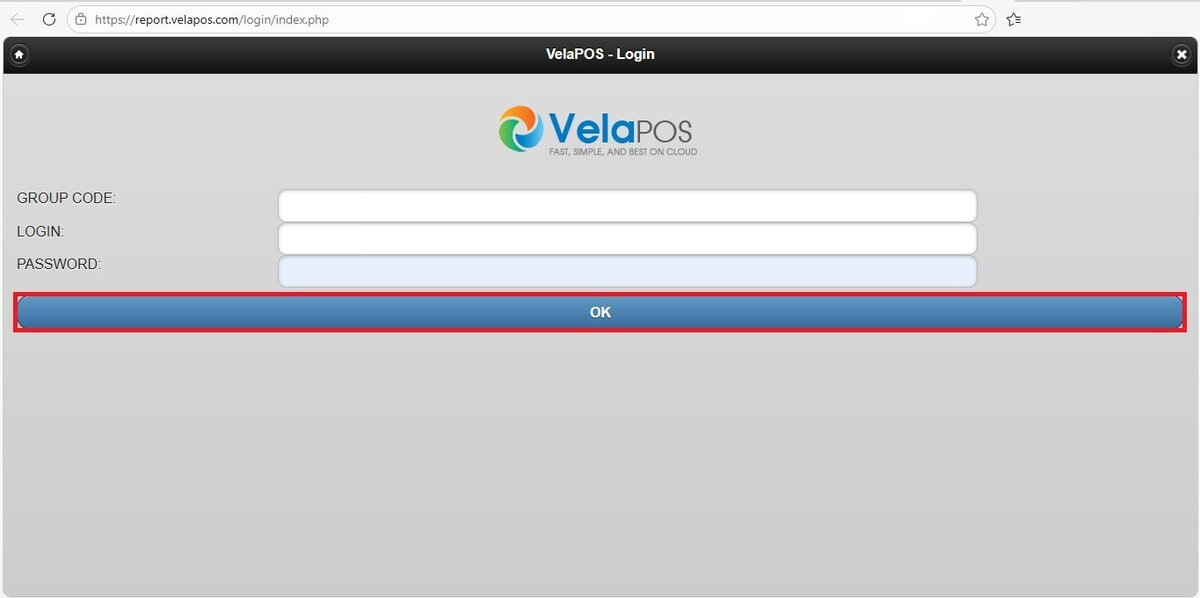
From the Login Screen of Online Reports, enter your credentials and press OK.
Select the store you would like to view, then navigate to the MENU button and select SETTLEMENT.

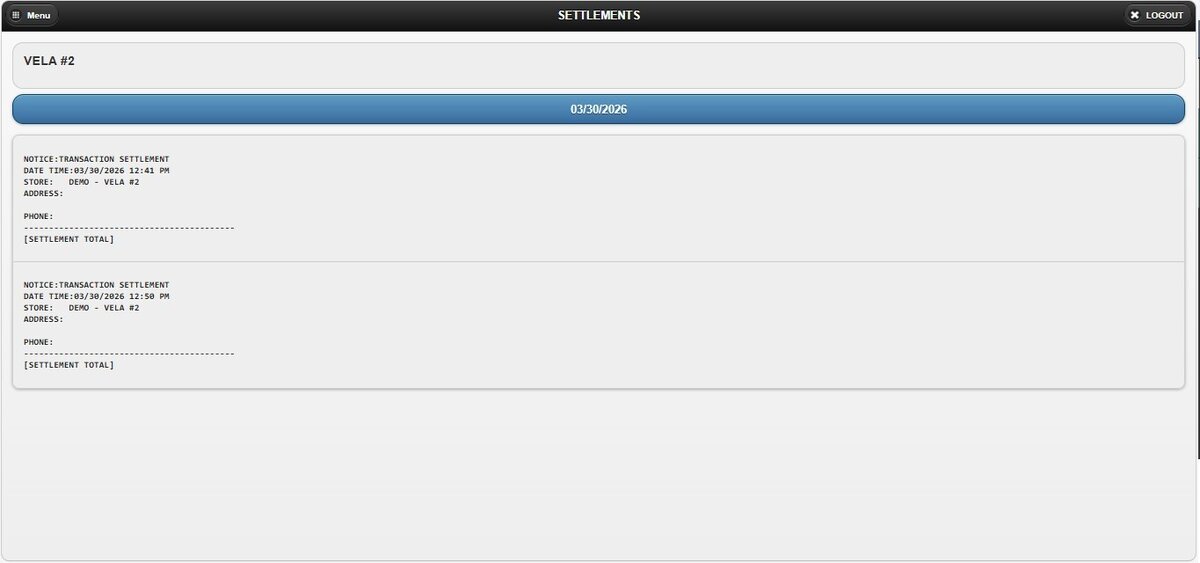
The report for the current day is displayed on the screen, showing settlement records, including their status and date.
Filters
You can refine the report using the following filtering options:
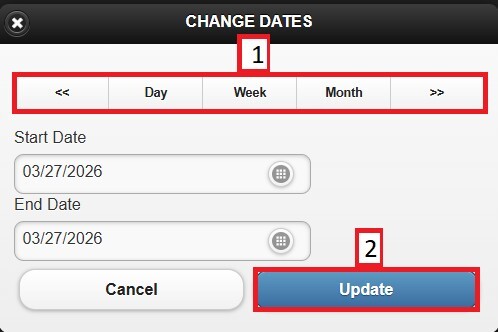
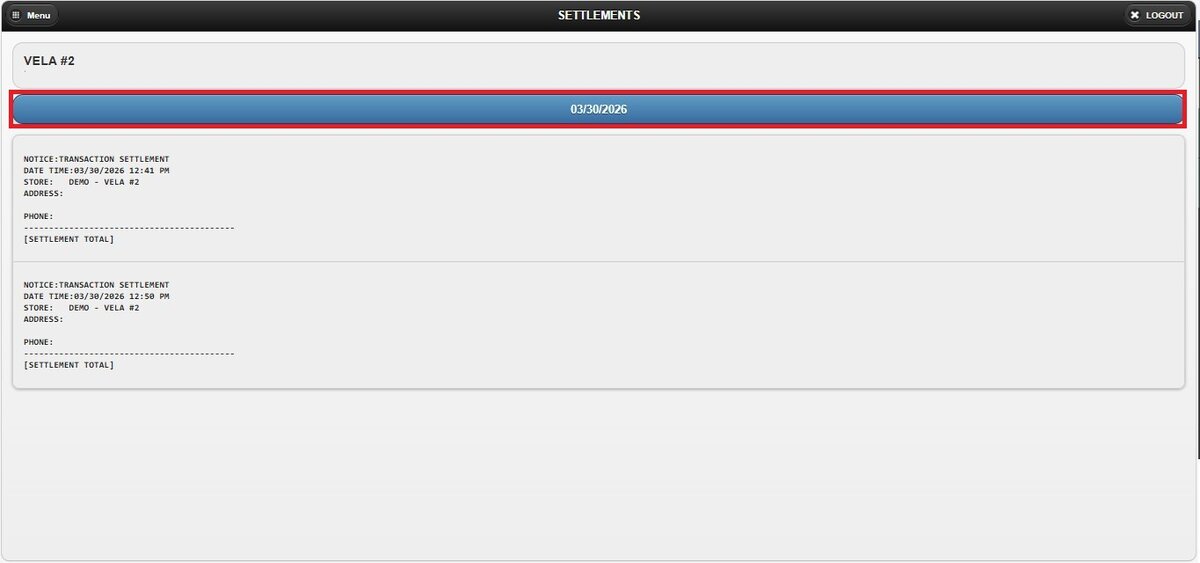
1. Custom Date Range: Located below the store name, this option allows you to view sales within a specific date range.
Click the date field to open the pop-up window.
Select the START DATE using the date picker.
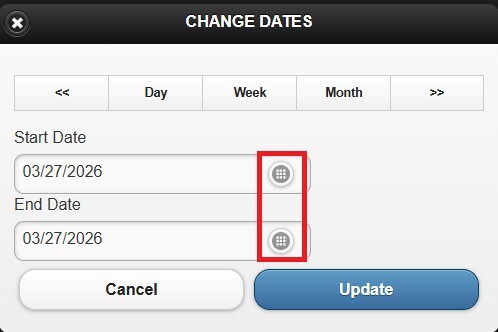
Select the END DATE field to define the final date.
2. Time Frame Filter: Also located in the date section, this option allows quick selection of predefined periods.
On the pop-up window, select DAY, WEEK, or MONTH. Use the side arrows to navigate forward or backward through the selected period.
Click UPDATE to apply the selection.