Shifts
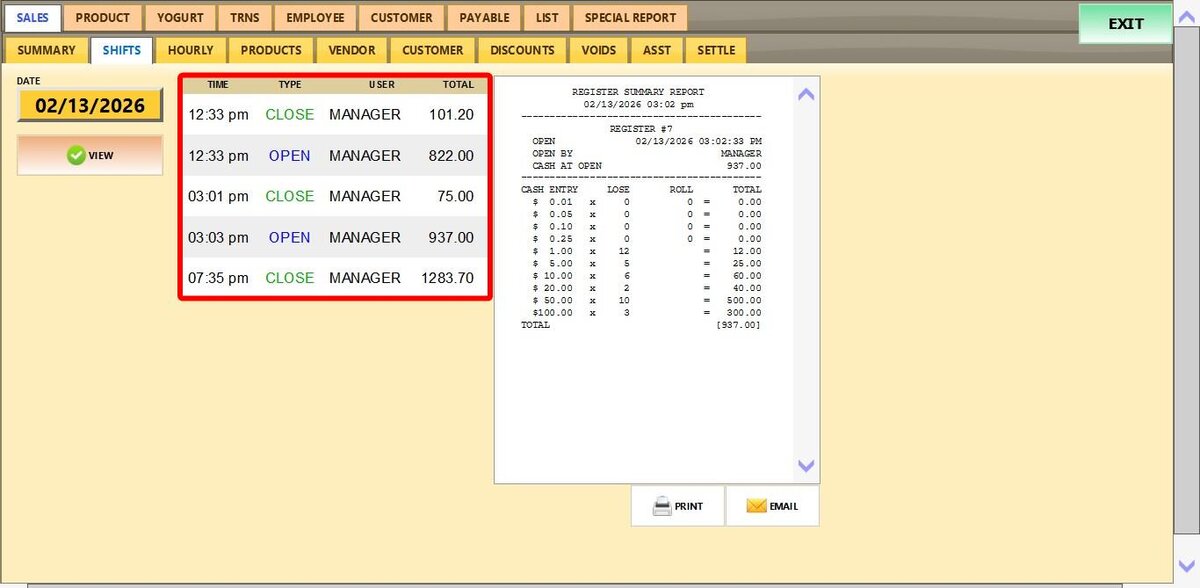
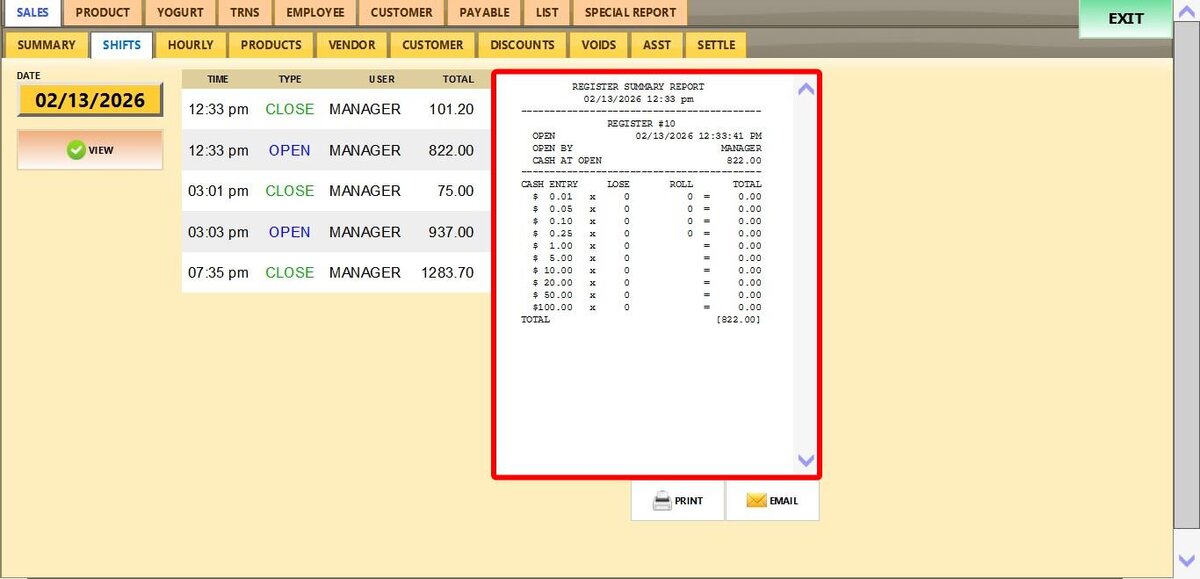
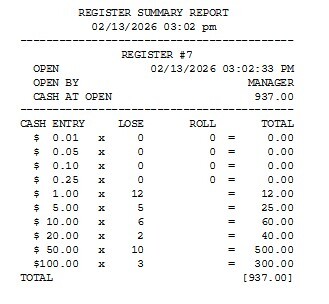
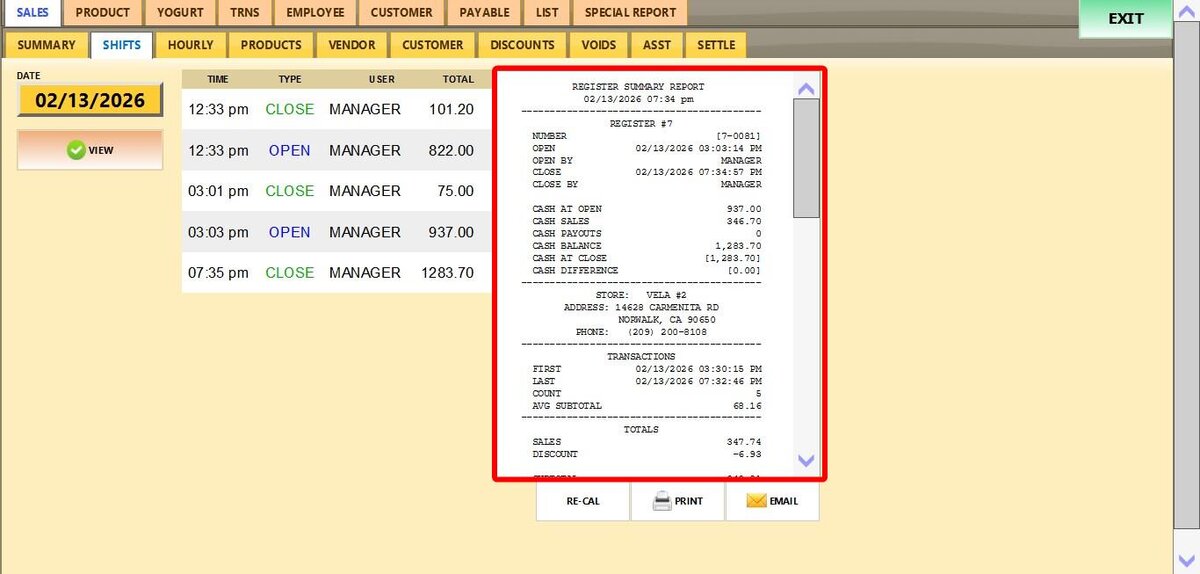
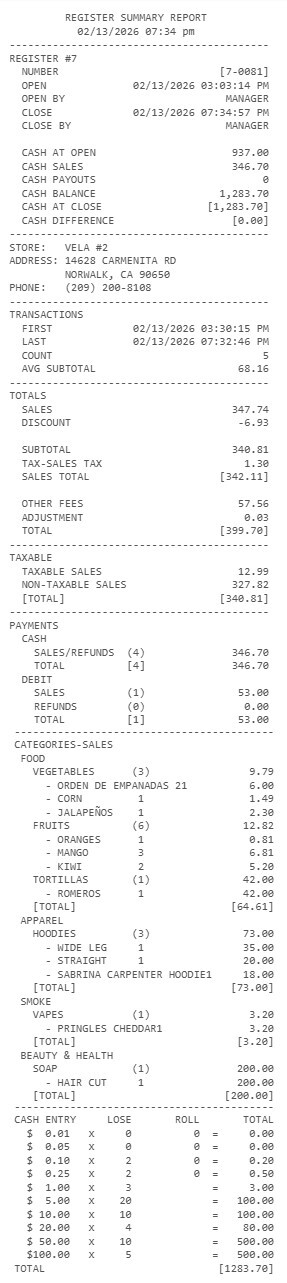
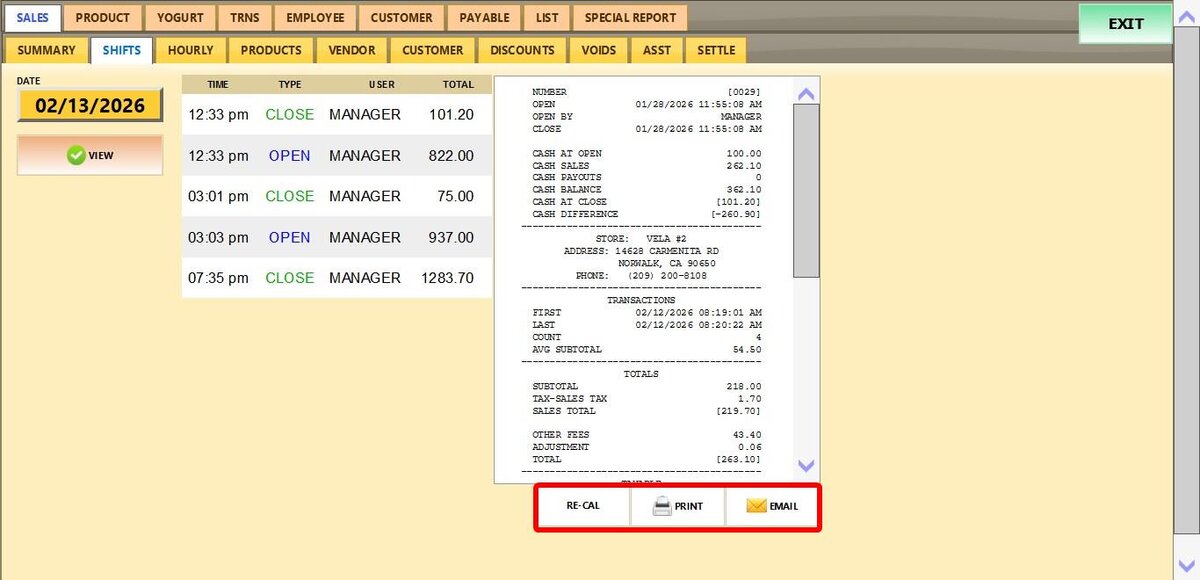
This report provides a chronological record of all register openings and closings performed on a selected date. It gives managers a quick way to verify who handled each register, when it was accessed, and the declared totals at each action. Essentially, it acts as a consolidated record of all register summary reports.
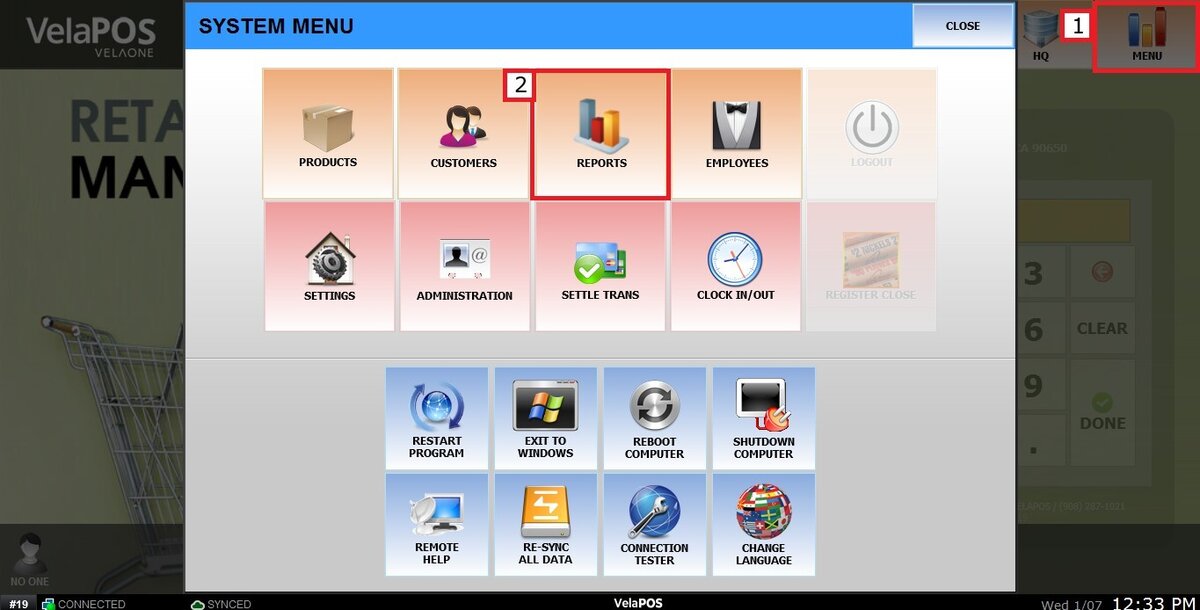
Main Screen> MENU> REPORTS> SALES> SHIFT
From the Main Screen, select MENU and go to REPORTS.
Under the SALES tab, select SHIFT.
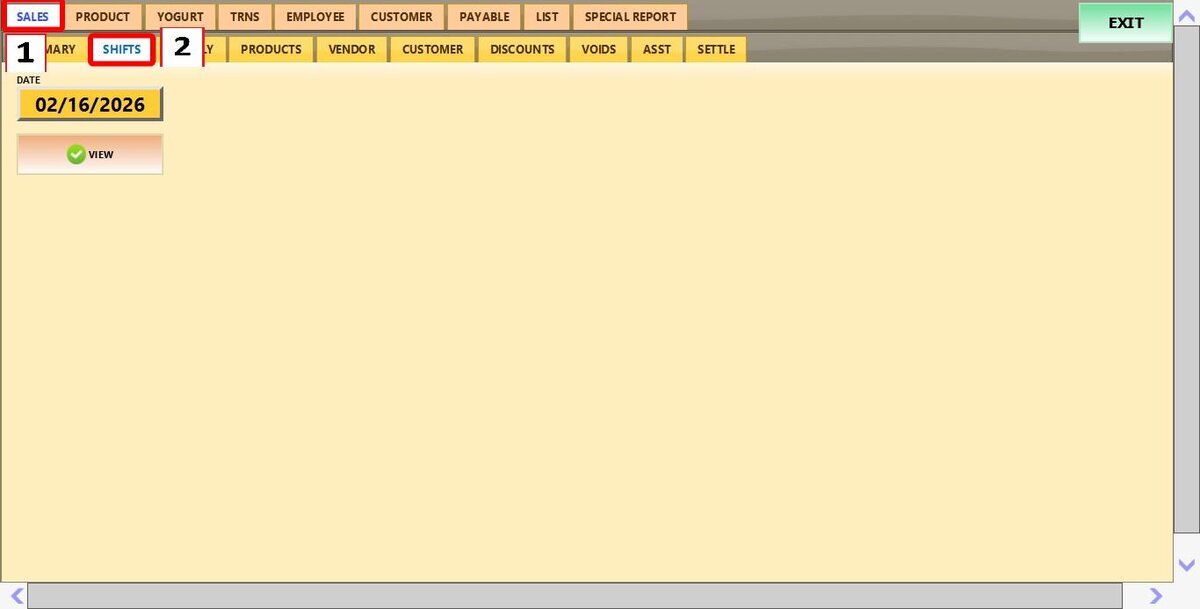
Filters
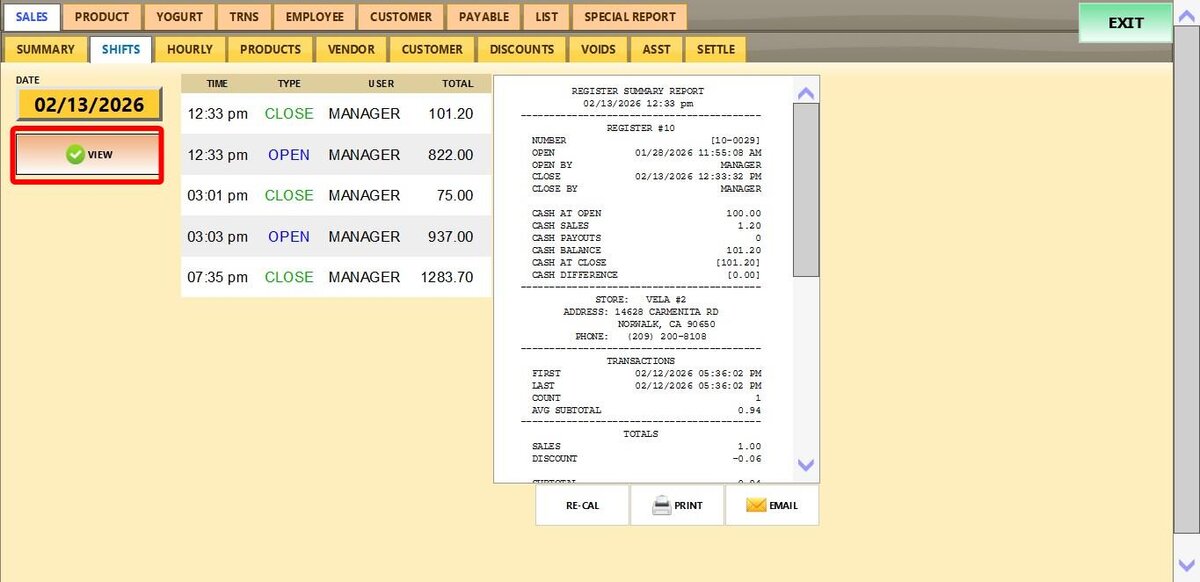
1. Filter by a specific date: Select a specific date by tapping the date field. A calendar will appear, allowing you to choose the day, month, and year.
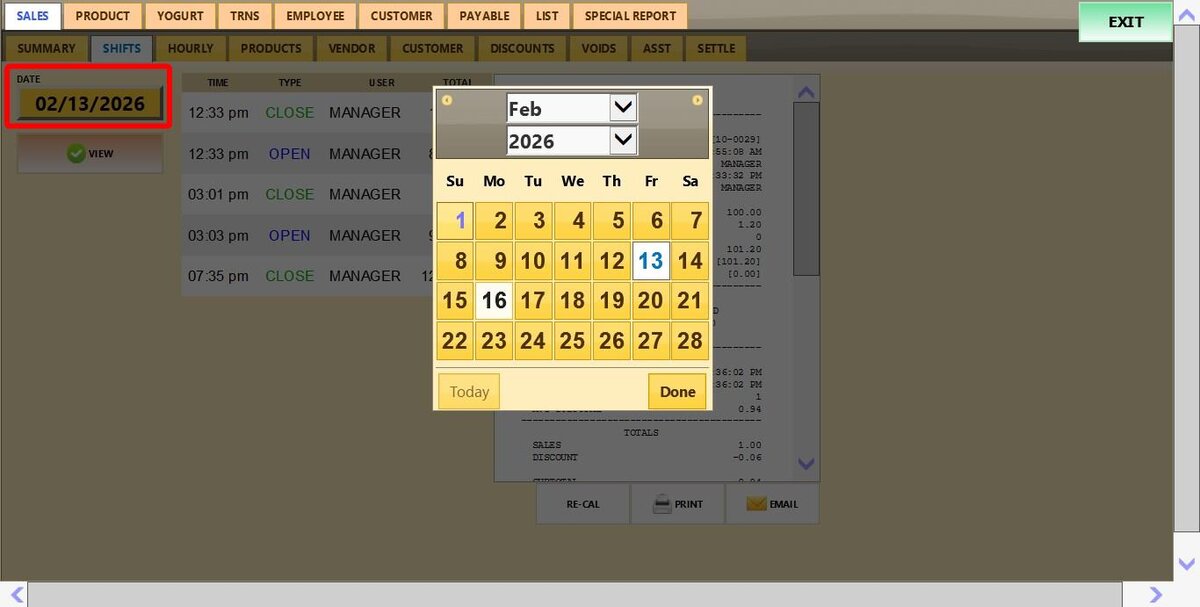
View
Click VIEW to generate the report.