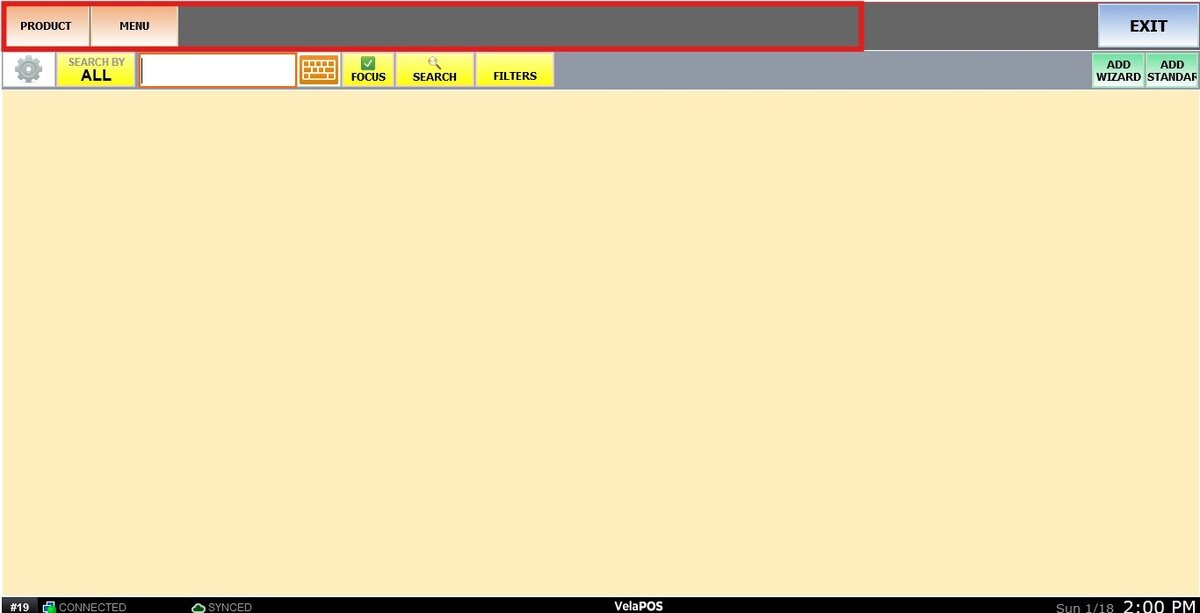
Manage
This section allows you to customize how the Product Management area behaves and what elements are visible. From here, you can control layout options and determine which features are available when managing products.
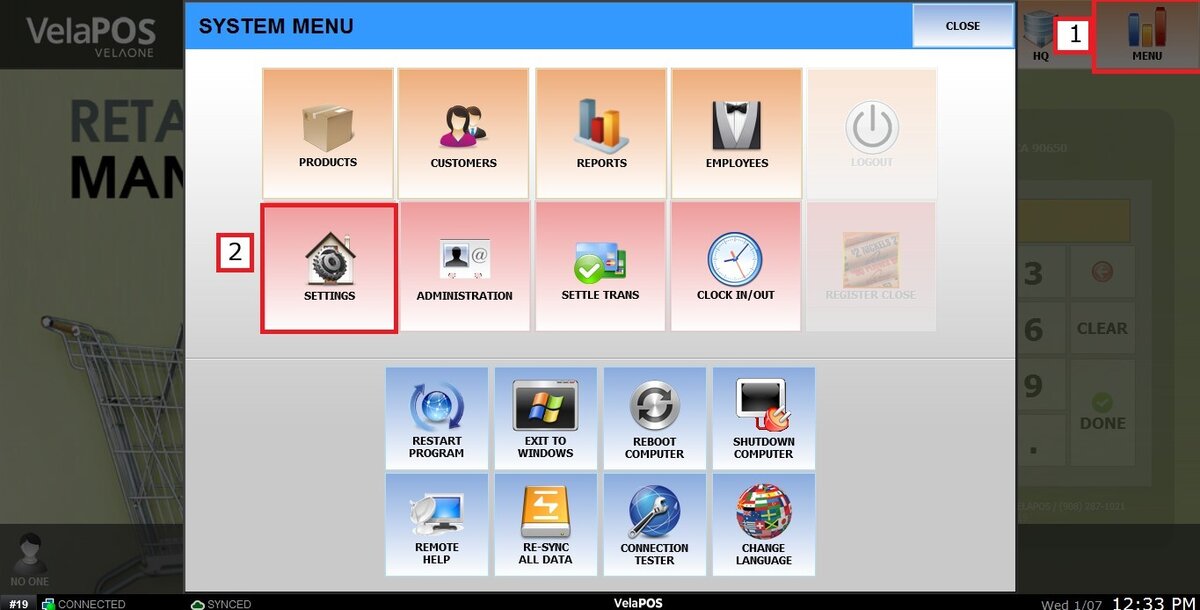
MENU> SETTINGS> PRODUCT> MANAGE.
Click on MENU, then select SETTINGS.
Under the PRODUCT tab, select MANAGE.
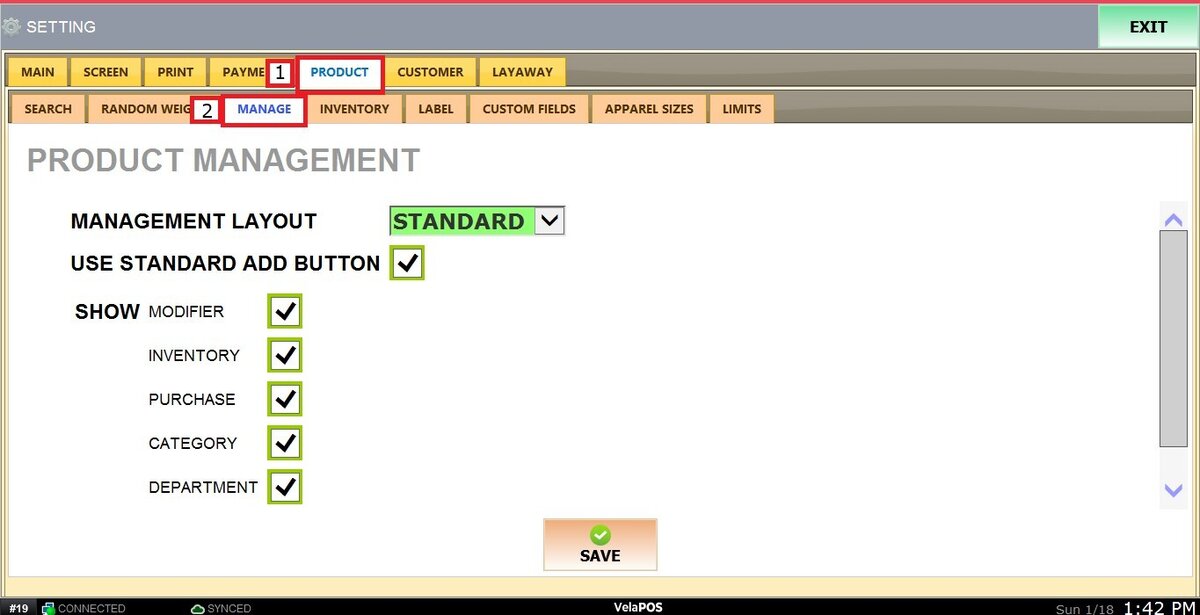
This screen contains three configuration areas that directly affect how products are displayed and managed.
MANAGEMENT LAYOUT.
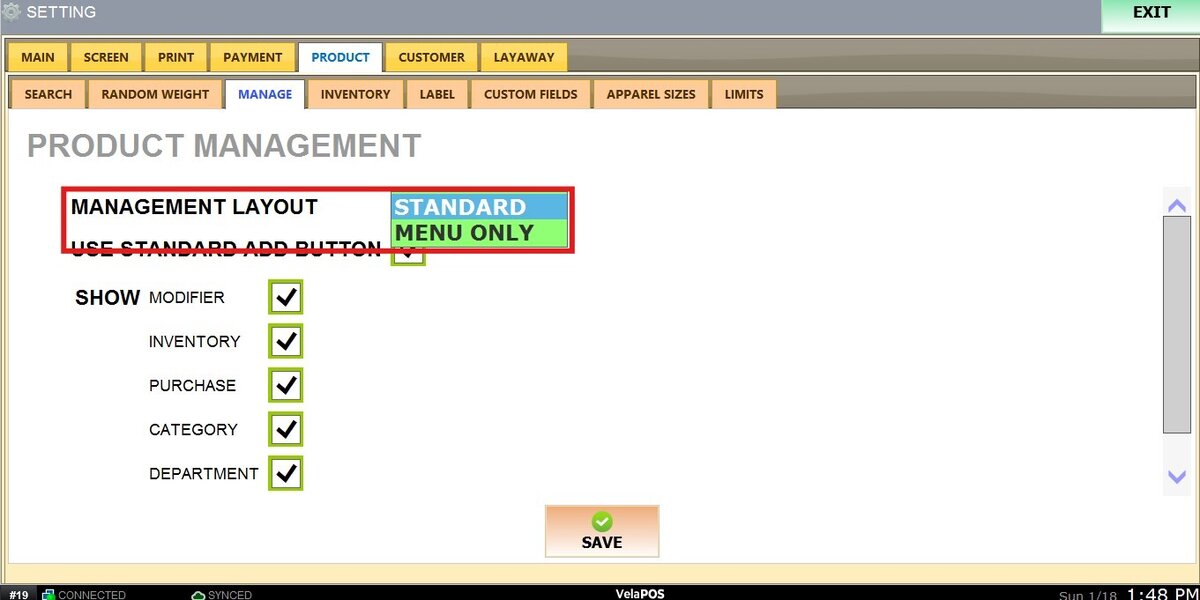
USE STANDARD ADD BUTTON.
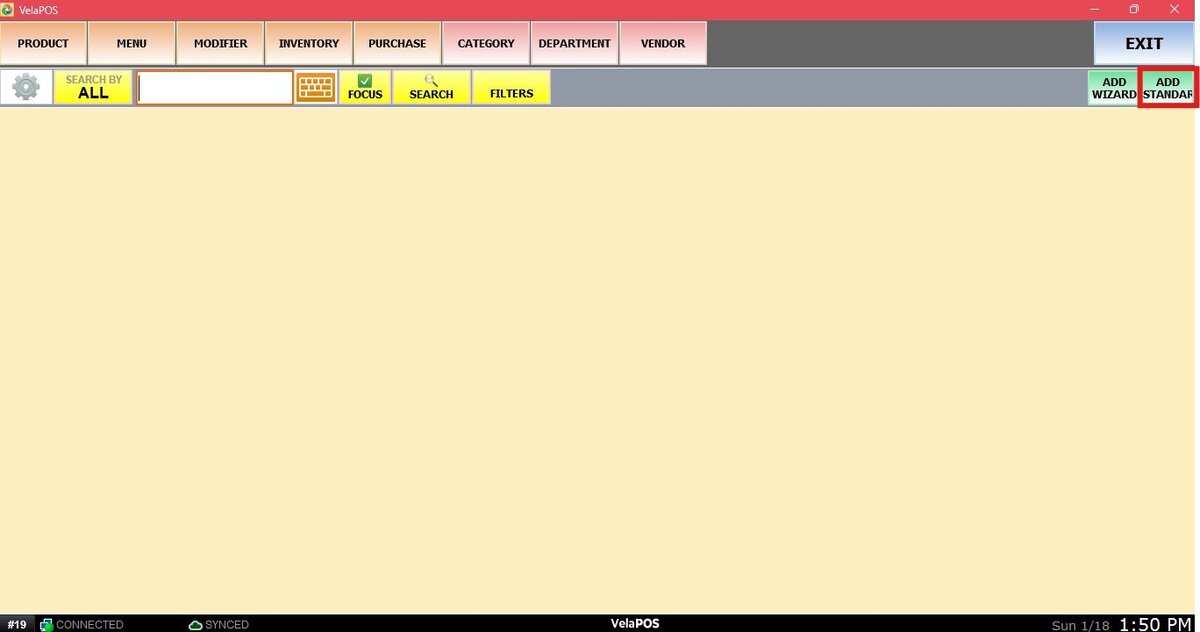
When this option is enabled, the ADD STANDARD button is displayed in the Product Management section.
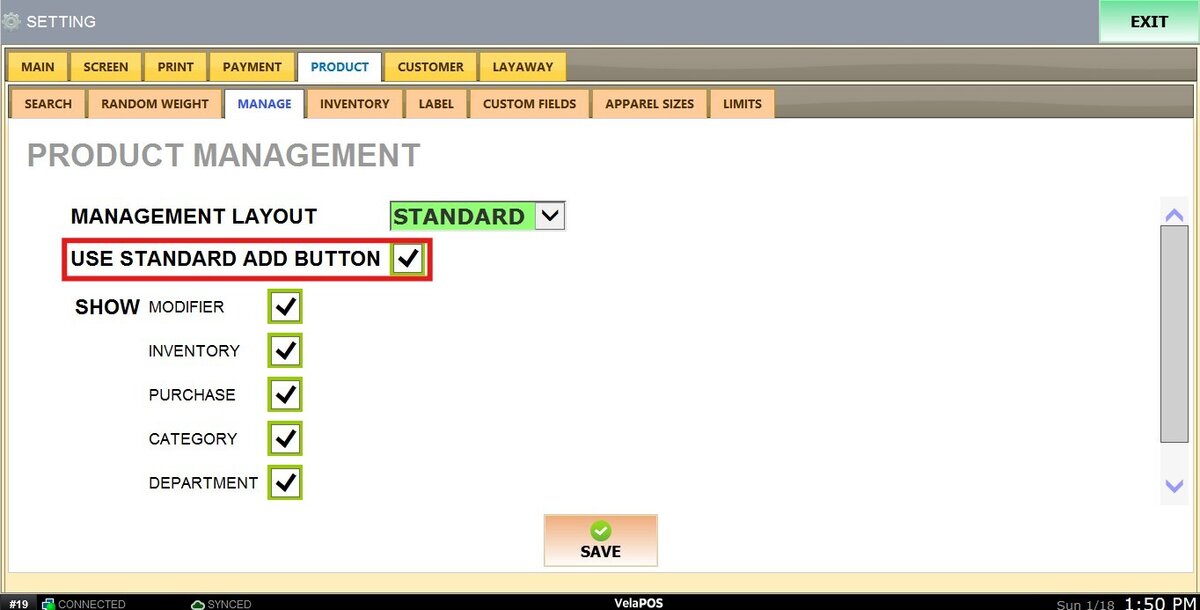
1. CHECKED: The standard Add button is enabled and visible.
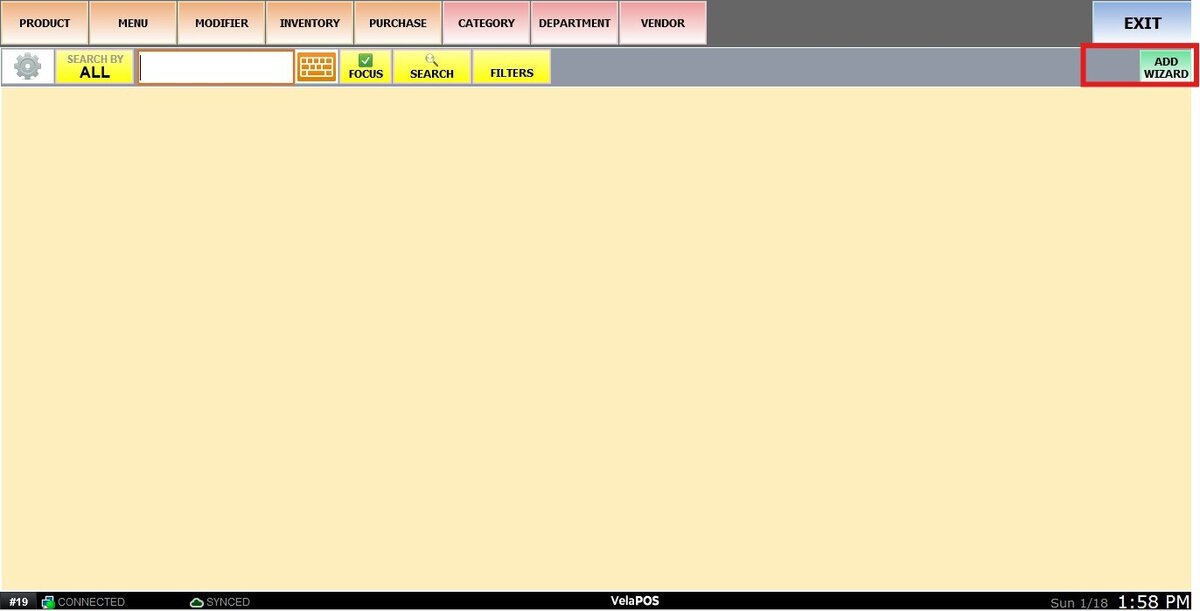
2. UNCHECKED: The standard Add button is hidden.
SHOW.
These options determine which elements are visible in the Product Management section.
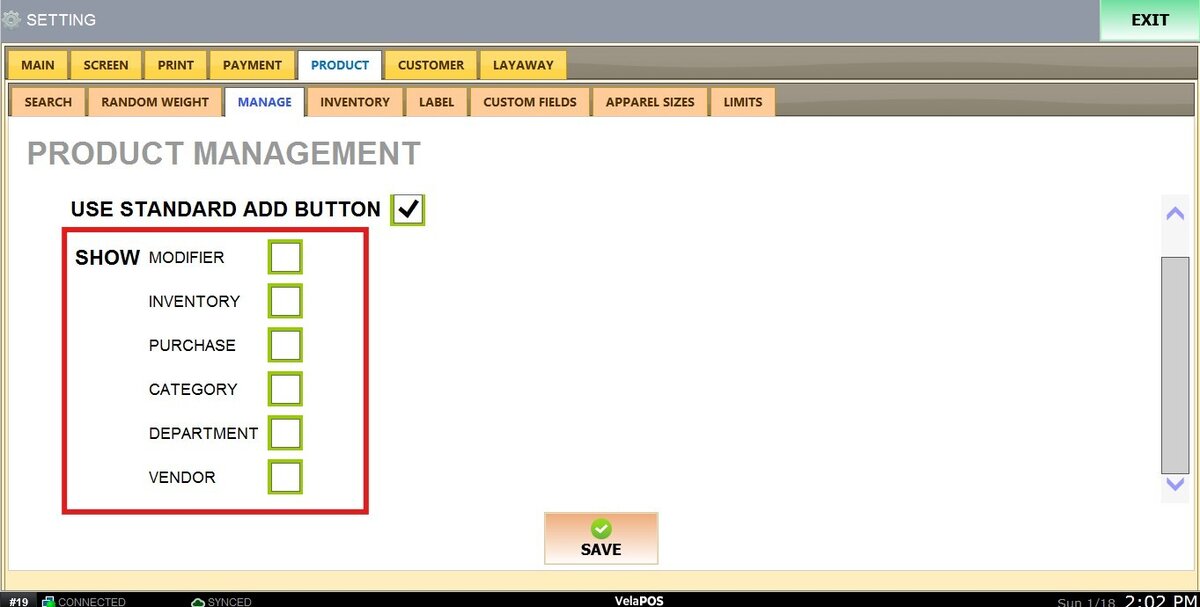
1. CHECKED: Enables the corresponding feature.
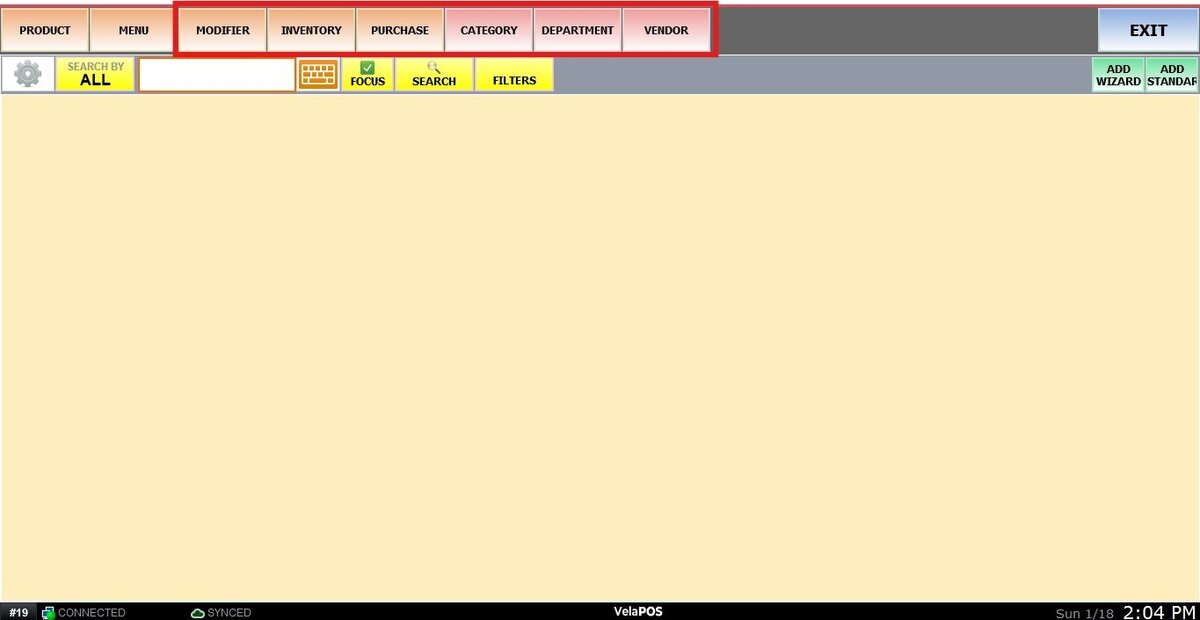
2. UNCHECKED: Hides that feature from view.