Show Price
This setting controls whether item prices are displayed on the Sales screen and their display size.
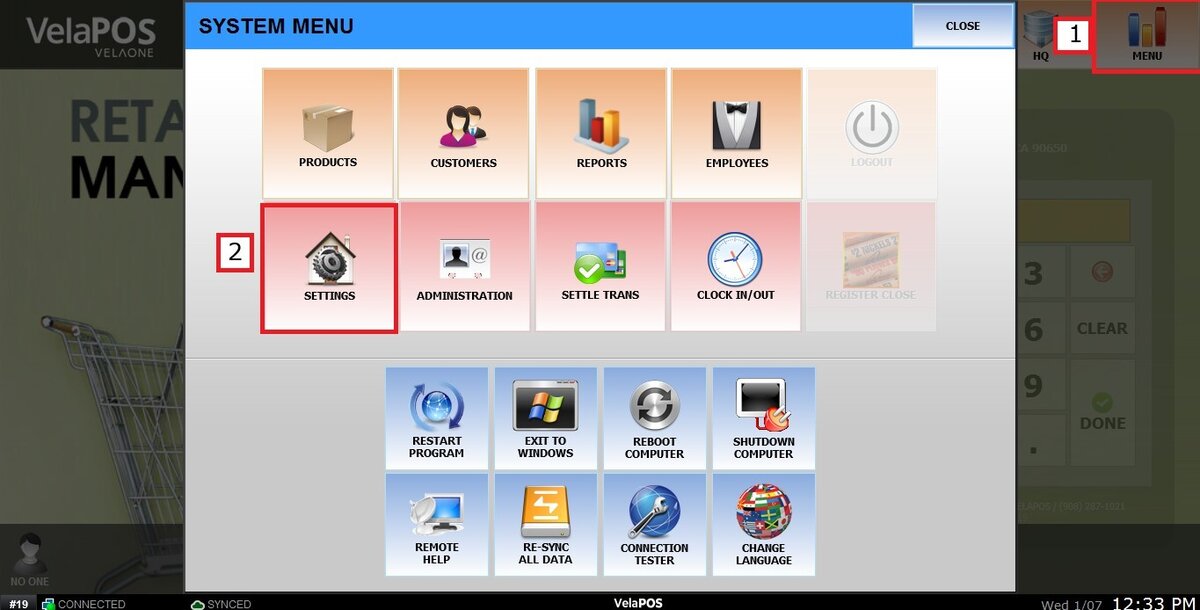
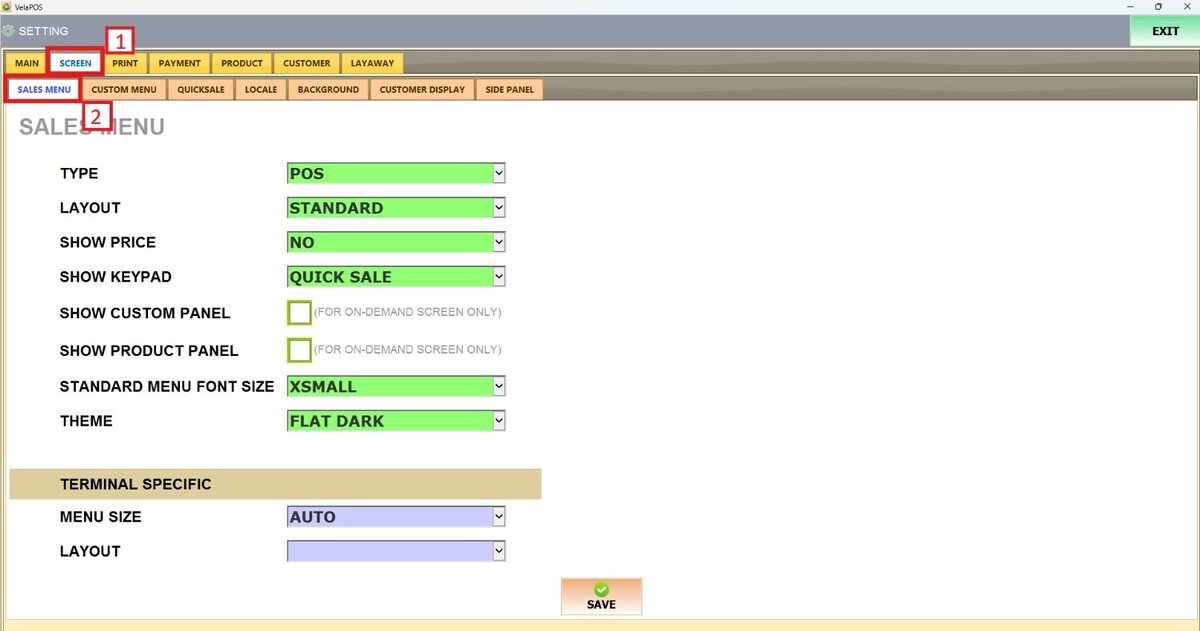
Main Screen> MENU> SETTINGS> SCREEN > SALES MENU
Go to MENU and press SETTINGS.
Under the SCREEN tab, select SALES MENU and navigate to the SHOW PRICE section.
On SHOW PRICE, there are 4 options to choose from: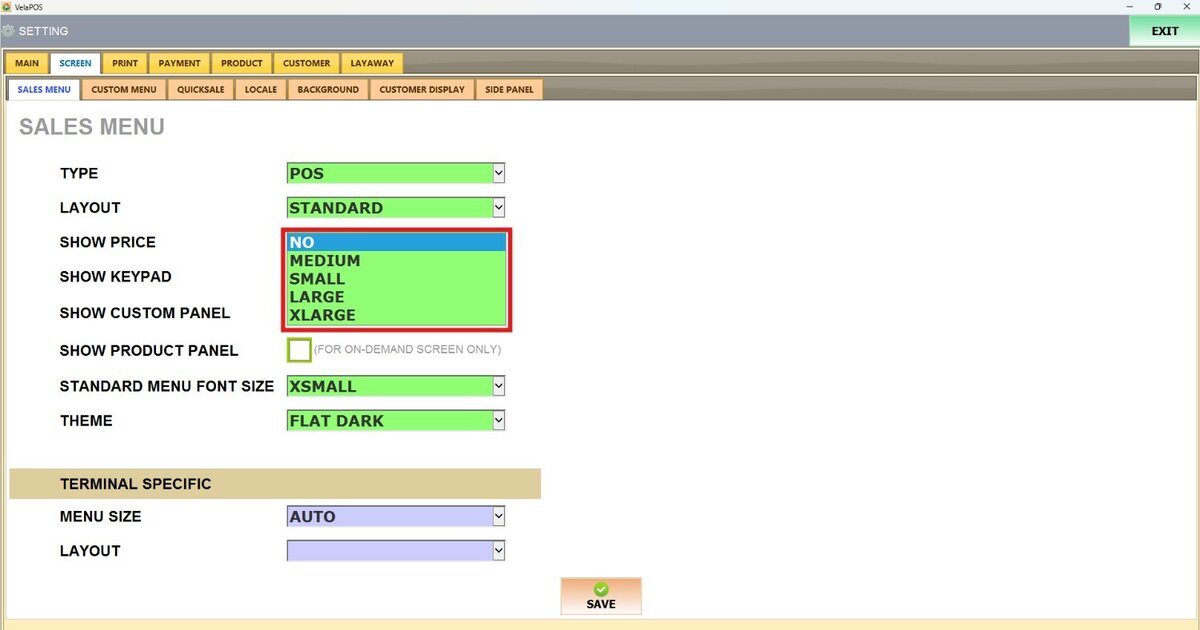
NO: The item price will not be displayed.
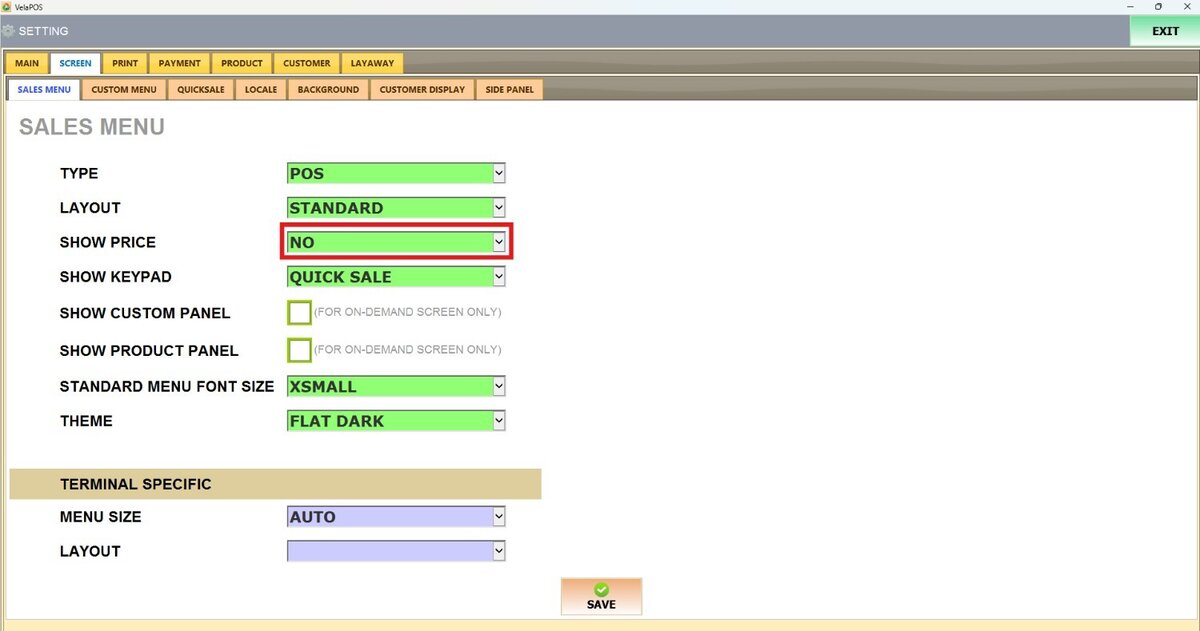
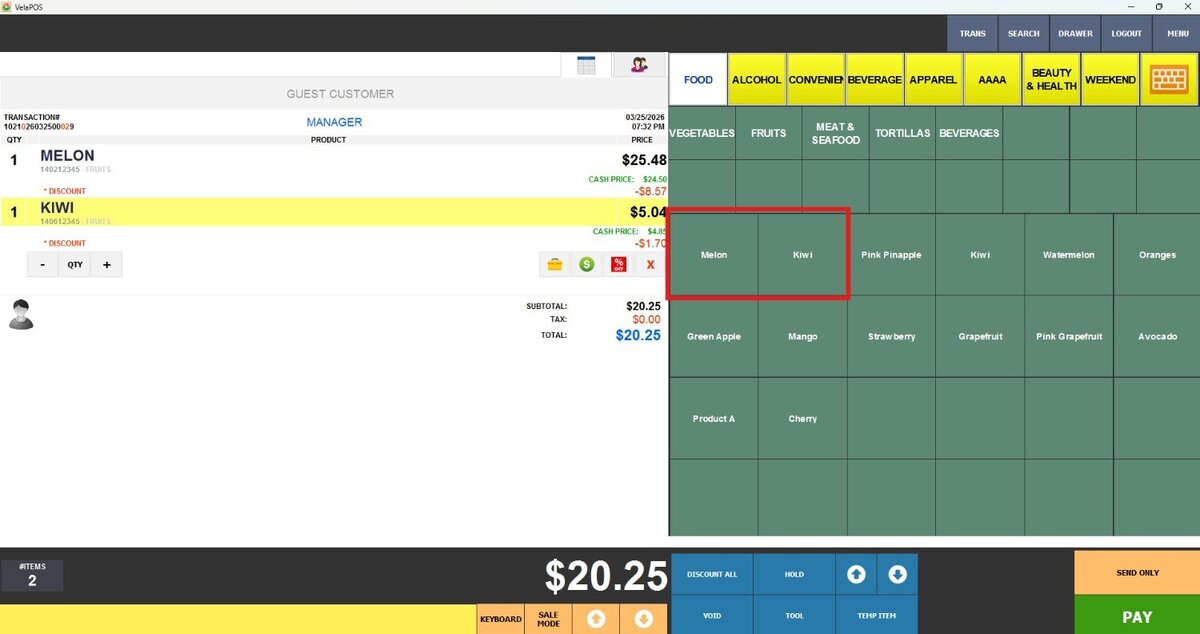
SMALL: The item price will be displayed in a small font size.

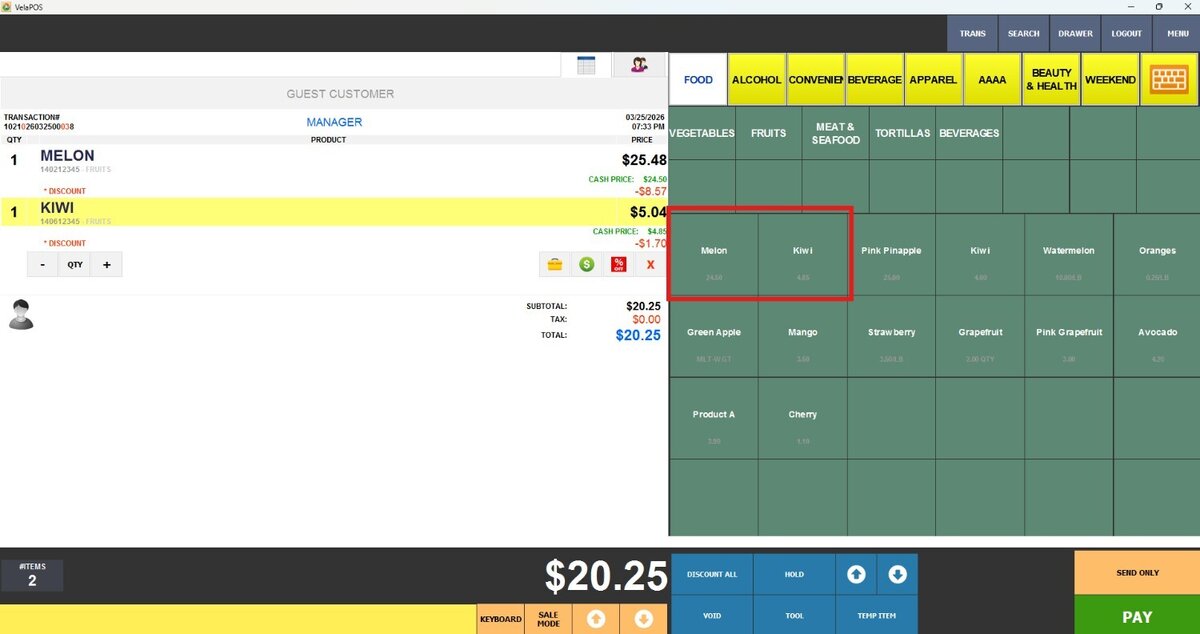
MEDIUM: The item price will be displayed in a medium font size.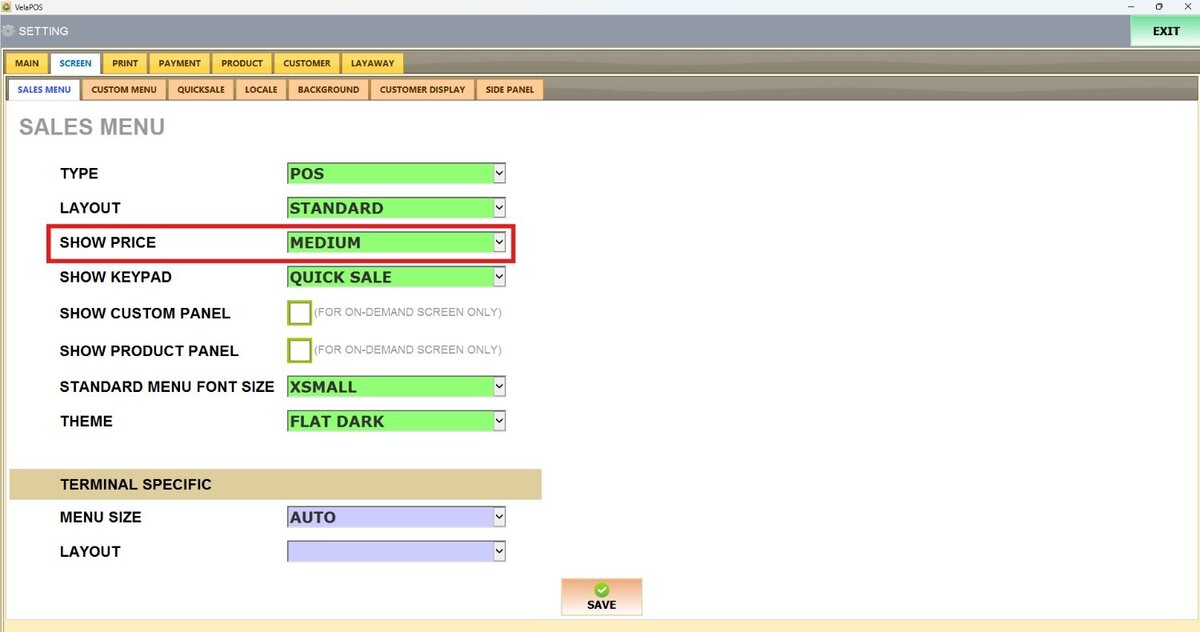
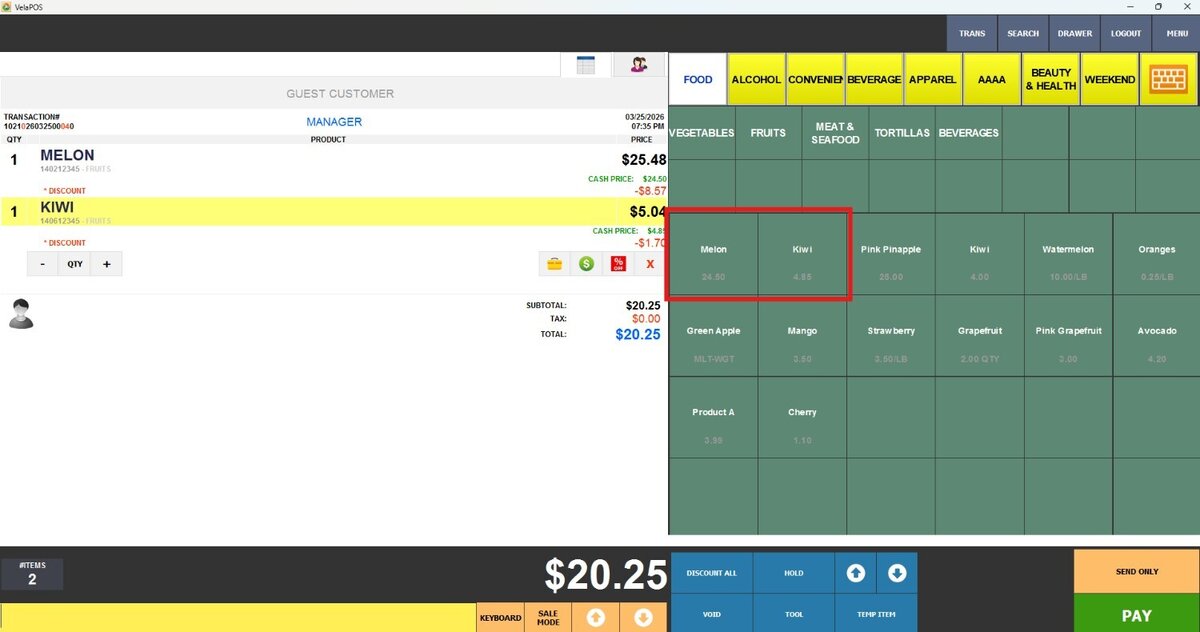
LARGE: The item price will be displayed in a large font size.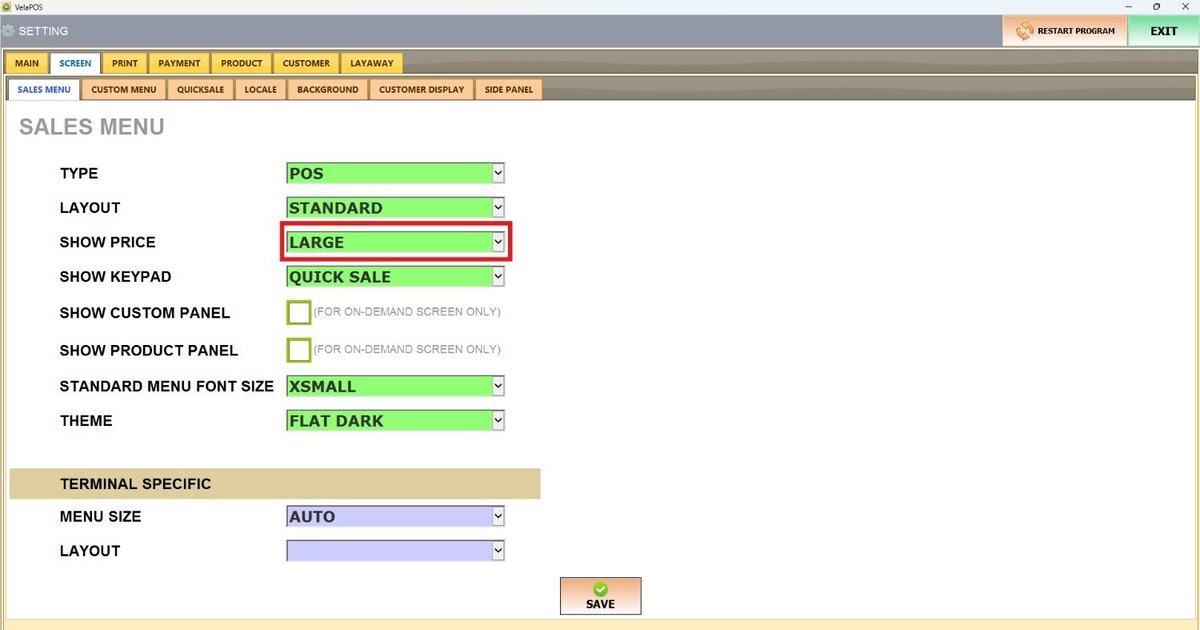
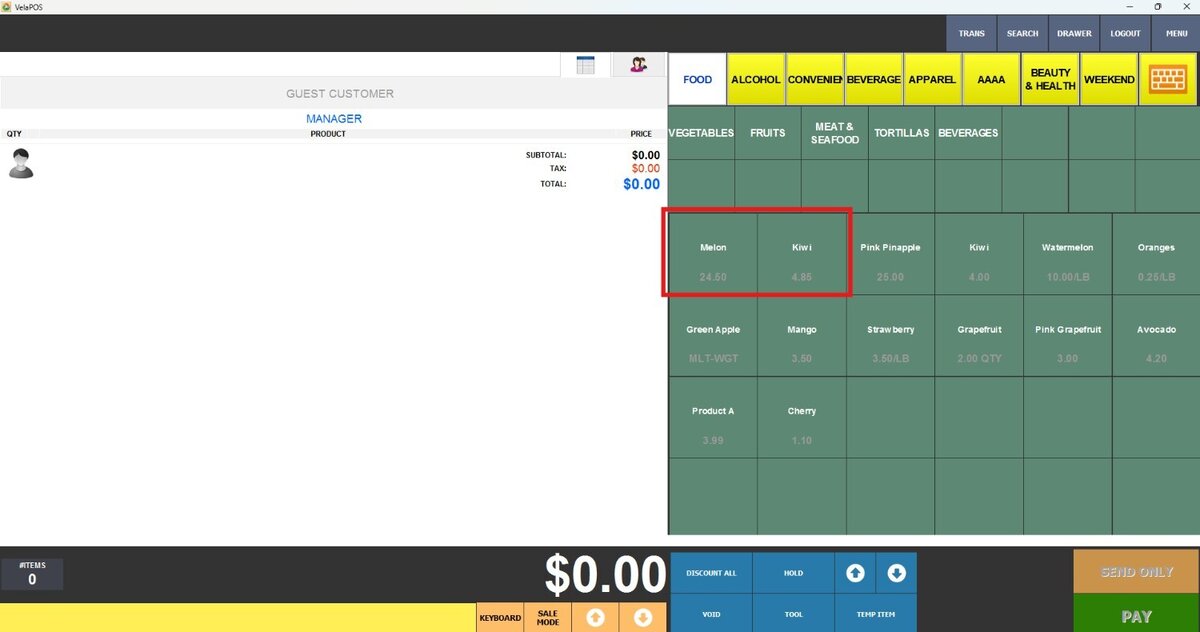
X-LARGE: The item price will be displayed in an extra-large font size for maximum visibility.

Once configured, press SAVE and RESTART THE PROGRAM to apply the changes.