VelaPay Home & Side Menu
In this article, the layout and navigation of the VelaPay web portal are discussed, including what appears on the Home Screen and how to access the Side Menu on both desktop and mobile devices.
Home Screen
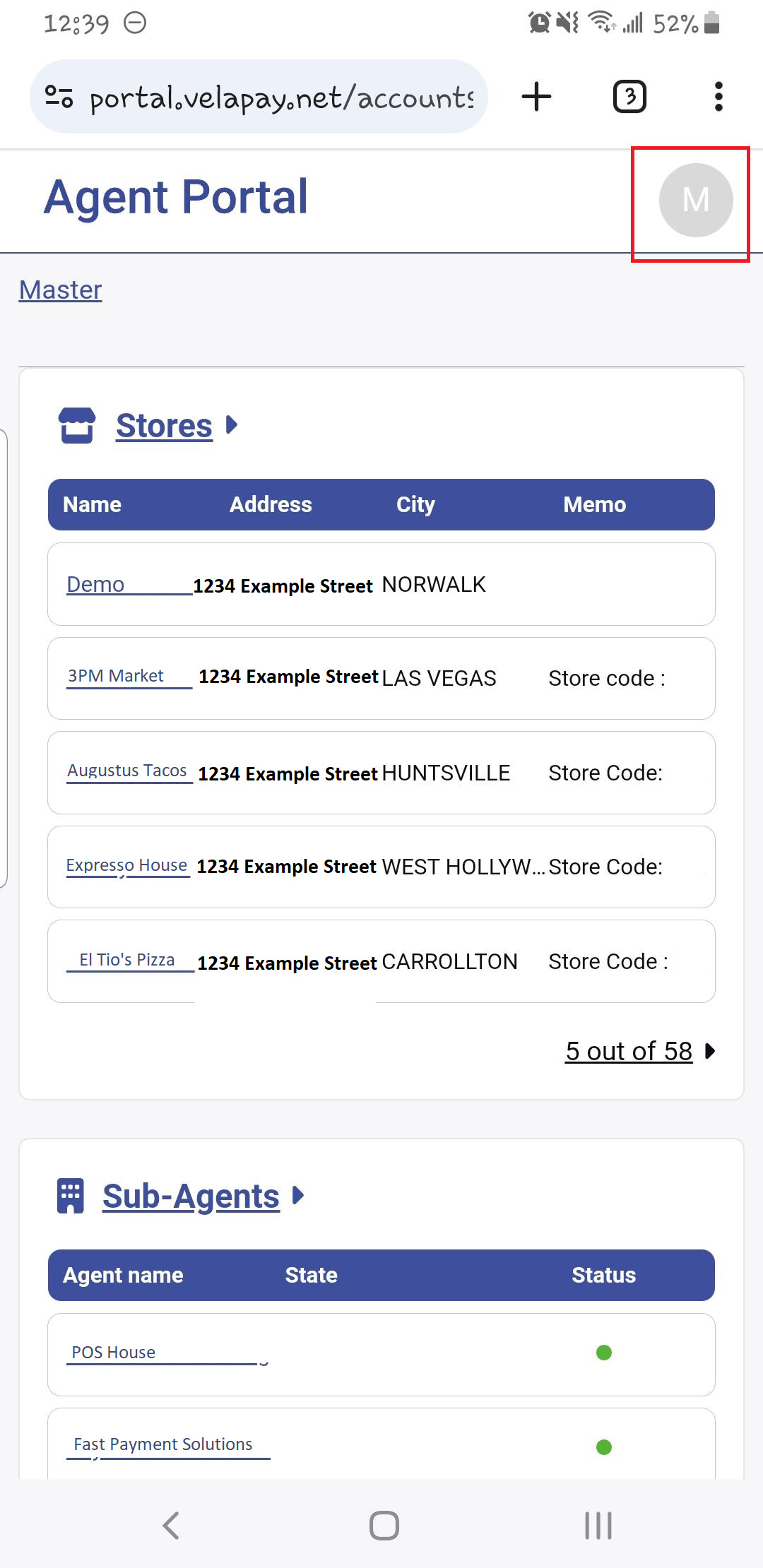
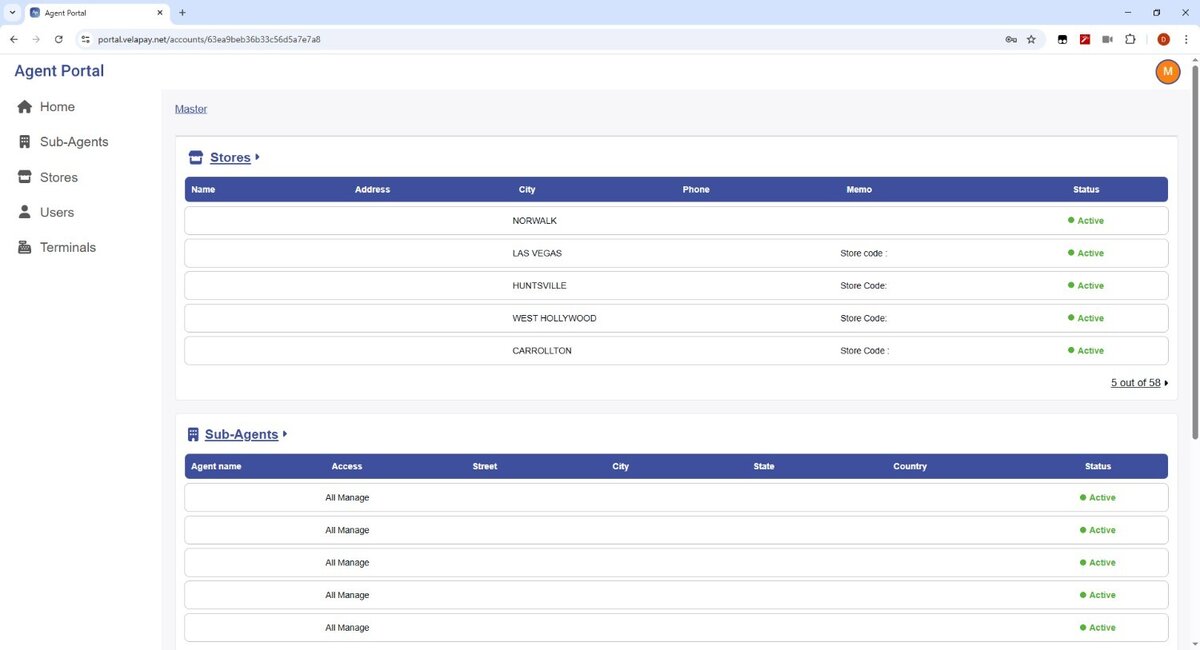
From this page, a summary of 3 tabs is available: STORE, SUB-AGENTS, and USERS. (falta mostrar users)
Side Menu
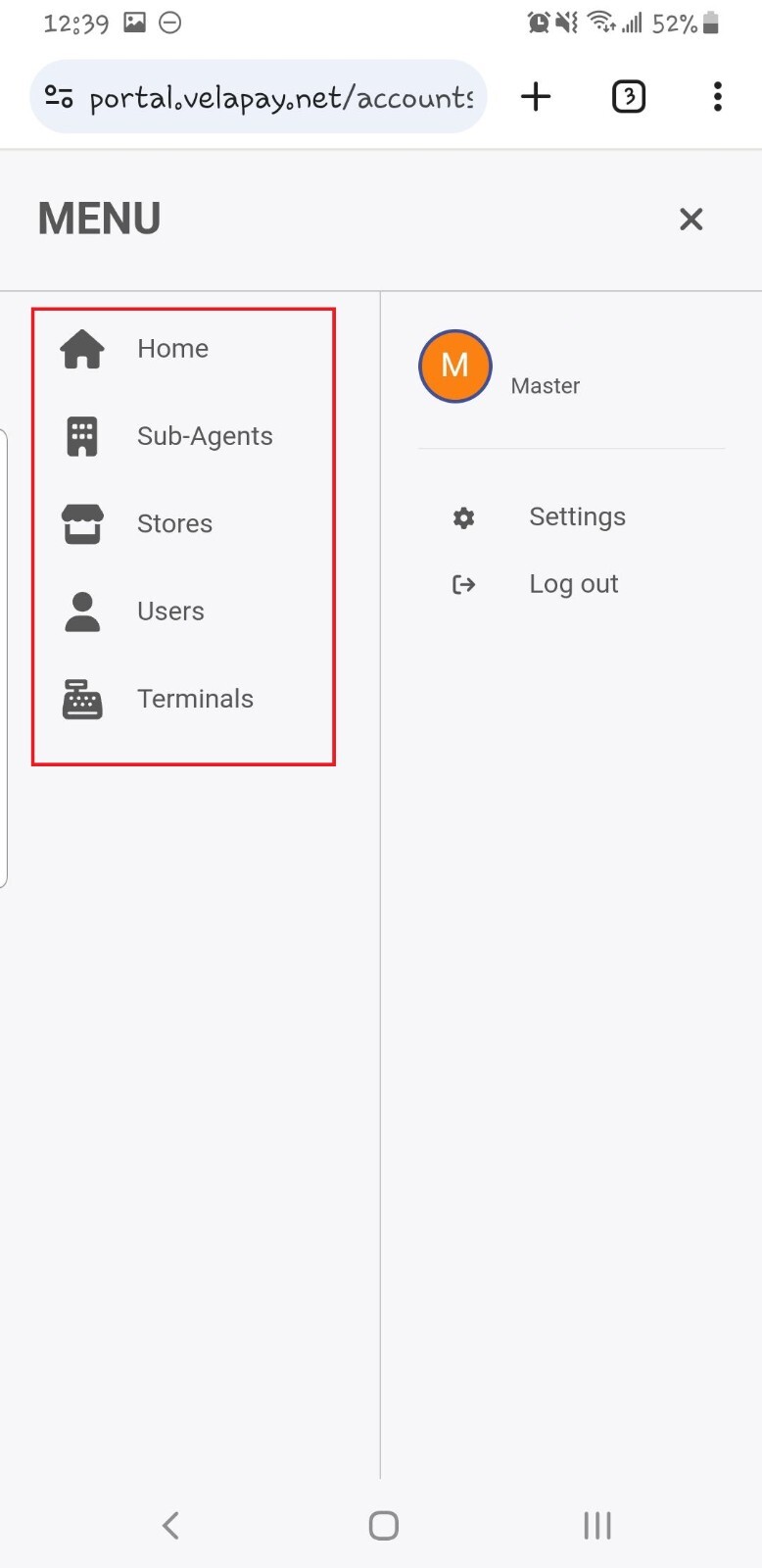
Is a navigation tool for easily navigating the VelaPay web portal pages.
On Desktop
It's displayed on the left side of the browser and is always up.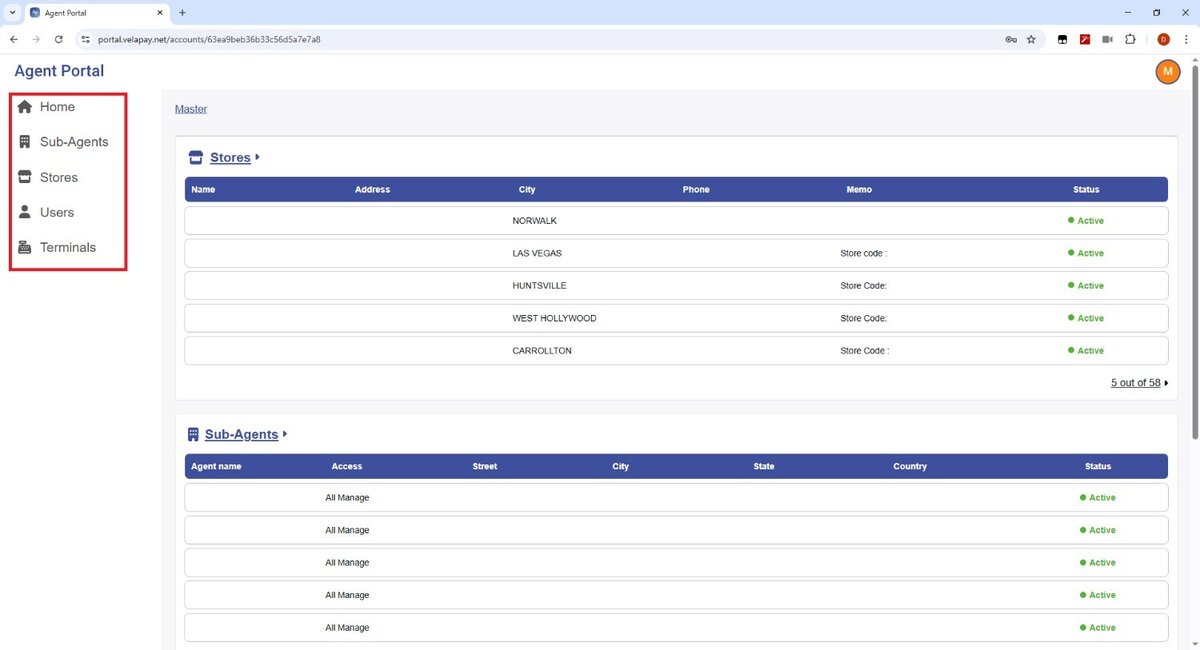
On Mobile
When pressing your user profile, located at the top right part of your browser, the Side Menu should come up.