VelaPay Stores
This article explains how to use the Vela Store page to view the registered stores and access the information available for each store.
On the Side Menu, click the STORES section.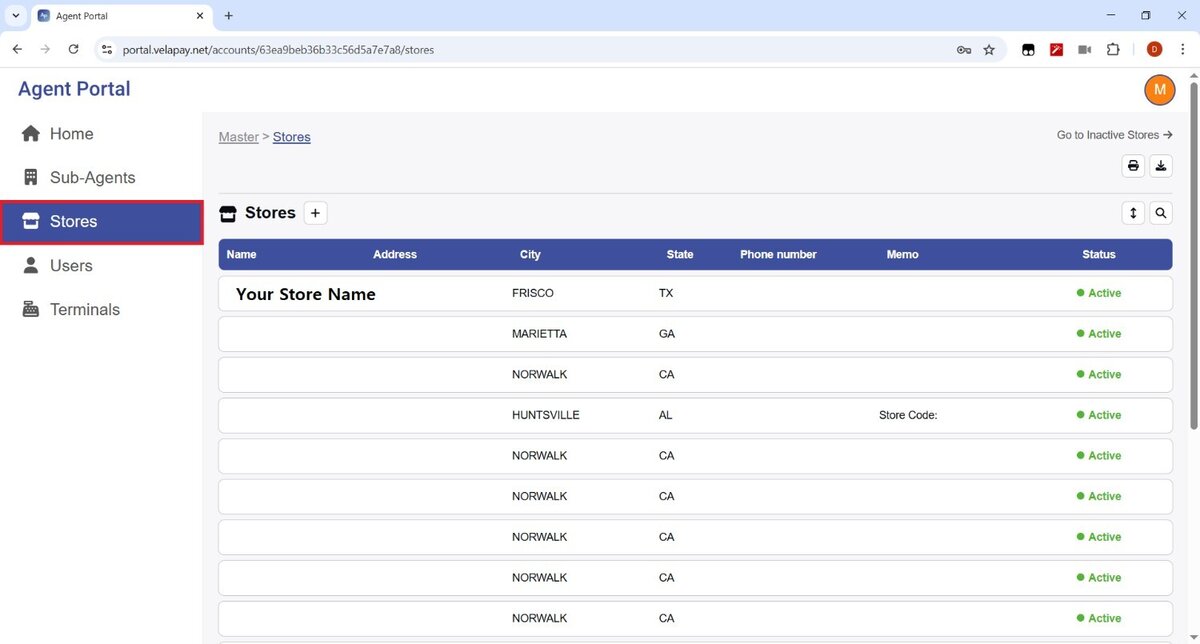
Select a store name, and it will open a summarized view of the store's information: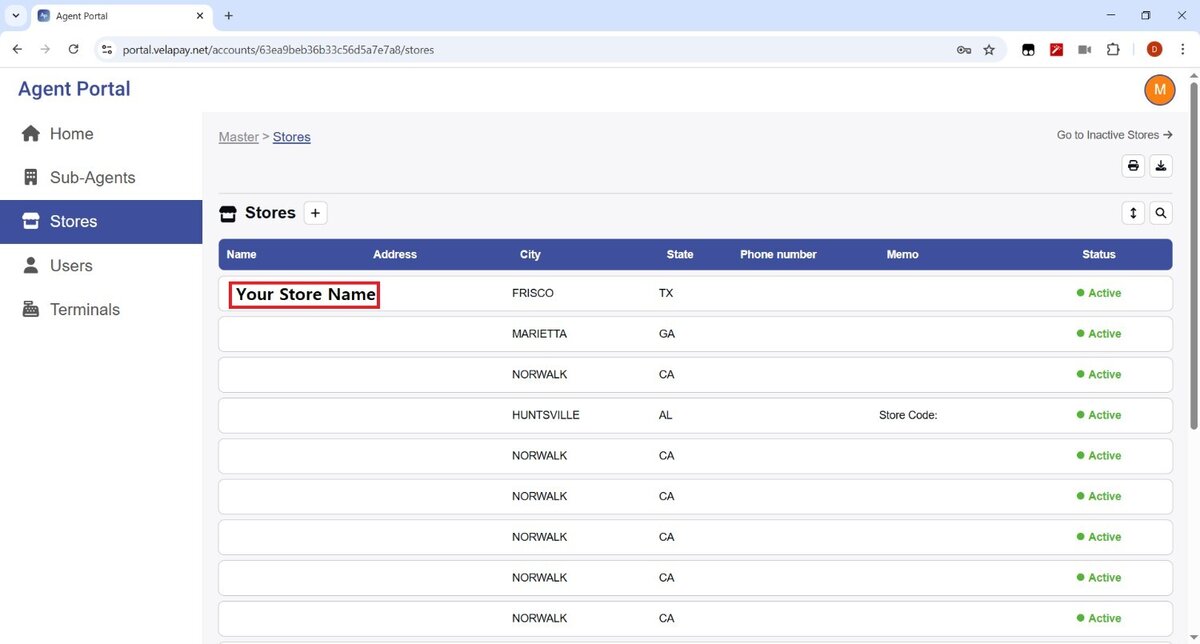
Transactions
This section shows the latest five transactions.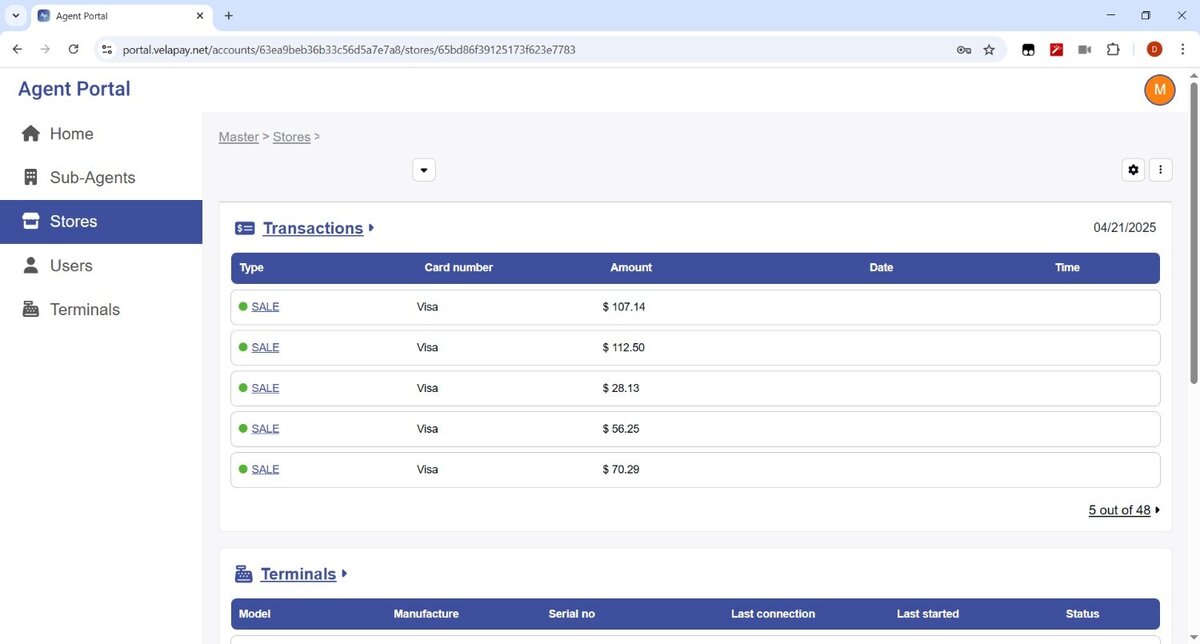
To view all activity, click on TRANSACTION.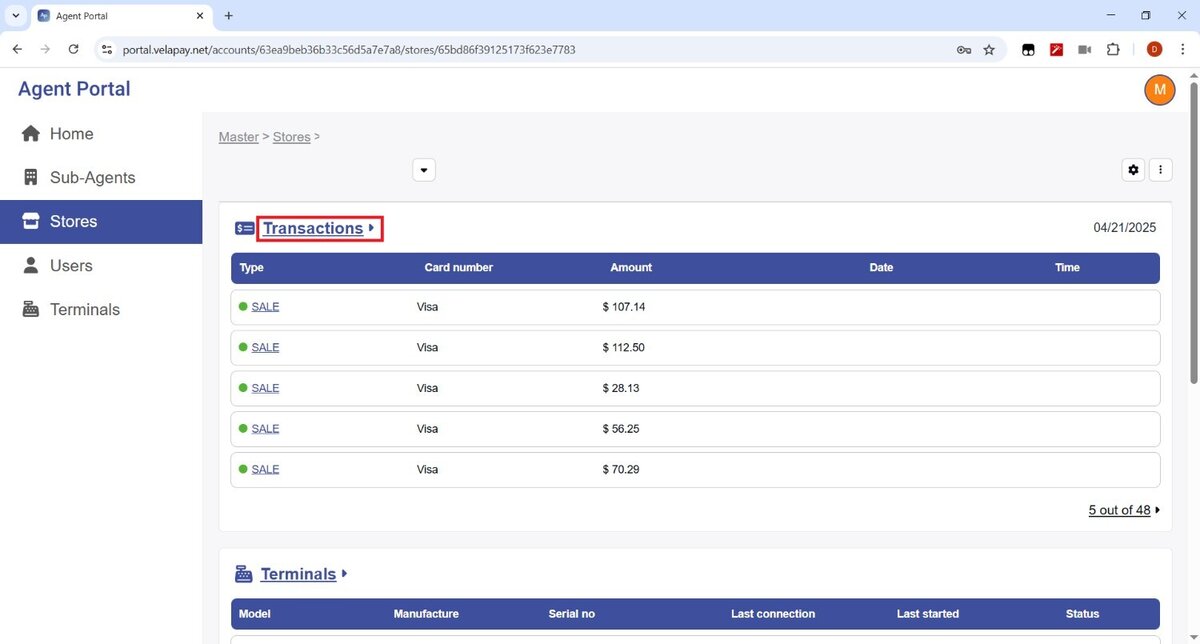
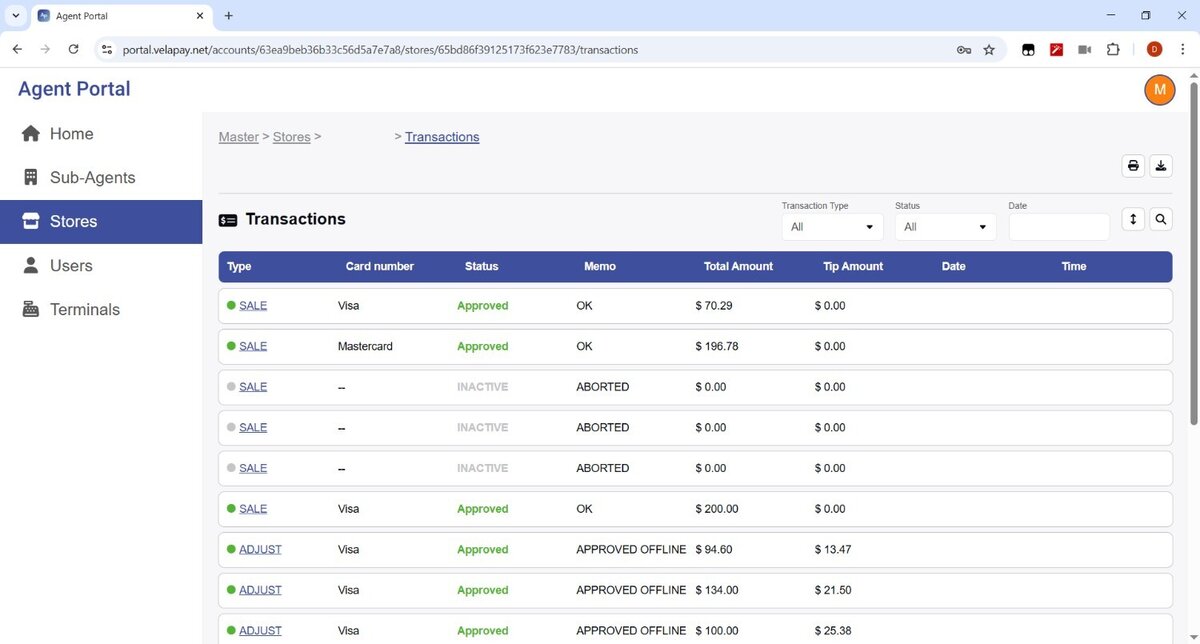
Hint: You can adjust the sorting by using the filter located in the top right corner.

Terminals
This section lists the credit card terminals connected to VelaPay.
For more details, refer to the Terminals article.
Product (Not Supported yet)
Store Users (Not supported yet)