Print Label
This guide explains how to quickly print product labels from the POS.
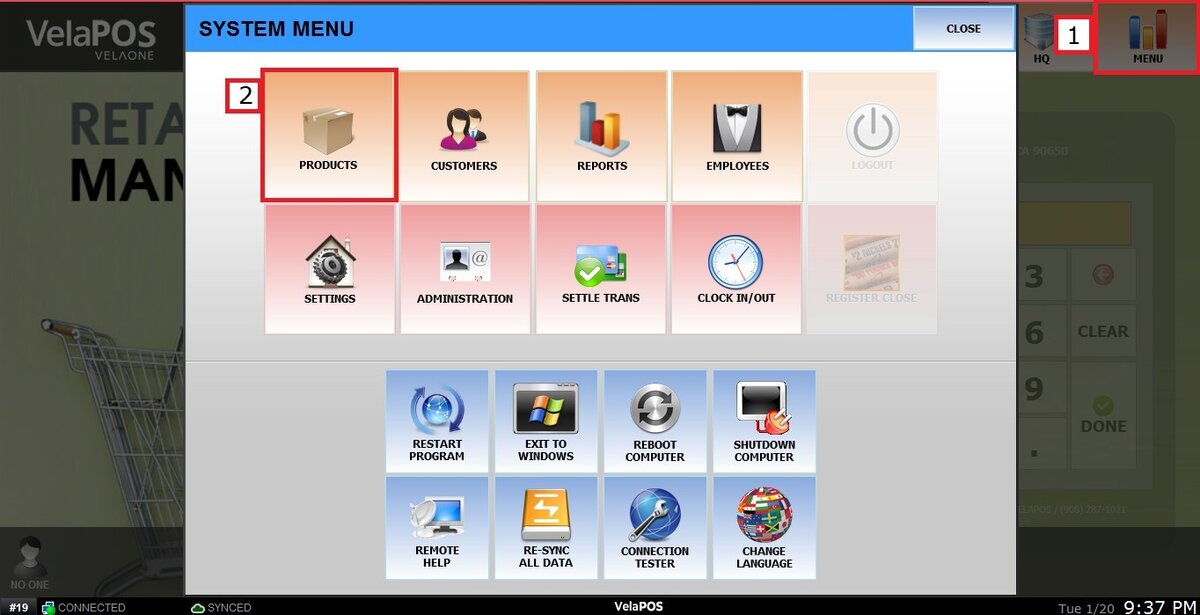
Main Screen> MENU>PRODUCTS> Select the product of interest> LABEL
From the Main Screen, go to MENU, then select PRODUCTS.
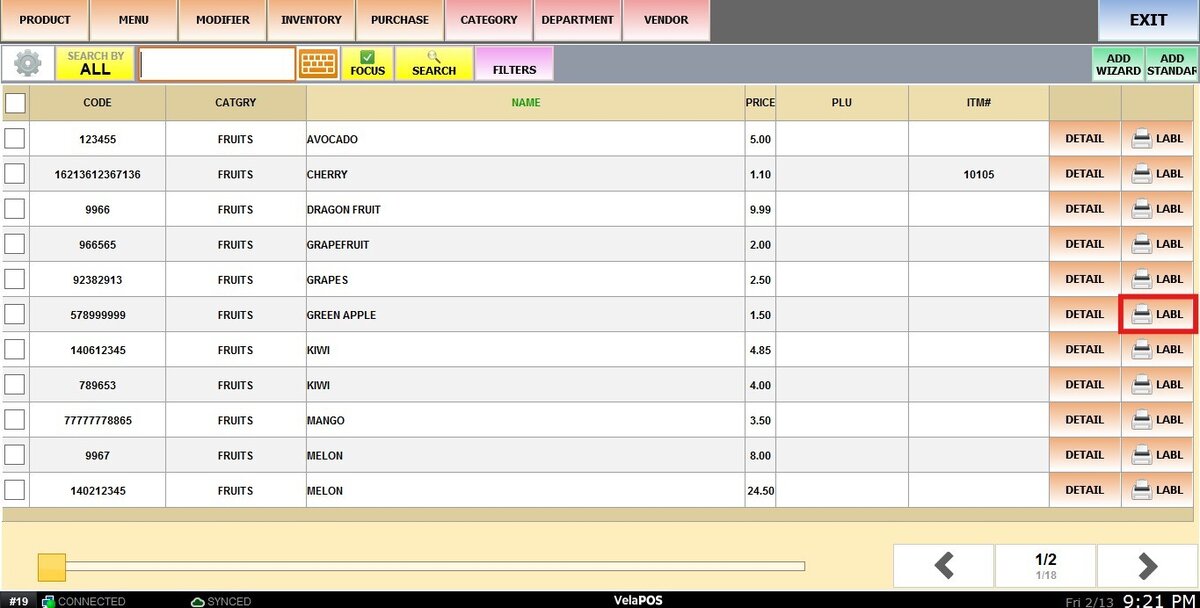
Locate and select the product you want to print labels for, and click on the LABEL button.
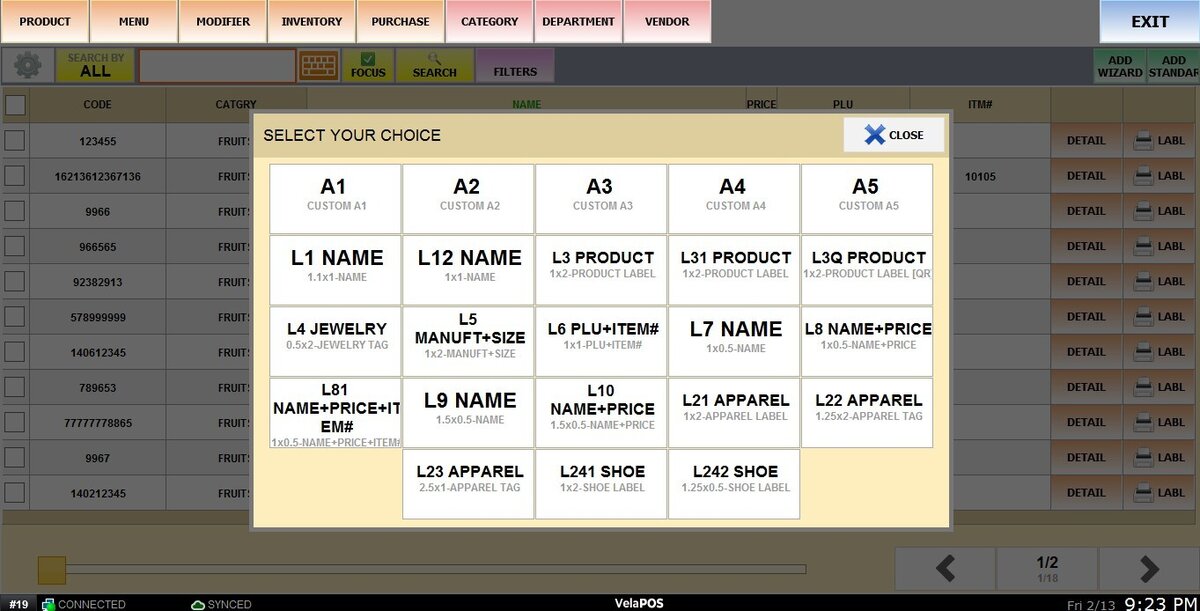
Choose the label type, a predefined label available in the system, refer to Label settings guide and to learn how to create custom labels, refer to Custom Label Setup guide.
Enter the number of labels you want to print.
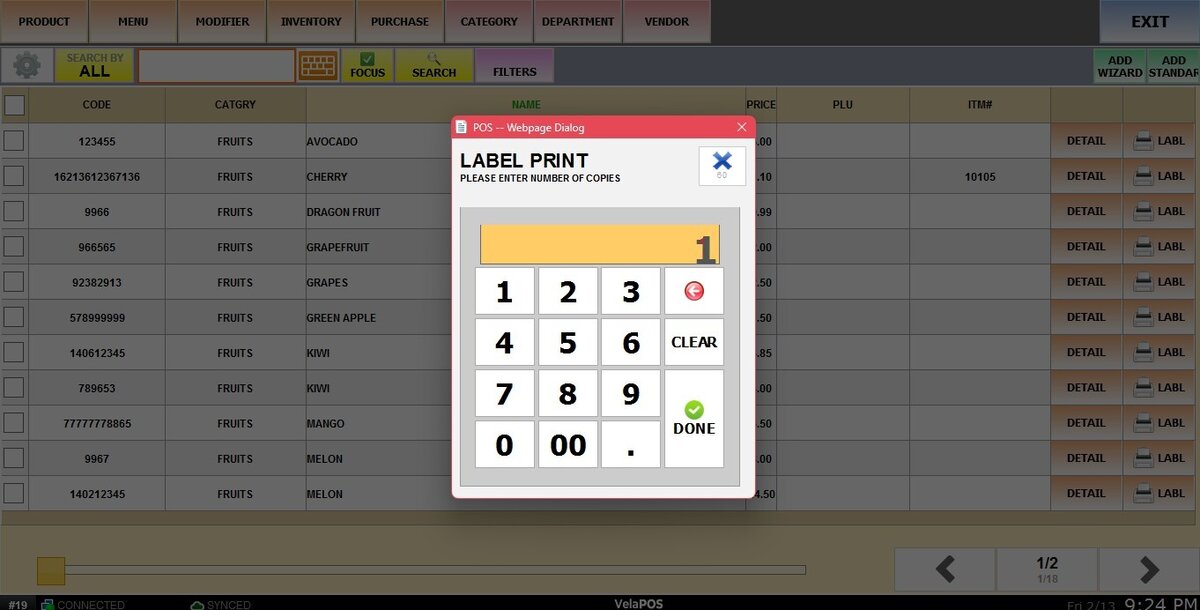
RESULT:
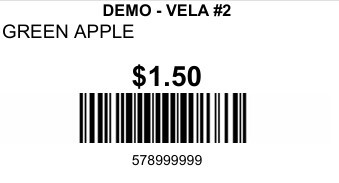
The labels will print using the selected format and quantity.