Survey
This report provides a comprehensive overview of the customer survey data.
Main Screen> MENU> REPORTS> CUSTOMER> SURVEY
On the Main Screen, go to MENU and press REPORTS.

On the reports section, go to CUSTOMER and SURVEY.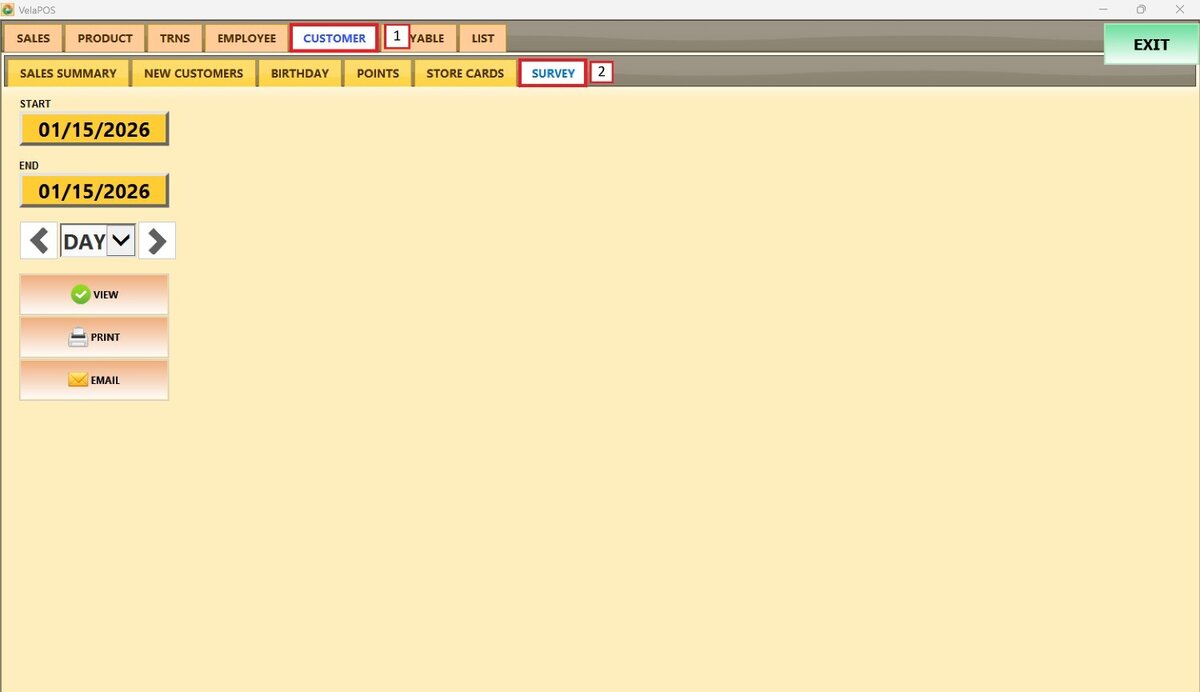
Filters
Use the filters to define how the report is grouped and displayed.
1. Filter by customized range: To view the report, begin by selecting its date range.
Press on the START field to input the starting date.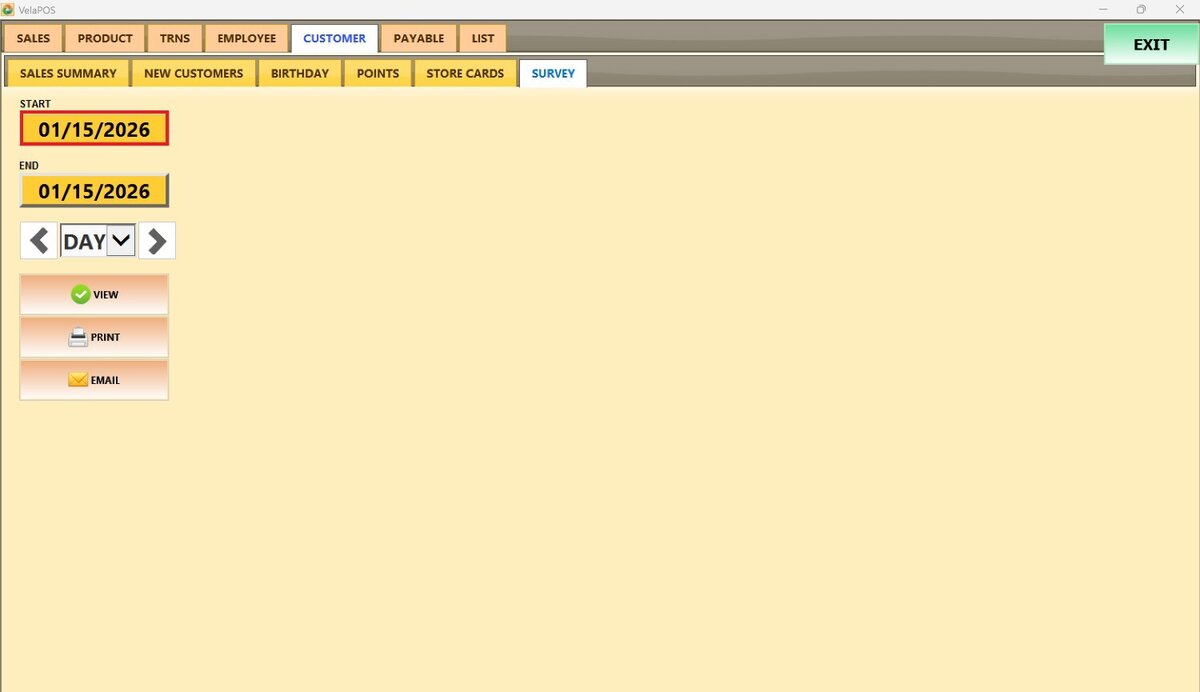
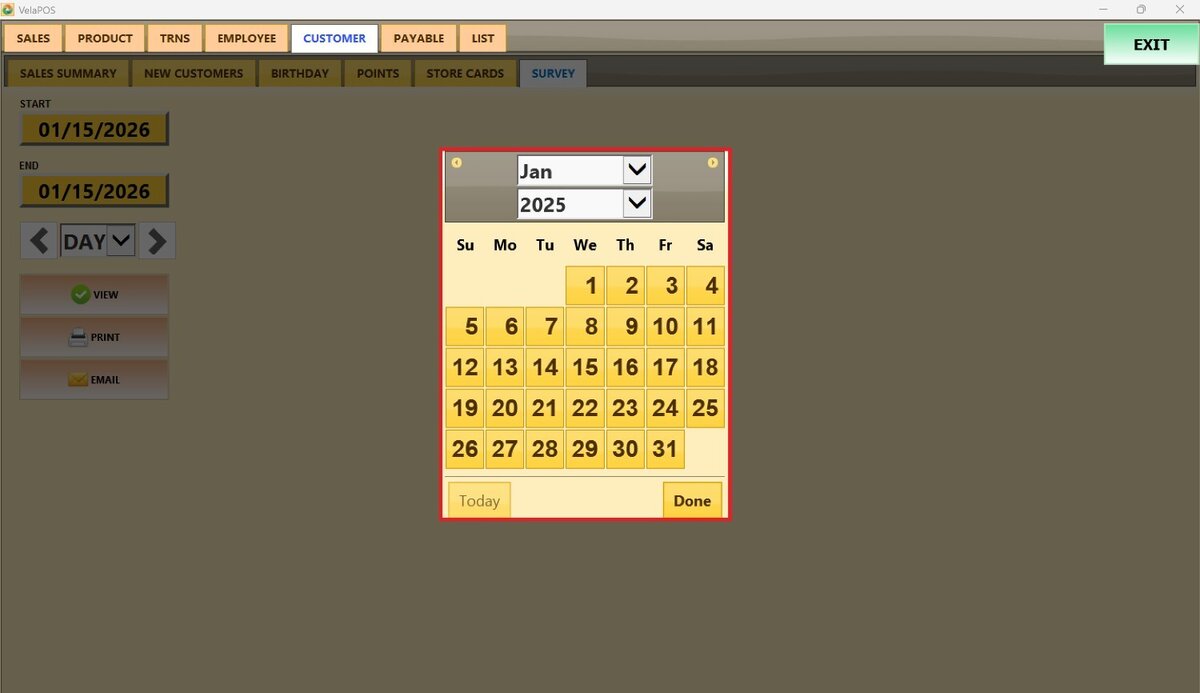
A calendar screen appears, where the date (day, month, and year) can be selected.
Press on DONE.
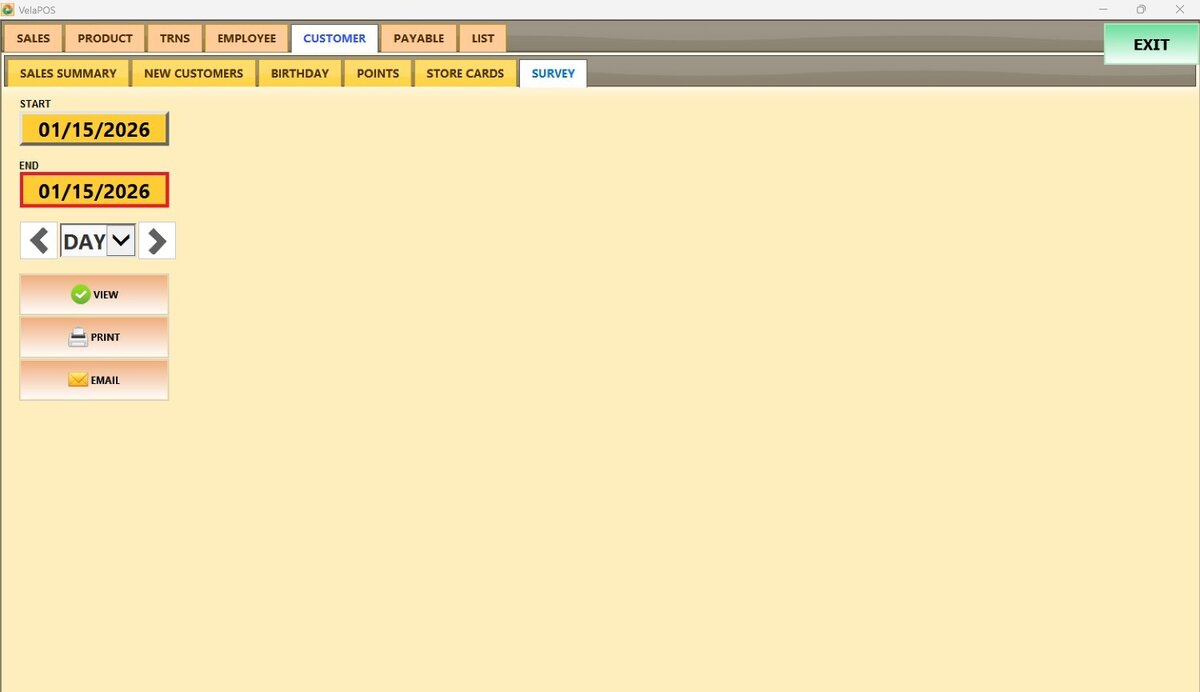
Repeat the same process for the END field to set the final date of the report.
2. Filter by a time frame: Filter the report by time frame (day, week, month, quarter, year).
Select the field and choose the desired time duration.
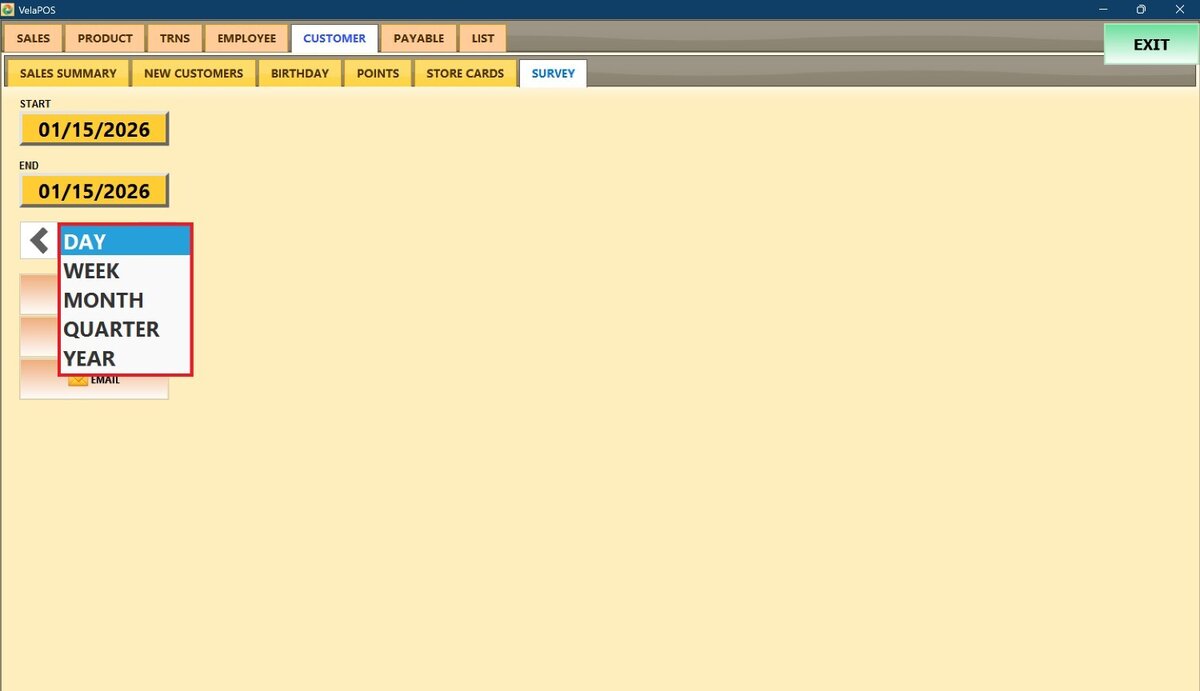
Depending on whether Day, Week, Month, Quarter, or Year is selected, the side arrows can be used to move forward or backward through those time periods.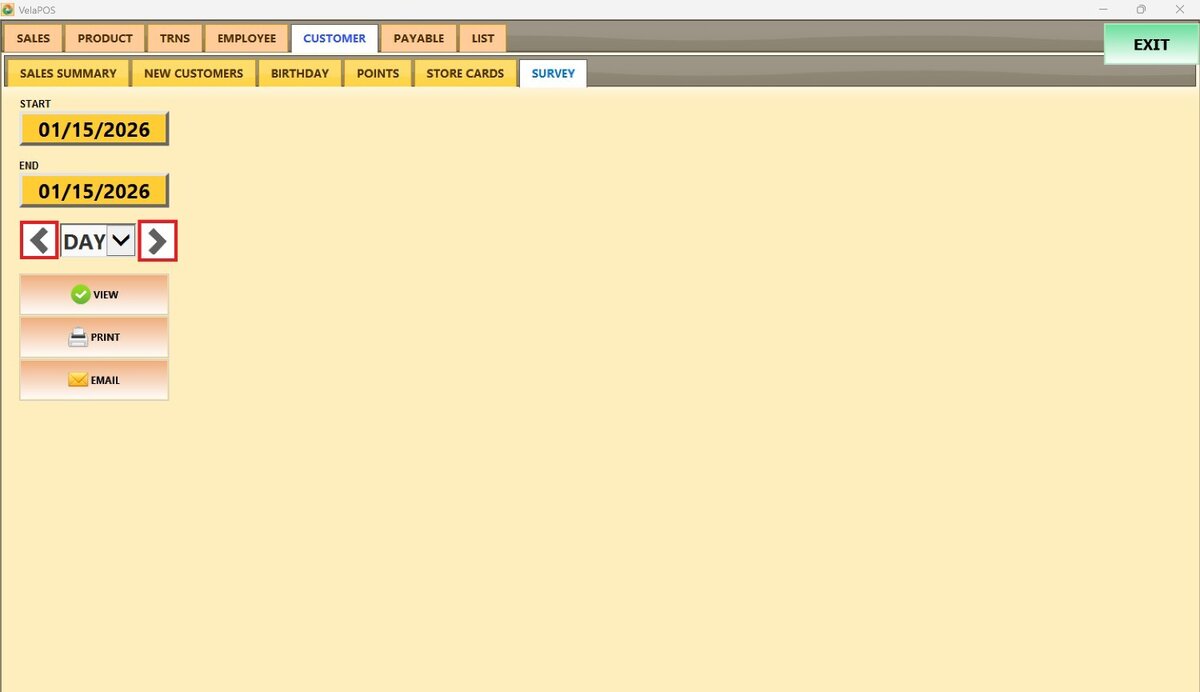
View
The report displays a set of predefined questions grouped by category, along with the available answer options. For each question, the report shows how many customers selected each answer and what percentage represents.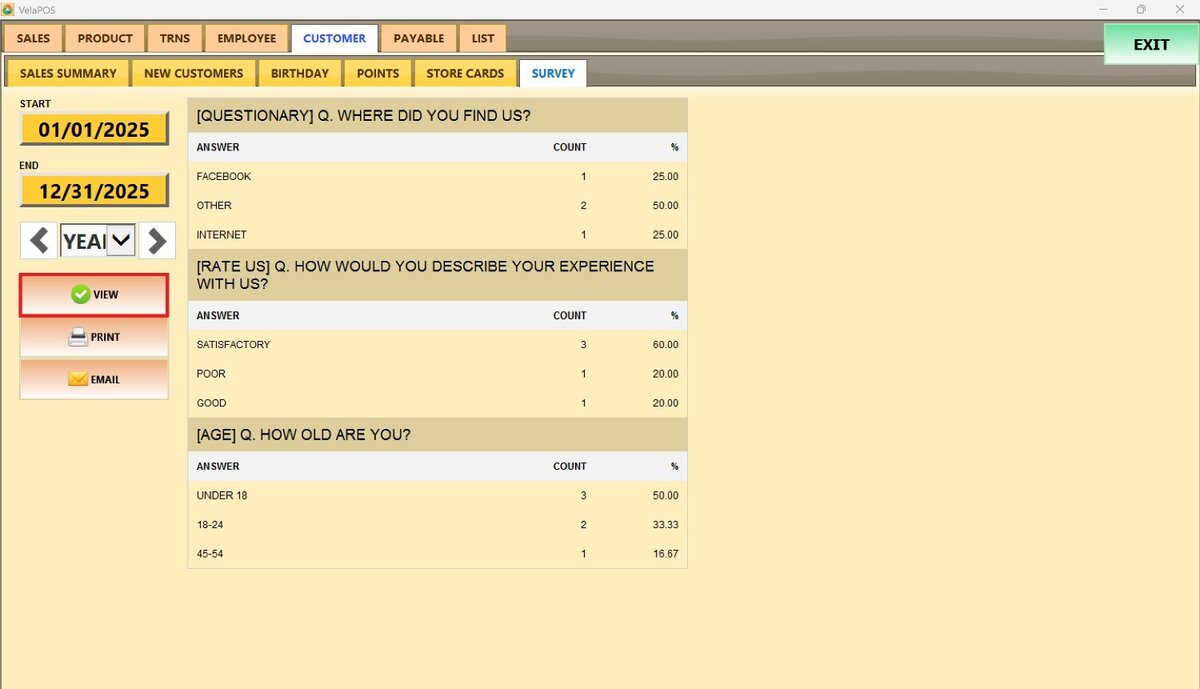
PRINT and EMAIL this report.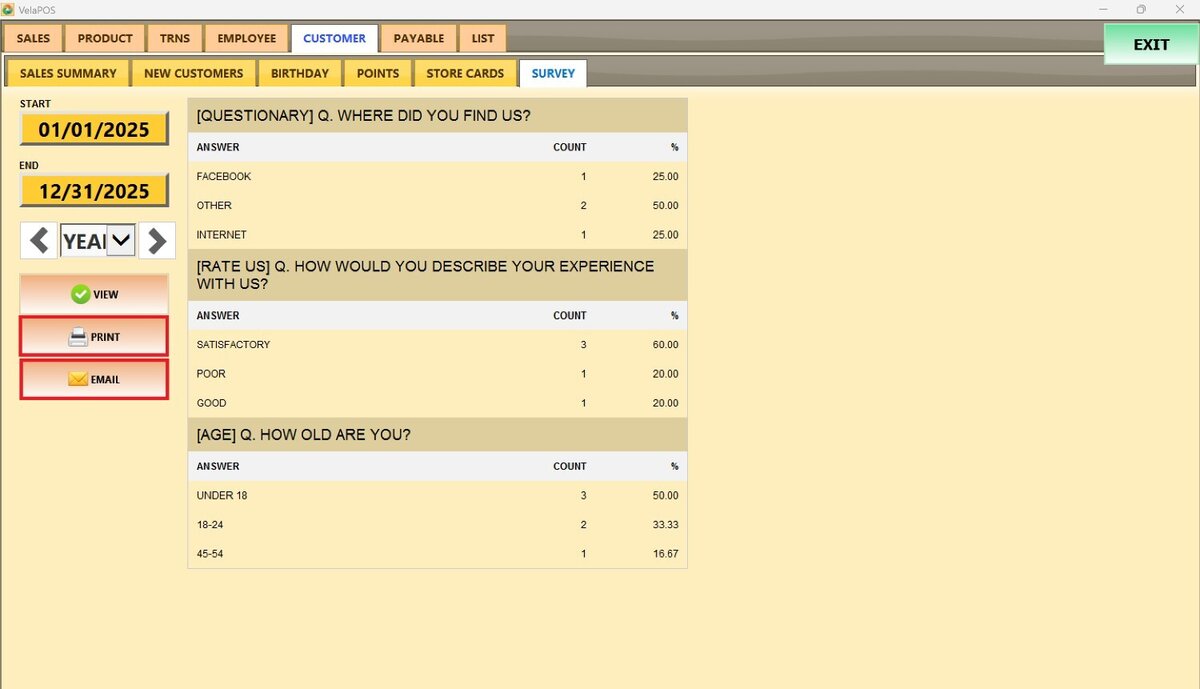
Note: To display the SURVEY tab in the Reports section, surveys must first be enabled. For guidance on setting up surveys and their questionnaires, refer to Surveys.