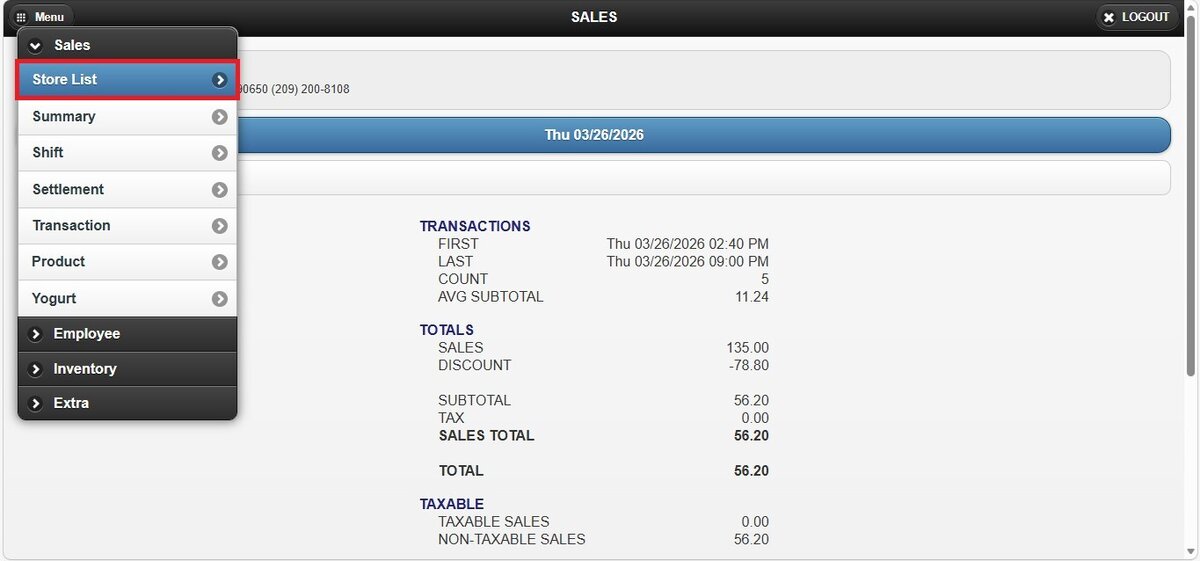
How to Access to Online Reports
Online Reports can be accessed directly from the VelaPOS website.
How to Access
Go to: https://www.velapos.com/
Click on the ONLINE REPORTS tab.
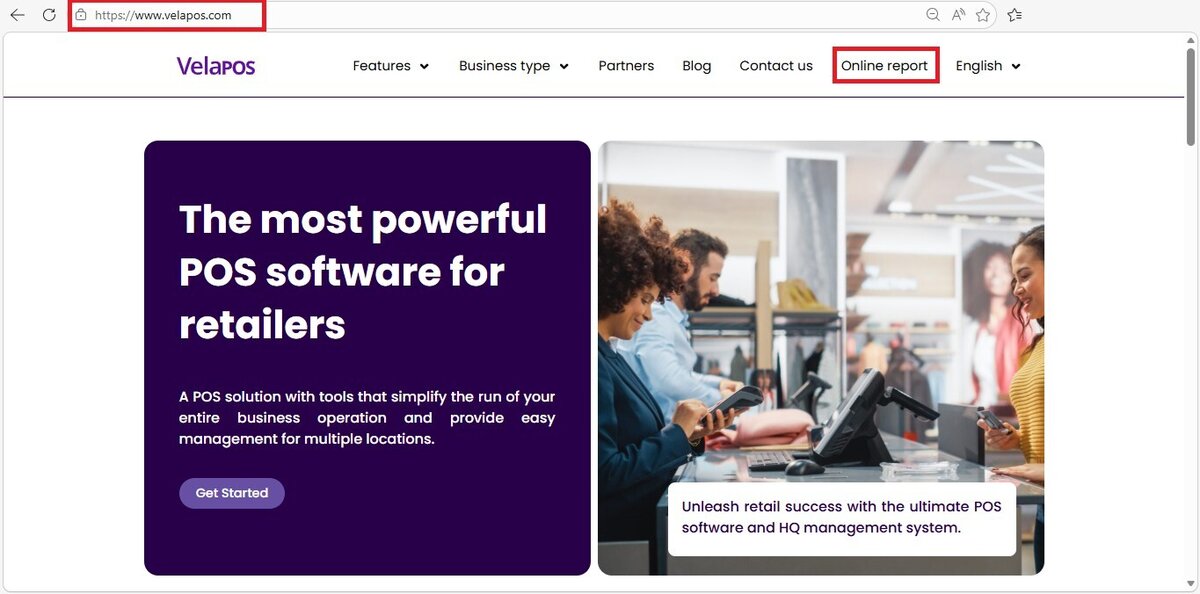
You will be redirected to the Online Reports login page.
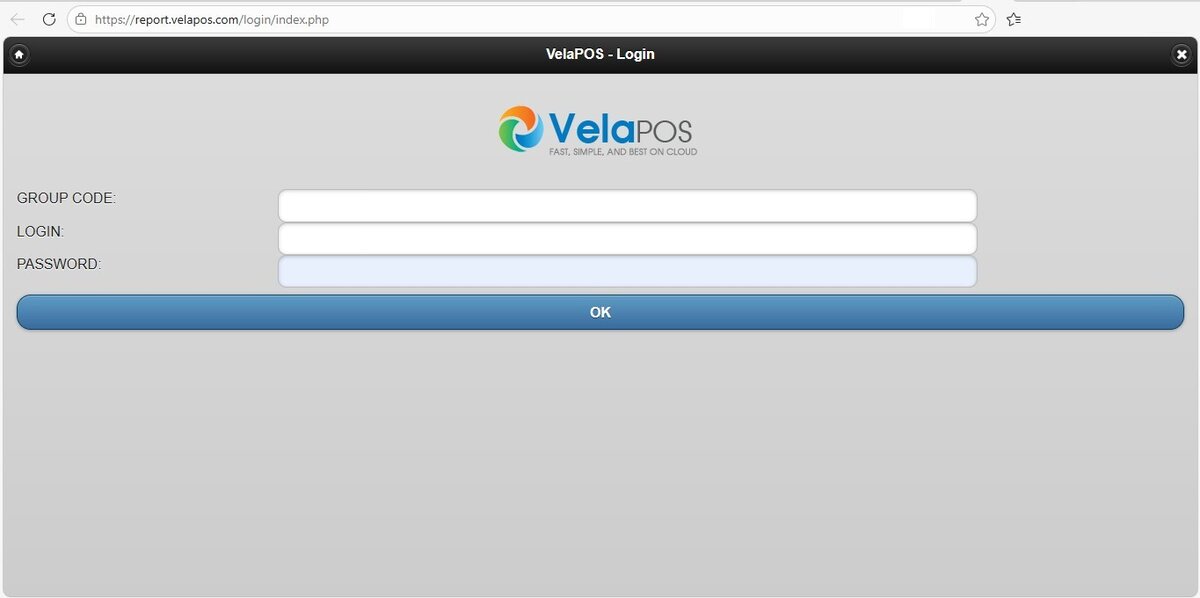
Alternatively, you can access it directly using the Online Reports link.
Credentials Required
To log in, you will need the following:
1. GROUP CODE: The group code assigned to your store.
2. LOGIN & PASSWORD: The username and password of a POS administration account.
If your account was set up through a dealer, contact your dealer for your login credentials. They can retrieve this information through the dealer portal.
If you are a direct customer, please contact support for assistance.
Navigating Online Reports
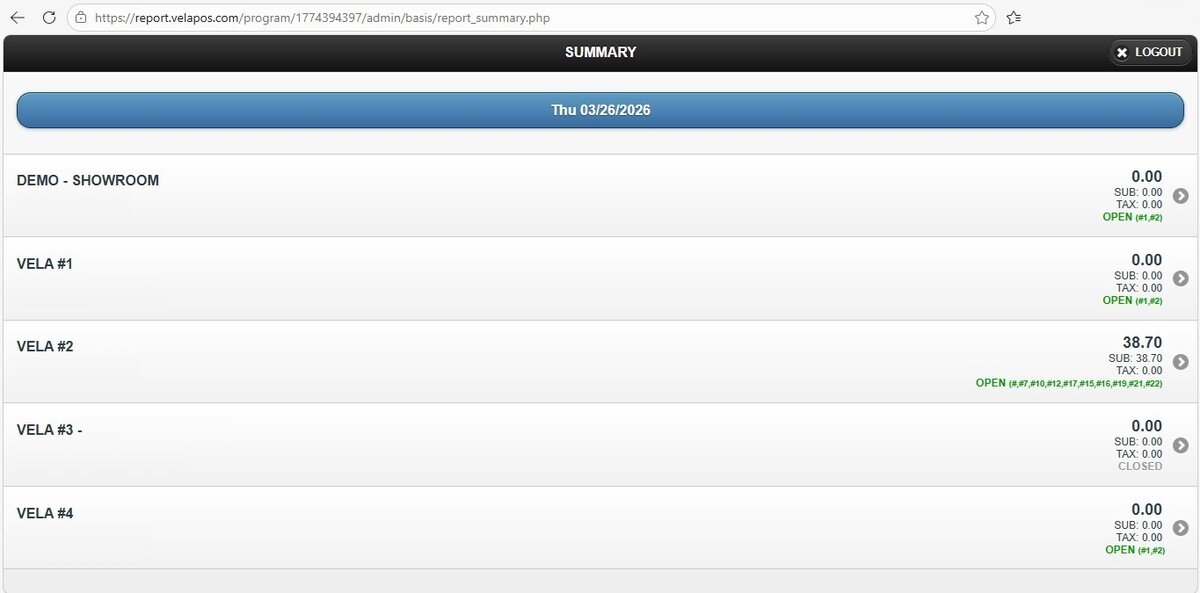
After logging in, the first screen displayed is the STORE LIST. Here, you can view all stores associated with your business, if you have more than one location.
Selecting a store will open that store’s Sumary Report.
To switch to a different store, click the STORE LIST button and select the desired location.