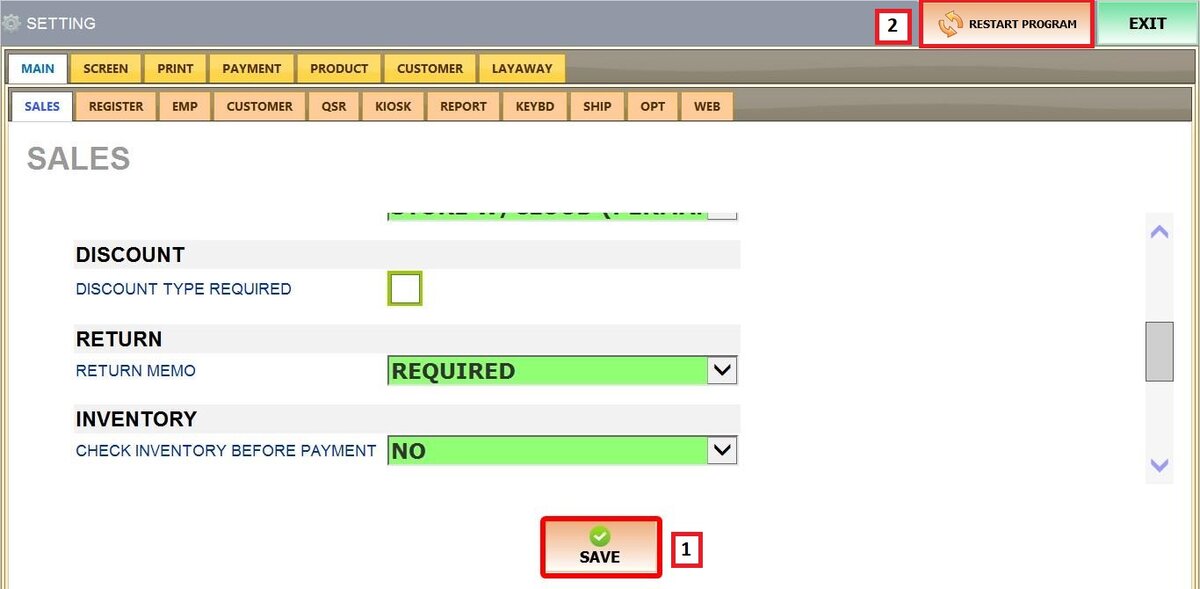
Main Screen > MENU > SETTINGS > MAIN > SALES > RETURN
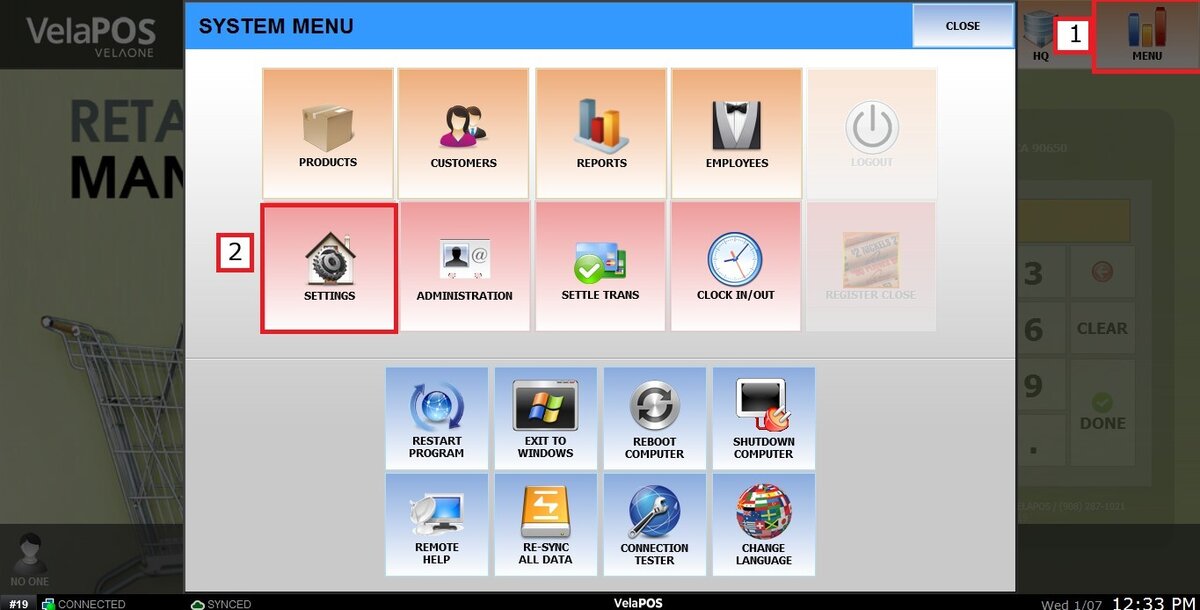
Go to MENU, then click on SETTINGS.
Go to SETTINGS, then MAIN and select SALES.
Locate the RETURN section.
RETURN MEMO
This setting controls whether staff are prompted to enter a reason when processing a return.
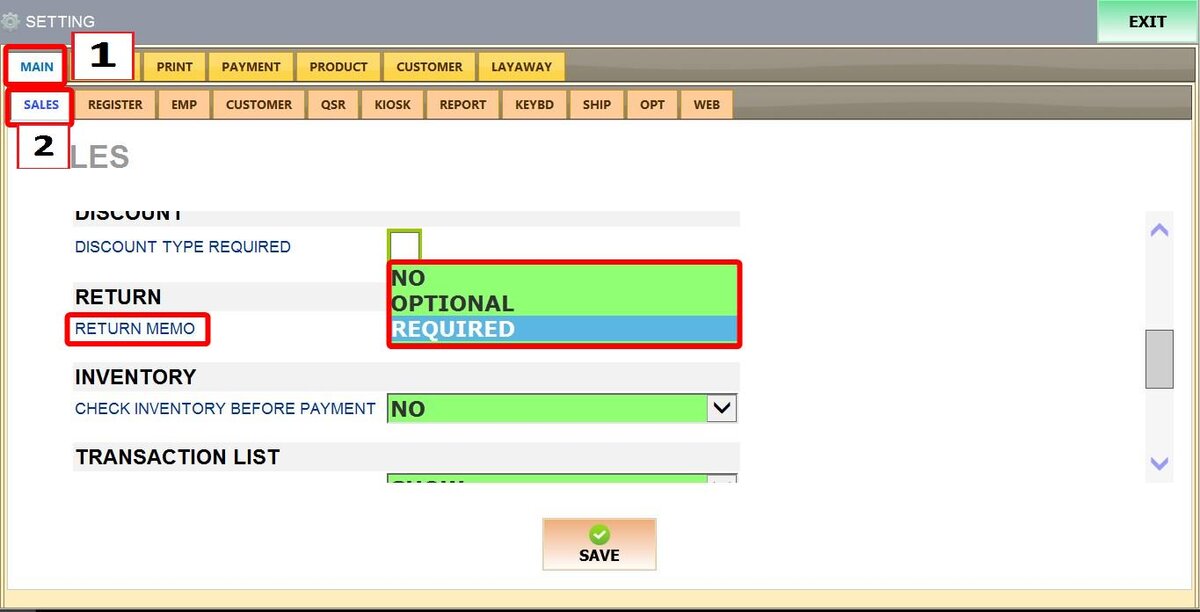
There are 3 options:
1. NO: The return is processed immediately without displaying a memo screen.
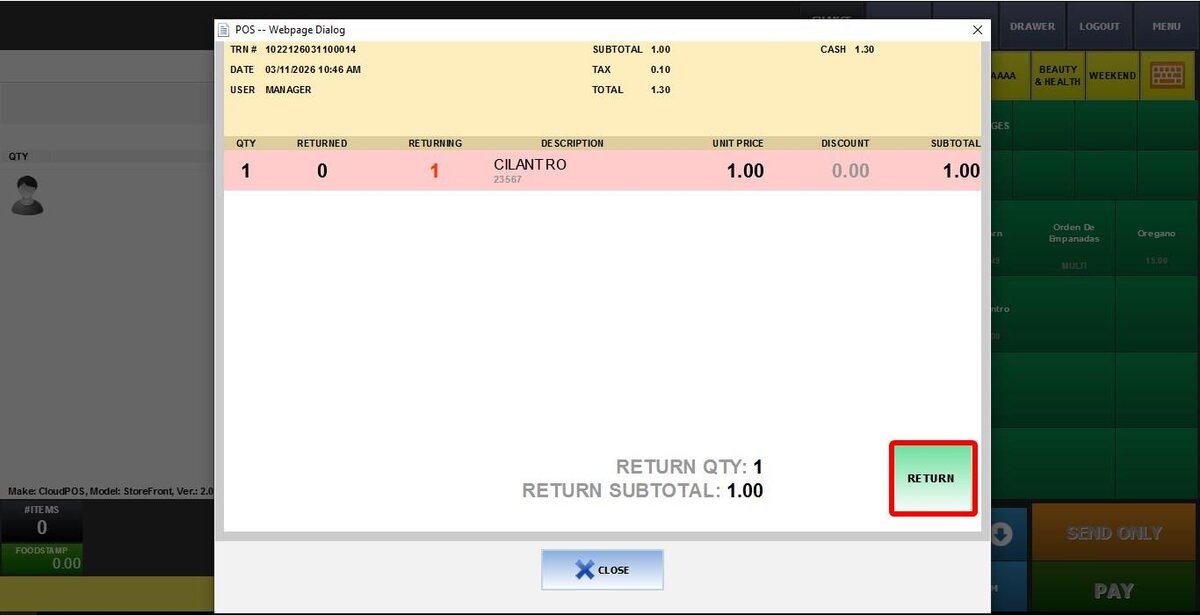
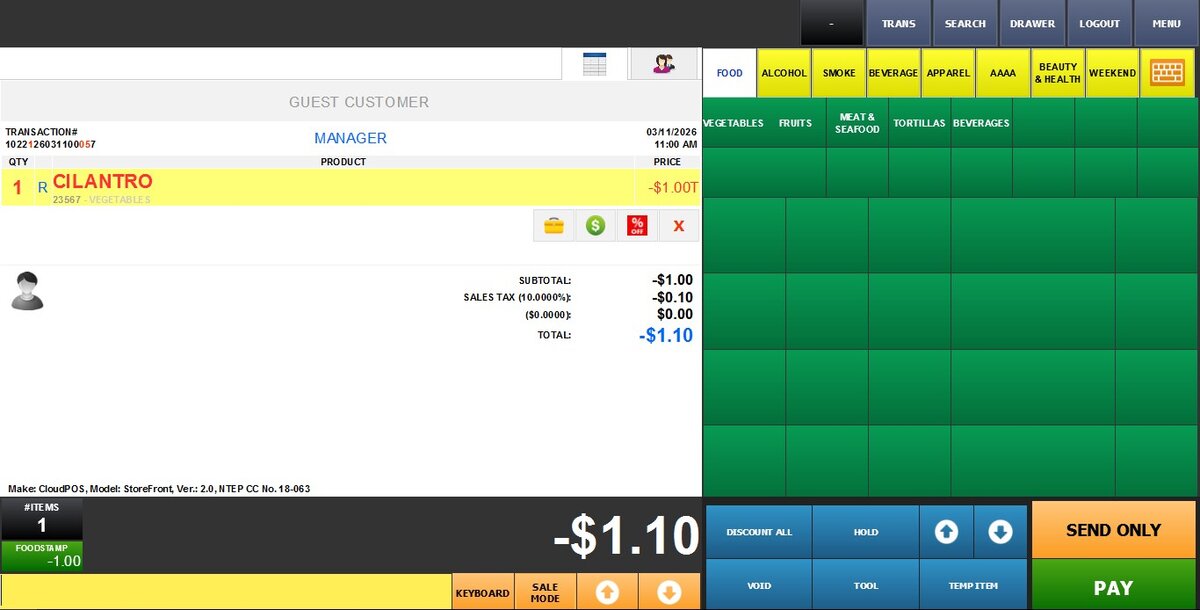
2. OPTIONAL: A memo screen appears, but staff may leave it blank or close it and continue with the return.
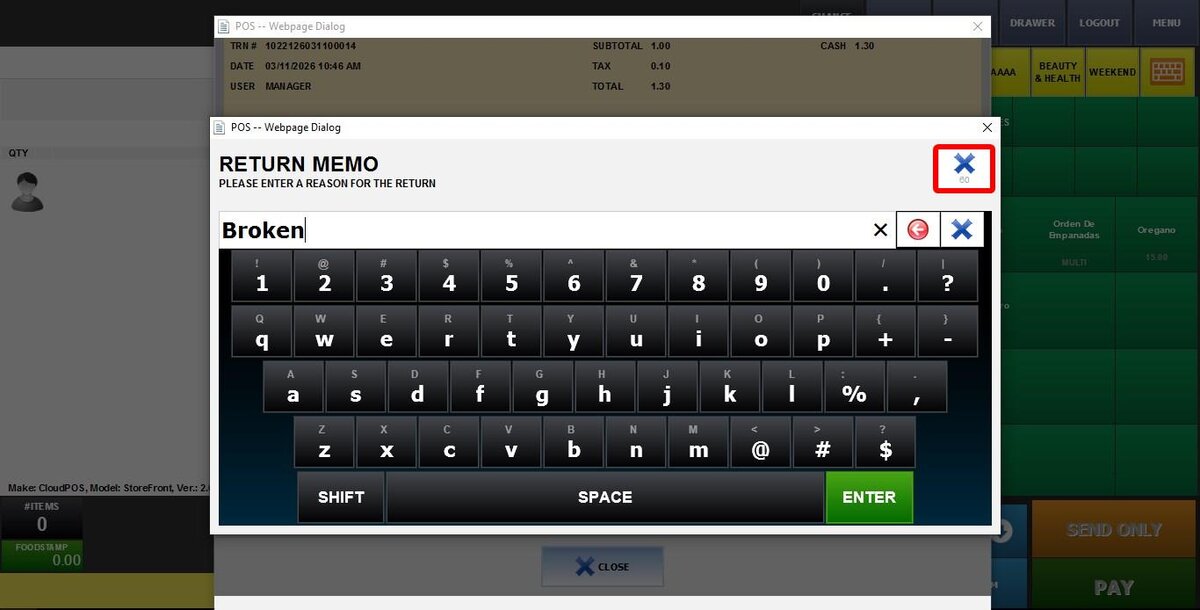
3. REQUIRED: A memo screen appears, and staff must enter a reason before continuing. If they close the screen or press ENTER without entering text, the return will not proceed.
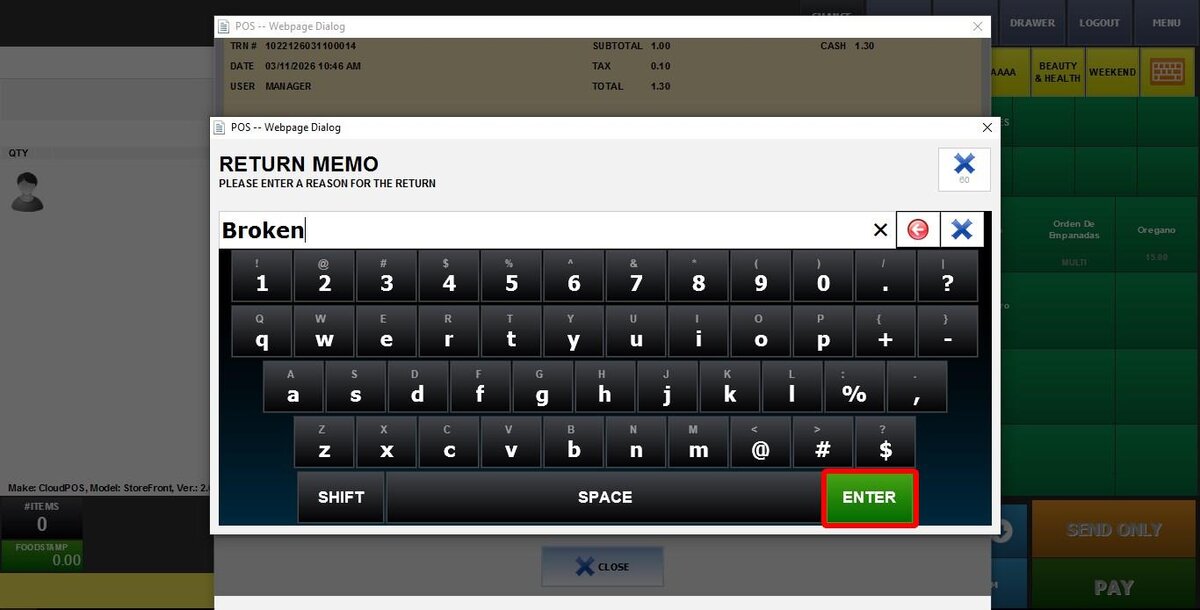
Hint: Refer to Return for instructions on how to perform a return.
After choosing an option, click on SAVE and RESTART THE PROGRAM.