Other Tools
This tools section provides quick access to helpful utilities that assist with daily operations and system functions without leaving the Sales Screen.
Main Screen> Number Pad> Sales Screen>TOOL> OTHER TOOLS
On the Main screen, click on the NUMBER PAD and input the assigned personal password.

Go to TOOL and choose the desired option in the Other section.
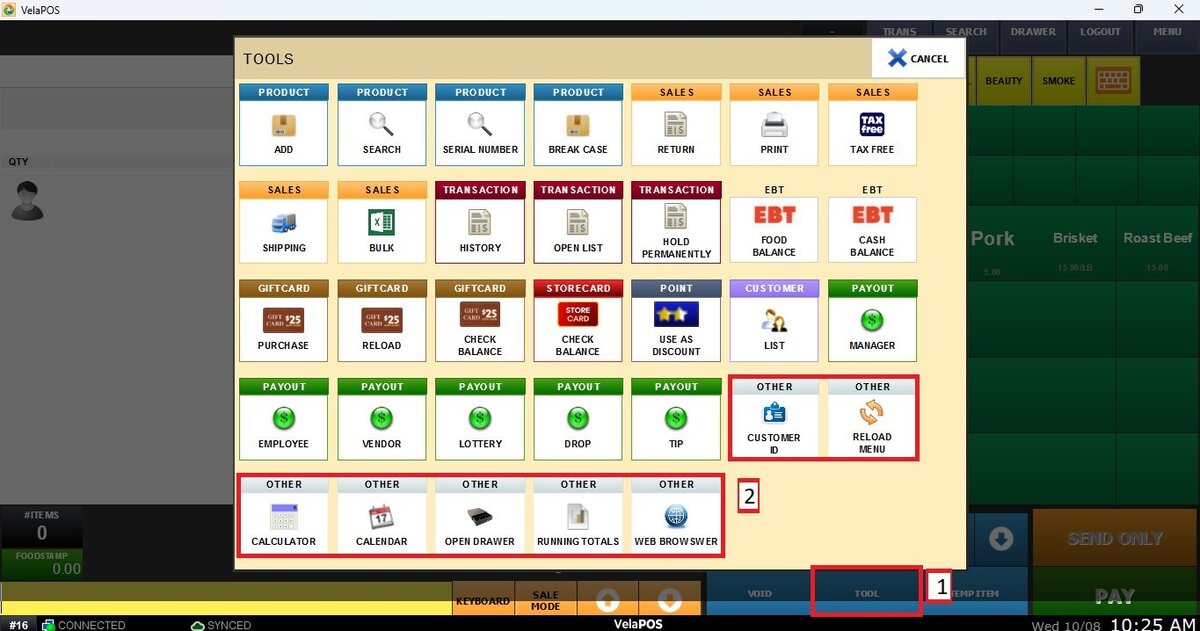
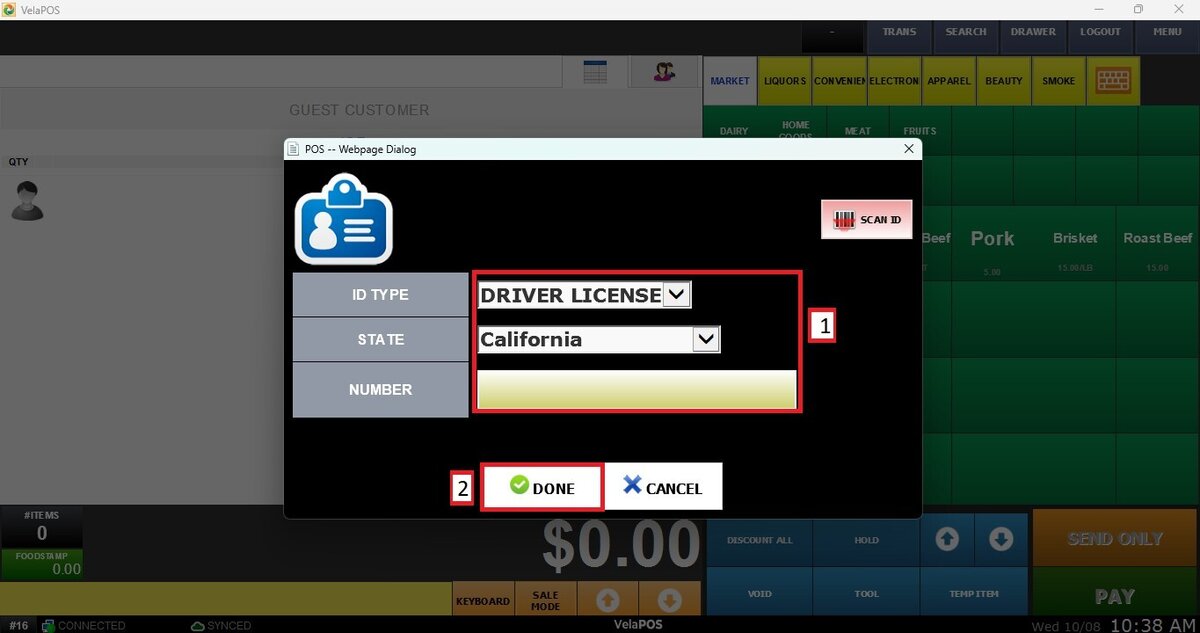
Customer ID
Opens the Scan ID window where you select the customer’s ID type, and scan it or enter the ID's numerical digits manually.
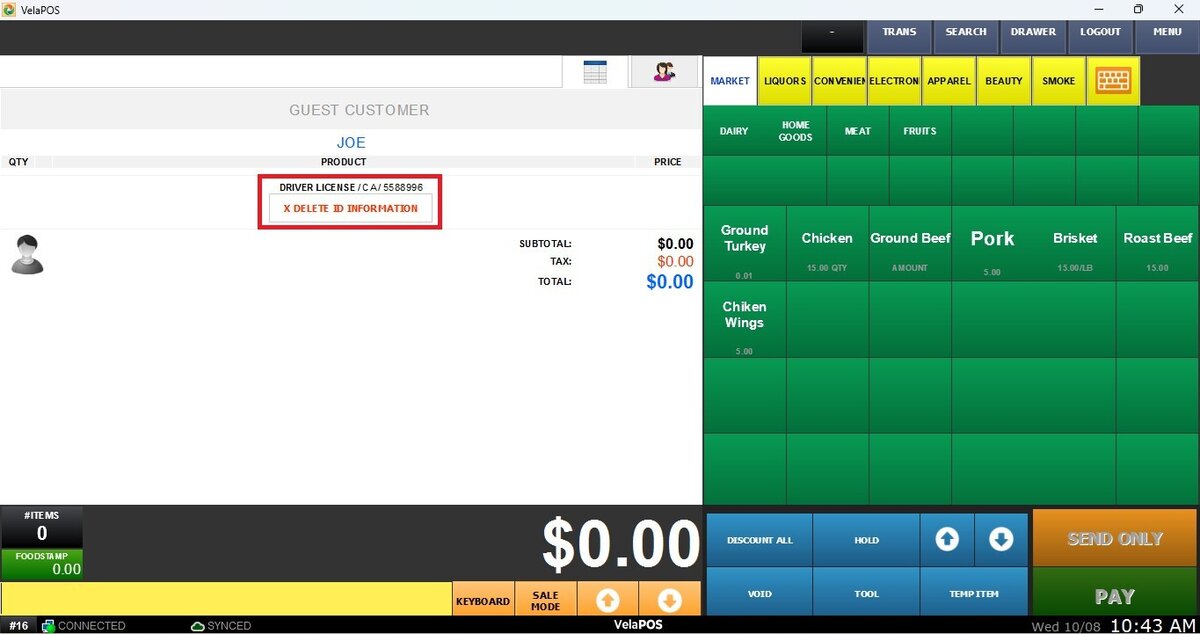
Result
The ID information appears on the sales screen as shown below:
Reload Menu
Use this option to reload or refresh the POS menu and apply recent updates or configuration changes.
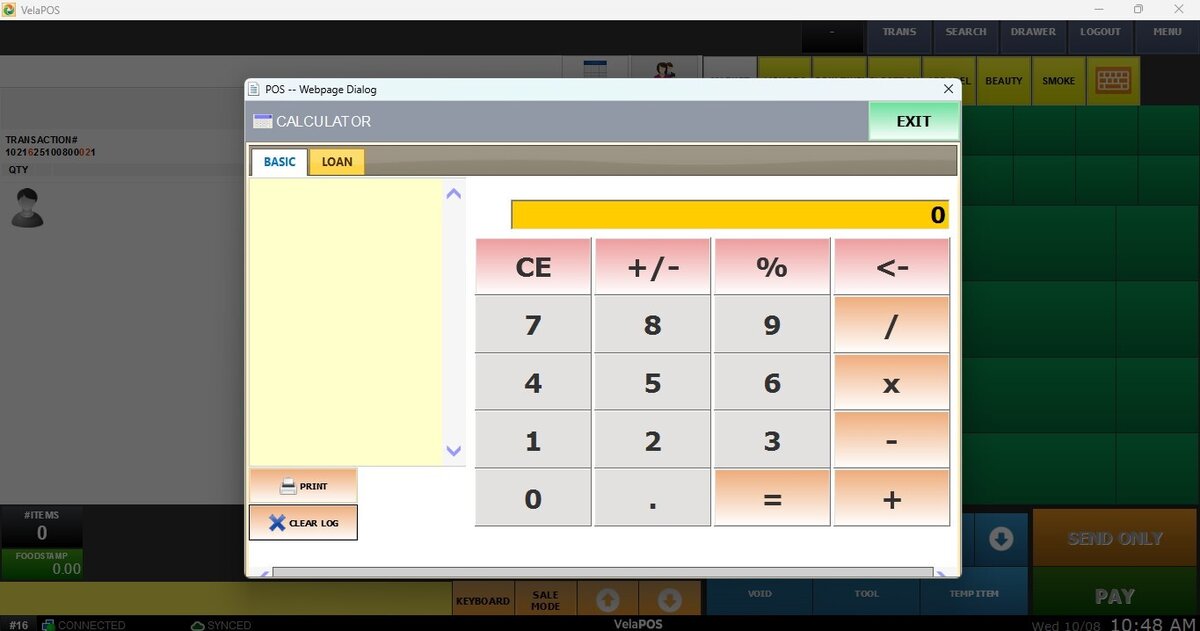
Calculator
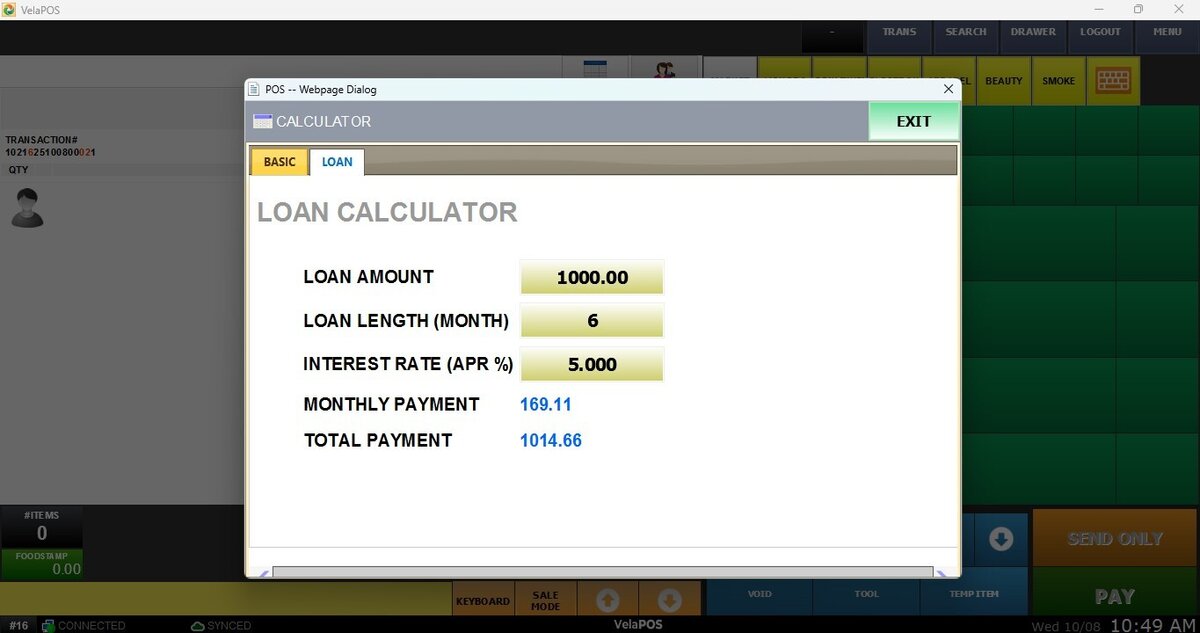
Displays a calculator window with options to operate in BASIC mode or LOAN mode.
Calendar
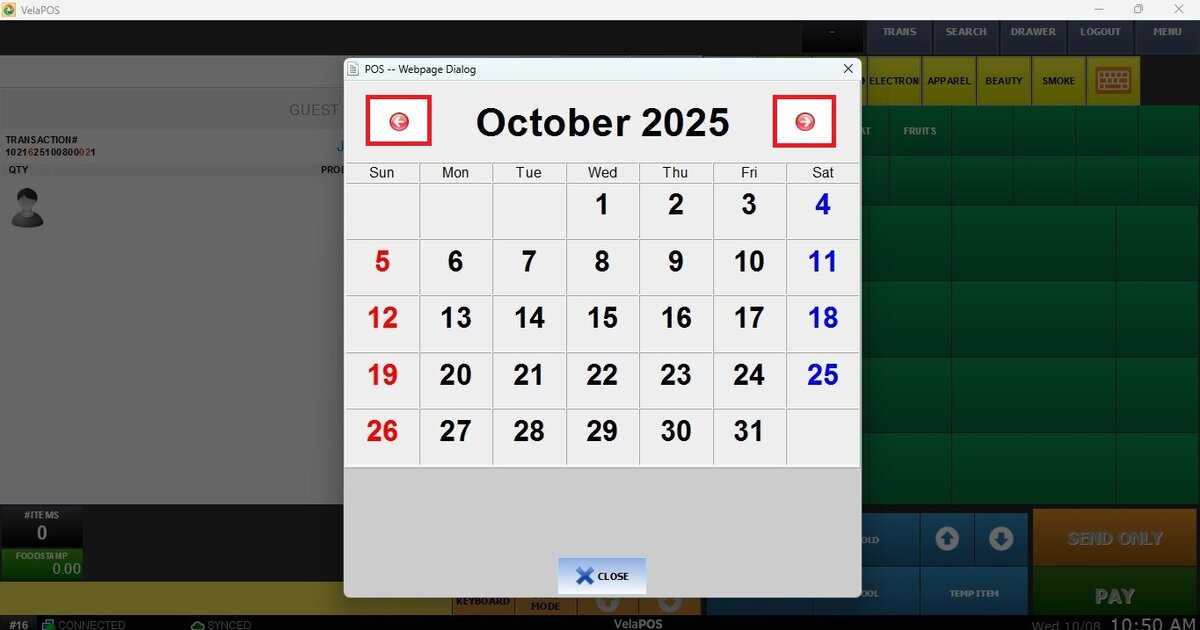
Displays a monthly calendar to navigate between months using the < > arrow buttons.
Open Drawer
Allows the cash drawer to be opened manually.
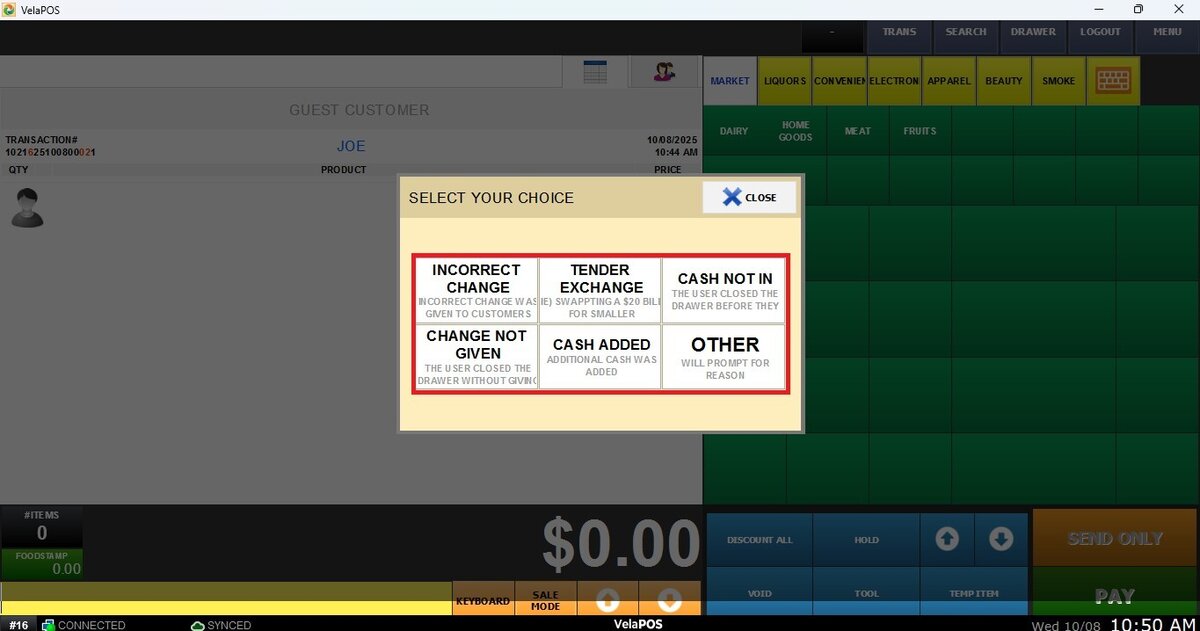
Hint: To configure the system to display a window prompting the employee to select a reason for opening the drawer, see Sales Security.
Running Totals
Displays a sales summary report from the beginning of the month up to the current day. You can PRINT or EMAIL this report.
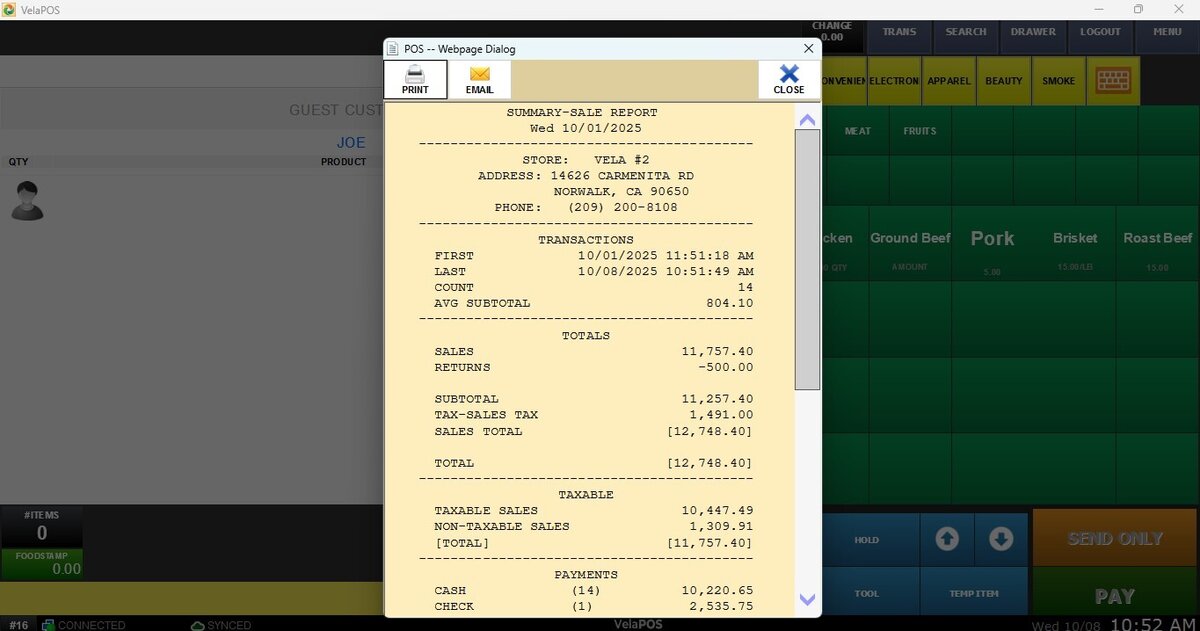
Hint: Find the PRINT or EMAIL options in the top left corner of the report.
Web Browser
Opens a window that allows employees to access and navigate to different preselected webpages. Useful for viewing vendor sites, price information, the business webpage, and additional resources.
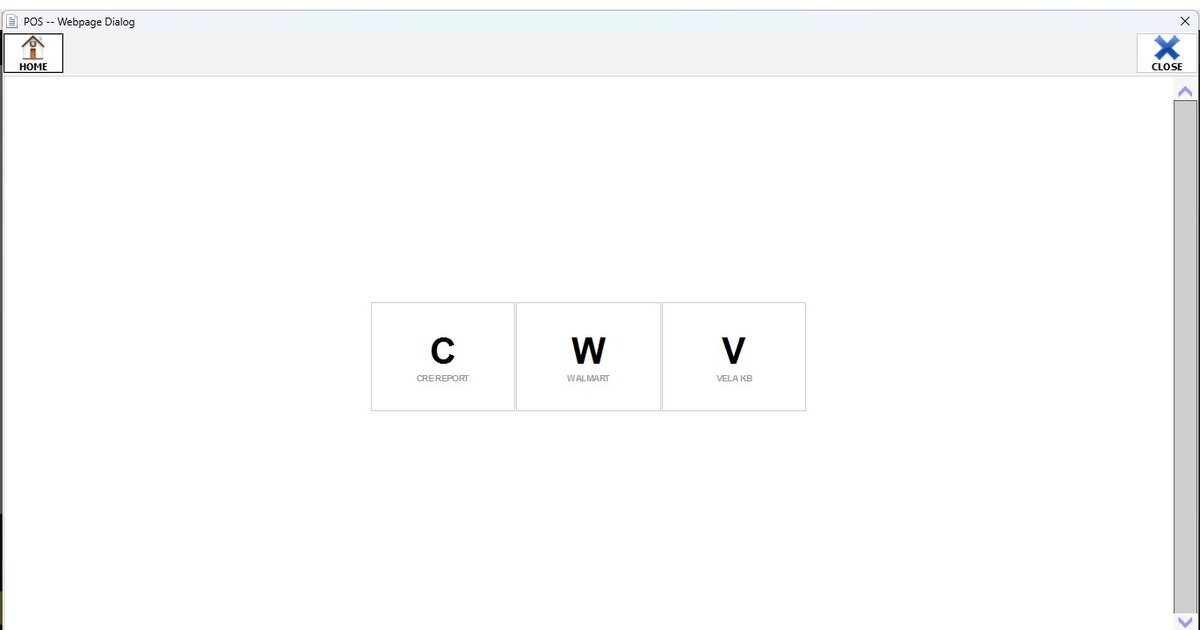
Hint: To configure the webpages to be displayed, refer to Web.