Employee Summary Report
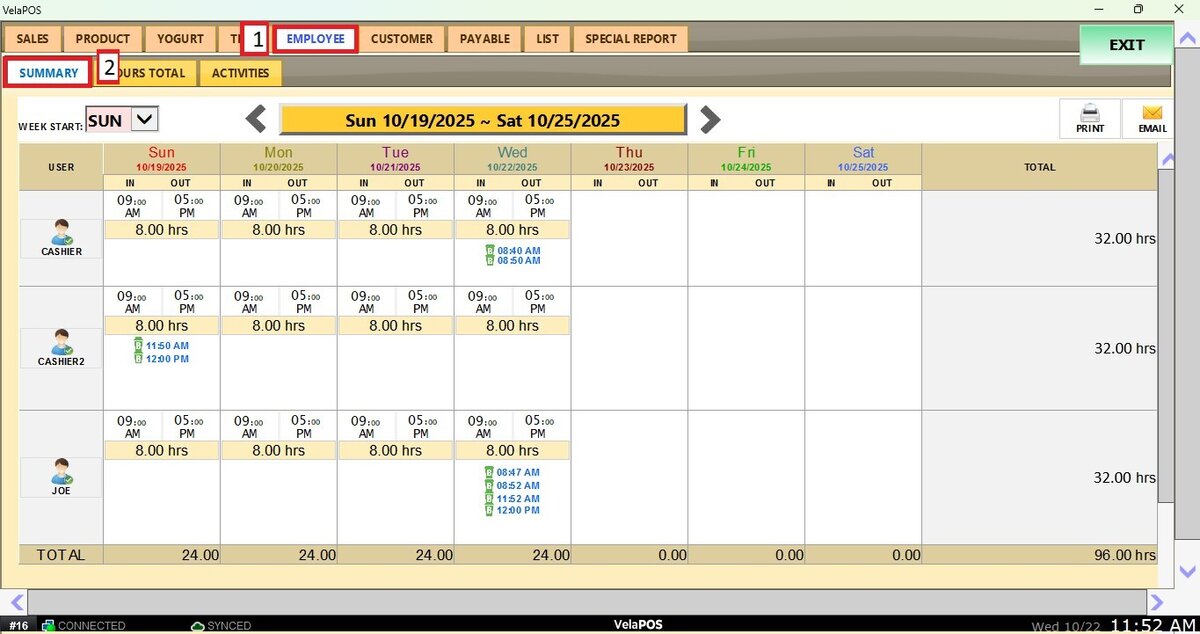
This report shows the employees’ clock-in, clock-out, and break times in a weekly schedule view, as well as the total hours worked.
MAIN SCREEN> MENU> REPORTS> PRODUCT> SUMMARY
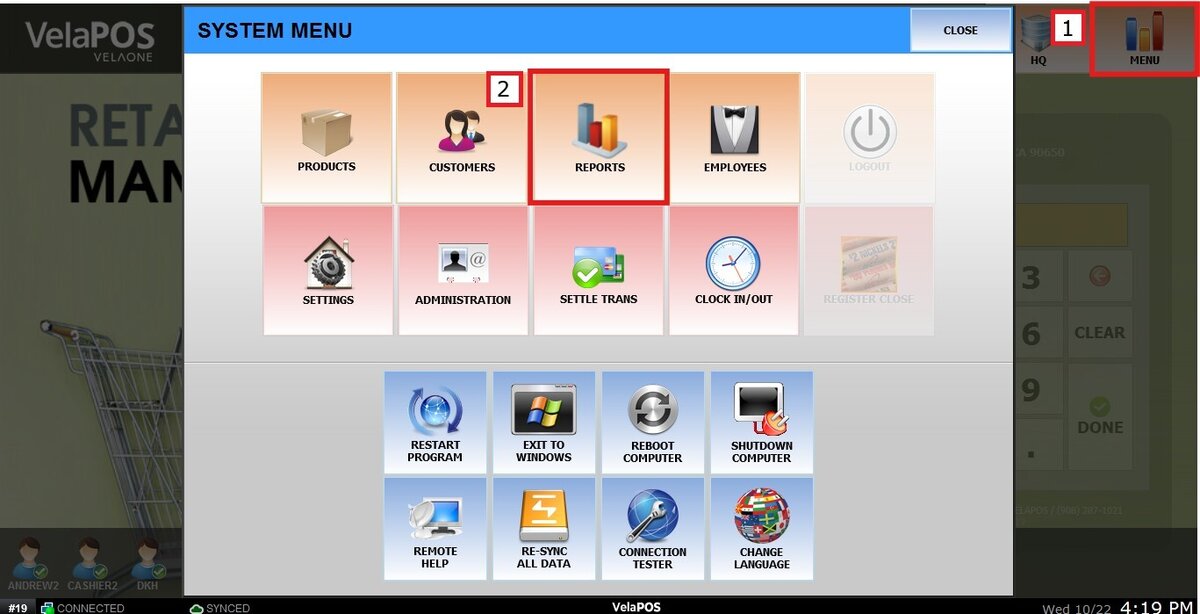
On the Main Screen, go to MENU and press REPORTS.
Go to EMPLOYEE and then SUMMARY.
Filters
Change the week start day by pressing the drop-down menu beside WEEK START.

To view the report for a different week, press the < > arrows or select the Calendar button.
Or press on today's date at the top of the screen to see the calendar.
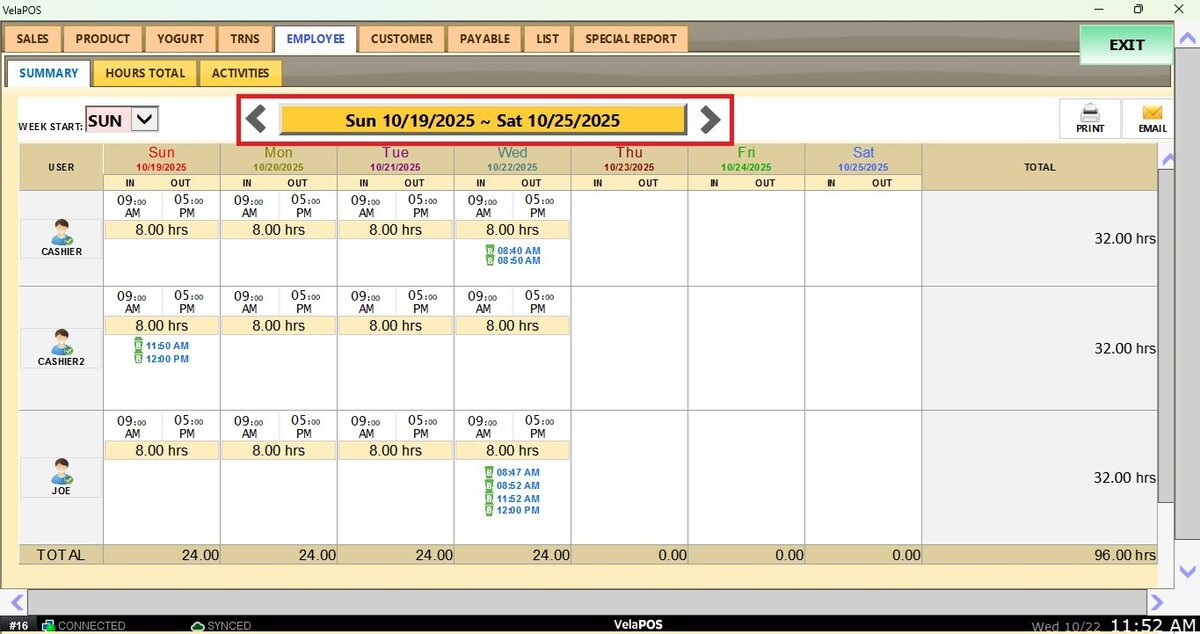
On the calendar, a different date can be selected by choosing the day, month, and year.
Press on DONE.
These reports include the options to PRINT and EMAIL.