Multi-Weight
You can manage different versions of the same weighted product (such as "Standard" vs. "Premium") under a single item. Instead of creating separate products, you can select the specific version and its corresponding price per weight at the time of sale.
MENU> PRODUCTS> FIND ITEM> DETAIL> BASIC> PRICE TYPE
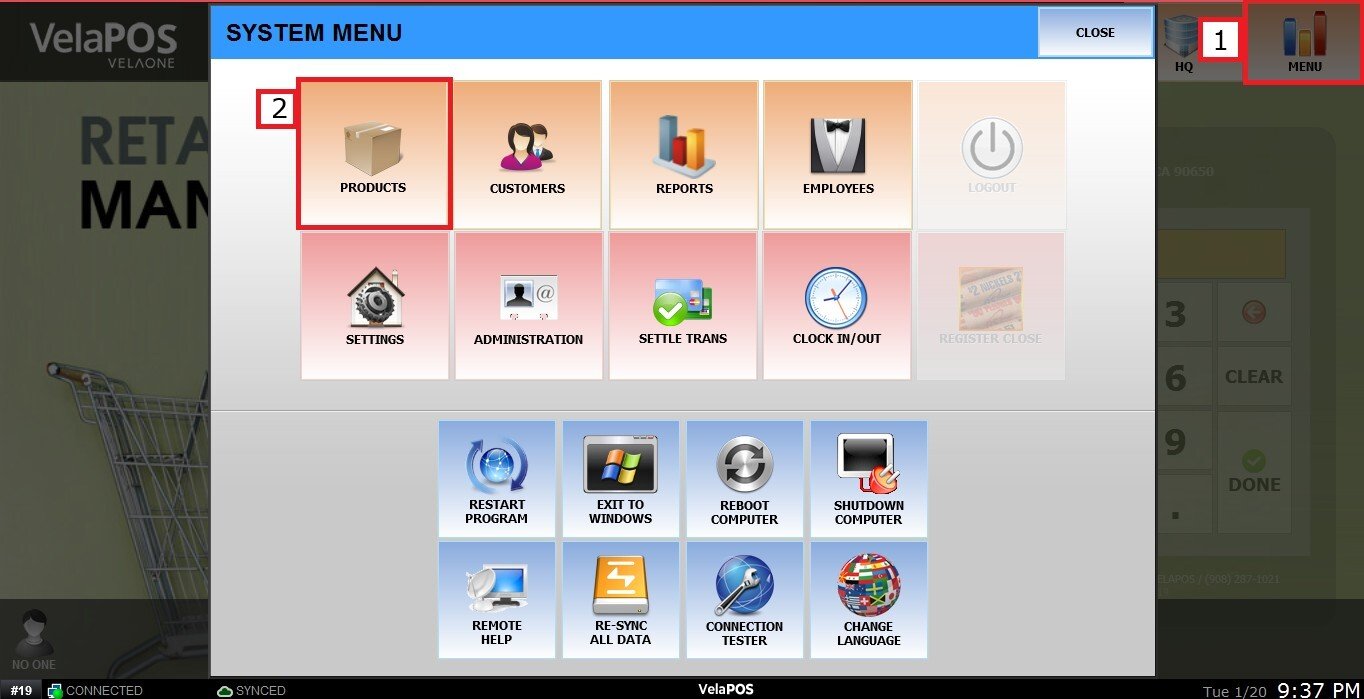
On the Main Screen go to MENU and PRODUCTS.
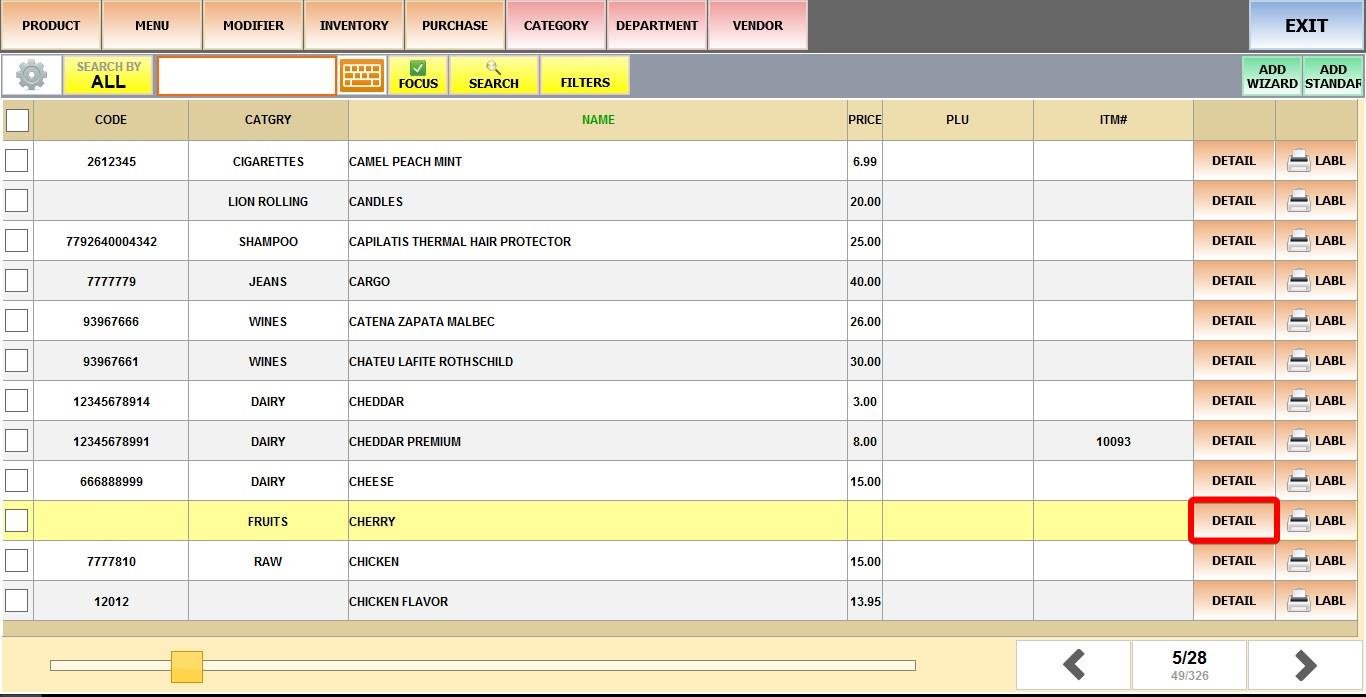
Find the product, click DETAIL.
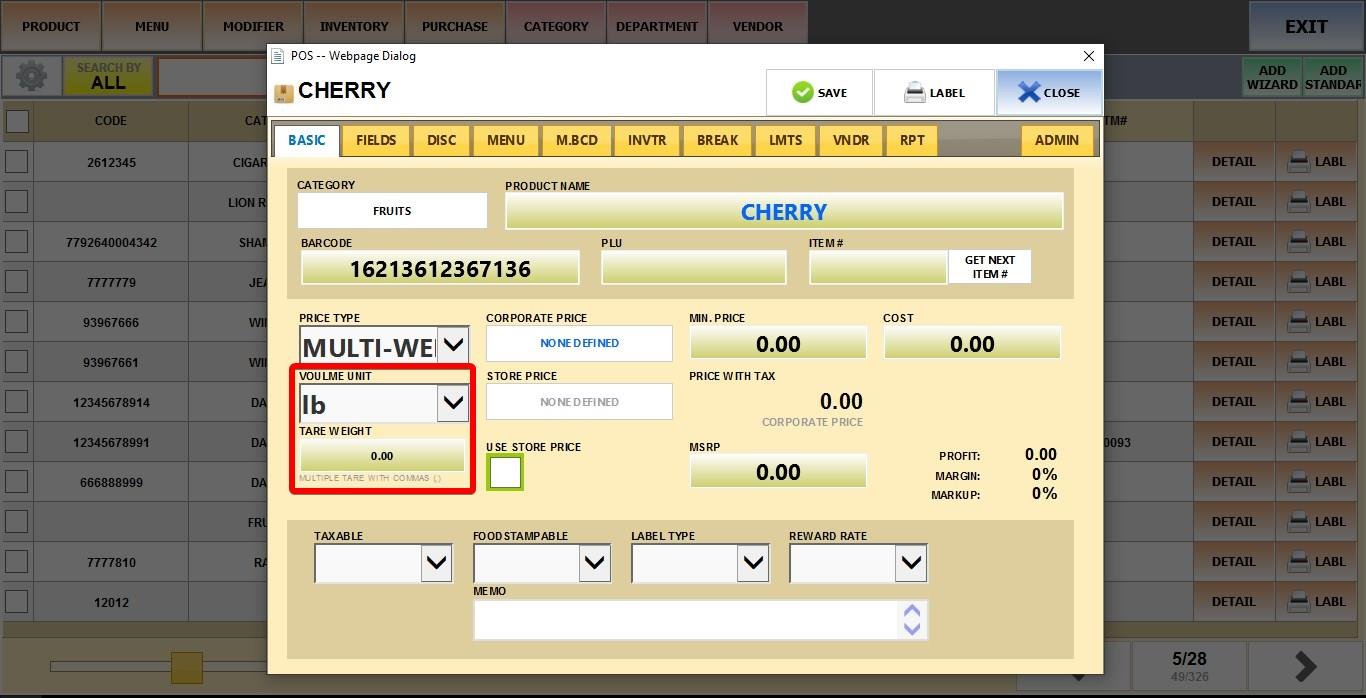
Set PRICE TYPE to MULTI-WEIGHT.
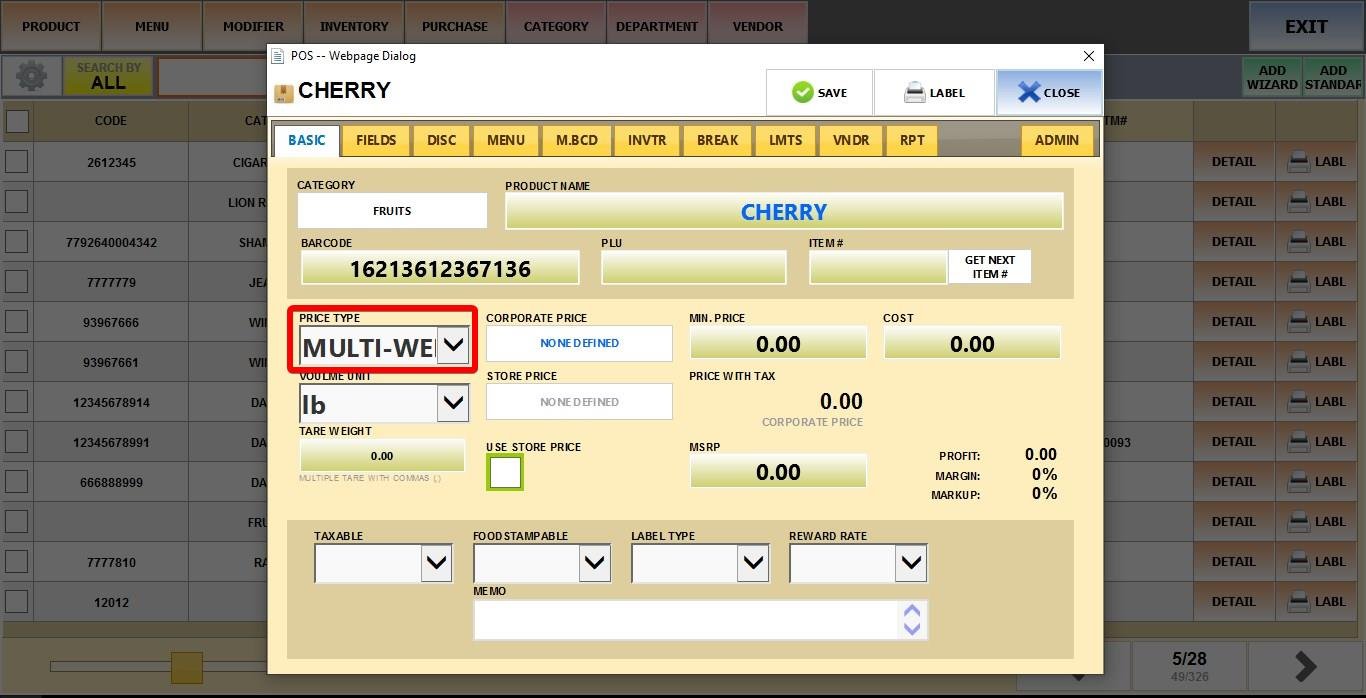
VOLUME UNIT: Define the standard unit of measurement (e.g., LB, KG).
TARE WEIGHT: Enter the preset weight of the packaging to be subtracted from the total.
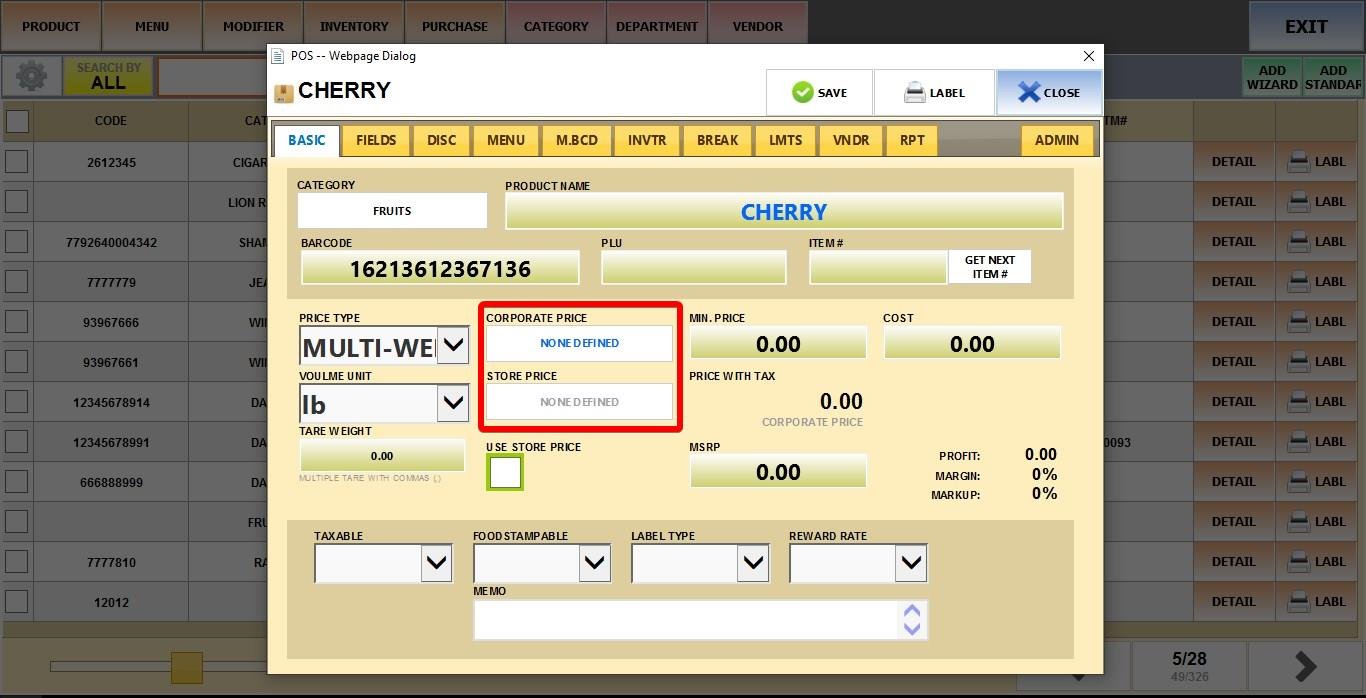
Next click the PRICE field to configure the different product versions.
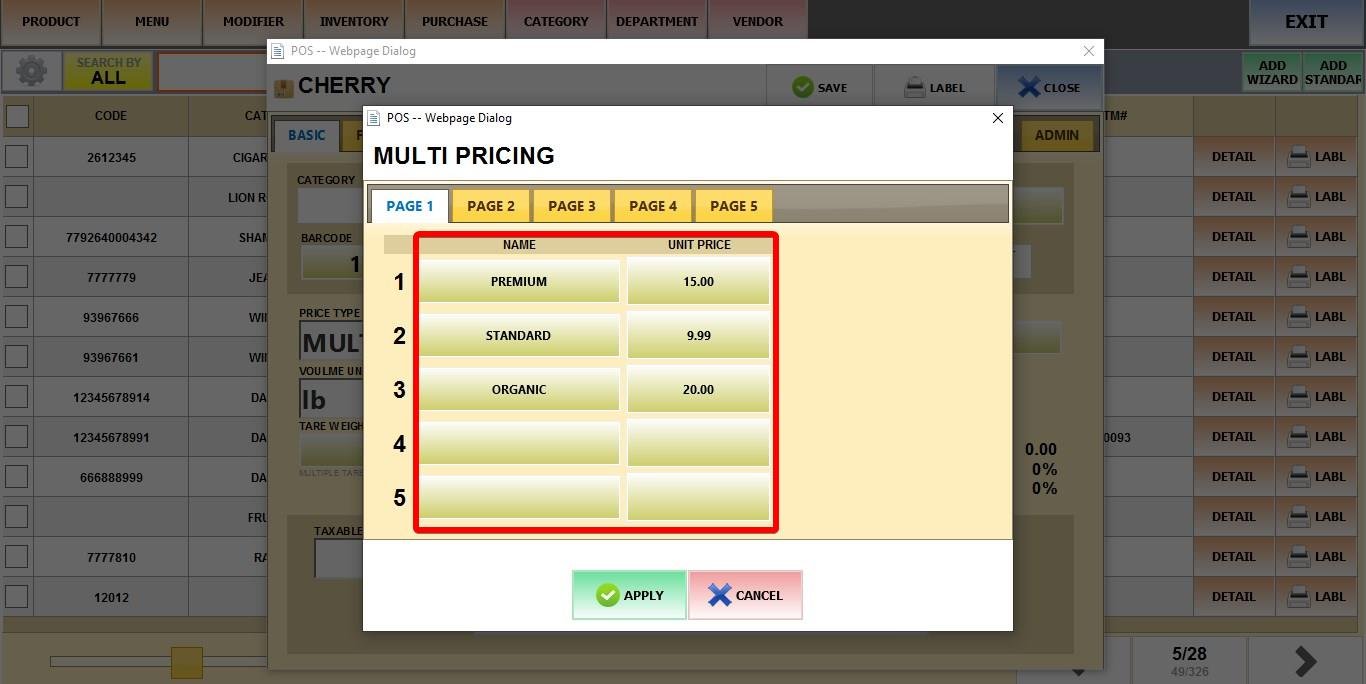
For each version of the product, define the following:
NAME: Enter the specific version name (e.g., "Regular," "Organic," or "Premium").
UNIT PRICE: Enter the price per volume unit (e.g., price per LBS) for that specific version.
Click APPLY, then click SAVE.
Result
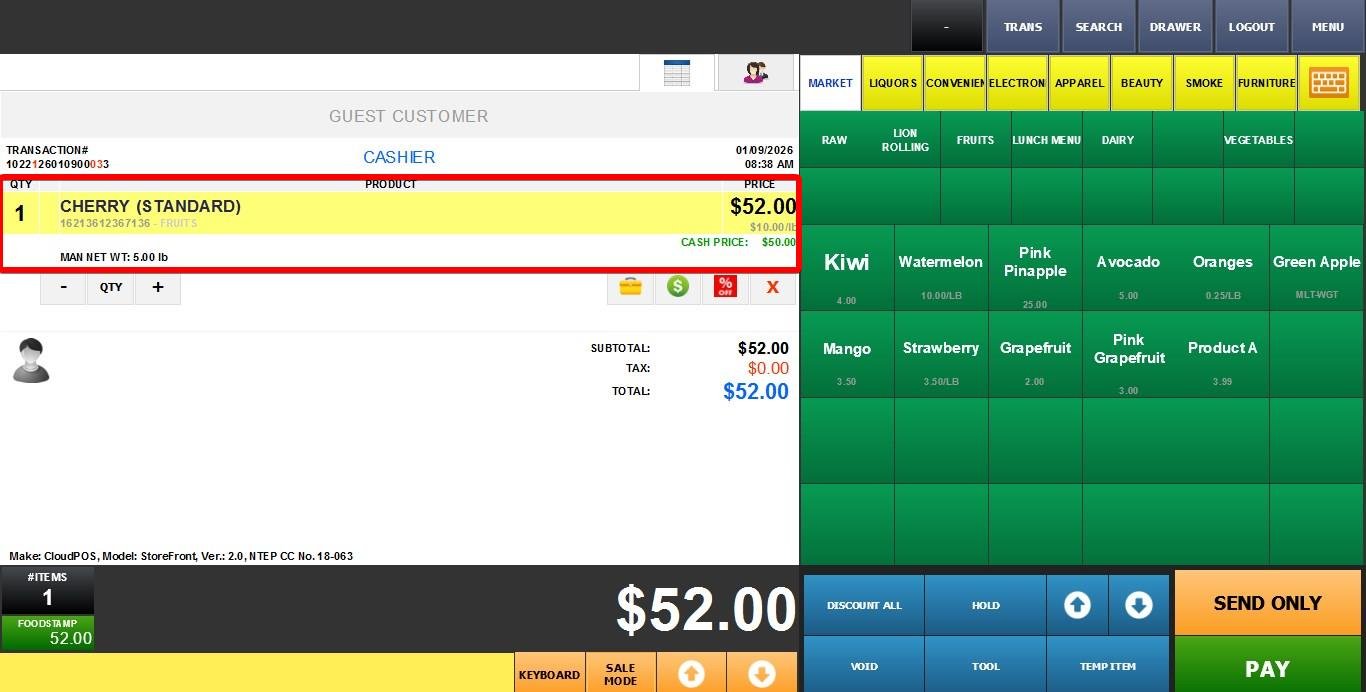
When you ring up the product on the Sales Screen the system will prompt you to select which version of the product is being sold.
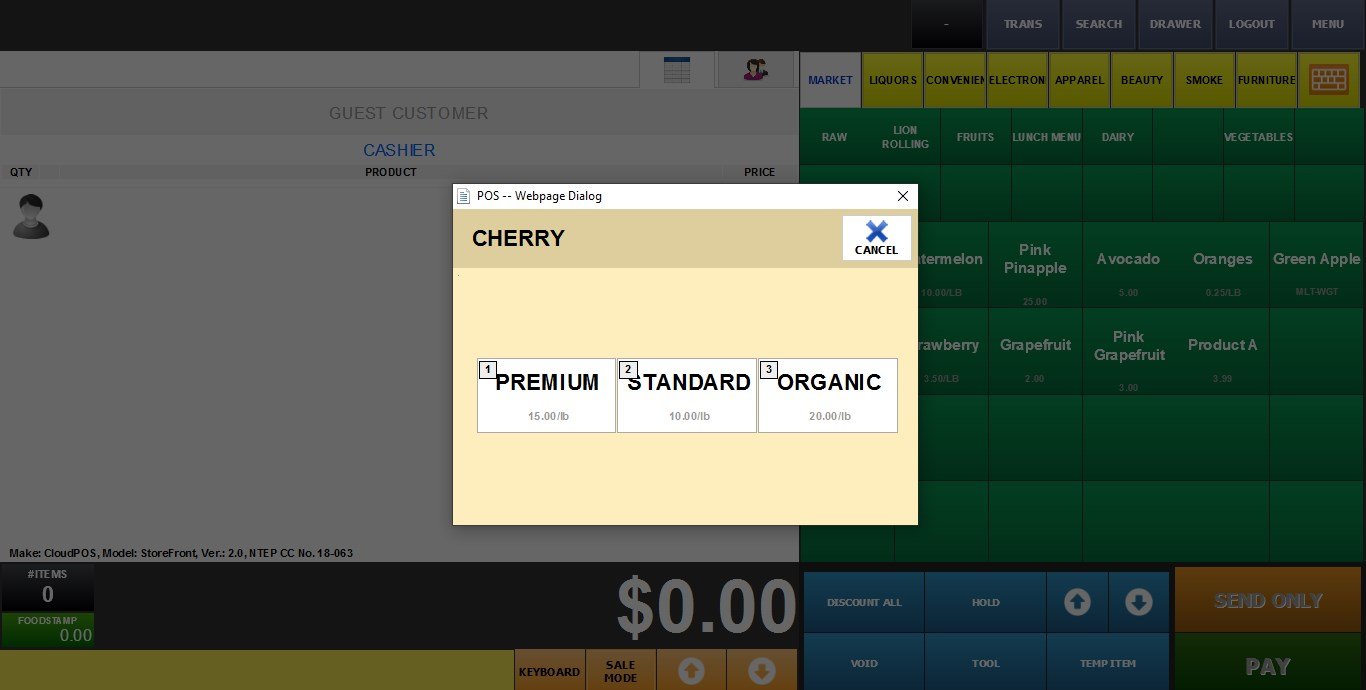
Then it will prompt you to weight the item.
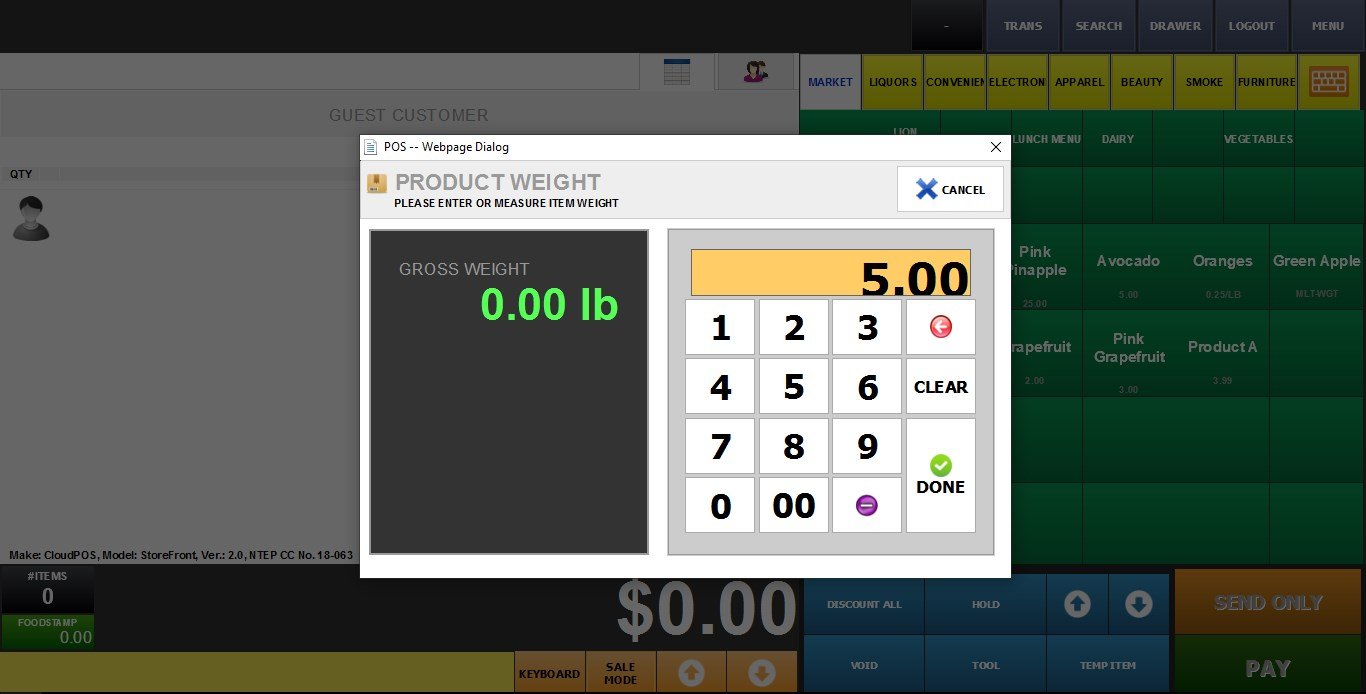
The system applies that specific version's unit price to the weight to calculate the total.