Surveys
Surveys allow businesses to collect quick customer feedback directly at the POS.
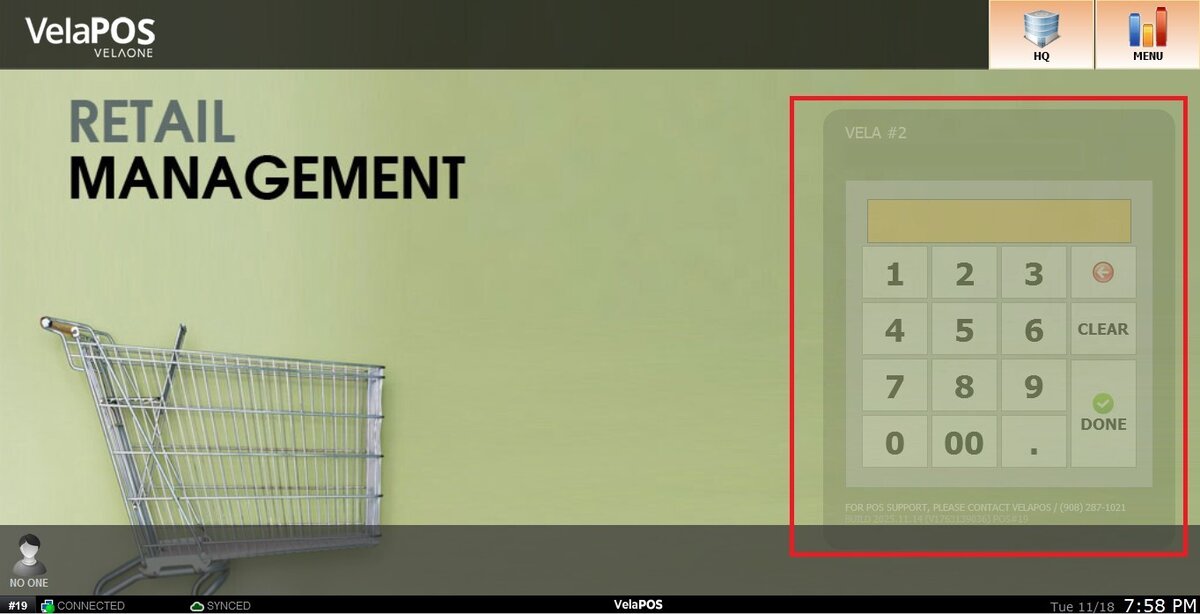
Main Screen> Number Pad> Sales Screen
From the Main Screen, click on the numberpad and input the assigned personal password to log in.
On the Sales Screen, ring up the items for the transaction.
Press PAY. 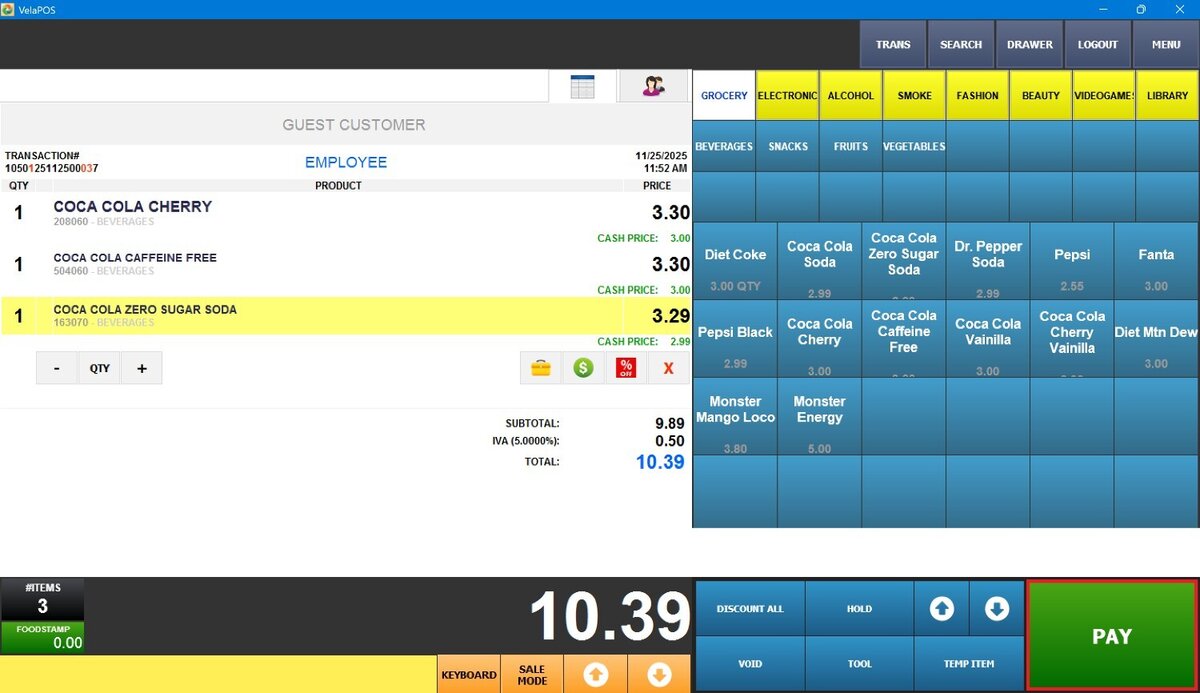
A survey window will automatically appear with the available questionnaires.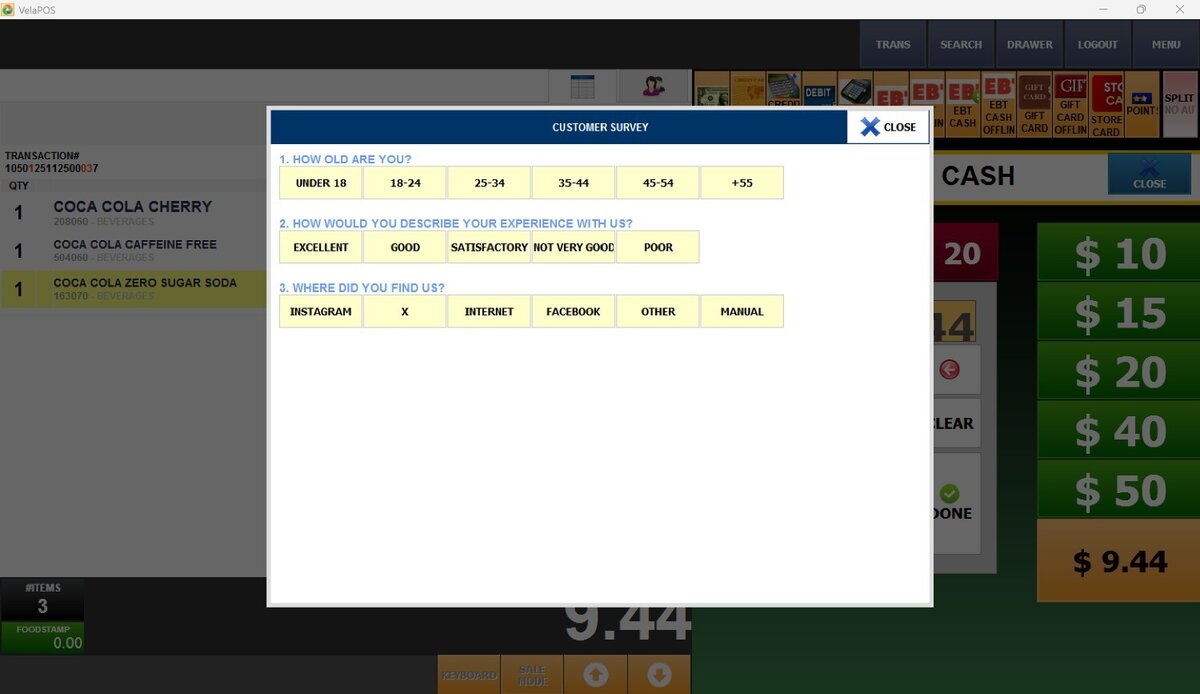
Note: Which questionnaires appear on the survey, when they are shown, and whether the survey can be skipped are all configurable in System Settings. For full configuration details, refer to Survey Settings.
Select the customer responses on the survey screen. 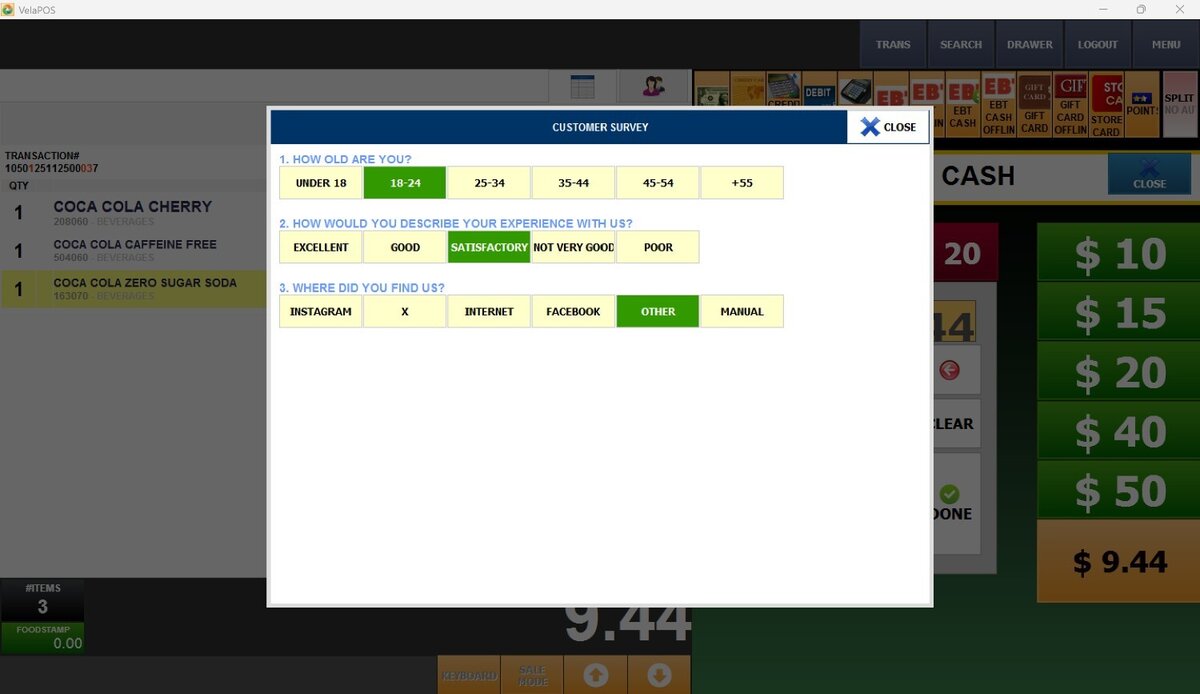
After completing the survey, a paper and pencil icon appears on the left side of the screen, beneath the item list. Tap this icon to review or edit the responses before continuing.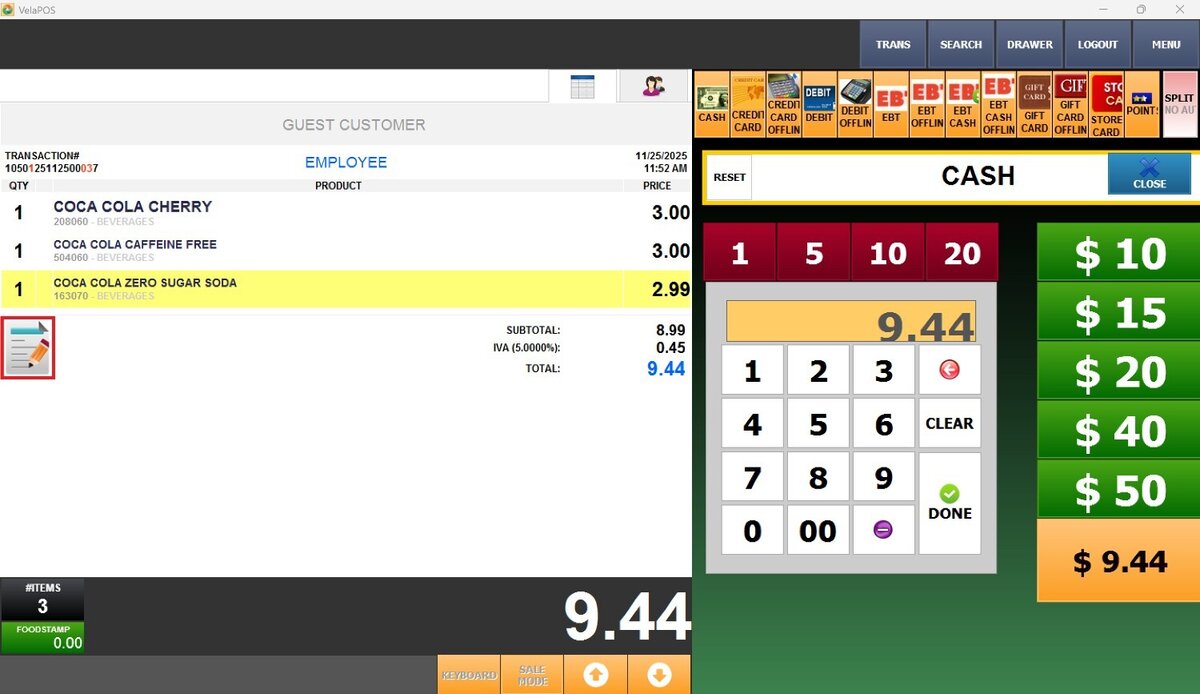
Proceed with the payment to complete the transaction.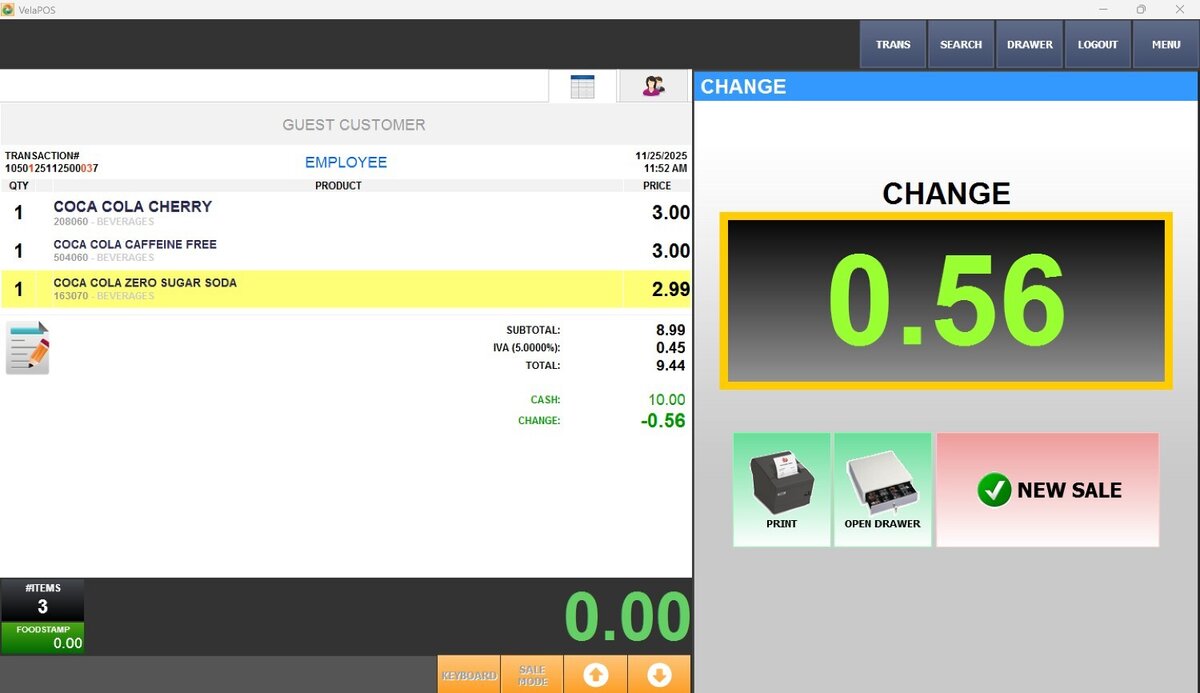
All collected responses are automatically recorded and can be viewed in the Survey Reports.