Product Import
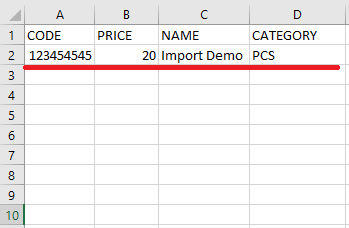
To import products to our system, first fill out the product import template excel. Minimum information our system require are Code, Price, Name, and Category of the product.
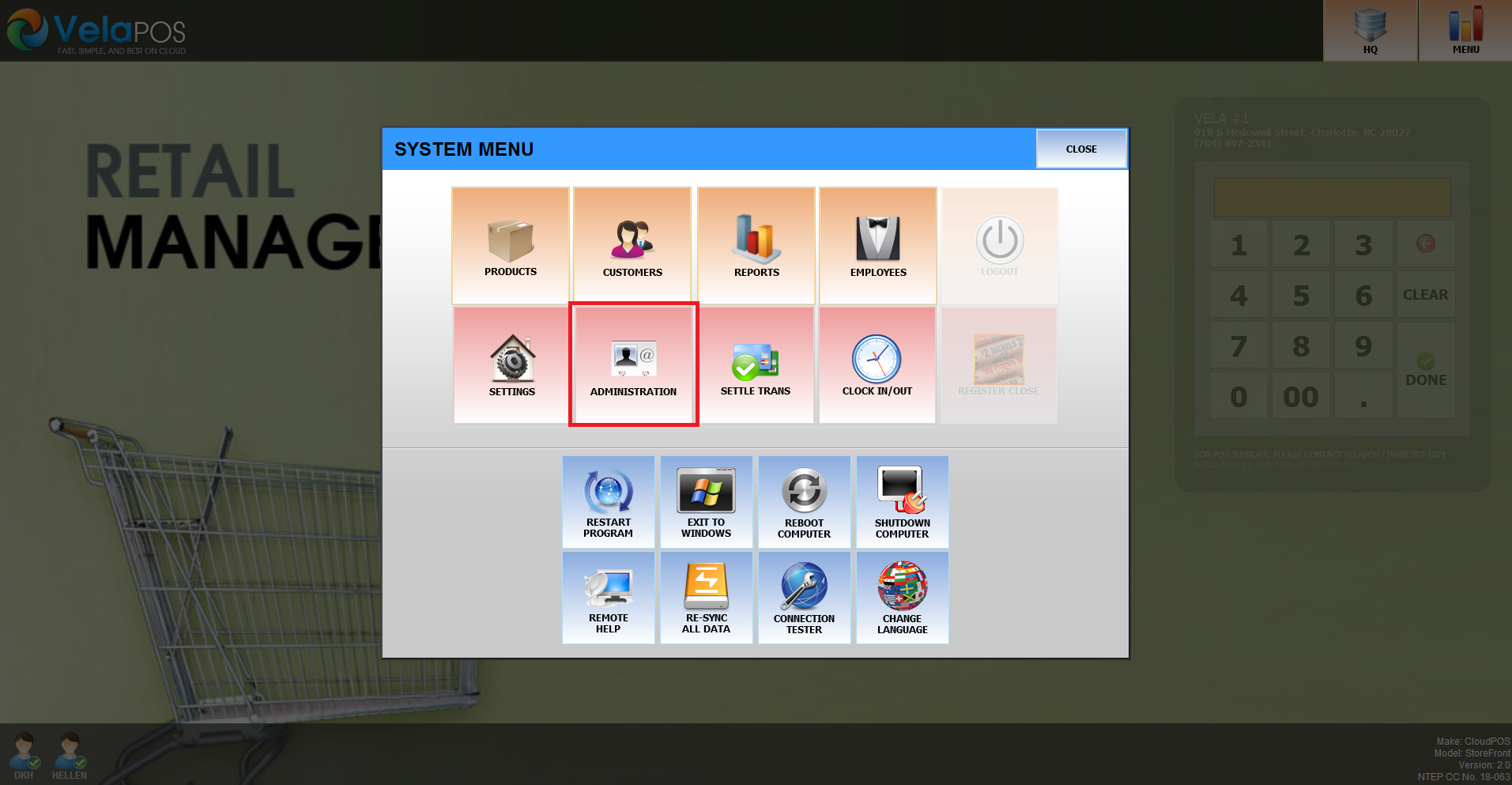
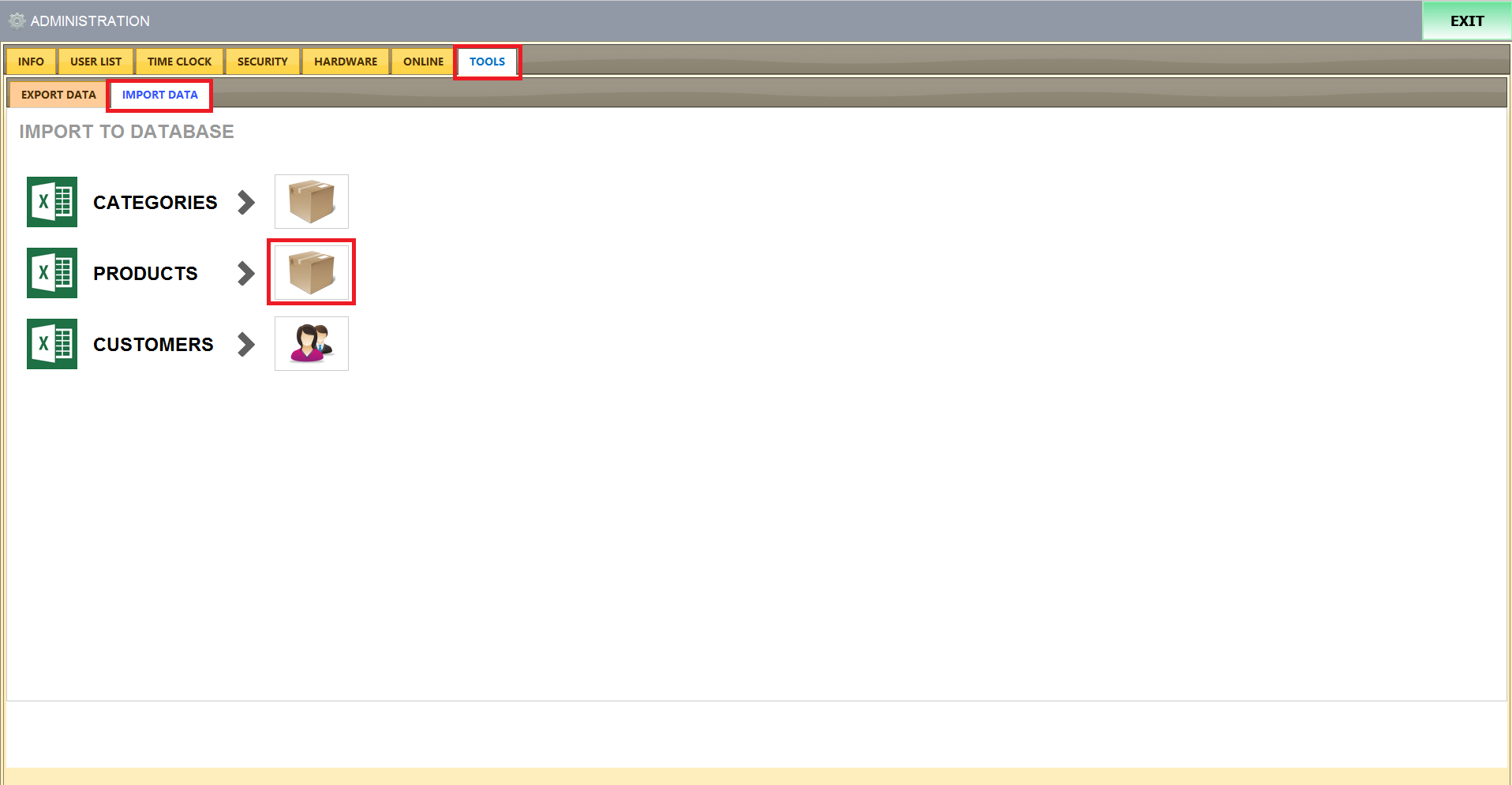
Next, from our POS, go to Administration > Tools > Import > Select Box Icon next to Product
When the system shows import data page, copy & paste the product import template excel and press Next
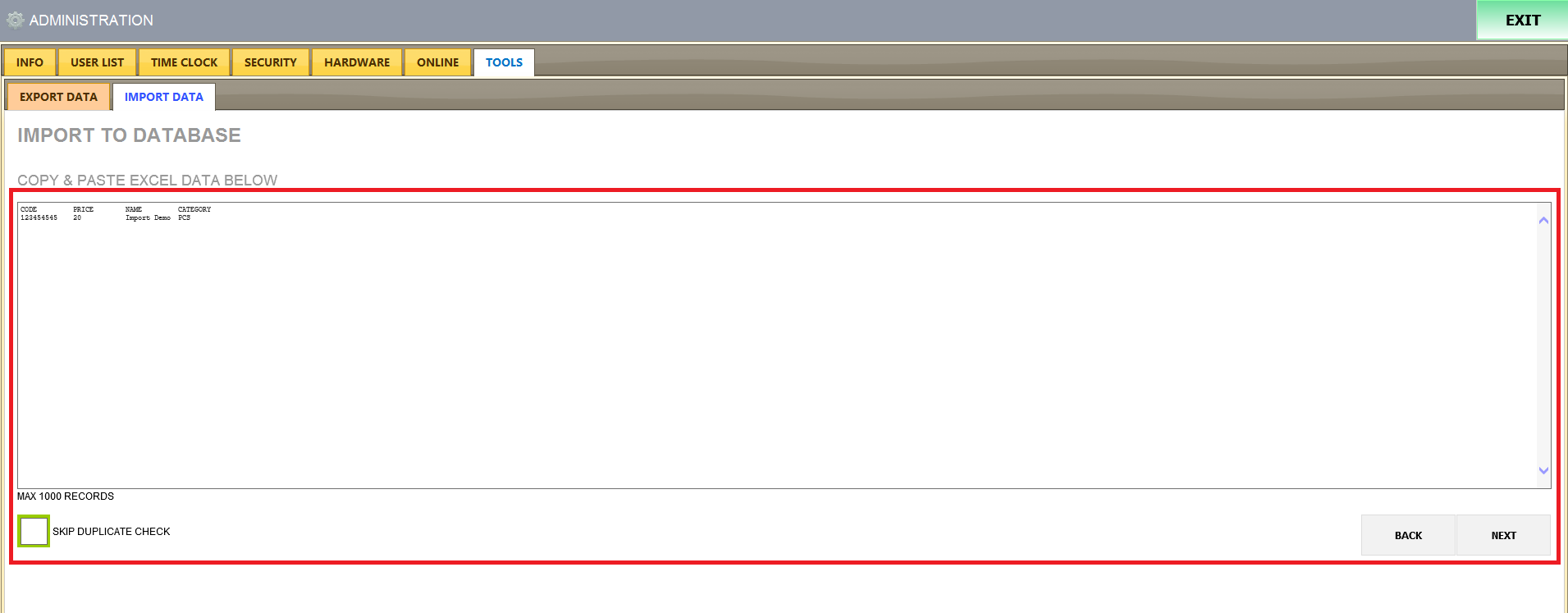
Our system will check whether all products getting imported have correct data entered.
If everything is good, Next button will be enabled.
Press Next and the system will start importing process

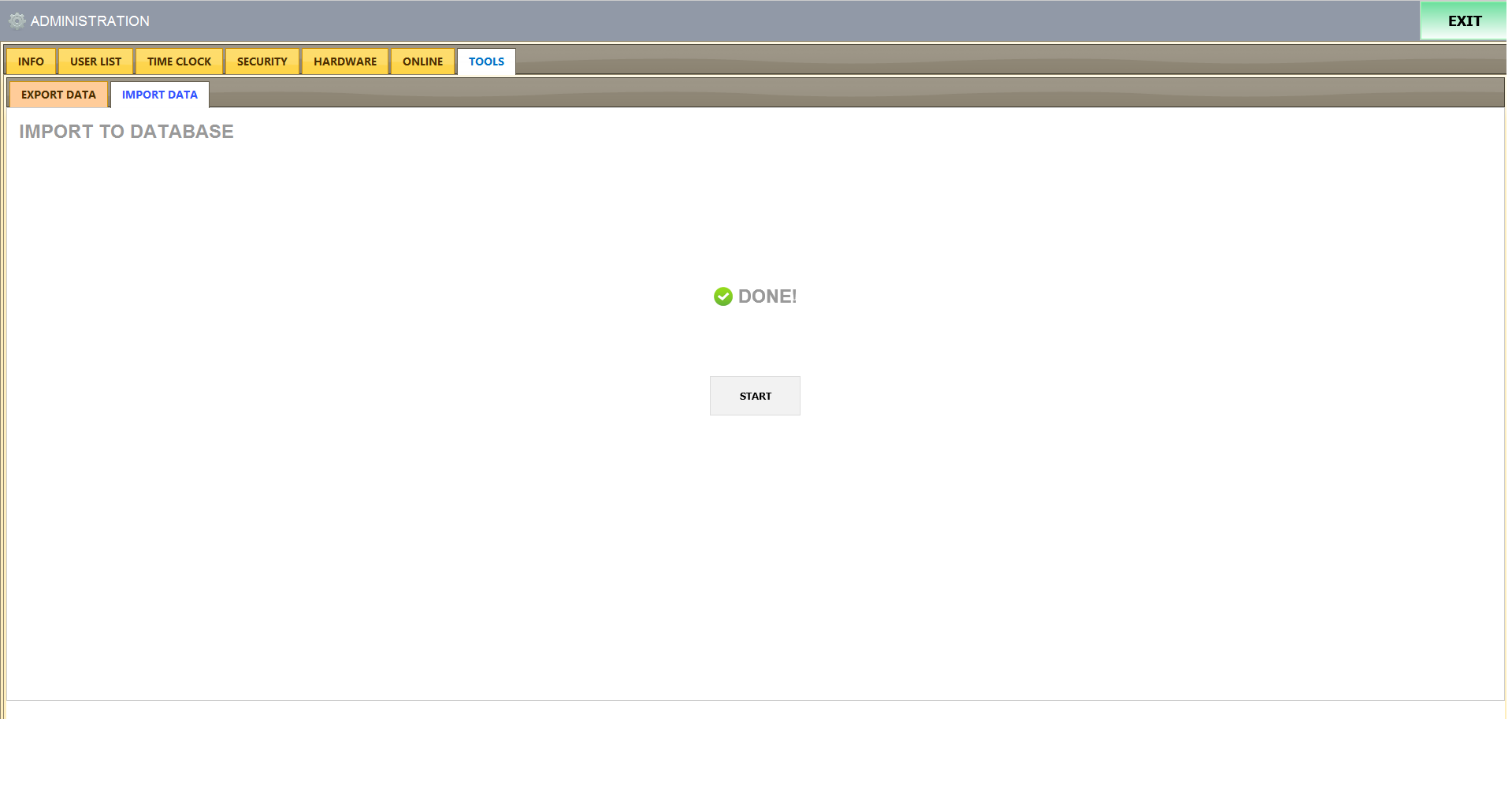
When our system is done with the importing process, the screen will show DONE! with green check mark.
*Please do notice that if you try to import more than 1000 times at time, the system will let you do it, but you may have some missing items