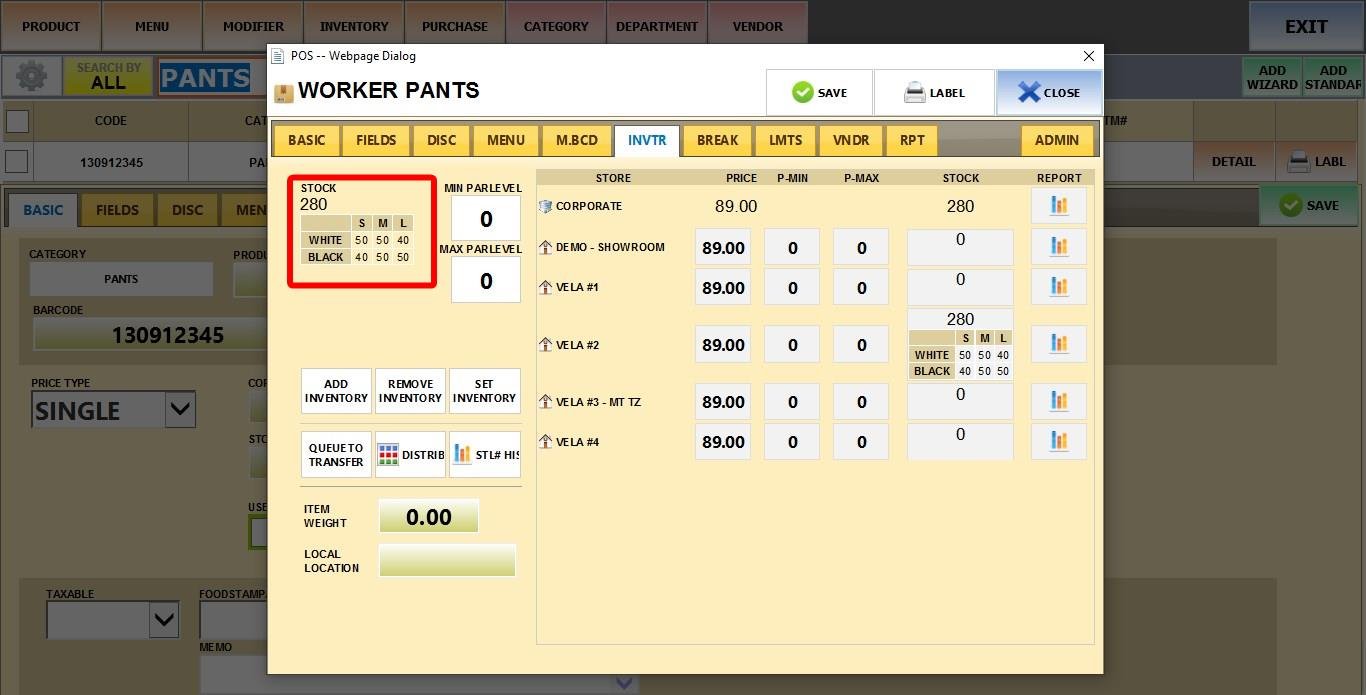
This feature allows you to add or define precise stock levels for apparel items with variants, including sizes and colors.
Main Screen > MENU > PRODUCTS > DETAIL > INVTR
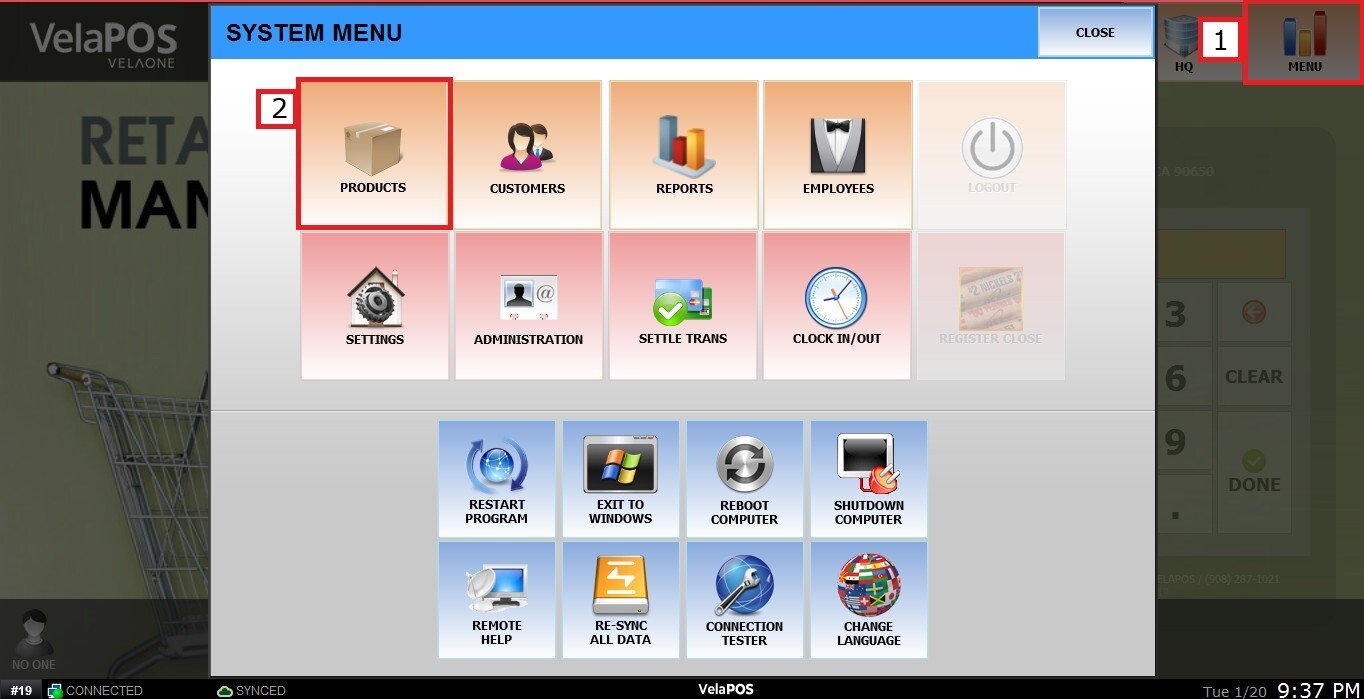
Go to MENU, then select PRODUCTS.
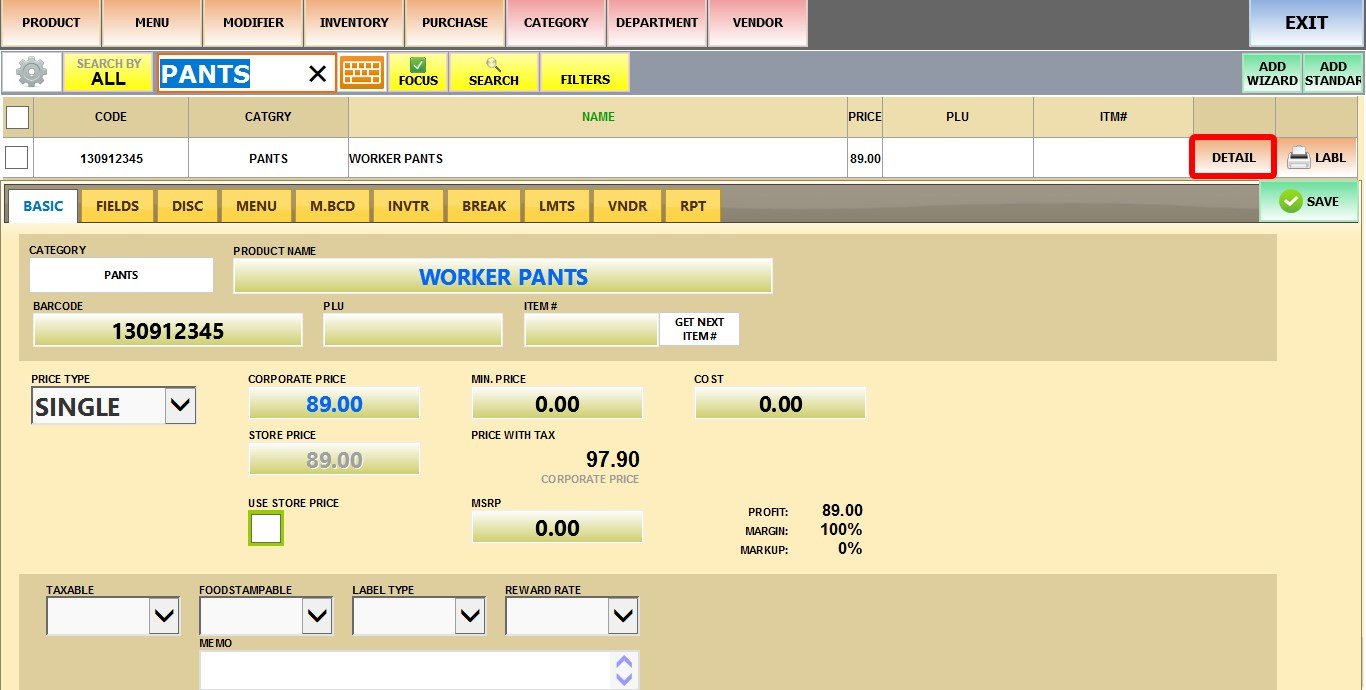
Find and click DETAIL on the apparel item you want to update.
Click INVTR (Inventory). Next, choose ADD INVENTORY or SET INVENTORY.
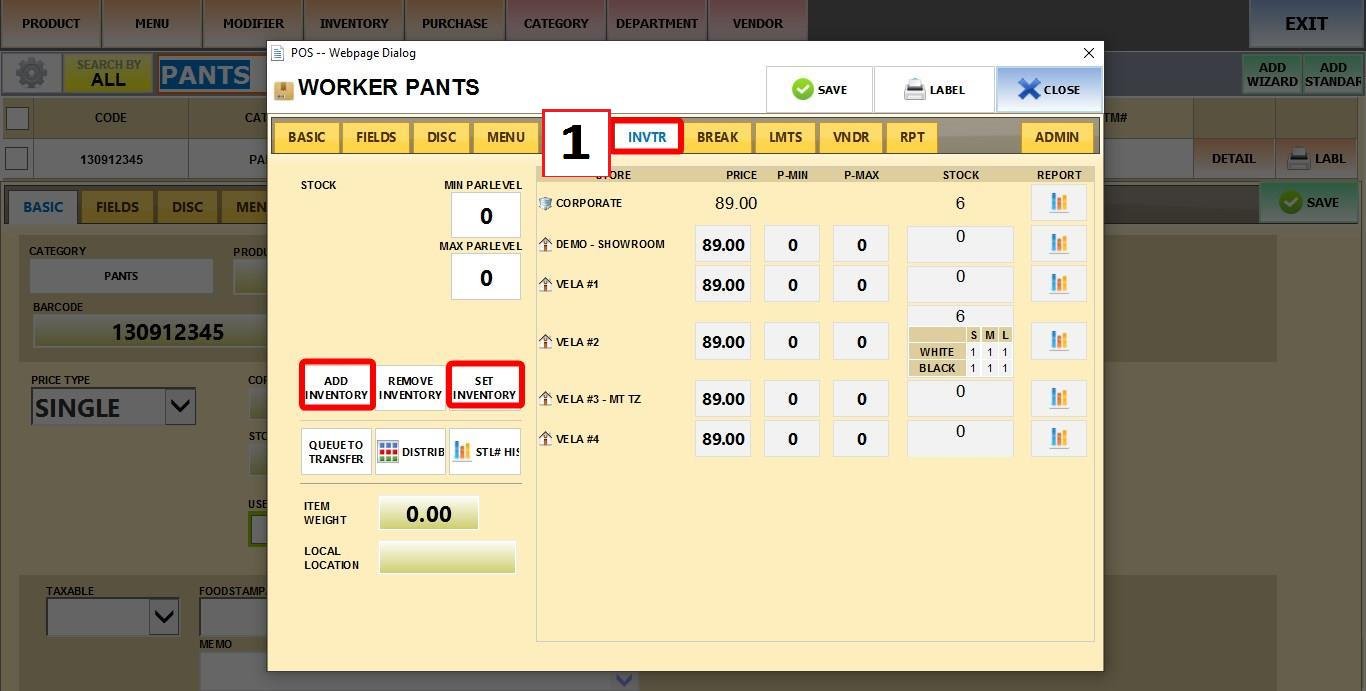
ADD INVENTORY
A grid (matrix) will appear with your variant options (e.g., size and color options).
Enter numbers to ADD that quantity to the current stock level for each variant.
Click DONE
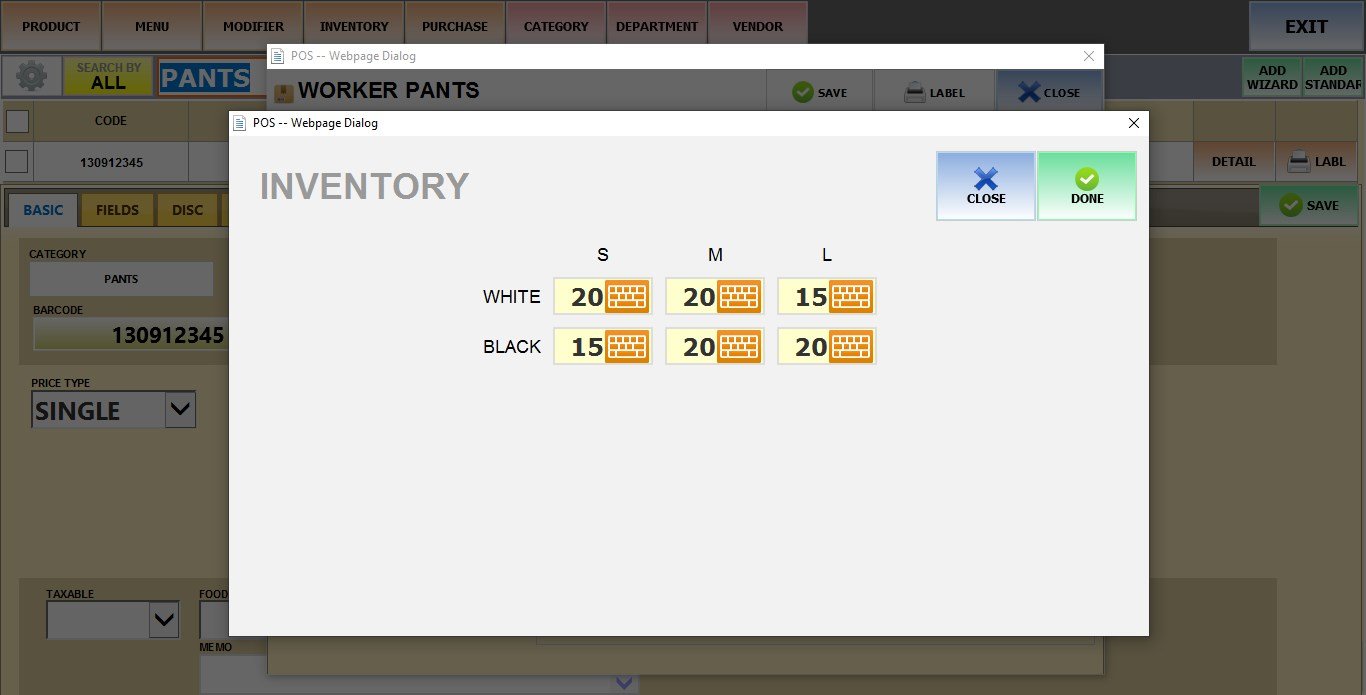
SET INVENTORY
The same grid will appear.
Enter numbers to REPLACE the current stock and SET it to that exact amount for each variant.
Click DONE
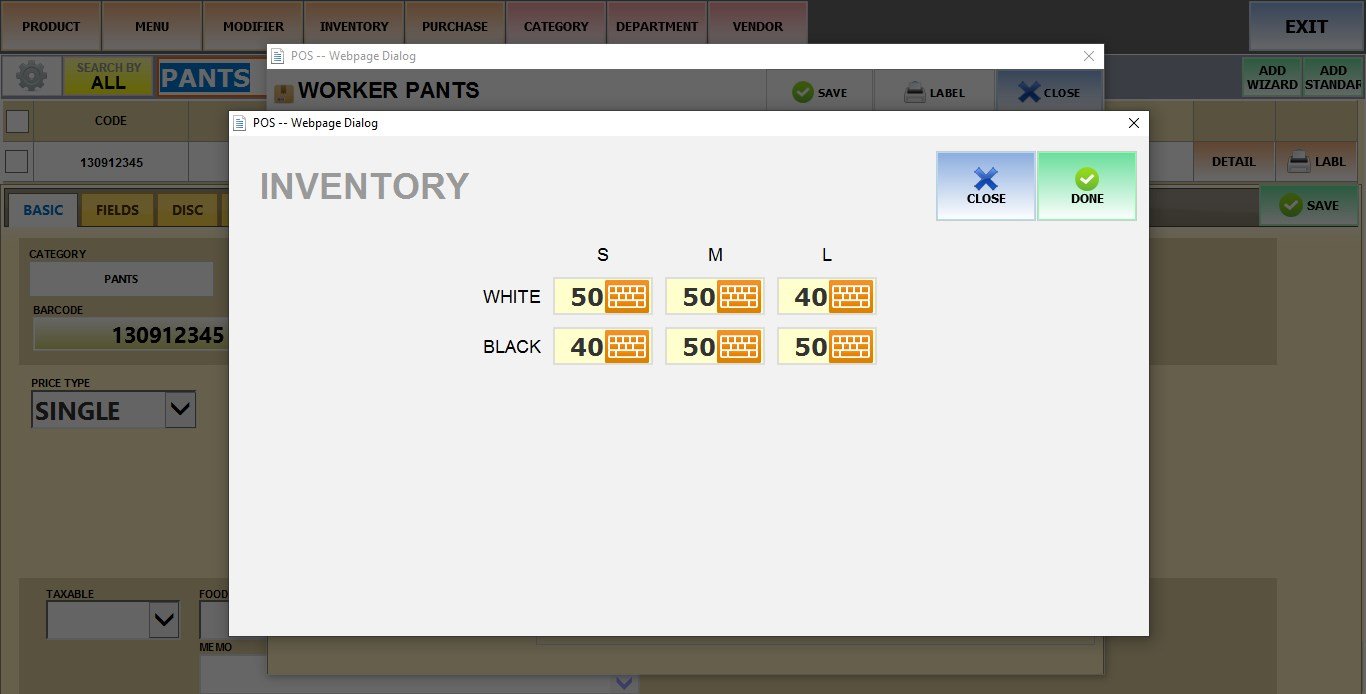
Result:
The updated stock levels will be visible in the same INVTR tab.