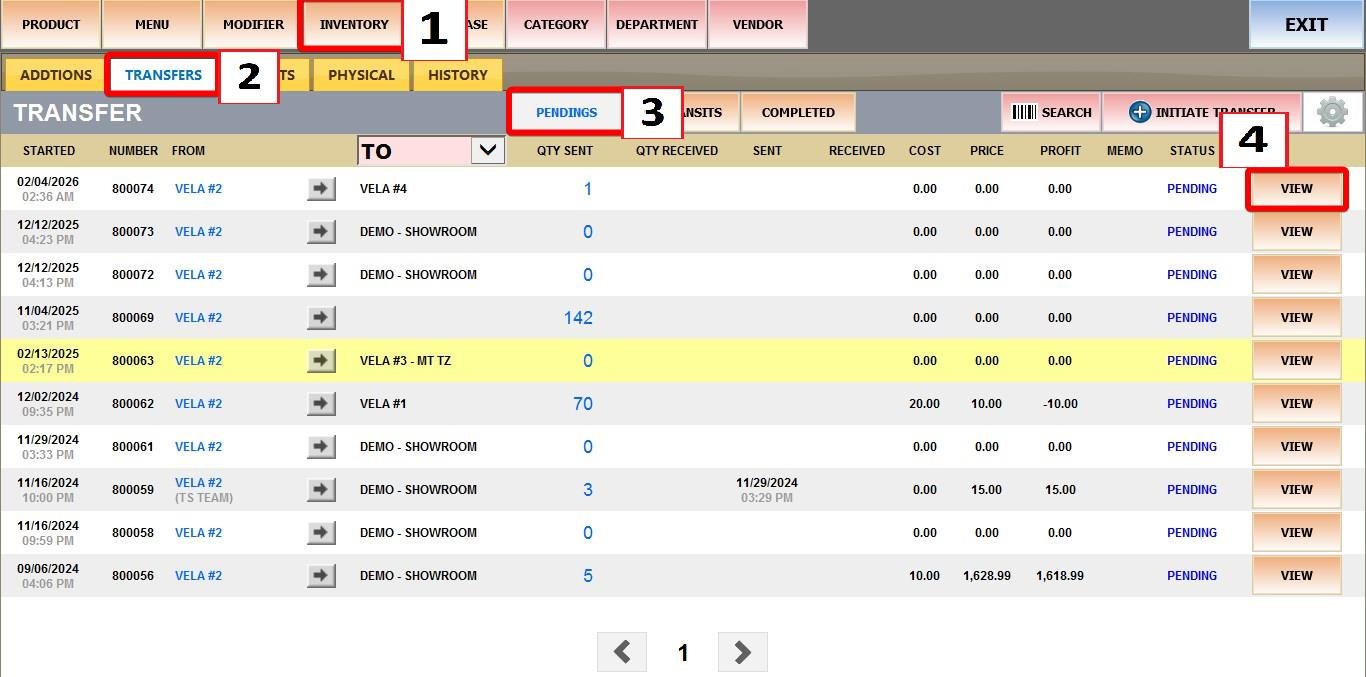
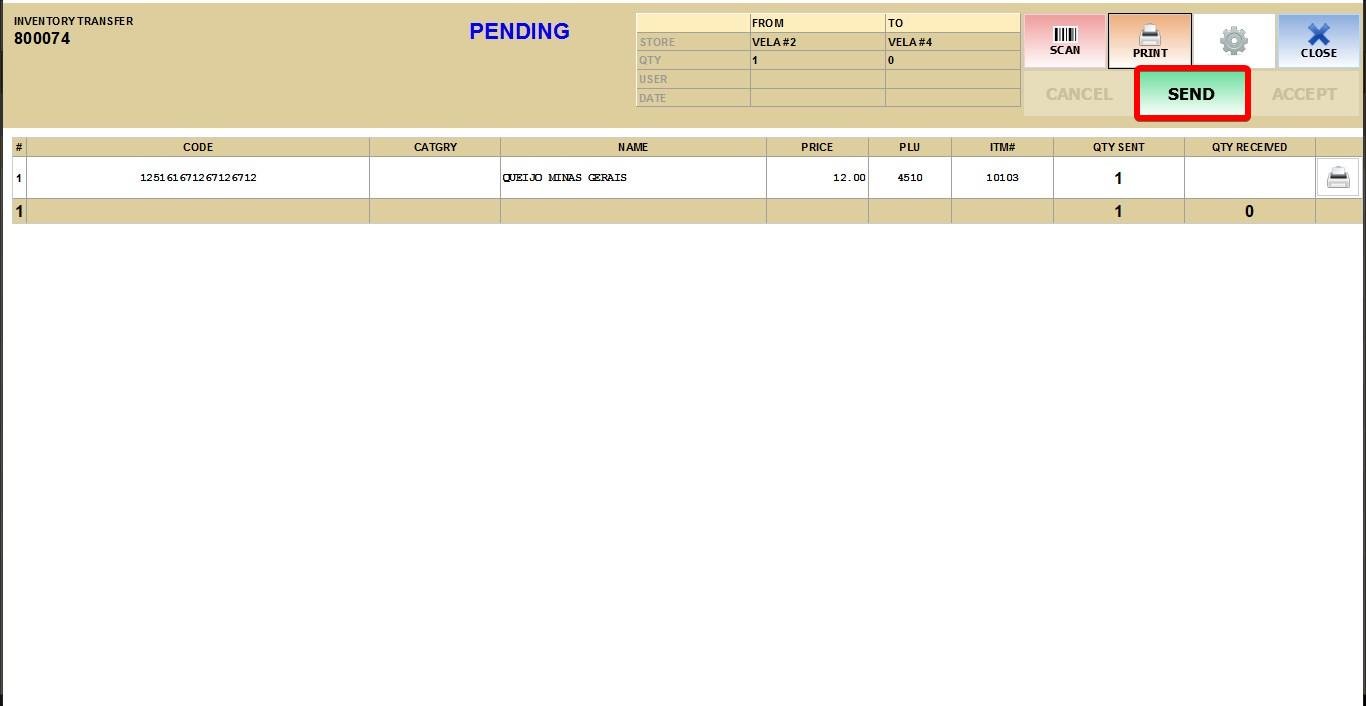
Queue to Transfer
This feature allows you to transfer stock of a specific product from one store location to another.
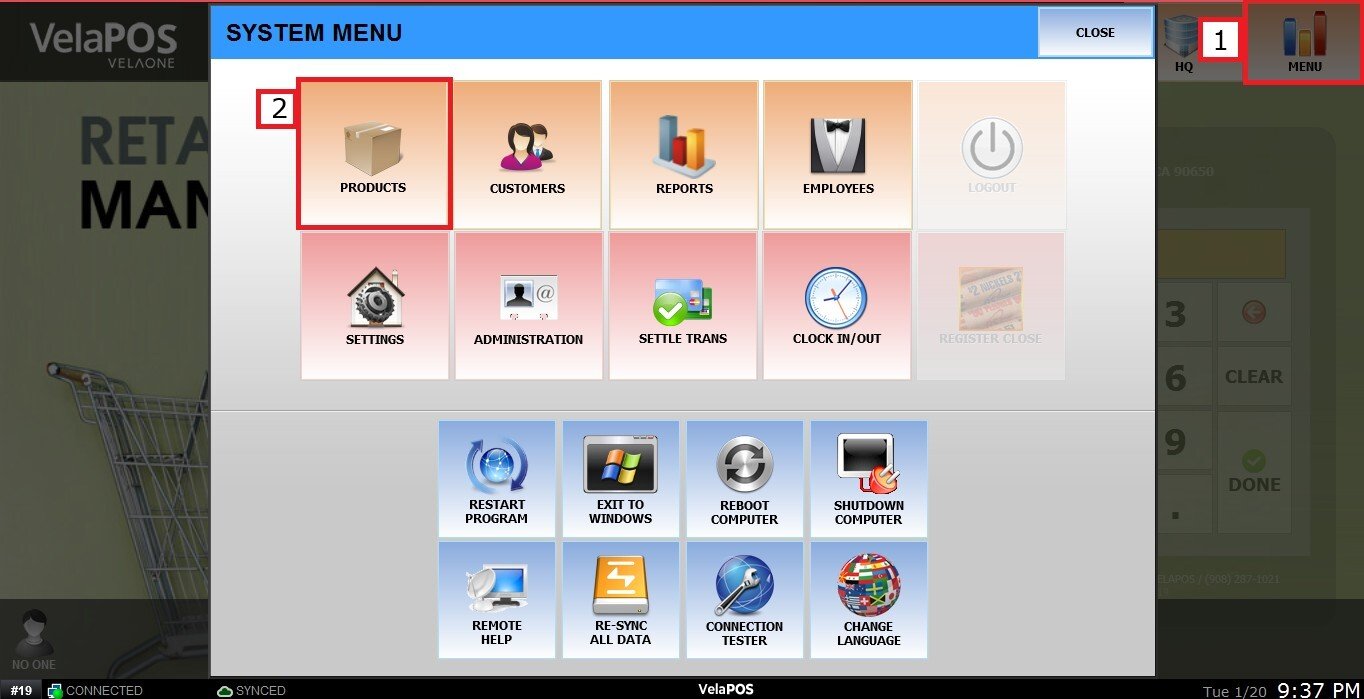
Main Screen > MENU> PRODUCTS> DETAIL> INVTR
Go to MENU and press PRODUCTS.
Find the desired product and click on its DETAIL.
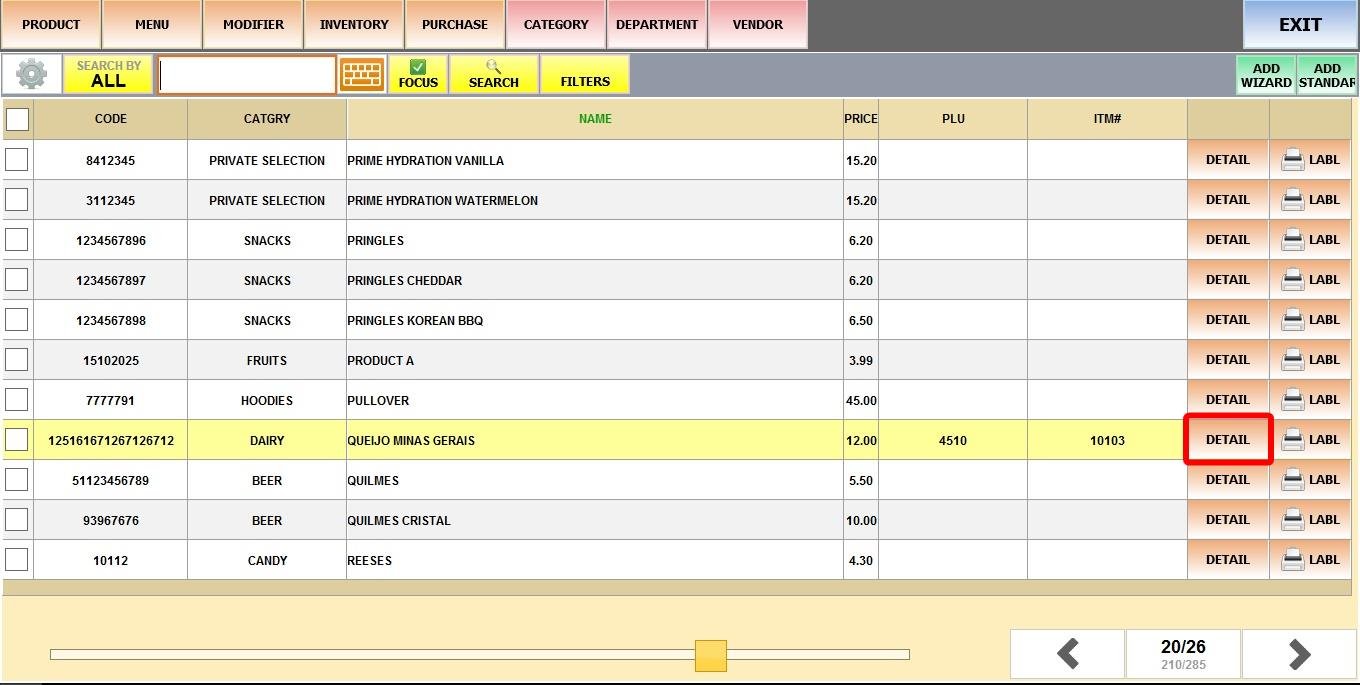
Click on the INVTR tab.
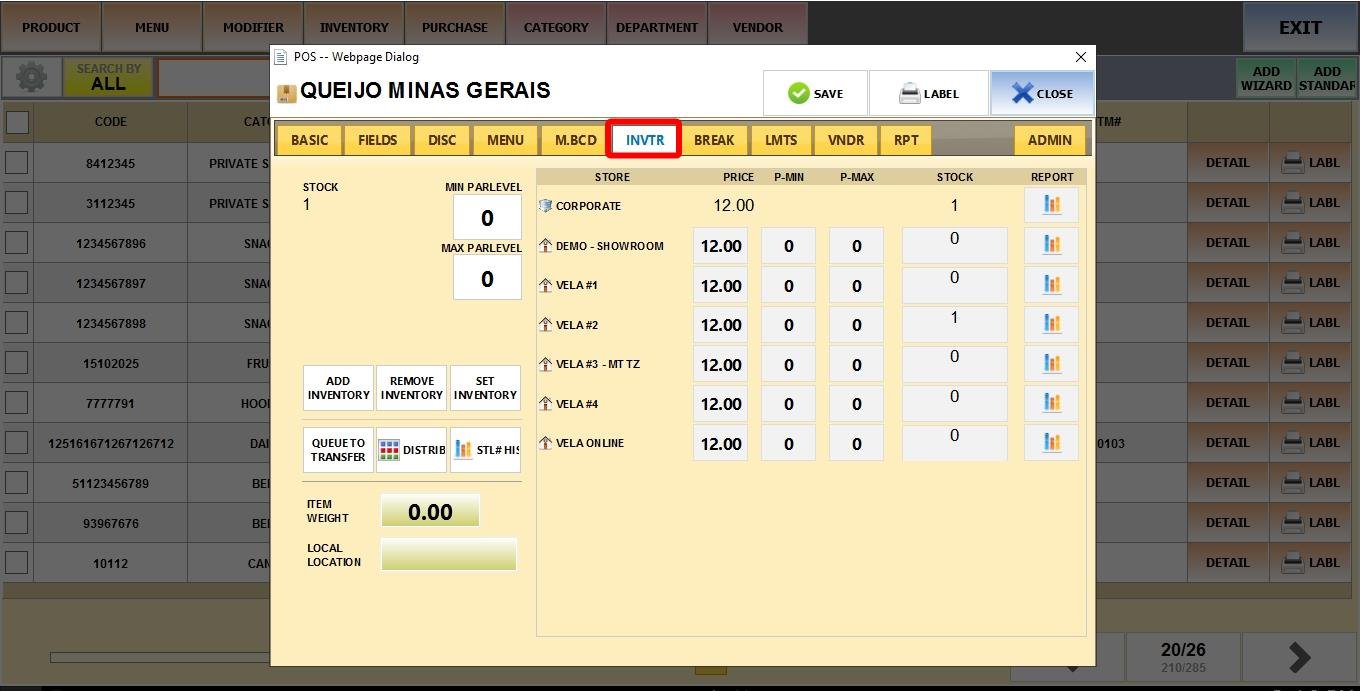
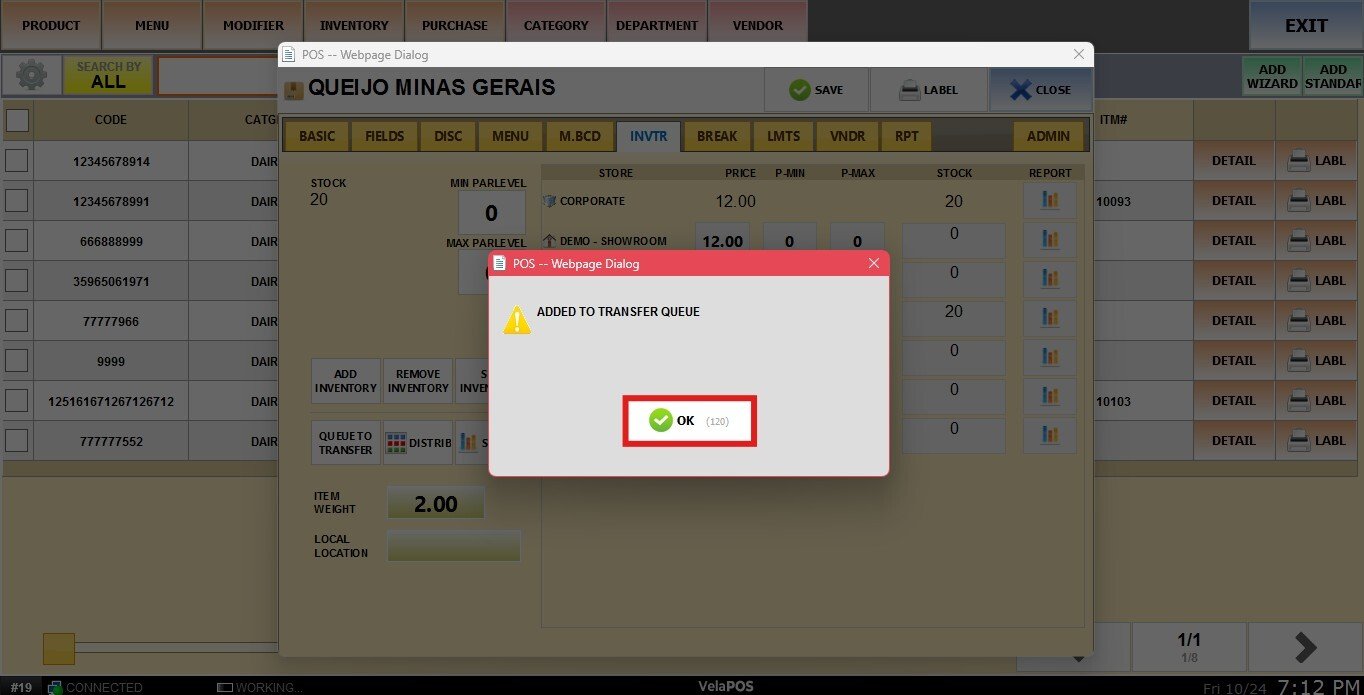
Click QUEUE TO TRANSFER.
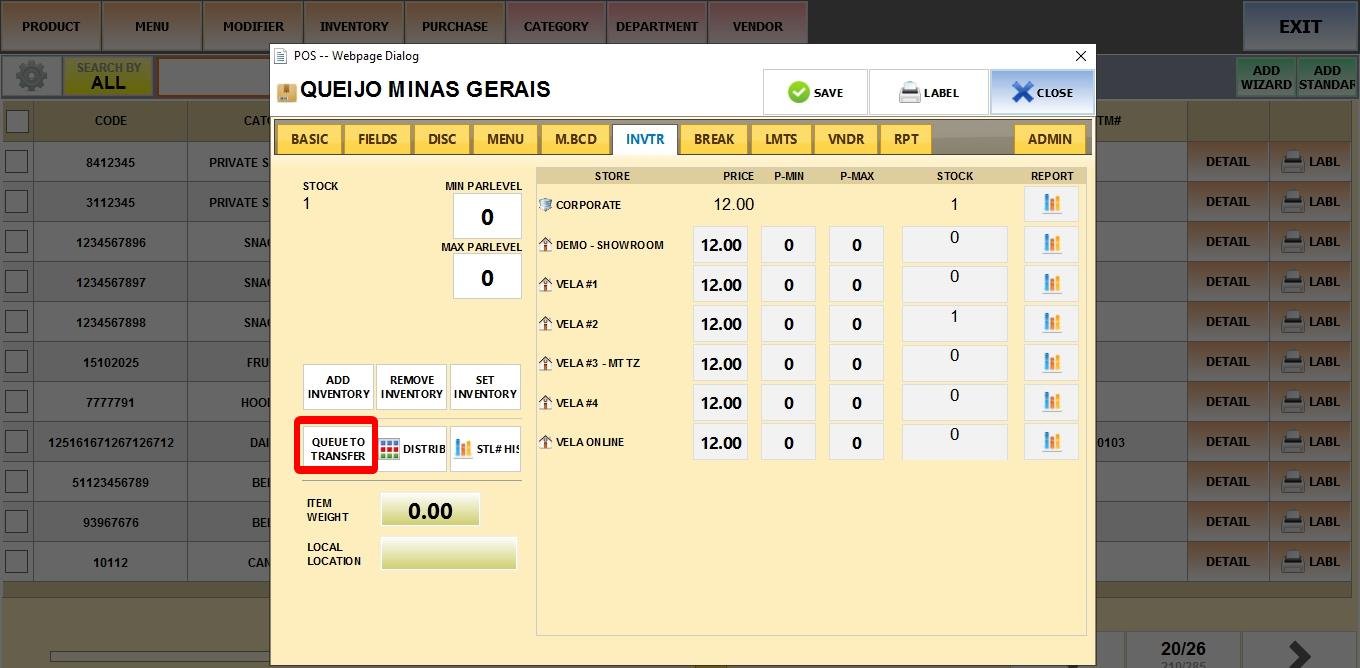
A pop-up window will appear displaying the available locations. Select the store you want to transfer to.
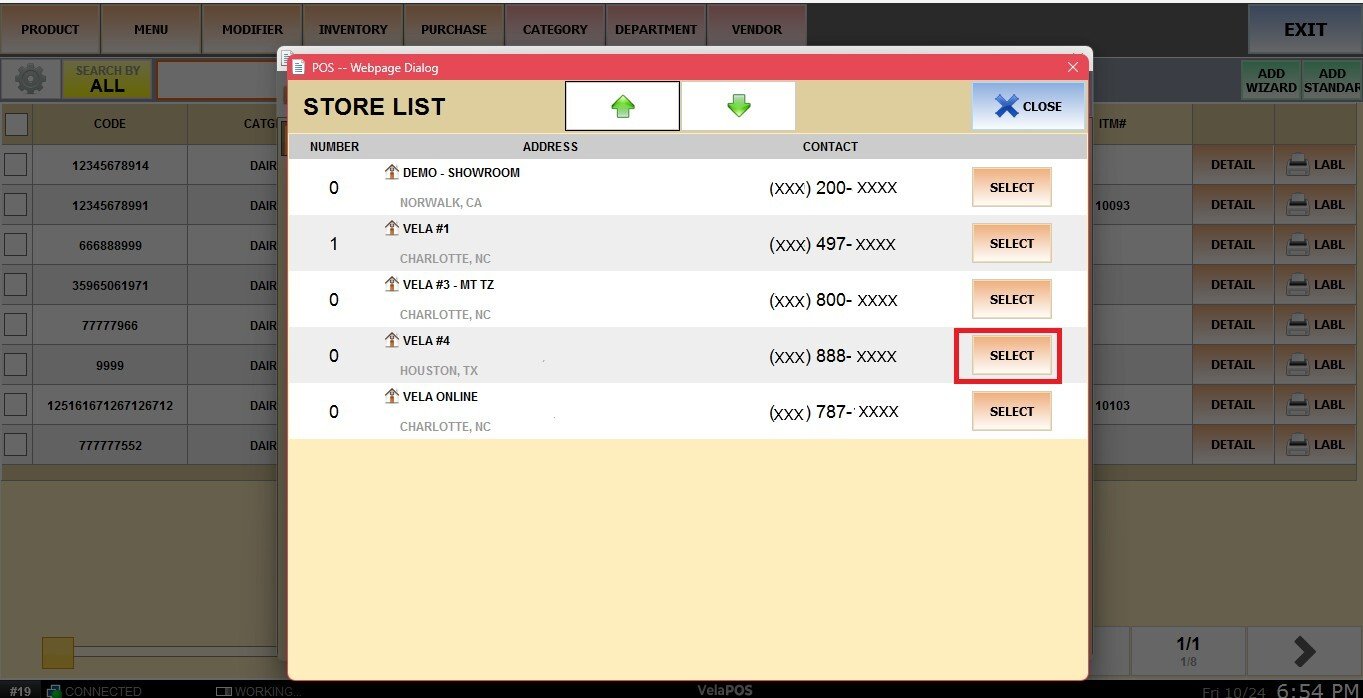
Enter the number of items to transfer and click DONE.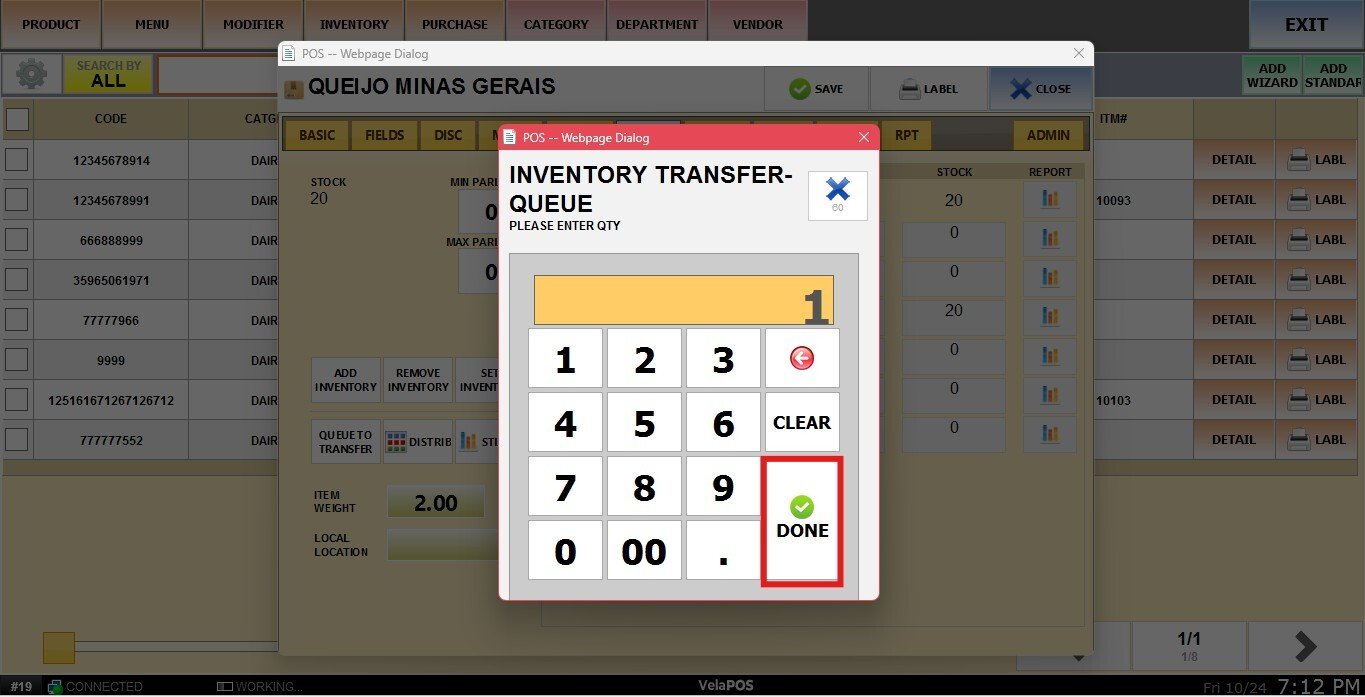
The item will then be added to the Transfer Queue.